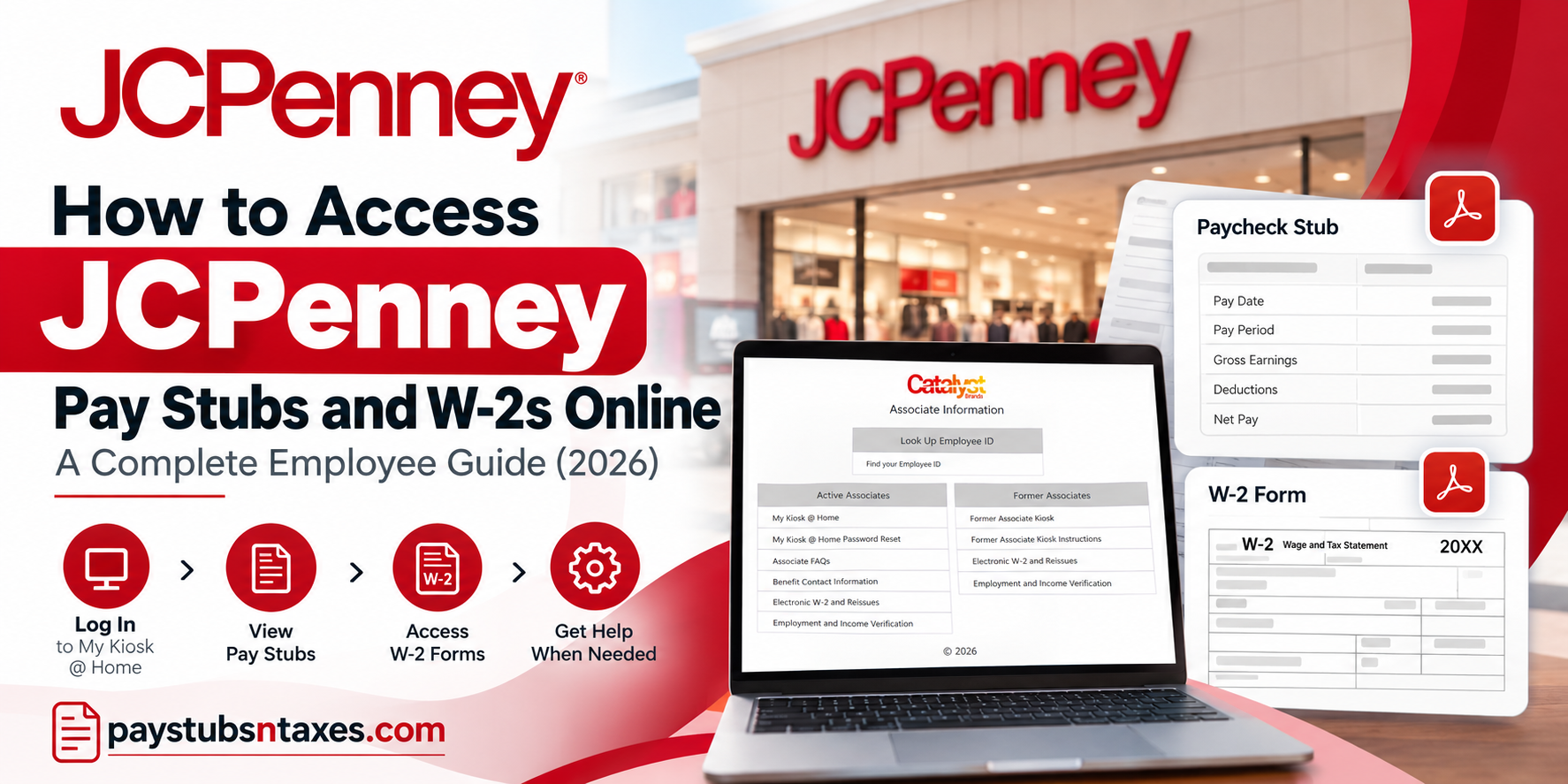
JCPenney associates can view pay statements and year-end tax documents online through the company’s Oracle PeopleSoft Associate Kiosk. Whether you need to confirm your latest payment, download a pay stub, retrieve a W-2, or request a replacement tax form, the self-service portal places the essential tools within easy reach.
JCPenney, legally known as Penney OpCo LLC, has served American families since James Cash Penney opened his first store in 1902. Today, the retailer operates as part of Catalyst Brands, the organization formed through the 2025 combination of JCPenney and SPARC Group. Although the business has evolved considerably, associates continue to use the JCPenney Associate Kiosk for important employment and payroll services.
This guide explains how active and former associates can access JCPenney pay stubs and W-2 forms online, interpret paycheck delivery information, resolve common browser problems, and obtain payroll assistance when necessary.
What Is the JCPenney Associate Kiosk?
The JCPenney Associate Kiosk is a secure, self-service portal through which eligible associates can access employment-related information. Depending on employment status and account permissions, the portal may provide access to:
- Current and previous pay statements
- Electronic W-2 and W-2c forms
- W-2 reissue requests
- Employee ID assistance
- Password-reset services
- Benefits contact information
- Employment and income verification resources
Active employees ordinarily enter through My Kiosk @ Home, whereas former employees should use the Former Associate Kiosk.
What You Need Before Signing In
Before attempting to access your payroll records, have the following information ready:
- Your nine-digit JCPenney employee ID
- The password associated with your kiosk account
- A supported web browser
- Permission for the portal to open pop-up windows
- A secure, private internet connection
Your user ID is your nine-digit JCPenney employee identification number. If the number contains fewer than nine digits, add leading zeroes until it reaches the required length.
Never disclose your password, Social Security number, or complete payroll information to an unverified person or website. To reduce the risk of phishing, type www.jcpassociates.com directly into your browser or use a trusted company-provided link.
How to Log In to My Kiosk @ Home
Active JCPenney associates can access the portal by following these steps:
- Visit www.jcpassociates.com.
- Locate the Active Associates section.
- Select My Kiosk @ Home.
- Enter your nine-digit employee ID in the user-name field.
- Enter the password you created for the kiosk.
- Select Login.
If you cannot remember your password, return to the Associate Information page and select My Kiosk @ Home Password Reset. Associates who do not know their employee ID can use the Find your Employee ID option displayed near the top of the page.
Because payroll records contain sensitive personal and financial information, avoid signing in on a public or shared computer. When you have finished, log out completely and close the browser window.
How to View JCPenney Pay Stubs Online
Once you have successfully signed in to My Kiosk @ Home, use the following navigation path:
Main Menu > Self Service > Payroll and Compensation > View Paycheck
The View Paycheck page displays a chronological list of previously issued payments. Find the relevant pay date, and then select the View Paycheck icon beside that entry.
For a clearer, printable version of the statement, make sure the View PDF box is selected in the far-right column. The pay stub should open as a PDF in a separate browser window or tab.
If nothing happens after you select the paycheck icon, your browser may be blocking pop-ups. Allow pop-ups for the Associate Kiosk website, refresh the page, and try again.
How to View a JCPenney W-2 Online
Active associates may be able to reach their tax forms through either of the following routes:
My Money > View W-2/W-2c Forms
or
Main Menu > Self Service > Payroll and Compensation > View W-2/W-2c Forms
After opening the W-2 page:
- Locate the required tax year.
- Select the Year End Form hyperlink.
- Allow the PDF to open in a new browser window or tab.
- Download or print the form if necessary.
To retrieve an earlier form, select View a Different Tax Year, choose the appropriate year, and open the corresponding year-end document.
A W-2c is a corrected wage and tax statement. If both a W-2 and W-2c are available for the same year, consult a qualified tax professional or the relevant tax authority if you are unsure which figures should be used.
How Former JCPenney Associates Can Access W-2s
Former associates should begin at www.jcpassociates.com and select Former Associate Kiosk under the Former Associates section.
After signing in, navigate to:
My Money > View W-2/W-2c Forms
Select the tax year you need and open the available year-end form. Former associates should also review the Former Associate Kiosk Instructions link if they encounter an access problem.
Portal access and document availability may vary according to employment status and record-retention rules. If you cannot sign in or the required form is unavailable, request assistance through the W-2 support channel described below.
How to Request a Replacement W-2 by Mail
If you need a paper replacement, the kiosk may provide the following route:
Main Menu > Self Service > Payroll and Compensation > JCP W-2 Reissue Request
Enter the requested tax year, choose the delivery option, verify the mailing information, and submit the request.
Allow approximately two to three business days for processing, followed by an additional seven to fourteen days for standard mail delivery. Delivery times are estimates and may vary because of holidays, postal delays, address problems, or unusually high seasonal demand.
For security reasons, W-2 forms generally are not sent by ordinary email. Payroll support may instead arrange secure access or mail a replacement to a verified address.
Electronic W-2 forms are not available in Puerto Rico. Associates there must request that the document be sent or reissued by mail.
JCPenney Payroll and W-2 Support
Employees who experience difficulties accessing their payroll information or retrieving tax documents can contact the appropriate support team.
Following the formation of Catalyst Brands, it is particularly important to distinguish between legacy JCPenney employees and associates affiliated with legacy SPARC businesses.
| Department or Employee Group | Contact Information |
| Legacy JCPenney W-2 Assistance | reprintW2-sm@catalystbrands.com |
| Legacy SPARC Payroll Support | payroll@catalystbrands.com |
| JCPenney Home Office Associates | 972-431-6900 |
| Other JCPenney Locations – Shared Services | 1-800-879-1111 |
| JCPenney Associate Kiosk | www.jcpassociates.com |
Before contacting payroll, gather the information relevant to your request, including your employee identification number, employment location, affected pay period, or requested tax year.
Providing clear and accurate details can help support representatives identify the problem and direct your inquiry to the appropriate department.
For sensitive account recovery matters, follow the company’s approved identity verification procedures.
Final Thoughts
The JCPenney Associate Kiosk offers a convenient route to pay statements and year-end tax records, provided that you use the correct portal and permit payroll PDFs to open in your browser. Active associates should enter through My Kiosk @ Home, while former employees should select Former Associate Kiosk.
Once signed in, the paths to View Paycheck and View W-2/W-2c Forms place most records only a few clicks away. If the portal throws a spanner in the works, checking pop-up permissions, clearing cached browser data, and using the appropriate password or employee-ID recovery option will often put matters right. For missing payments, inaccessible documents, or replacement W-2 requests, contact store leadership or the designated payroll support team without delay.
Frequently Asked Questions
1. How do I access my JCPenney pay stub online?
Visit www.jcpassociates.com, select My Kiosk @ Home, and sign in. Navigate to Main Menu > Self Service > Payroll and Compensation > View Paycheck, then select the paycheck you want to view.
2. What is my JCPenney Associate Kiosk user ID?
Your user ID is your nine-digit JCPenney employee ID. If your ID contains fewer than nine digits, add leading zeros until it reaches nine digits.
3. Can I view my JCPenney pay stubs from home?
Yes. Active associates can access pay stubs remotely through My Kiosk @ Home on the JCPenney Associate Information website.
4. How do I download a JCPenney pay stub as a PDF?
On the View Paycheck page, select the View PDF box in the far-right column and click the icon beside the required paycheck date. The PDF should open in a new window.
5. Why will my JCPenney pay stub not open?
Your browser may be blocking pop-ups. Allow pop-ups for the Associate Kiosk website, refresh the page, and try opening the pay stub again.
6. What does “Advice” mean on a JCPenney paycheck?
“Advice” means the payment was issued by direct deposit rather than as a physical check.
7. What does “Check” mean on a JCPenney pay statement?
“Check” means a paper paycheck was issued. If it has not arrived within five days after the pay date, speak with store leadership and request a payroll incident.
8. What should I do if my JCPenney direct deposit is missing?
If the pay date has passed and the deposit has not reached your account, contact leadership at your store and ask them to submit an incident to payroll.
9. How do I access my JCPenney W-2 online?
Sign in to the Associate Kiosk and select My Money > View W-2/W-2c Forms. Alternatively, navigate to Self Service > Payroll and Compensation > View W-2/W-2c Forms.
10. How do I view a previous year’s JCPenney W-2?
Open View W-2/W-2c Forms, select View a Different Tax Year, choose the required year, and click the Year End Form hyperlink.
11. Can former JCPenney employees access their W-2s online?
Yes. Former associates should visit www.jcpassociates.com, select Former Associate Kiosk, sign in, and navigate to My Money > View W-2/W-2c Forms.
12. How can I request a replacement JCPenney W-2?
In the kiosk, navigate to Self Service > Payroll and Compensation > JCP W-2 Reissue Request. Enter the tax year and delivery details, then submit the request.
13. How long does a replacement JCPenney W-2 take to arrive?
Allow approximately two to three business days for processing and another seven to fourteen days for standard mail delivery.
14. Are electronic W-2 forms available to JCPenney associates in Puerto Rico?
No. Electronic W-2 forms are not available in Puerto Rico; they must be sent or reissued by mail.
15. Who should I contact about a JCPenney payroll or W-2 problem?
Legacy JCP associates may email reprintW2-sm@catalystbrands.com, while Legacy SPARC associates may email payroll@catalystbrands.com. Home Office associates can call 972-431-6900; associates at other locations can call Shared Services at 1-800-879-1111.
