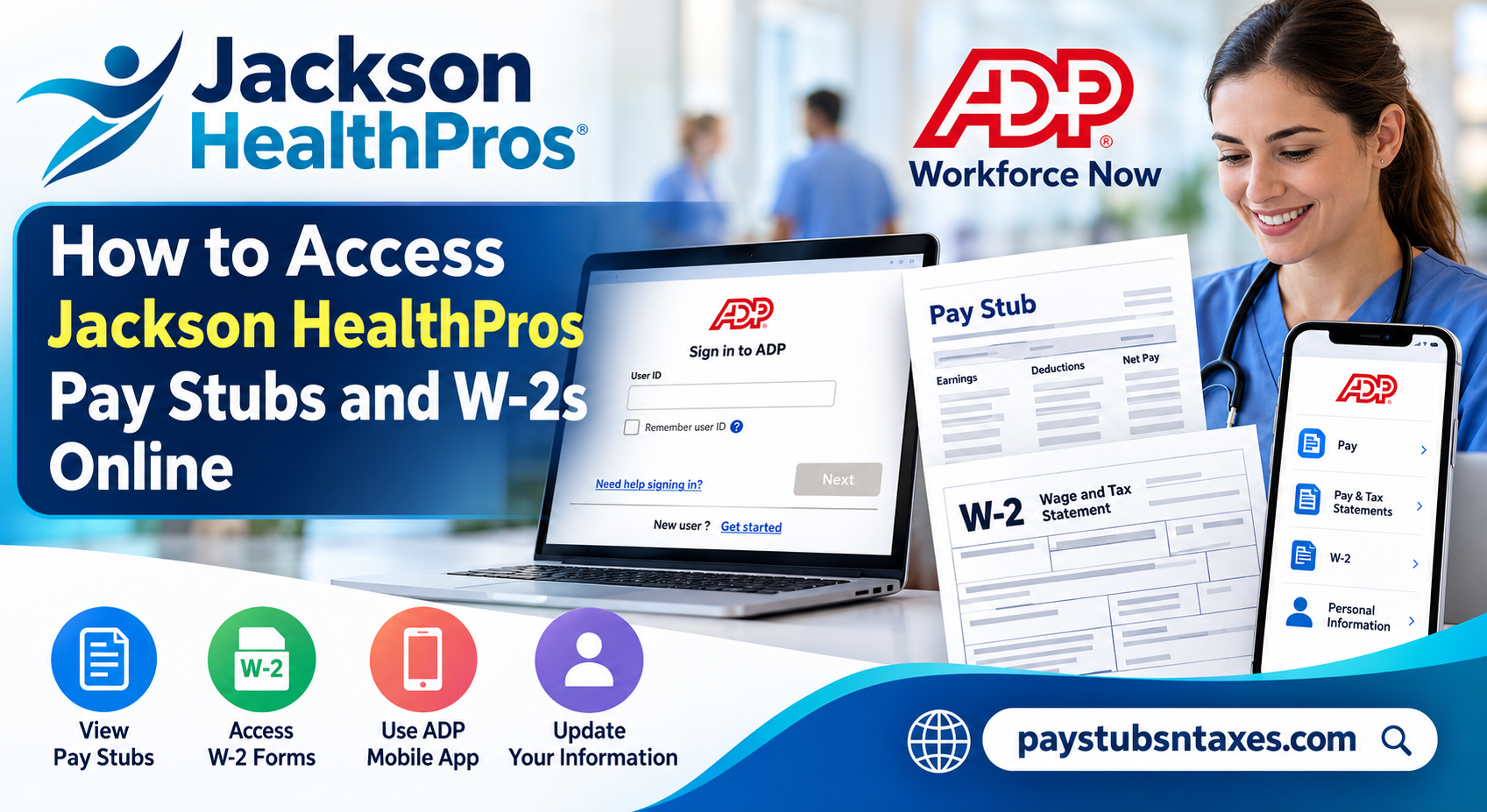
Current and former Jackson HealthPros employees can access their pay statements and year-end tax documents online through ADP Workforce Now. Whether you need a recent pay stub for an apartment application, a record of your earnings, or a W-2 for filing your federal and state tax returns, ADP provides a secure and convenient way to retrieve the documents you need. This guide explains how to sign in or register, confirm your permanent address, view Jackson HealthPros pay stubs, and download your W-2 statements.
About Jackson HealthPros
Established in 2024 in the Greater Orlando area, Jackson HealthPros connects healthcare and education organizations nationwide with highly skilled professionals in imaging, radiology, surgery, laboratory services, respiratory therapy, education, and other allied specialties.
As part of Jackson Healthcare’s family of staffing companies, Jackson HealthPros combines nationwide staffing capabilities with a people-centered approach. Its core values—Others First, Growth, and Wisdom—shape its commitment to clear communication, professional development, thoughtful decision-making, and an uncomplicated experience for healthcare professionals and clients alike.
That commitment extends beyond job placement. From recruiters and account managers to payroll and credentialing coordinators, the Jackson HealthPros team works to ensure that professionals receive the information and support they need throughout their employment journey.
Accessing the Jackson HealthPros ADP Portal
To retrieve your payroll or tax documents, visit the secure ADP Workforce Now website:
ADP Workforce Now: https://workforcenow.adp.com/
Enter your ADP user ID and follow the on-screen instructions to sign in. Once authenticated, you can view the payroll and tax information associated with your Jackson HealthPros employment record.
For your protection, always check the web address before entering your credentials. Avoid accessing sensitive payroll information through unfamiliar links, shared computers, or unsecured public Wi-Fi networks.
How First-Time Users Can Register for ADP
If you have never used ADP through Jackson HealthPros, select Get Started under the New user? section of the sign-in page.
Follow the registration prompts and choose the Find Me option when it appears. ADP will ask for information that helps locate and verify your employment record. Enter your personal details exactly as they appear in Jackson HealthPros’ payroll system.
You may also be asked to:
- Verify your identity using the available contact method.
- Enter a personal registration code sent by email or text message.
- Create a user ID and a strong, unique password.
- Add or confirm your telephone number.
- Select security questions or establish another account-recovery method.
Because registration screens and verification options can change, follow the instructions displayed on your screen. Do not use a registration code from an unrelated employer or an old instructional document; registration details may be specific to the organization that issued them.
Once registration is complete, use your newly created credentials to sign in through ADP Workforce Now or the official ADP Mobile Solutions app.
Confirm Your Permanent Address in ADP
Before tax season arrives, take a moment to confirm that your permanent address in ADP is complete and current. Jackson HealthPros uses the permanent address recorded in the system when mailing important employment and tax documents, including your W-2.
After signing in, navigate to your personal profile and review the address on file. If you have recently moved or notice an error, update the information where the system permits you to do so. If you cannot make the correction online, contact the Jackson HealthPros Benefits Team for assistance.
It is wise to complete this check well before W-2s are mailed. An outdated address can send important documents down the wrong path and needlessly delay tax preparation.
How to View Jackson HealthPros Pay Stubs Online
Follow these steps to access your current or previous pay statements:
- Sign in at workforcenow.adp.com.
- Open the Myself tab.
- Find Pay in the drop-down menu.
- Select Pay and Tax Documents.
- Locate the required pay date on the left side of the page.
- Select the checkbox or corresponding entry beside that pay date.
- Click View Statement.
- Review, download, or print the pay stub as needed.
Your pay statement may contain sensitive information, including earnings, deductions, tax withholdings, and bank-account details. Save downloaded copies in a secure location, and do not leave printed statements unattended.
ADP’s labels and page layout may vary slightly depending on the device or version of the platform you are using. If you do not see Pay and Tax Documents, look for a similarly named option such as Pay & Tax Statements.
How to Access a Jackson HealthPros W-2 Online
W-2 statements are available within the same general payroll section. To find yours:
- Sign in to ADP Workforce Now.
- Select the Myself tab.
- Open the Pay menu.
- Choose Pay & Tax Statements or Pay and Tax Documents.
- Locate the Tax Statements section on the right-hand side of the page.
- Use the year menu to select the tax year you need. The most recent statements generally appear first.
- Find the appropriate W-2 and select View Statement.
- Complete any identity-verification prompt that appears.
- When the W-2 opens, download or print the document.
Your browser must allow the ADP statement window to open. If nothing happens after you select View Statement, check whether your browser has blocked a pop-up and temporarily allow pop-ups for the official ADP website.
When Will Jackson HealthPros W-2s Be Available?
Jackson HealthPros employees can generally expect W-2 statements for the previous tax year to be available through ADP by January 31. Paper copies are also expected to be mailed by that date to the permanent address held in the employee’s record.
Availability in ADP and delivery by mail are separate events. Your online statement may be accessible before the printed copy reaches you, while postal delivery times can vary.
If the expected date has passed and your W-2 does not appear online, first confirm that you selected the correct tax year. You should then contact the Benefits Team for assistance.
Accessing Pay Statements and W-2s Through the ADP Mobile App
The ADP Mobile Solutions app offers another convenient route to your payroll and tax information. Depending on the features enabled for your account, the app may allow you to review current and historical pay statements, access W-2 forms, manage certain pay preferences, and view other employment information.
To use the mobile app:
- Download ADP Mobile Solutions from the Apple App Store or Google Play Store.
- Open the app and sign in with your existing ADP credentials.
- If you are a first-time user, select the account-creation option and complete the identity-verification process.
- Open the pay or tax-document section.
- Select the statement you wish to view, save, or print.
Feature availability can vary by employer and account configuration. If a document is not visible in the mobile app, sign in through the ADP Workforce Now website and check again.
What to Do If You Cannot Sign In to ADP
If you have forgotten your user ID or password, select Need help signing in? on the ADP login page and follow the recovery prompts.
Make sure you still have access to the email address or telephone number associated with your account. If automated account recovery does not resolve the problem, the Jackson HealthPros Benefits Team can help verify your information and assist with resetting your login details.
Never send your Social Security number, W-2, banking information, or complete payroll records through an unsecured email message. A legitimate support representative may need to verify your identity, but sensitive information should be handled only through an approved and secure process.
Contact Jackson HealthPros for Assistance
For questions about ADP access, pay statements, W-2 availability, or the mailing address associated with your record, contact the Jackson HealthPros Benefits Team:
Email: benefits@jacksonhealthpros.com
Phone: 407-249-6029
When requesting help, describe the problem clearly, but do not include highly sensitive personal information in your initial email. A Benefits Team member can explain the appropriate verification process.
Final Reminder
Keeping your ADP credentials and permanent address up to date can spare you considerable inconvenience when payday or tax season rolls around. By signing in periodically, reviewing your personal information, and securely saving the statements you need, you can keep essential payroll records within easy reach. For the smoothest experience, access ADP only through its official website or mobile app, protect downloaded documents carefully, and contact the Jackson HealthPros Benefits Team whenever an account or document issue cannot be resolved through the self-service options.
Frequently Asked Questions
1. Where can I access my Jackson HealthPros pay stubs?
Sign in to ADP Workforce Now, select Myself > Pay > Pay and Tax Documents, choose the required pay date, and click View Statement.
2. How do I access my Jackson HealthPros W-2 online?
In ADP, navigate to Myself > Pay > Pay & Tax Statements. Select the relevant tax year, locate your W-2, and click View Statement.
3. What is the Jackson HealthPros ADP login website?
The official Jackson HealthPros payroll portal is available through ADP Workforce Now at https://workforcenow.adp.com/.
4. How do first-time users register for ADP?
Select Get Started under New user? on the ADP sign-in page. Follow the registration prompts and use the Find Me option to locate and verify your employment record.
5. Can former Jackson HealthPros employees access their W-2s?
Yes. Former employees can use their existing ADP credentials to retrieve available W-2 statements. Those who cannot sign in should use ADP’s account-recovery option or contact the Benefits Team.
6. When will my Jackson HealthPros W-2 be available?
W-2 statements for the previous tax year are generally available in ADP by January 31. Paper copies are also mailed by that date.
7. Where will Jackson HealthPros mail my W-2?
Your W-2 will be mailed to the permanent address recorded in ADP. Review and confirm your address before tax documents are issued.
8. How do I update my permanent address in ADP?
Sign in to ADP, open your personal profile, and review the contact or address section. Update your permanent address if the option is available, or contact the Jackson HealthPros Benefits Team for help.
9. Can I download or print my W-2 from ADP?
Yes. After opening your W-2 and completing any identity-verification prompt, use the available download or print option to save a secure copy.
10. Why does my W-2 not open in ADP?
Your browser may be blocking the statement window. Allow pop-ups for the official ADP website, refresh the page, and select View Statement again.
11. Can I view Jackson HealthPros pay stubs in the ADP mobile app?
Yes. Download the official ADP Mobile Solutions app, sign in with your ADP credentials, and open the pay section to view available statements.
12. What should I do if I forget my ADP user ID or password?
Select Need help signing in? on the ADP login page and follow the recovery instructions. You may need access to the email address or telephone number registered with your account.
13. What information appears on an ADP pay stub?
An ADP pay stub generally displays gross earnings, deductions, tax withholdings, reimbursements, net pay, and year-to-date totals.
14. Who should I contact about a missing pay stub or W-2?
Contact the Jackson HealthPros Benefits Team at benefits@jacksonhealthpros.com or call 407-249-6029.
15. Is it safe to access payroll documents through ADP?
ADP provides a secure platform for payroll and tax documents. Use only the official website or mobile app, create a strong password, avoid public devices, and never send your Social Security number or complete tax documents through unsecured email.
