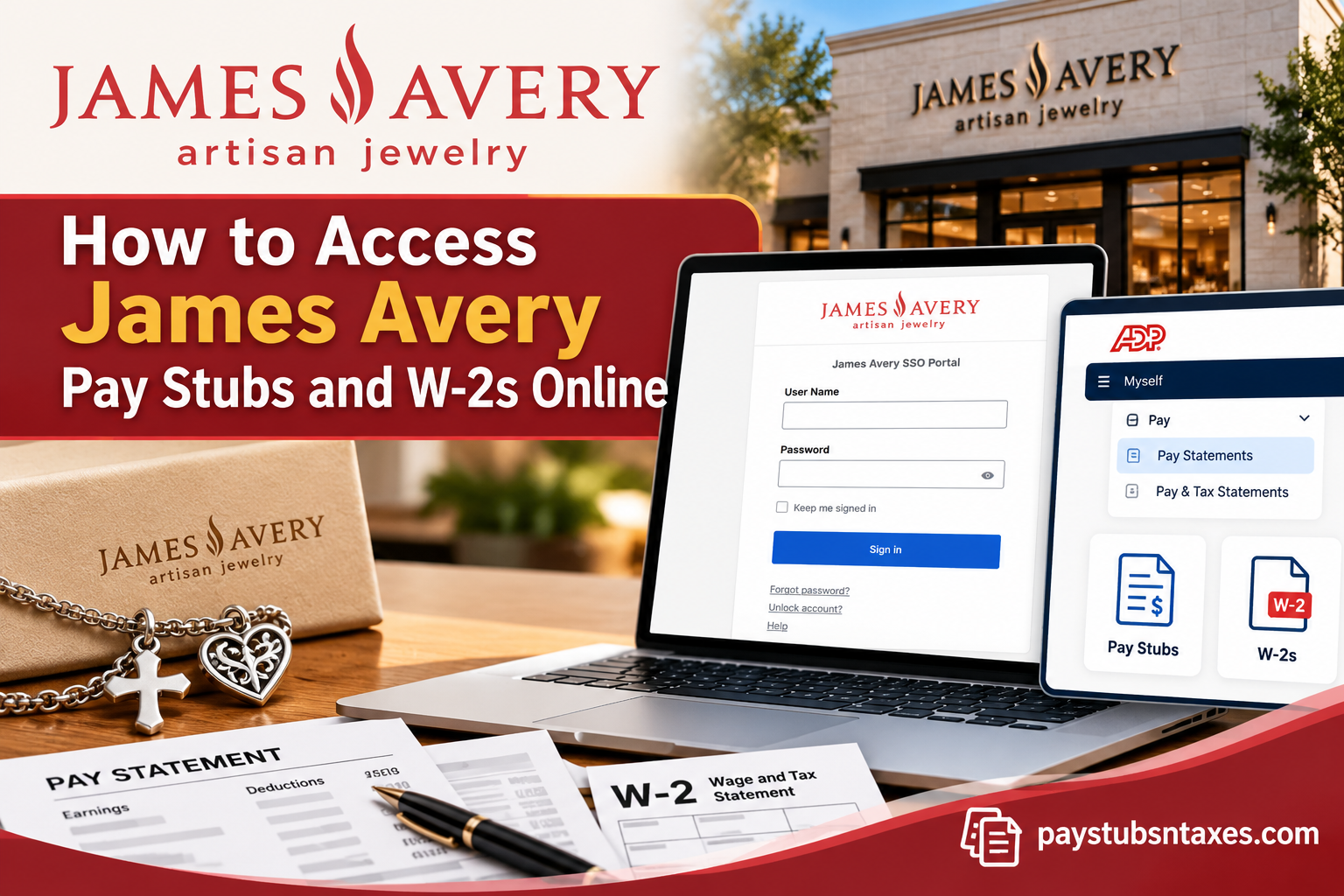
Current and former James Avery Artisan Jewelry employees can access pay statements and year-end tax documents electronically through ADP. Current employees generally enter ADP through the company’s Okta single sign-on portal, whereas former employees—or employees whose Okta access has been disabled—may sign in directly at MyADP. This guide explains how to access, download, and print your James Avery pay stubs and W-2 forms online.
About James Avery Artisan Jewelry
James Avery Artisan Jewelry is a family-owned jewelry company rooted in the Texas Hill Country. James Avery founded the business in 1954 with approximately $250 in capital, working from a two-car garage belonging to his then mother-in-law.
What began as a modest enterprise grew steadily as customers discovered the craftsman known as the “Jeweler in the Hills.” Today, James Avery designs and produces rings, bracelets, necklaces, charms, earrings, and other jewelry distinguished by meaningful designs and meticulous craftsmanship.
The company employs more than 3,000 people and operates stores, studios, workshops, and manufacturing facilities across several Texas communities. Its jewelry is available nationwide through James Avery stores, select department stores and airports, and major online retail channels.
James Avery Employee Login Options
The correct login method depends primarily on your employment status.
Current James Avery Employees
Current employees should ordinarily access ADP through the James Avery Okta portal:
James Avery Okta login: https://jamesavery.okta.com
After signing in:
- Open the ADP application from the Okta dashboard.
- Complete any identity-verification or security steps displayed on the screen.
- Once redirected to ADP, use the appropriate menu to view your pay statements or tax documents.
Because Okta provides single sign-on access, you may not need to enter a separate ADP password.
Former James Avery Employees
Former employees may no longer have access to the James Avery Okta portal. If your Okta account has been blocked or deactivated, visit:
MyADP: https://my.adp.com
Sign in with your existing ADP credentials. If you have never created an account—or cannot locate your previous login—select Create Account, Sign Up, or the Find Me option, depending on what appears on the screen. Follow the prompts to verify your identity and associate your employment record with your new account.
Enter your personal information exactly as it appeared in the employer’s payroll system. Even a small discrepancy in your name or other identifying details can prevent ADP from locating your record.
How to Access James Avery Pay Stubs Online
Once you have signed in to ADP, follow these steps:
- Open the Myself tab.
- Select Pay from the drop-down menu.
- Choose Pay Statements.
- Locate the pay date for the statement you need.
- Select the checkbox beside the applicable pay date, if one appears.
- Click View Statement.
- Use the available controls to download or print the pay stub.
A James Avery pay stub may include your gross earnings, taxes, benefit deductions, retirement contributions, net pay, hours worked, and year-to-date totals. Review the document carefully, particularly when you need it for a loan application, rental verification, or personal financial records.
Depending on the version of ADP assigned to your account, menu labels and screen layouts may differ slightly. If you cannot find Pay Statements, look for a similarly worded option such as Pay & Tax Statements.
How to Access a James Avery W-2 Online
To retrieve a current or previous James Avery W-2 through ADP:
- Sign in through the James Avery Okta portal or directly through MyADP.
- Open the Myself tab.
- Select Pay from the drop-down menu.
- Click Tax Statements.
- Locate the Tax Statements section on the right-hand side of the page.
- Use the year selector to choose the tax year you require. The most recent statements will normally appear first.
- Find the appropriate W-2 and click View Statement.
- Complete the identity-verification prompt.
- When the W-2 opens, download or print it using the available controls.
A pop-up window may be required to display the document. If nothing happens after you select View Statement, check whether your browser has blocked pop-ups from ADP and allow them for the site.
When Are James Avery W-2 Forms Available?
James Avery typically makes year-end W-2 statements available during the final week of January, generally no later than January 31 of the following calendar year.
For example, a W-2 covering wages earned during 2026 would ordinarily become available by January 31, 2027. Availability may vary slightly depending on payroll processing, electronic-delivery preferences, weekends, and holidays.
If the expected release date has passed but your W-2 is still missing, confirm that you selected the correct tax year before contacting Human Resources.
How to Register for MyADP
If you need direct access to ADP but do not yet have an account:
- Go to https://my.adp.com.
- Select Create Account or Sign Up.
- Choose the Find Me option if it is available.
- Enter your legal name and identifying information exactly as they appear in your payroll records.
- Complete the identity-verification process.
- Confirm your email address and telephone number, if requested.
- Create a secure username and password.
- Finish any additional security prompts and sign in.
For your protection, register from a trusted device and a secure internet connection. Never share your ADP password, Social Security number, verification code, or downloaded tax documents with anyone who is not authorized to receive them.
What to Do If Your James Avery Okta Login Does Not Work
If you cannot sign in at the James Avery Okta portal, try the following:
- Confirm that you are using the correct username and password.
- Check whether Caps Lock is enabled.
- Select Forgot Password? to begin account recovery.
- Use Unlock Account? if repeated unsuccessful attempts have locked your profile.
- Try a supported, up-to-date browser.
- Clear the browser cache or open a private browsing window.
- If you are a former employee, use MyADP instead because your Okta access may have been deactivated.
Current employees who still require company-system access may need assistance restoring their Okta account. Former employees will usually find that direct MyADP access is the more practical route.
James Avery Human Resources Contact
If you experience problems accessing your payroll account, locating a W-2, recovering an employee account, or retrieving historical pay statements, contact the James Avery Human Resources department at:
Phone: 1-800-522-2303
Before calling, it may be helpful to have basic employment information readily available so HR can locate the correct employee record.
However, avoid sending sensitive information—particularly Social Security numbers, payroll documents, passwords, or tax forms—through unsecured communication channels.
Final Takeaway
Current James Avery employees can obtain pay stubs and W-2s by signing in through the company’s Okta portal and opening the ADP application. Former employees, as well as individuals whose Okta access has expired, can retrieve eligible payroll and tax documents directly through MyADP.
Once inside ADP, pay stubs are generally located under Myself > Pay > Pay Statements, while W-2 forms can be found under Myself > Pay > Pay & Tax Statements. Downloading a personal copy as soon as the document becomes available is a sensible precaution—and one that can spare you a great deal of inconvenience when tax season is in full swing.
Frequently Asked Questions
1. How do I access my James Avery pay stubs online?
Sign in through the James Avery Okta portal, open the ADP app, and select Myself > Pay > Pay Statements. Choose the required pay date and click View Statement.
2. How do I access my James Avery W-2 online?
Open ADP through Okta or MyADP, then select Myself > Pay > Tax Statements. Choose the appropriate tax year, locate your W-2, and click View Statement.
3. What is the James Avery employee login website?
Current employees can sign in through the James Avery Okta portal at jamesavery.okta.com. From the Okta dashboard, select the ADP application.
4. How do former James Avery employees access their W-2s?
Former employees should visit my.adp.com and sign in with their existing ADP credentials. Those without an account can select Create Account, Sign Up, or Find Me and complete the identity-verification process.
5. Can I access ADP if my James Avery Okta account is disabled?
Yes. If your Okta access has been disabled, visit my.adp.com and sign in directly. If necessary, create an account using the Find Me option.
6. When does James Avery release W-2 forms?
James Avery typically releases W-2 statements during the final week of January, generally no later than January 31 of the following year.
7. Can I download my James Avery pay stub?
Yes. Open the required pay statement in ADP and use the available download control to save a copy to your device.
8. Can I print my James Avery W-2 from ADP?
Yes. After opening the W-2 and completing any required identity verification, use the document viewer’s print option.
9. Why can’t I find my James Avery W-2 in ADP?
Make sure you have selected the correct tax year and are using the ADP account connected to your James Avery employment record. If the W-2 still does not appear, contact Human Resources.
10. Why does nothing happen when I click “View Statement”?
Your browser may be blocking the pop-up window used to display the document. Allow pop-ups from ADP and click View Statement again.
11. How do I create a MyADP account?
Visit my.adp.com, select Create Account or Sign Up, and choose Find Me if available. Enter your information exactly as it appears in your payroll records and complete the verification prompts.
12. What should I do if ADP cannot find my employment record?
Check that your legal name and other identifying information match your James Avery payroll record exactly. You should also confirm that you are not signing in through an unrelated or duplicate ADP account.
13. What should I do if my James Avery Okta account is locked?
Select Unlock Account? on the Okta sign-in page and follow the instructions. You can also use Forgot Password? if you cannot remember your credentials.
14. Can I access James Avery pay statements from a mobile device?
Yes. You may sign in through a compatible mobile browser or use the ADP Mobile Solutions app, subject to the features enabled for your account.
15. Who should I contact for help with James Avery pay stubs or W-2s?
Contact the James Avery Human Resources department at 1-800-522-2303. Be prepared to verify your identity, but do not send sensitive payroll or tax information through unsecured email or messaging services.
