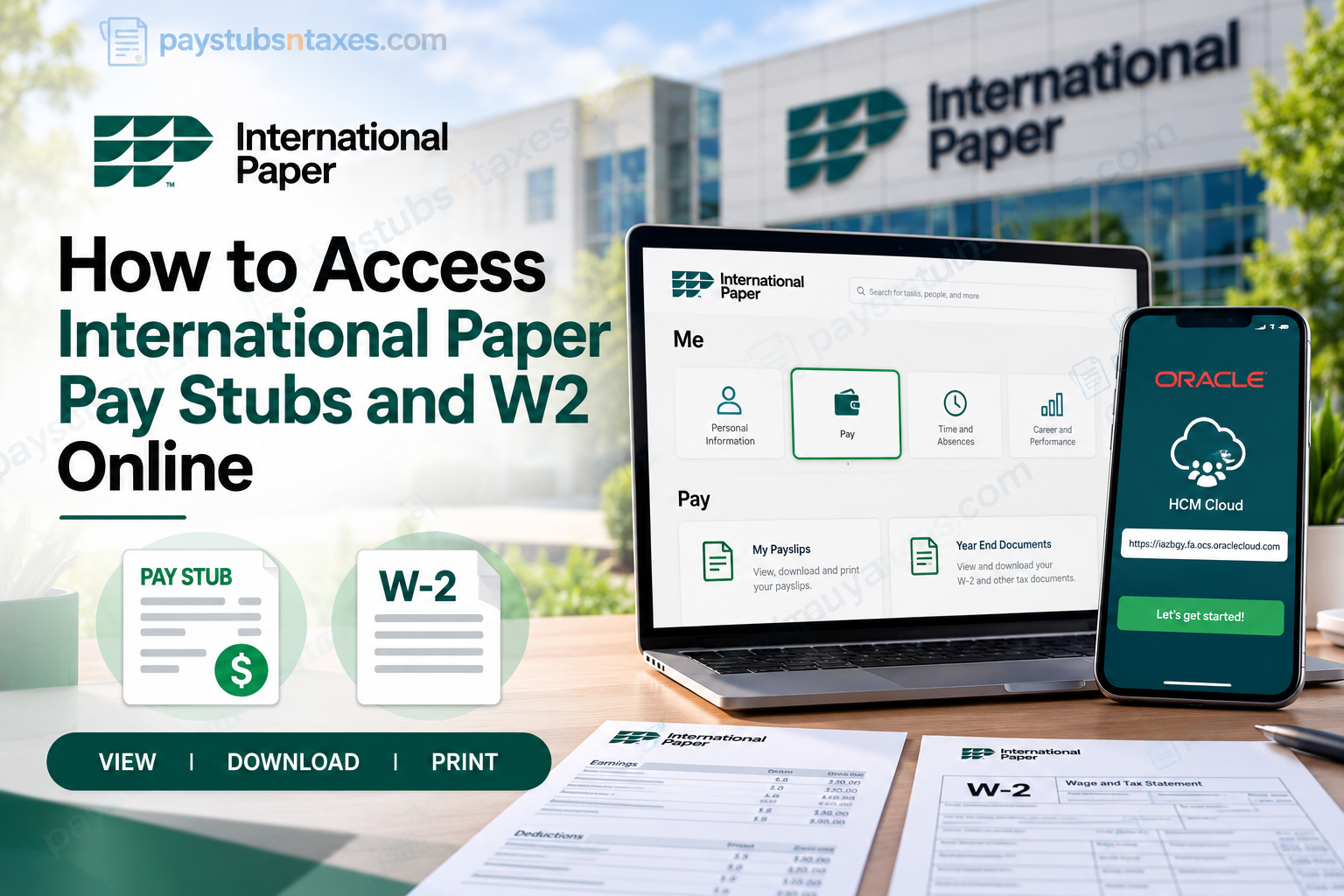
International Paper employees can access their pay stubs and W-2 forms online through the company’s Oracle Cloud employee self-service portal. Whether you need to review your latest earnings, download an earlier payslip, or retrieve a year-end tax document, the portal puts essential payroll information at your fingertips. With access available through a desktop computer or the Oracle HCM Cloud mobile app, keeping track of your payroll records is straightforward. This guide explains how to sign in, locate your documents, save copies, and get assistance when needed.
About International Paper Company
International Paper Company is a prominent American manufacturer of fiber-based products and sustainable packaging solutions, headquartered in Memphis, Tennessee. Established in 1898, the company has built an enduring reputation for industrial innovation, manufacturing excellence, and responsible resource management.
With a substantial international presence, including its Europe, Middle East, and Africa (EMEA) headquarters in London, International Paper serves customers across numerous industries and geographic markets.
Drawing on more than 125 years of manufacturing expertise, the company specializes in developing packaging solutions that safeguard products, facilitate global commerce, and support environmentally responsible business practices.
Its operations encompass sustainable packaging, recycling services, and renewable fiber-based products designed to meet the evolving requirements of businesses worldwide.
Beyond its commercial achievements, International Paper recognizes the importance of providing employees with efficient administrative resources. Its digital human resources infrastructure, including the Oracle Cloud HCM platform, enables eligible employees to manage critical employment and payroll information without relying exclusively on traditional paper documentation.
Understanding the International Paper Oracle Cloud Employee Portal
International Paper uses Oracle Cloud HCM, also known as Oracle Fusion Cloud HCM, to facilitate various human resources and payroll-related activities.
This web-based employee self-service system allows authorized personnel to review their compensation details, retrieve electronic payslips, and access available year-end tax statements from a centralized digital environment.
Rather than requesting printed payroll records from the Human Resources department whenever documentation is needed, employees can independently retrieve their information through the appropriate self-service features.
What Can Employees Access Through Oracle Cloud?
Depending on their account permissions and the features enabled by International Paper, employees may be able to:
- View pay stubs: Examine earnings, deductions, payroll dates, and net payment amounts.
- Download electronic payslips: Save available payroll statements as PDF documents.
- Access W-2 tax forms: Retrieve year-end Wage and Tax Statements for income tax preparation.
- Review payroll history: Examine previously issued payslips within available reporting periods.
- Monitor compensation details: Review gross earnings, deductions, and net compensation.
- Print payroll documents: Produce physical copies for financial verification or personal recordkeeping.
- Manage payroll-related information: Access additional employee self-service functions authorized by the organization.
By consolidating these resources within a secure digital platform, International Paper makes payroll information more accessible while reducing administrative delays.
How to Access International Paper Pay Stubs on a Computer
Step 1: Open the Employee Self-Service Portal
Visit the International Paper employee portal:
Sign in using Microsoft Single Sign-On (SSO). Complete any additional verification requested during the login process.
Step 2: Navigate to the Pay Section
Once you reach the Oracle Cloud homepage:
- Select the Me tab.
- Open the Pay tile.
- Select My Payslips.
The payslips page will display your available pay statements.
Step 3: Choose the Appropriate Pay Period
Use the date filter or drop-down menu to narrow the list of payslips. Available options may include:
- The last three months.
- The last twelve months.
- A custom date range.
If the payslip you need does not appear immediately, expand the date range before assuming that it is unavailable.
Step 4: Open Your Payslip
Select the relevant payslip link to review its details. Depending on the screen displayed, you may see an earnings summary or a graphical breakdown before opening the full statement.
Where a checkbox appears beside each payslip, select the document you want to preview or download.
Step 5: Download or Print Your Pay Stub
With the payslip open, use the available download option to save a copy. To produce a paper copy, select the Print icon and follow your device’s printing instructions.
Before saving or printing, confirm that you have selected the correct pay period. Giving downloaded files clear names can make them easier to retrieve when you need proof of income or want to review earlier earnings.
How to Set Up the Oracle HCM Cloud Mobile App
The Oracle HCM Cloud mobile app offers another way to access International Paper payroll information from a smartphone or tablet.
Step 1: Install the App
Download and install Oracle HCM Cloud from your device’s app store.
Step 2: Accept the License Agreement
Open the app and accept the end-user license agreement to continue.
Step 3: Enter International Paper’s HCM Cloud URL
On the Getting Started page, enter: https://iazbqy.fa.ocs.oraclecloud.com
Check the address carefully, then select Let’s get started!
Step 4: Sign In
Follow the sign-in prompts and authenticate using your International Paper account.
Step 5: Find Your Payroll Documents
After signing in, navigate to: Me → Pay → My Payslips
Choose the relevant pay period and open your statement. The arrangement of menus and document controls may vary between desktop and mobile screens.
To retrieve a W-2, return to the Pay area and look for Year End Documents.
How to Access International Paper W-2 Forms Online
Your W-2 is a year-end tax statement that reports wages and taxes withheld. Within Oracle Cloud, these records are located separately from your regular payslips.
To find your International Paper W-2:
- Sign in at https://ppe.ipaper.com/.
- Select Me.
- Open the Pay tile.
- Select Year End Documents.
- Locate the W-2 for the required tax year.
- Open the document and use the available controls to download or print it.
The Year End Documents page initially displays documents issued within the last three years. If you need a different period, use the date-range filter to adjust the results.
A document must have been issued and made available before it can appear in your account. If the W-2 you need is missing, contact employee support for assistance.
Can Former and Retired Employees Get Payroll Assistance?
Current, former, and retired International Paper employees can request assistance with payroll, W-2 forms, employee benefits, qualifying life events, and beneficiary management.
Former employees should contact employee support if their previous company login no longer works. Support can explain the appropriate route for obtaining payroll records; continued access through an active employee SSO account should not be assumed.
International Paper Payroll and HR Contact Information
For assistance with payroll, W-2 forms, employee benefits, qualifying life events, or beneficiaries, contact:
Employee Support: 888-372-2968
Current, former, and retired employees can use this number to request help.
If you need to reach International Paper’s corporate Human Resources office, call:
Corporate HR: (901) 419-7000
When requesting assistance, explain which document or pay period you need and describe any access problem you have encountered.
Conclusion
Accessing International Paper pay stubs and W2 forms online is a convenient way for employees to manage essential payroll documentation without unnecessary administrative complications.
Through the Oracle Cloud HCM Employee Self-Service portal, authorized employees can review their earnings, examine payroll deductions, retrieve available payslips, and download year-end tax statements. Whether accessing the system from a desktop computer or a supported mobile device, the process begins with secure authentication using the appropriate International Paper organizational credentials.
For employees who encounter login difficulties, require historical payroll documentation, or need assistance obtaining a missing W-2 statement, the International Paper Employee Service Center remains an important point of contact.
Ultimately, understanding how to navigate the Oracle Cloud payroll system empowers employees to take greater control of their financial records, maintain accurate documentation, and approach important administrative responsibilities with confidence.
Frequently Asked Questions
1. How do I access my International Paper pay stubs online?
Sign in at https://ppe.ipaper.com/ using Microsoft Single Sign-On. Navigate to Me → Pay → My Payslips, select the relevant pay period, and open your statement.
2. Where can I find my International Paper W-2 form?
Your W-2 is located under Me → Pay → Year End Documents in Oracle Cloud. Select the appropriate tax year or adjust the date range to find the required form.
3. What login credentials do International Paper employees use?
Employees access the portal using their International Paper Microsoft Single Sign-On credentials. Complete any additional verification requested during sign-in.
4. Can I access International Paper pay stubs on my phone?
Yes. Employees can use the Oracle HCM Cloud mobile app. After completing setup and signing in, navigate to Me → Pay → My Payslips to view available statements.
5. What is International Paper’s Oracle HCM Cloud mobile app URL?
Enter https://iazbqy.fa.ocs.oraclecloud.com on the app’s Getting Started page. Then select Let’s get started! and follow the sign-in prompts.
6. How do I set up the Oracle HCM Cloud mobile app?
Install Oracle HCM Cloud, accept the end-user license agreement, and enter https://iazbqy.fa.ocs.oraclecloud.com. Select Let’s get started!, then authenticate using your International Paper account.
7. How do I download an International Paper pay stub?
Open Me → Pay → My Payslips, locate the relevant statement, and select it. If a checkbox appears beside the payslip, mark it before choosing the available preview or download option.
8. Can I print my International Paper pay stubs and W-2 forms?
Yes. Open the required document and select the available Print control. Use a private computer and a secure printer to protect your personal and financial information.
9. How can I find an older International Paper payslip?
Use the date filter on the My Payslips page. Choose an available period, such as the last three or twelve months, or enter a custom date range to locate earlier statements.
10. How many years of W-2 documents appear by default?
The Year End Documents page initially displays documents issued within the last three years. Adjust the date range to search for other available records.
11. Why is my International Paper pay stub missing?
The statement may fall outside your selected date range. Expand the filter and check again. If the payslip remains unavailable, contact employee support at 888-372-2968.
12. What should I do if my International Paper W-2 is unavailable?
Confirm that you are viewing Year End Documents and that the date range includes the correct tax year. If the form is still missing, call 888-372-2968 for assistance.
13. Can former International Paper employees get pay stubs or W-2 assistance?
Yes. Former employees can call 888-372-2968 for help obtaining payroll records and W-2 forms. If your former employee login no longer works, ask support which access or document-request process applies.
14. Can retired International Paper employees contact employee support?
Yes. Retired employees can call 888-372-2968 for assistance with payroll, W-2 forms, employee benefits, qualifying life events, and beneficiary management.
15. How do I contact International Paper payroll or Human Resources?
Call 888-372-2968 for employee assistance with payroll, W-2 forms, and benefits. To reach International Paper’s corporate Human Resources office, call (901) 419-7000.
