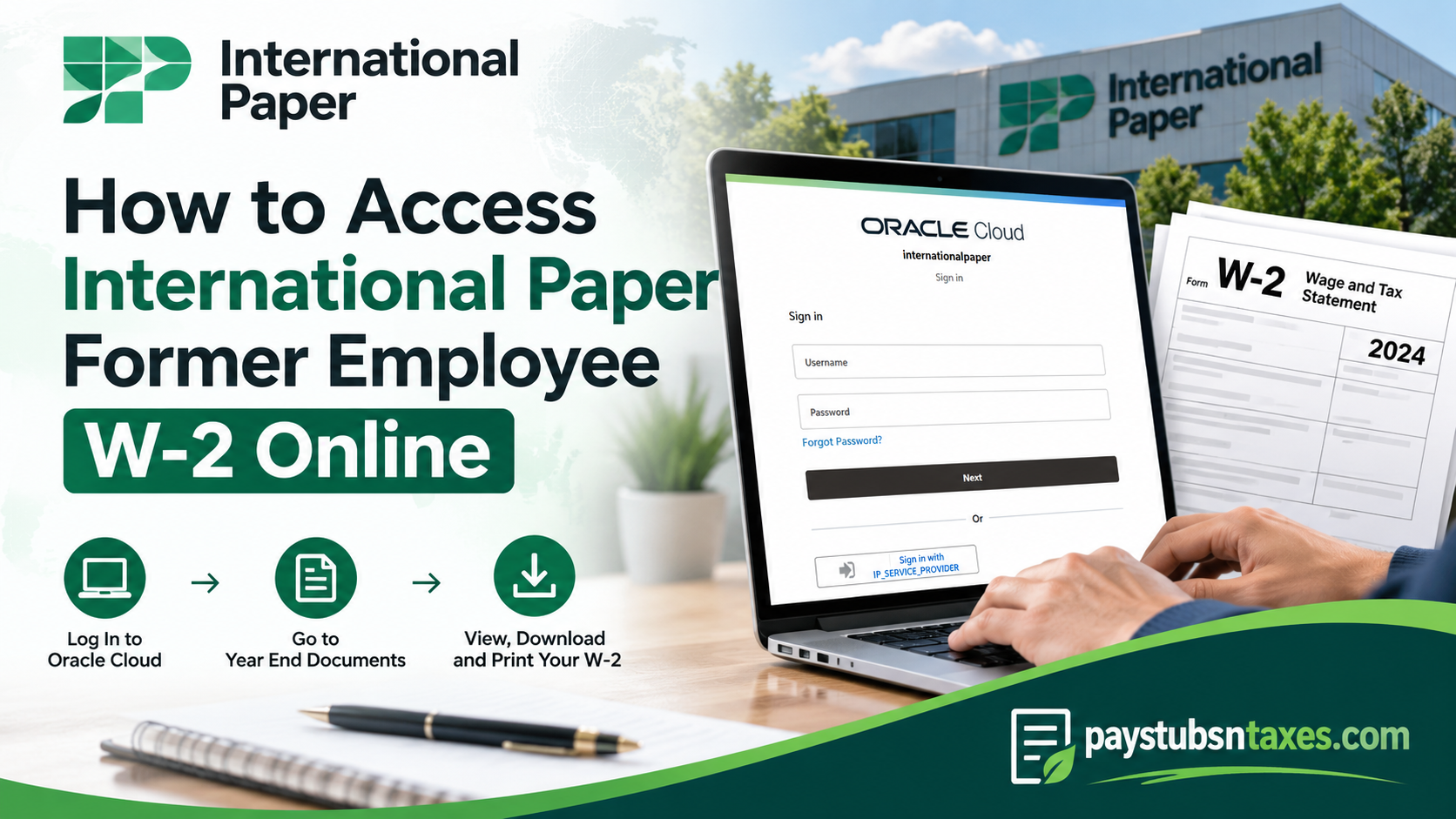
Leaving International Paper does not mean your payroll records cease to matter. Whether you are preparing your tax return, checking previous earnings, or organizing your financial documents, knowing how to retrieve your W-2 can save time and prevent unnecessary frustration. Former International Paper employees can use the company’s Oracle Cloud self-service system to access available payroll and year-end documents, provided their former-employee account remains enabled. Although your previous workplace single sign-on access may be deactivated after your employment ends, a separate non-SSO login allows you to sign in with the appropriate credentials. This guide explains how to locate your International Paper former employee W-2 online, download previous payslips, and obtain assistance when access problems arise.
How Do I Get My International Paper W-2 as a Former Employee?
To access your International Paper former employee W-2 online, sign in to Oracle Cloud using your non-SSO credentials, open Me, select Pay, and choose Year End Documents. Find the relevant tax year, open your W-2, and use the available download or print option. If you cannot sign in or locate your document, contact the Employee Service Center at 888-372-2968.
Understanding Former Employee Access to Oracle Cloud
International Paper uses Oracle Cloud to provide employee self-service functions, including access to payroll information. For former employees, the distinction between workplace SSO and non-SSO access is particularly important.
Single sign-on relies on your company account, which may be disabled when you leave. Non-SSO access uses separate sign-in credentials, allowing eligible former employees to reach the records available to their account.
If your old company login no longer works, repeatedly attempting the same SSO route is unlikely to resolve the problem. Instead, use the former-employee sign-in instructions supplied during offboarding or request assistance with non-SSO access.
Before getting started, have the following ready:
- Your former-employee Oracle Cloud username and password.
- Access to any personal email address associated with account recovery.
- The tax year for the W-2 you need.
- A private computer or mobile device with an internet connection.
How to Access Your International Paper Former Employee W-2 on a Computer
Step 1: Open International Paper’s Oracle Cloud Environment
International Paper’s Oracle Cloud environment is: https://iazbqy.fa.ocs.oraclecloud.com/fscmUI/faces/deeplink?objType=IRC_RECRUITING&action=ICE_JOB_SEARCH_RESP
Use the non-SSO sign-in route provided for former employees. If you have been given a direct former-employee login link, open that link to reach the appropriate authentication page.
Check the destination carefully: A link ending in IRC_RECRUITING&action=ICE_JOB_SEARCH_RESP points to a recruiting job-search function and may open a careers page. If that happens, request the correct payroll self-service login link from the Employee Service Center.
Step 2: Sign In With Your Non-SSO Credentials
Enter the username and password associated with your former-employee account, then complete any additional verification requested.
If your previous workplace credentials are no longer accepted, contact support to confirm which credentials you should use. Access to a recruitment profile does not, by itself, establish access to payroll documents.
Step 3: Open the Pay Section
After signing in:
- Select the Me tab on the homepage.
- Open the Pay tile.
- Locate Year End Documents on the Pay homepage.
This section contains the year-end payroll documents available to your account.
Step 4: Find the Required Tax Year
Open Year End Documents and review the documents displayed. The default view may show documents issued within the previous three years.
If the W-2 you need is missing from the list, use the date-range selector to search the relevant period. Expanding the date range changes the search results; it does not guarantee that older documents remain available online.
Step 5: Open and Download Your W-2
Select the W-2 for the appropriate tax year and open the document. Use the available download or print controls to save a copy or produce a paper version.
Before closing the document, check that you selected the correct year and that the downloaded file opens properly. Keeping a clearly named copy—for example, International-Paper-W2-2025.pdf—makes it easier to find when you need it.
How to Access International Paper Payroll Documents on a Mobile Device
If you prefer to use a smartphone or tablet, you can set up the Oracle HCM Cloud mobile app with International Paper’s application address.
Install and Configure the App
- Download and install the Oracle HCM Cloud mobile app from your device’s app store.
- Open the app and accept the end-user license agreement.
- On the Getting Started screen, enter:
https://iazbqy.fa.ocs.oraclecloud.com
- Select Let’s get started!
- Sign in using the non-SSO access available to your former-employee account.
Locate Your W-2
Once signed in, navigate to Me → Pay → Year End Documents, where available. Select the relevant year and open your W-2.
The mobile layout and available document controls may differ from the desktop version. If you cannot locate a document or print it successfully on your device, use a private computer to complete the process.
How to Download Previous International Paper Pay Stubs
Your W-2 provides an annual earnings and withholding record, while individual payslips allow you to review payments in greater detail. To retrieve available International Paper pay stubs:
- Sign in to Oracle Cloud.
- Select Me → Pay → My Payslips.
- Review the recent payslips displayed.
- Change the date filter to the last three months, the last twelve months, or a custom period, as available.
- Select the payslip you want to review.
- Open its details or select the corresponding checkbox to access the available preview and download options.
- Download the document or use the Print icon to create a paper copy.
Depending on the screen presented, selecting a payslip may first open a graphical earnings summary. Continue to the document view when you need a downloadable or printable copy.
Will International Paper Mail My W-2 After I Leave?
International Paper’s former-employee process also provides for year-end tax documents to be sent by standard mail to the address held on record, with mailing scheduled by January 31 of the following year.
Mailing and delivery are separate events, so a document dispatched by that date may arrive later. If you have moved since leaving the company, contact the Employee Service Center to confirm your mailing address and ask how to update it.
Maintaining an accurate address helps prevent your W-2 from being delayed or sent to a previous residence.
International Paper Former Employee W-2 Support
The International Paper Employee Service Center assists current, former, and retired employees with payroll, W-2 forms, benefits, and related employee matters.
Employee Service Center: 888-372-2968
When requesting help, explain whether you need assistance with:
- Former-employee non-SSO access.
- A forgotten password or inaccessible account.
- A missing or historical W-2.
- A replacement mailed copy.
- A mailing-address update.
- Incorrect payroll or tax-document information.
Having your former employee identification details and the relevant tax year ready can help support staff direct your request efficiently.
Conclusion
To retrieve your International Paper former employee W-2 online, use your non-SSO Oracle Cloud access and navigate to Me → Pay → Year End Documents. Select the required year, open the document, and download or print a copy for your records. If your account is inaccessible or the W-2 is unavailable, contact the Employee Service Center at 888-372-2968 for help with access, document requests, or mailing details.
Frequently Asked Questions
1. Can former International Paper employees access W-2 forms online?
Yes. Former employees with an enabled Oracle Cloud account can access available W-2 forms through the company’s self-service system using non-SSO credentials.
2. Where can I find my International Paper W-2 in Oracle Cloud?
After signing in, navigate to Me → Pay → Year End Documents. Select the relevant tax year and open your W-2 to view, download, or print it.
3. What login credentials should former employees use?
Use the credentials associated with your former-employee non-SSO account. If you do not know your username or password, contact the Employee Service Center at 888-372-2968.
4. Why does my International Paper SSO login no longer work?
Your workplace single sign-on access may be deactivated after your employment ends. Use the former-employee non-SSO sign-in route to access your enabled payroll account.
5. What is International Paper’s Oracle Cloud address?
International Paper’s Oracle Cloud environment is https://iazbqy.fa.ocs.oraclecloud.com. Use the specific non-SSO login route provided for former employees; the general address may not take you directly to payroll sign-in.
6. What should I do if the Oracle link opens a careers page?
Contact the Employee Service Center for the correct former-employee payroll login link. A recruiting or job-search page does not provide direct access to your W-2 documents.
7. Can I access my International Paper W-2 on a smartphone?
You can use the Oracle HCM Cloud mobile app where former-employee access and year-end documents are available. Configure the app with International Paper’s Oracle Cloud address, sign in, and navigate to Me → Pay → Year End Documents.
8. What application URL should I enter in the Oracle HCM Cloud app?
Enter https://iazbqy.fa.ocs.oraclecloud.com on the app’s Getting Started screen. Select Let’s get started! and follow the sign-in instructions for your former-employee account.
9. How do I download or print my International Paper W-2?
Open your W-2 under Year End Documents, then use the available download or print controls. A private computer is recommended when you need a printed copy.
10. How can I find an older International Paper W-2?
Change the date filter in Year End Documents to include the year you need. If the document is unavailable, contact the Employee Service Center to request assistance obtaining a historical copy.
11. Why is my W-2 missing from Year End Documents?
The selected date range may exclude the required year, the form may not yet have been issued, or it may be unavailable through your account. Check the filters, then contact payroll support if it remains missing.
12. Does International Paper mail W-2 forms to former employees?
International Paper’s former-employee process includes mailing year-end tax documents to the address on record, with dispatch scheduled by January 31 of the following year. Postal delivery may take additional time.
13. How do I update my mailing address after leaving International Paper?
Call the Employee Service Center at 888-372-2968 to confirm your address and request instructions for updating it. Keeping your address current helps prevent delays in receiving mailed documents.
14. Can I also download my previous International Paper pay stubs?
Yes, where available through your account. Sign in to Oracle Cloud, navigate to Me → Pay → My Payslips, select the relevant date range, and open a payslip to download or print it.
15. Who should I contact for International Paper former employee W-2 assistance?
Call the International Paper Employee Service Center at 888-372-2968 for help with W-2 forms, payroll inquiries, former-employee access, missing documents, and mailing-address updates.
