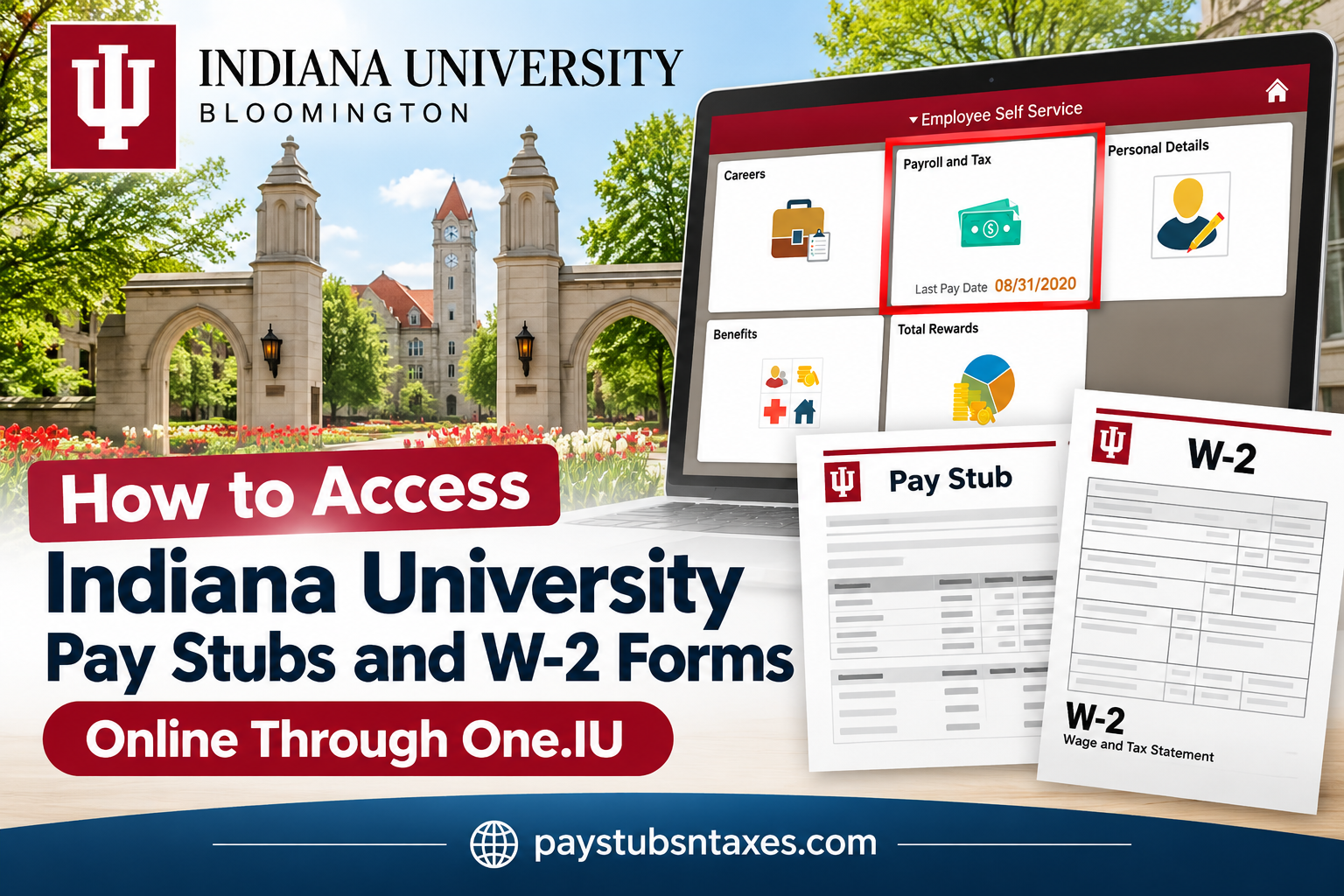
Indiana University (IU) employees can conveniently access their pay stubs, paycheck information, and annual W-2 tax forms online through the One.IU employee self-service portal. This centralized platform simplifies payroll management, allowing employees to review their earnings, monitor tax withholdings, examine deductions, and retrieve essential financial documents without relying on traditional paper records.
Whether you are a current employee preparing your annual income tax return, reviewing your latest paycheck, or a former employee attempting to retrieve historical payroll information, understanding how to navigate Indiana University’s payroll system can save considerable time and effort.
This comprehensive guide explains how to access Indiana University pay stubs and W-2 forms online, enroll in electronic W-2 delivery, download payroll documents, troubleshoot login difficulties, and obtain assistance from IU Human Resources.
About Indiana University
Founded in 1820, Indiana University (IU) is one of the United States’ prominent public higher education systems, recognized for its commitment to academic excellence, innovative research, and community engagement. Headquartered in Indiana, the university operates an extensive network of campuses that collectively provide educational opportunities to students from diverse backgrounds.
Indiana University’s flagship institution, IU Bloomington, is a distinguished research-intensive university renowned for its academic programs in business, music, public affairs, technology, the humanities, and the sciences. Its longstanding reputation for intellectual achievement and international collaboration has established it as an influential institution within American higher education.
Beyond its flagship campus, Indiana University encompasses IU Indianapolis and five regional campuses, including IU East, IU Kokomo, IU Northwest, IU South Bend, and IU Southeast.
Supporting this substantial educational infrastructure requires a comprehensive workforce comprising faculty members, administrative professionals, researchers, technical specialists, and operational personnel.
To facilitate efficient payroll administration and employee access to essential employment records, Indiana University provides One.IU, a centralized digital gateway connecting employees with payroll, human resources, and tax-related services.
What Is the One.IU Employee Self-Service Portal?
One.IU is Indiana University’s official online services portal, providing employees with streamlined access to university resources, including payroll information, employment services, and tax documentation.
Rather than navigating multiple administrative offices or waiting for printed documents, employees can use One.IU to retrieve important financial records through a secure, user-friendly interface.
Through the portal’s Employee Center, authorized employees can access several payroll-related functions, including:
- Paycheck statements: Review current and historical pay advices, including gross earnings, deductions, and net pay.
- W-2 tax forms: Access available annual Wage and Tax Statements for federal and state income tax preparation.
- Payroll deductions: Examine tax withholdings, benefit contributions, and other deductions reflected in individual paychecks.
- Direct deposit information: Access available direct deposit services and related payroll information.
- Electronic W-2 consent: Enroll in paperless W-2 delivery or verify an existing electronic consent election.
- Historical payroll records: Retrieve previously issued pay statements and tax documents, subject to account access and record availability.
The portal employs Indiana University’s authentication procedures, including university credentials and Duo multifactor authentication for designated services, helping protect employees’ confidential financial information.
Official Indiana University Employee Portal: https://one.iu.edu/
How to View Indiana University Pay Stubs Online
Your IU pay advice provides a detailed record of a particular paycheck. Follow these steps to locate it:
- Visit One.IU. Open https://one.iu.edu/ in your browser.
- Find Employee Center. Search for the Employee Center task and open it.
- Sign in. Enter your IU username and passphrase, completing any additional authentication requested.
- Open Payroll and Tax. Select the Payroll and Tax tile, then choose Paycheck.
- Select a paycheck. Your available paycheck records appear with the most recent entry first. Choose the row corresponding to the payment you want to review.
- Respond to the security notice. On the pay-advice security notice described in IU’s instructions, select No to acknowledge it. Your statement will then open in another window or tab.
Once the statement opens, use the available document or browser controls to print it or save a copy. If there is no download button, your browser’s Print function may offer a Save as PDF option.
Give saved files descriptive names, such as IU-Pay-Stub-2026-10-16.pdf, so you can find the right document without searching through multiple downloads.
How to Give Consent for Electronic W-2 Delivery
Before viewing your Indiana University W-2 online, you must provide electronic consent or confirm that your consent is already recorded.
To do this:
- Visit One.IU.
- Search for W-2 Electronic Consent.
- Open the task.
- Sign in with your IU username and passphrase.
- Complete Duo authentication.
- Follow the instructions to submit consent or verify your existing consent status.
Even if IU has already generated a paper W-2, you can still provide consent to access the available form electronically.
How to View and Download Your Indiana University W-2
After completing electronic consent, return to One.IU and follow these steps:
- Search for the W-2 Tax Form task.
- Open the task and sign in when prompted.
- Complete Duo authentication.
- Select the available W-2 for the tax year you need.
- Open the form and use the available controls to save or print it.
Your W-2 is your annual Wage and Tax Statement, which contains information used to prepare federal and state income tax returns. Make sure you select the correct tax year before downloading or printing your copy.
Can I Receive My IU W-2 by Mail?
Yes. If you do not consent to electronic delivery, IU mails your W-2 to your home address, postmarked by January 31. A postmark deadline is the mailing date; it does not mean the envelope will arrive that day.
Keeping your home address current helps prevent unnecessary delivery delays.
How Former Indiana University Employees Can Obtain Pay Stubs and W-2 Forms
Former Indiana University employees may need historical payroll statements for income verification, tax preparation, unemployment-related documentation, or other administrative purposes.
However, access to university systems can change following separation from employment.
Employees who retain authorized access to the appropriate IU services may be able to retrieve available records electronically.
If your university login credentials no longer work, or you cannot access the Employee Center, contact IU Human Resources for guidance.
Former employees who need another copy of their W-2 can also use the university’s Request for Duplicate Tax Form – Former Employees or Students process when they no longer have access to IU systems.
When requesting assistance, be prepared to provide sufficient identifying information for the university to verify your employment history and locate the appropriate payroll records.
For privacy and security, avoid sending Social Security numbers or other highly sensitive personal information through unsecured email.
Indiana University Human Resources Contact Information
Department: Indiana University Human Resources – askHR
Email: askHR@iu.edu
Phone: (812) 856-1234
IU Human Resources provides assistance to current, former, and retired employees concerning payroll, employee benefits, W-2 statements, and other employment-related matters.
Indiana University Payroll and W-2 Assistance
Current, former, and retired employees who need help with payroll, W-2 forms, benefits, or related employment matters can contact IU Human Resources — askHR:
- Email: askHR@iu.edu
- Telephone: (812) 856-1234
When requesting assistance, explain which document you need, the relevant pay period or tax year, and any error message you encountered. Never share your IU passphrase or Duo verification codes.
Conclusion
Accessing Indiana University pay stubs and W-2 forms online is a straightforward process when employees understand how to navigate the One.IU employee self-service system.
Through the Employee Center, employees can conveniently review paycheck information, examine payroll deductions, and retrieve available pay advices. Meanwhile, the W-2 Electronic Consent and W-2 Tax Form services provide an efficient way to manage annual tax statements without depending exclusively on postal delivery.
Whether you need your most recent paycheck for income verification or an annual W-2 statement for tax preparation, maintaining access to accurate payroll documentation is an essential aspect of responsible financial management.
By regularly reviewing payroll information, keeping personal records secure, and contacting IU Human Resources whenever difficulties arise, employees can manage their employment-related financial documentation with confidence and minimal inconvenience.
Frequently Asked Questions
1. Where can Indiana University employees access pay stubs online?
IU employees can view their pay stubs through the Employee Center task in One.IU. Open Payroll and Tax, select Paycheck, and choose the payment you want to review.
2. What is the official Indiana University payroll login website?
The official starting point is https://one.iu.edu/. Search for Employee Center to access paycheck information or W-2 Tax Form to retrieve available W-2 statements.
3. What credentials do I need to access IU payroll documents?
You need your IU username and passphrase. W-2 access also requires Duo authentication, so have your registered authentication method available.
4. How do I view an older Indiana University pay stub?
Open Employee Center → Payroll and Tax → Paycheck and locate the relevant payment in your available paycheck history. The most recent paycheck appears first.
5. What should I select on the IU pay-advice security notice?
For the specific security notice displayed after selecting a paycheck, IU’s instructions say to select “No” to acknowledge it. Your pay advice then opens in a separate window or tab.
6. Can I download or print my Indiana University pay stub?
Yes. After opening your pay advice, use the available document or browser controls to print it. If supported, choose Print → Save as PDF to keep a digital copy.
7. How do I access my Indiana University W-2 online?
Complete or verify your W-2 Electronic Consent in One.IU, then open the W-2 Tax Form task. Sign in, complete Duo authentication, and select the available tax-year statement.
8. How do I consent to electronic W-2 delivery at IU?
Search for W-2 Electronic Consent in One.IU. Open the task, authenticate with your IU credentials and Duo, and follow the instructions to submit consent or confirm that it is already on file.
9. Will IU mail my W-2 if I do not provide electronic consent?
Yes. If you do not consent to electronic delivery, IU mails your W-2 to your home address, postmarked by January 31. The delivery date depends on postal processing.
10. Can I access my W-2 online after a paper copy has been generated?
Yes. You can still complete electronic consent after a paper W-2 has been generated. Once consent is recorded, use the W-2 Tax Form task to view available statements.
11. Can I view previous years’ Indiana University W-2 forms?
The W-2 Tax Form task allows you to view available W-2 statements after electronic consent. If the year you need is unavailable, request assistance or a duplicate form.
12. Why will my Indiana University W-2 not open?
Your browser may be blocking the new window. Allow pop-ups for the relevant IU page and try again. If the problem continues, clear your browser’s cache and cookies, then sign back in.
13. How can former IU employees request a W-2 without system access?
Former employees who no longer have access to IU systems should complete IU’s Request for Duplicate Tax Form — Former Employees or Students. Contact IU support if you need help locating or submitting the request.
14. What information appears on an IU pay stub?
An IU pay stub includes pay-period information, earnings, tax withholding, deductions, net pay, and applicable year-to-date totals. Review these details regularly and contact your department’s payroll processor about discrepancies.
15. Who should I contact for Indiana University payroll or W-2 assistance?
Contact IU Human Resources — askHR at askHR@iu.edu or (812) 856-1234 for assistance with payroll, W-2 forms, benefits, and related employment questions.
