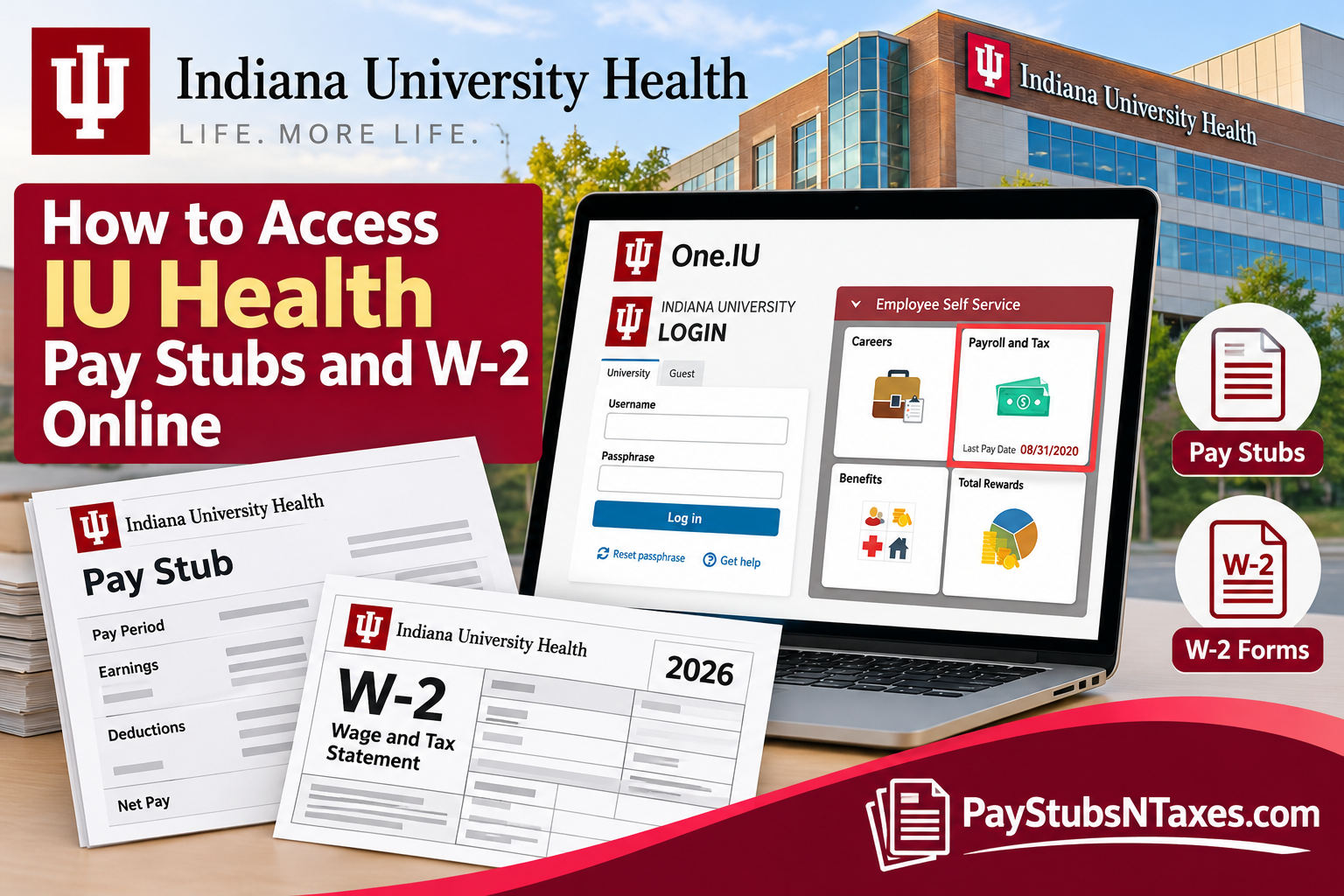
Accessing your pay stubs and W-2 tax forms is an essential part of managing your finances, verifying your earnings, and preparing accurate income tax returns. Whether you need a recent paycheck statement, want to review your payroll deductions, or are preparing for tax season, knowing where to find these documents can save you considerable time and unnecessary frustration.
Indiana University Health (IU Health), one of Indiana’s largest nonprofit healthcare systems, provides healthcare services through an extensive network of hospitals, outpatient facilities, and specialized treatment centers. Its longstanding partnership with the Indiana University School of Medicine combines clinical expertise, medical education, and research to advance patient care.
However, employees seeking their payroll records should understand an important distinction: Indiana University Health and Indiana University maintain separate employment and payroll arrangements. Indiana University employees access their university payroll records through the Team Member Portal, whereas IU Health employees generally use the health system’s own team member resources. Individuals employed by both organizations may need to access two separate payroll systems.
This comprehensive guide explains how to locate your IU Health payroll resources, retrieve pay stubs and W-2 statements through One.IU when applicable, manage electronic tax-form consent, and obtain assistance when your documents are unavailable.
Where Should IU Health Employees Sign In?
IU Health team members can begin at the IU Health Team Member Portal, which directs users to an organizational sign-in page. Use your employer-issued credentials and follow the authentication prompts.
Once signed in, follow your employer’s internal payroll instructions to locate your pay statements and tax documents. If you cannot find the appropriate service, contact your IU Health HR or payroll representative to confirm the correct application and access procedure.
Do not assume that your IU Health login will provide access to Team Member Portal. If your employment arrangements also include university-issued wages, confirm which records belong to each employer before downloading documents or requesting assistance.
Who Should Use One.IU for Pay Stubs and W-2 Forms?
The following instructions apply to employees accessing Indiana University-issued payroll documents through the Team Member Portal. Indiana University provides paycheck information through the Employee Center task and electronic tax statements through the W-2 Tax Form task. Electronic W-2 access requires consent and authentication using an IU username, passphrase, and Duo. Before getting started, have your IU credentials and authentication device ready. Use a private computer when downloading or printing documents that contain sensitive financial information.
How to Access IU Health Pay Stubs Online
IU Health team members should use the employee resources designated by Indiana University Health rather than assuming their payroll information is available through the university’s One.IU system.
Step 1: Visit the IU Health Team Member Portal
Open a secure internet browser and navigate to the IU Health Team Member Portal.
This employee resource provides access to various employment-related services and applications.
Step 2: Sign In to Your Employee Account
Use your authorized IU Health employee credentials to access the portal.
Depending on your organization’s authentication requirements, you may be prompted to complete an additional identity-verification step.
Step 3: Locate Your Payroll Resources
After signing in, look for employee resources related to payroll, compensation, or the My Pay & Benefits section.
IU Health also uses Oracle for certain employee-management functions, so the relevant payroll application may be accessible through an Oracle link within the team member environment.
Step 4: Find Your Pay Statements
If paycheck or payslip self-service is available within your assigned payroll application, select the appropriate payroll option and locate the statement corresponding to your desired pay period.
Review the information carefully, including your earnings, deductions, and net pay.
Step 5: Download or Print Your Pay Stub
If your payroll application offers download or print functionality, save a copy of the statement to a secure location.
Important: The precise IU Health payroll menus and pay-stub download sequence may vary. If you cannot locate the appropriate application, contact IU Health Human Resources Shared Services at 317-962-7900 or HRSS@iuhealth.org for instructions specific to your employee account.
How to Access IU Health W-2 Forms Online
Form W-2, officially known as the Wage and Tax Statement, is an annual tax document employers provide to report wages paid and taxes withheld during the preceding calendar year.
Unlike an individual pay stub, which reflects earnings for a particular payroll period, a W-2 consolidates relevant annual wage and withholding information.
IU Health employees should begin by accessing the IU Health Team Member Portal and locating the payroll or tax-document resources available through their employee account.
If the relevant W-2 option is not visible, contact IU Health Human Resources Shared Services for assistance obtaining the tax statement.
Employees receiving wages from both Indiana University and IU Health may receive separate W-2 forms reflecting earnings from each employer.
Consequently, it is important to determine which organization issued the wages before requesting a duplicate statement or reporting a missing tax document.
How to Receive Your W-2 by Postal Mail
Although electronic delivery offers convenience and immediate access once forms are released, eligible employees may also receive their W-2 statements through traditional postal mail.
For Indiana University employees who have not consented to electronic delivery, the university generally mails paper W-2 forms to the home address recorded in its payroll system.
Paper statements are generally postmarked by January 31, consistent with the usual annual W-2 distribution deadline.
For example, wages earned during the 2026 calendar year would ordinarily be reported on a W-2 distributed by the end of January 2027, subject to applicable filing and delivery rules.
To minimize the risk of delayed or misdirected documents, employees should verify that their mailing addresses are accurate before year-end tax processing begins.
If your address has changed, update your contact information through the appropriate employee self-service system as soon as possible.
IU Health employees should confirm their mailing preferences and address-update procedures through IU Health’s own HR resources rather than assuming that changes in One.IU will automatically update their IU Health employment records.
How Can Former Employees Obtain Payroll Documents?
If you have left employment and can no longer sign in, contact the HR or payroll team of the employer that issued the wages. Ask for the current procedure for obtaining historical pay statements or a replacement W-2.
Have your employment dates and the required pay periods or tax years ready. Follow the employer’s identity-verification process, and request a secure method for exchanging sensitive information.
Indiana University Health – Human Resources Shared Services
Phone: 317-962-7900
Email: HRSS@iuhealth.org
IU Health employees can use these contact details to seek assistance with employment-related inquiries, including questions about accessing the appropriate payroll services.
Final Thoughts
Accessing your IU Health pay stubs and W-2 forms online becomes considerably easier once you identify the payroll system associated with your employment.
For Indiana University Health team members, the IU Health Team Member Portal and the organization’s Human Resources Shared Services department are the appropriate starting points for accessing payroll-related resources.
Employees whose compensation is processed through Indiana University can use the Team Member Portal to review pay advices, examine historical payroll records, manage electronic W-2 consent, and download available tax statements.
Although electronic self-service offers greater convenience and reduces dependence on paper documentation, employees should remember that Indiana University and Indiana University Health operate distinct payroll arrangements.
By using the correct employee portal, keeping your contact details current, and safeguarding your financial information, you can retrieve essential payroll and tax documents with greater confidence while minimizing unnecessary administrative complications.
Frequently Asked Questions
1. Where can IU Health employees access pay stubs online?
Start at the IU Health Team Member Portal and follow the internal instructions for accessing payroll records. Contact IU Health HR or payroll if you cannot locate your statements.
2. Do all IU Health employees use One.IU for payroll?
No. One.IU provides access to Indiana University payroll records. IU Health employees should confirm their payroll provider before using the university’s instructions.
3. What is the IU Health employee portal address?
The IU Health Team Member Portal is available at https://team.myiuhealth.org/. Sign in using your employer-issued account and complete any required authentication.
4. How do Indiana University employees view pay stubs through One.IU?
Visit https://one.iu.edu/, open Employee Center, select Payroll and Tax, and choose Paycheck. Select a payment to view its pay advice.
5. How are paychecks displayed in One.IU?
The paycheck list displays the most recent payment first. Select the relevant entry to review that payment’s details.
6. What should I do when the One.IU paycheck security notice appears?
Read the notice carefully. IU’s paycheck instructions specify selecting “No” to acknowledge the notice and open the pay advice in a new window or tab. Follow the wording shown on your screen.
7. How do I access an Indiana University W-2 online?
Complete or verify W-2 Electronic Consent in One.IU, then open W-2 Tax Form to view available statements. Sign in with your IU username and passphrase and complete Duo authentication.
8. Is electronic consent required to view an IU W-2 online?
Yes. Indiana University requires electronic W-2 consent before employees can access their available W-2 forms through the online service.
9. How can I check whether my electronic W-2 consent is recorded?
Search for W-2 Electronic Consent in One.IU, sign in, and review your consent status. Complete the consent process if it has not already been recorded.
10. Will Indiana University mail my W-2 if I do not choose electronic delivery?
Yes. Indiana University states that W-2 forms for employees without electronic consent are mailed to their home addresses, postmarked by January 31. Postal delivery takes additional time.
11. Can I download or print my pay stub and W-2?
Once your document opens, use the available download or print controls. Save sensitive payroll documents on a private device and collect printed copies promptly.
12. Can I access W-2 forms from previous years?
For university-issued statements, open W-2 Tax Form in One.IU and review the available years. Contact the issuing employer’s payroll team if the year you need is missing.
13. What should I do if my pay stub or W-2 will not open?
Confirm that you are using the correct employer portal, complete authentication, and check whether your browser has blocked a new window. If the problem continues, contact your employer’s support team.
14. How can former employees obtain pay stubs or W-2 forms?
Contact the HR or payroll department of the employer that issued your wages. Request the current procedure for obtaining historical statements or replacement tax documents if your former account is inaccessible.
15. Who should I contact for payroll assistance?
For Indiana University employment assistance, email askHR@iu.edu or call (812) 856-1234. For IU Health-issued payroll records, contact IU Health HR or payroll through your employer’s designated support channel.
