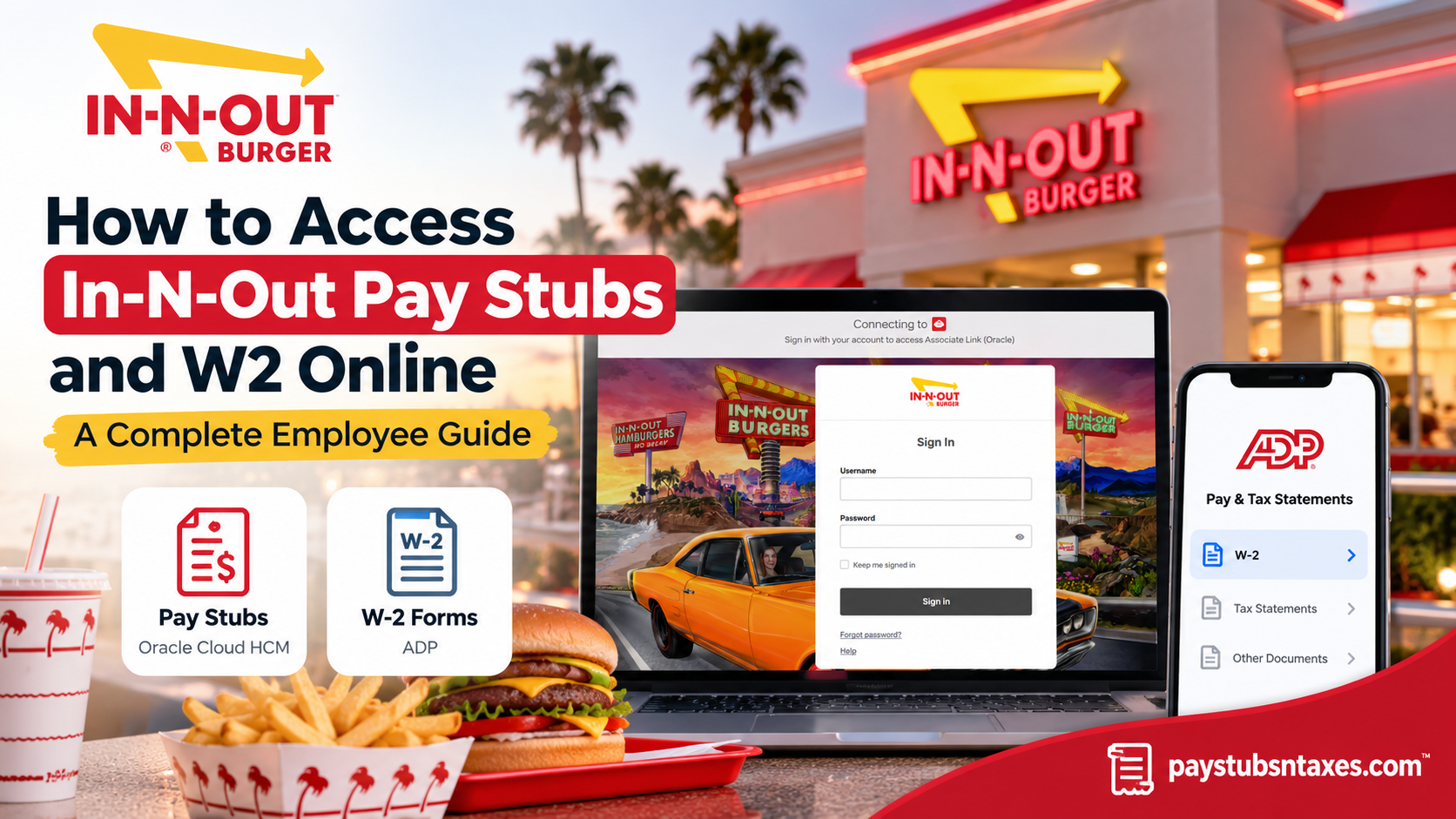
Accessing your In-N-Out Burger pay stubs and W-2 tax forms online is a straightforward process, thanks to the company’s adoption of modern, cloud-based human resources and payroll technology. Whether you are a current associate reviewing your latest paycheck, a former employee retrieving tax documents, or a retired team member seeking historical payroll information, understanding which platform to use can save considerable time and unnecessary frustration.
In-N-Out Burger primarily uses Oracle Fusion Cloud Human Capital Management (HCM) to manage employee payroll information and provide digital access to payslips. Meanwhile, employees can retrieve their annual W-2 tax statements through ADP, with active associates able to access the service through the company’s Okta Single Sign-On (SSO) system. This comprehensive guide explains how to log in to the In-N-Out Associate Link portal, view and download pay stubs, access W-2 forms, use mobile devices, and resolve common account-related difficulties.
About In-N-Out Burger
Founded in 1948 by Harry and Esther Snyder in Baldwin Park, California, In-N-Out Burger has grown into one of America’s most recognizable regional fast-food restaurant chains.
Renowned for its freshly prepared hamburgers, hand-cut fries, and signature milkshakes, the family-owned company has maintained an unwavering commitment to product quality, exceptional customer service, and operational consistency.
Over the decades, In-N-Out has expanded beyond its Southern California roots, establishing restaurants across several states while preserving the principles that helped build its reputation.
As its workforce expanded to approximately 43,000 associates, the company recognized the limitations of its traditional mainframe-based human resources infrastructure. Manual administrative procedures, restricted mobile accessibility, and fragmented payroll information increasingly hindered operational efficiency.
To address these challenges, In-N-Out implemented Oracle Fusion Cloud HCM, a comprehensive human resources management platform that integrates employee information, payroll administration, workforce management, benefits, and compensation processes.
This digital transformation has enabled the company to automate administrative workflows, strengthen payroll controls, and offer employees more convenient self-service capabilities.
Consequently, associates can manage essential employment information without relying exclusively on their managers or human resources representatives.
Understanding In-N-Out’s Payroll Access Platforms
Founded in 1948 by Harry and Esther Snyder in Baldwin Park, California, In-N-Out Burger has built its reputation on fresh food, attentive service, and a straightforward menu. Behind the scenes, its employee self-service systems allow associates to manage important payroll information online.
Although pay stubs and W-2 forms both relate to your earnings, they serve different purposes and follow separate access routes:
| Document or service | Platform | Access route |
| Pay stubs and payslips | Oracle Cloud HCM | In-N-Out associate portal |
| W-2 tax statements | ADP | ADP-Pay Documents through In-N-Out Okta |
| Account and payroll assistance | Associate Support Center | Telephone or email |
A pay stub provides details for an individual pay period, whereas a W-2 summarizes annual wages and tax withholding. Selecting the appropriate platform from the outset helps you avoid unnecessary searching.
What You Need Before Signing In
Before accessing your In-N-Out payroll documents, have the following ready:
- Your In-N-Out associate or Okta login credentials.
- Access to any verification method required during sign-in.
- Your ADP credentials, if you have already registered.
- A private computer, smartphone, or tablet with an internet connection.
- A browser or application capable of displaying PDF documents.
If you intend to print a payslip or W-2, use a private computer, such as your home computer, wherever possible.
How to Access In-N-Out Pay Stubs on a Computer
Step 1: Open the In-N-Out Associate Portal
Visit: https://associate.innout.com/
Follow the sign-in prompts and use your In-N-Out credentials. If you are directed to Okta, complete the required authentication steps.
Step 2: Navigate to Your Pay Information
After signing in:
- Open the Me tab on the homepage.
- Select the Pay tile.
- Choose My Payslips.
The payslips page should display your available payroll statements.
Step 3: Select the Relevant Pay Period
Use the available date filters to locate the statement you need. Depending on the screen displayed, you may be able to choose recent months or enter a specific date range.
If an older payslip does not appear immediately, widen the date range before assuming that the document is unavailable.
Step 4: Open Your Payslip
Select the payslip link for the relevant payment date. If the page displays selection boxes, mark the statement you want to preview or download.
Review the available earnings, deductions, and payment details to ensure that you have opened the correct document.
Step 5: Download or Print Your Pay Stub
Once the statement opens:
- Select Download to save an electronic copy.
- Select the Print icon to produce a paper copy.
If the document opens in your browser’s PDF viewer, use that viewer’s download or print controls. Save the file with a recognizable name that includes the payment date so it is easy to locate later.
How to Access In-N-Out Pay Stubs on a Mobile Device
You can begin by opening the associate portal in your smartphone or tablet’s browser. If you use the Oracle HCM Cloud application, configure it with the company’s HCM address.
Step 1: Install the Oracle HCM Cloud App
Download the Oracle HCM Cloud application from your device’s official app store, checking that Oracle is the publisher.
Open the app and accept the end-user license agreement when prompted.
Step 2: Enter the HCM Cloud Application URL
On the Getting Started screen, enter:
Then select Let’s get started.
Step 3: Sign In Through Okta
Follow the prompts to authenticate with your In-N-Out account and complete any required identity verification.
Step 4: Locate Your Payslips
Navigate to: Me → Pay → My Payslips
Choose the relevant payment date, open the statement, and use the available viewing or download controls.
The layout may differ between the mobile app and desktop portal. If a document does not display correctly on your phone, try the associate portal in a browser or use a private computer.
How to Access Your In-N-Out W2 Online
In-N-Out W-2 access follows the ADP route. Active associates can start from the company’s Okta dashboard.
Step 1: Open In-N-Out Okta
Visit: https://in-n-out.okta.com/
Sign in with your In-N-Out account and complete any verification prompts.
Step 2: Select ADP-Pay Documents
On the Okta homepage, locate and select the ADP-Pay Documents icon.
Follow the prompts to reach ADP. You may be asked to enter your ADP credentials, even after signing in through Okta.
Step 3: Sign In or Register for ADP
If you already have an ADP account, enter your existing login credentials.
If you need to register:
- Locate New User? Get Started on the ADP login page.
- Select Get Started.
- Follow the registration and identity-verification instructions.
- Create your account credentials when prompted.
If ADP requests an employer registration code that you have not received, contact the Associate Support Center for assistance.
Step 4: Open Tax Statements
After signing in, navigate to:
Myself → Pay → Tax Statements
Locate the tax statements section and use the year selector to choose the appropriate tax year.
Step 5: View Your W-2
Select View Statement beside the document you need.
If ADP asks you to validate your identity before displaying the statement, complete the on-screen verification. Your W-2 should then open in the document window.
Step 6: Download or Print the Form
Use the available controls to download or print your W-2.
Before saving it, confirm that you have selected the correct tax year. If you need documents for more than one year, repeat the process for each available statement.
Contact In-N-Out Associate Support
Current, former, and retired associates can contact the Associate Support Center for assistance with payroll, W-2 forms, benefits, qualifying life events, and beneficiary information.
- Phone: 949-509-6311
- Email: AskHR@innout.com
- Listed support hours: 7:00 a.m.–7:00 p.m. Pacific Time, seven days a week.
When requesting help, provide a clear description of the problem and the document or period involved. Keep passwords and verification codes private, and follow the support team’s instructions for submitting any sensitive information.
Conclusion
Accessing In-N-Out pay stubs and W-2 forms online begins with choosing the correct system: Oracle Cloud for payslips and ADP for W-2 statements. Use the associate portal to review individual pay periods, and open ADP-Pay Documents through Okta to retrieve available tax forms. If login difficulties or missing records bring the process to a standstill, the Associate Support Center can help you determine the next step.
Frequently Asked Questions
1. Where can I access my In-N-Out pay stubs online?
You can access In-N-Out pay stubs through the associate portal at associate.innout.com. After signing in, select Me → Pay → My Payslips and choose the payment date you need.
2. Which platform does In-N-Out use for pay stubs and W-2 forms?
In-N-Out associates access payslips through Oracle Cloud HCM and W-2 tax statements through ADP. Active associates can reach ADP by selecting ADP-Pay Documents on the In-N-Out Okta dashboard.
3. How do I download an In-N-Out pay stub?
Sign in to the associate portal, navigate to Me → Pay → My Payslips, and open the relevant statement. Use the available download control or your browser’s PDF download button to save a copy.
4. Can I print my In-N-Out payslip?
Yes. Open the payslip and select the Print icon or use your PDF viewer’s print function. Use a private computer and collect the printed document promptly to protect your personal information.
5. Can I view In-N-Out pay stubs on my phone?
You can access the associate portal through your mobile browser or use the Oracle HCM Cloud app. After signing in, navigate to Me → Pay → My Payslips to locate your available statements.
6. What URL should I enter in the Oracle HCM Cloud app?
Enter https://fa-evvn-saasfaprod1.fa.ocs.oraclecloud.com/ on the app’s Getting Started screen. Select Let’s get started, then follow the prompts to sign in with your In-N-Out account.
7. How do I find older In-N-Out pay stubs?
Open My Payslips and adjust the date filter to include the period you need. If the statement remains unavailable, contact the Associate Support Center and specify the relevant payment date.
8. How do I access my In-N-Out W-2 online?
Sign in at in-n-out.okta.com, select ADP-Pay Documents, and follow the ADP login prompts. Navigate to Myself → Pay → Tax Statements, choose the tax year, and select View Statement.
9. How do I register for ADP to view my In-N-Out W-2?
On the ADP login page, select New User? Get Started and follow the registration instructions. Complete the required identity verification and create your credentials. If an employer registration code is required, request assistance from the Associate Support Center.
10. Are my ADP credentials the same as my In-N-Out Okta credentials?
Your ADP credentials may differ from your In-N-Out Okta credentials. If ADP requests a separate login, use your registered ADP account details or the account-recovery options displayed on the page.
11. Can I download a previous year’s In-N-Out W-2?
Yes, if that year’s statement is available in your ADP account. Open Tax Statements, select the relevant year, and click View Statement. Complete any verification before downloading or printing the form.
12. How can former or retired In-N-Out associates get W-2 forms?
Former and retired associates can check their existing ADP account for available tax statements. If access is unavailable or the document is missing, contact the Associate Support Center for retrieval instructions. Company Okta access may no longer be available after employment ends.
13. What should I do if I cannot sign in to Oracle, Okta, or ADP?
Use the password-reset or account-recovery option on the relevant login page. If you cannot reset your credentials or complete verification, contact the Associate Support Center for assistance.
14. Why is my In-N-Out W-2 missing from ADP?
Check that you have selected the correct tax year in Tax Statements. If the W-2 still does not appear, contact the Associate Support Center to confirm its availability and request help obtaining a copy.
15. How do I contact In-N-Out for payroll or W-2 assistance?
Contact the Associate Support Center at 949-509-6311 or email AskHR@innout.com. Listed support hours are 7:00 a.m.–7:00 p.m. Pacific Time, seven days a week. Specify the document, payment period, or tax year involved.
