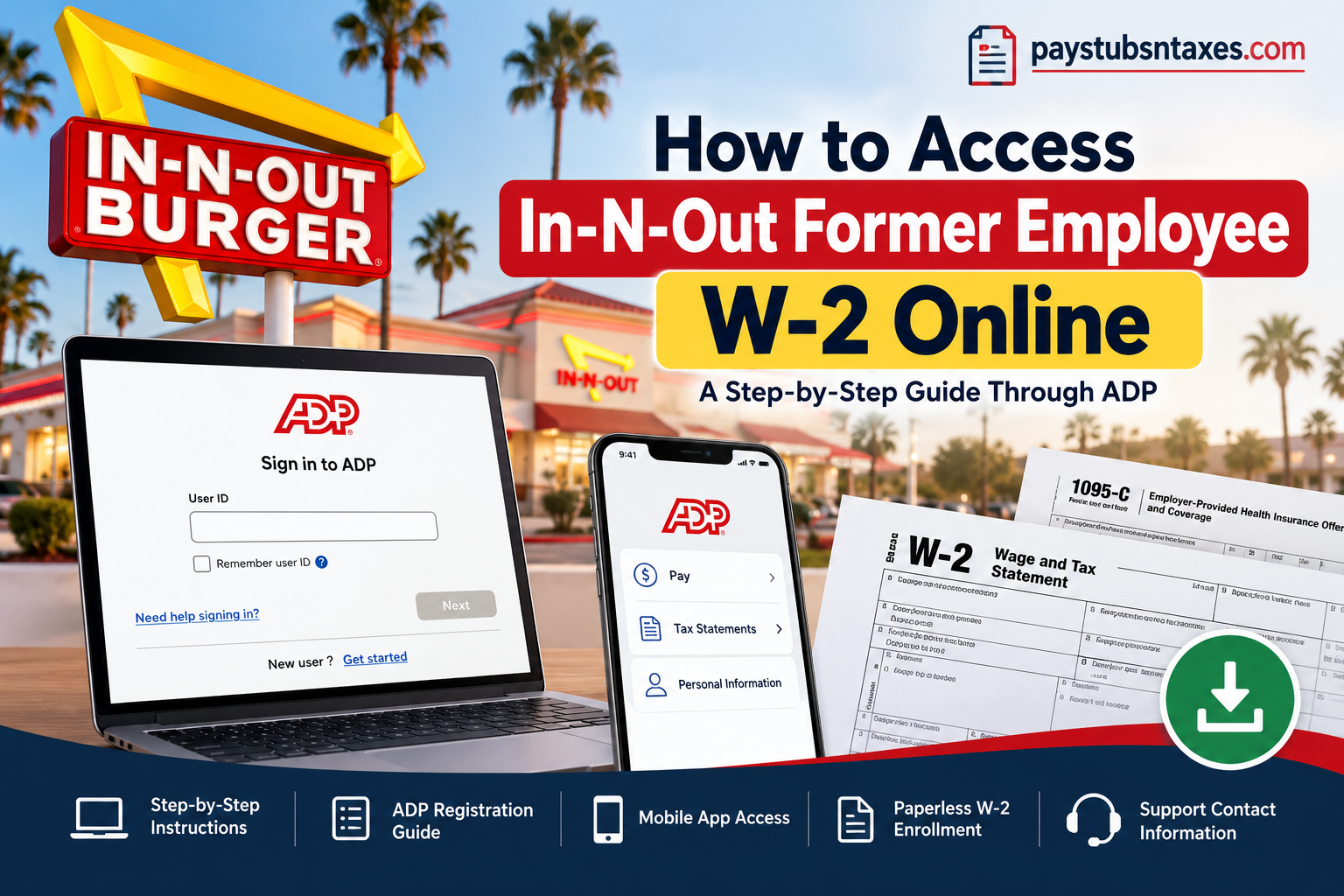
Leaving a job does not necessarily mean losing access to important employment records, particularly when it comes to retrieving the tax documents required for filing your annual income tax return. If you previously worked for In-N-Out Burger, obtaining your Form W-2 is relatively straightforward, thanks to the company’s use of ADP’s digital payroll and tax statement services. Even after your employment ends and your access to internal employee systems is discontinued, you can still retrieve eligible tax documents through the ADP online portal or its mobile application.
In-N-Out Burger, the iconic American fast-food chain established in 1948 by Harry and Esther Snyder in Baldwin Park, California, has built an enduring reputation for serving freshly prepared burgers, fries, and milkshakes. As a privately owned, family-operated enterprise, the company has expanded considerably while maintaining its longstanding commitment to exceptional food quality and customer service.
To support its expanding workforce, which comprises approximately 43,000 associates, In-N-Out has modernized its human resources infrastructure by implementing Oracle Fusion Cloud Human Capital Management (HCM). This transition has streamlined payroll administration, enhanced employee self-service capabilities, and facilitated more efficient workforce management.
Nevertheless, former In-N-Out Burger employees generally retrieve their W-2 tax statements directly through ADP rather than relying on the company’s internal Okta or Associate Link systems. Understanding this distinction is essential, particularly for individuals whose employment has already ended.
This comprehensive guide explains how former In-N-Out associates can access their W-2 forms online, register for ADP, enroll in paperless tax statements, retrieve previous years’ documents, and obtain assistance when login difficulties arise.
Can Former In-N-Out Employees Still Access ADP?
Yes. Former In-N-Out employees can use the ADP website to view and print available W-2 forms, 1095-C forms, and pay vouchers for three years.
The distinction is straightforward: your former workplace sign-in and your personal ADP account are separate access routes. Once your employment ends, visit ADP directly instead of attempting to enter through In-N-Out’s Okta portal.
If you already registered for ADP while employed, start with the credentials you created during registration.
How to Access Your In-N-Out W-2 Online
Follow these steps to retrieve your W-2 from a private computer.
Step 1: Open the ADP Website
Visit https://my.adp.com.
Former employees should use this direct address because the In-N-Out Okta route may no longer be available after separation.
Step 2: Sign In to Your Account
Enter your ADP User ID and password, then select Sign In. Depending on the screen displayed, you may need to enter your User ID and click Next before entering your password.
Complete any identity verification requested to proceed.
Step 3: Find Your Tax Statements
Once you have signed in:
- Select Myself.
- Open Pay.
- Choose Tax Statements.
The wording or placement of these options may vary slightly between ADP screens.
Step 4: Select the Correct Tax Year
Use the year selection menu to locate the W-2 you need. The most recent available statements generally appear first.
Check the year carefully, particularly if you are retrieving an older document.
Step 5: View, Download, or Print Your W-2
Click View Statement beside the required document.
ADP may ask you to validate your information before displaying the form. After verification, open the statement and use the available controls to download or print it.
Save a copy in a secure location so that your records remain close at hand when you need them.
How to Register for ADP as a Former In-N-Out Employee
If you have never created an ADP account, complete self-registration before attempting to retrieve your W-2.
- Go to my.adp.com.
- Select New User? Get Started, or the equivalent account registration option.
- Choose Find Me, if displayed.
- Follow the prompts to verify your identity and locate your employee record.
- Enter your contact information.
- Complete the requested security information.
- Review your assigned User ID and create a password that meets the requirements shown.
- Finish registration and return to the sign-in page.
Keep your User ID and password secure. If ADP cannot locate your record or complete verification, contact In-N-Out’s Associate Support Center for assistance.
How to Enroll in Paperless W-2 Delivery
Paperless enrollment allows you to receive your tax statements electronically. To enable it through ADP:
- Sign in at my.adp.com.
- Click the circle containing your initials in the upper-right corner.
- Select Settings.
- Click Go paperless.
- Turn on Receive paperless statements.
- Read the Paperless Tax Statements Consent.
- Select I agree.
- Check for confirmation that enrollment was successful.
Review your delivery settings before the next tax statement is issued. Enrolling in paperless delivery should not be treated as a guarantee that a future W-2 will become available immediately.
Will In-N-Out Mail My W-2?
If you have not elected paperless delivery, In-N-Out’s stated process is to mail your W-2 to your designated home address, with a postmark no later than January 31 of the following year.
A postmark date is different from a delivery date, so allow time for the postal service to deliver the envelope.
If you have moved since leaving the company, contact Associate Support to confirm how to update your mailing address. Keeping your details current can prevent your tax documents from being sent to an old residence.
How to Access In-N-Out W-2 Through the ADP Mobile App
For former In-N-Out employees who prefer managing their employment documents on a smartphone, ADP Mobile Solutions provides another convenient way to access available W-2 statements.
The application supports access to payroll information, tax documents, and selected employee self-service features, although the precise functions displayed may vary according to account permissions.
Step 1: Download ADP Mobile Solutions
Open the Apple App Store or Google Play Store on your smartphone.
Search for ADP Mobile Solutions and install the official application published by ADP.
Avoid downloading payroll-related applications from unfamiliar websites or unofficial third-party providers.
Step 2: Sign In to Your ADP Account
Launch the application and enter your registered ADP User ID and password.
Complete any required security verification to access your account.
Former In-N-Out employees should use their ADP credentials rather than their discontinued Okta login information.
Step 3: Open the Pay Section
After accessing the mobile dashboard, locate and select Pay.
Depending on the application’s interface, you may also be able to reach this section through:
Myself → Pay
The Pay section contains the payroll-related information made available through your account.
Step 4: Locate Your W-2 Tax Statements
Scroll through the Pay section until you find Tax Statements.
Select the appropriate tax year and locate the W-2 document you wish to retrieve.
Tap View Statement to open the selected document.
Step 5: Download or Save Your W-2
Complete any identity verification requested by the application.
Once your W-2 is displayed, use the available download, printing, or sharing options to save a copy securely.
If your mobile device does not display the document correctly, try opening the ADP web portal using a desktop browser.
Helpful tip: The ADP mobile application can be particularly useful for former associates who no longer have access to a company-issued computer or internal employee systems.
In-N-Out Former Employee W-2 Support
Current, former, and retired employees can contact the In-N-Out Associate Support Center for assistance with payroll, W-2 forms, benefits, and related employment matters.
- Phone: 949-509-6311
- Email: AskHR@innout.com
- Listed hours: 7:00 a.m.–7:00 p.m. Pacific Time, seven days a week
Explain whether you need help registering, recovering access, locating a statement, or requesting a copy. Never share your ADP password when seeking assistance.
Accessing your In-N-Out former employee W-2 online begins with the direct ADP portal. Once your account is accessible, you can select the appropriate tax year, retrieve your statement, and keep a secure copy for your records.
Conclusion
Retrieving an In-N-Out former employee W-2 online does not have to be a complicated undertaking, even if you left the company months or years ago. Although termination generally results in the deactivation of internal employee systems such as Okta and Associate Link, eligible former associates can continue accessing available tax documents independently through ADP.
By visiting my.adp.com, signing in with your registered credentials, and navigating to the Pay and Tax Statements section, you can locate, download, and print the W-2 documents available in your account. The ADP Mobile Solutions application offers an equally practical alternative for those who prefer managing their tax records on a smartphone.
Furthermore, enrolling in paperless W-2 delivery can streamline future document retrieval, eliminating the need to rely exclusively on postal correspondence. Since historical tax statements may only remain accessible for a limited period, downloading and securely preserving copies is a sensible precaution.
Should account recovery issues, missing tax forms, or registration difficulties prevent you from obtaining the documents you need, the In-N-Out Associate Support Center remains available to provide guidance.
Ultimately, understanding how to use ADP after leaving In-N-Out Burger ensures that an employment transition does not become an obstacle to accessing the essential payroll and tax information required for financial recordkeeping and timely tax preparation.
Frequently Asked Questions
1. Can former In-N-Out employees access their W-2 online?
Yes. Former employees can retrieve available W-2 forms directly through ADP at my.adp.com, even after their In-N-Out Okta and Associate Link access has ended.
2. What is the In-N-Out former employee W-2 login website?
The direct login website is https://my.adp.com. Use the ADP User ID and password you established during registration.
3. Can I use In-N-Out Okta after leaving the company?
Your Okta and Associate Link access is revoked after your employment ends. To retrieve your W-2, visit ADP directly and sign in with your personal ADP credentials.
4. How do I register for ADP for the first time?
Visit my.adp.com, select New User? Get Started, and choose Find Me, if available. Follow the prompts to verify your identity, enter your contact and security information, and create your account.
5. Where can I find my W-2 after signing in?
Select Myself → Pay → Tax Statements. Choose the required tax year and click View Statement. Complete any additional verification to open the document.
6. How long can former In-N-Out employees access payroll documents online?
Inactive employees can access available W-2 forms, 1095-C forms, and pay vouchers for three years through ADP. Contact Associate Support if you need older records.
7. Can I download and print my In-N-Out W-2?
Yes. Open your W-2 through View Statement, complete any required verification, and use the document controls to download or print it. Use a private computer when handling sensitive tax records.
8. Can I access my W-2 through the ADP mobile app?
Yes. Sign in to the ADP Mobile Solutions app with your ADP credentials and locate the available pay or tax statements. Menu labels may differ from those on the website.
9. How do I enroll in paperless W-2 delivery?
Sign in to ADP, click your initials, and select Settings → Go paperless. Enable Receive paperless statements, review the consent, and select I agree. Check for confirmation that enrollment was successful.
10. Will In-N-Out mail my W-2 if I do not choose paperless delivery?
If you have not elected paperless delivery, In-N-Out’s stated process is to mail your W-2 to your designated home address, postmarked no later than January 31 of the following year. Postal delivery takes additional time.
11. What should I do if I forgot my ADP User ID or password?
Use the account recovery options on the ADP sign-in page. If you cannot recover your credentials or complete identity verification, contact In-N-Out’s Associate Support Center.
12. Why is my In-N-Out W-2 missing from ADP?
Check that you selected the correct tax year and that the statement has been released. If it is still unavailable, contact Associate Support to confirm availability and request assistance.
13. What should I do if my W-2 will not open?
Complete any identity verification requested by ADP. If the document still does not appear, check whether your browser blocked the statement window and allow pop-ups for the ADP website if necessary.
14. How do I update my address after leaving In-N-Out?
Contact the Associate Support Center for instructions on updating your mailing address. Keeping your address current helps prevent mailed tax documents from going to your previous residence.
15. Who can help former In-N-Out employees with W-2 issues?
Contact the In-N-Out Associate Support Center at [949-509-6311 (line 9495096311)](tel:9495096311) or AskHR@innout.com. Listed support hours are 7 a.m.–7 p.m. Pacific Time, seven days a week.
