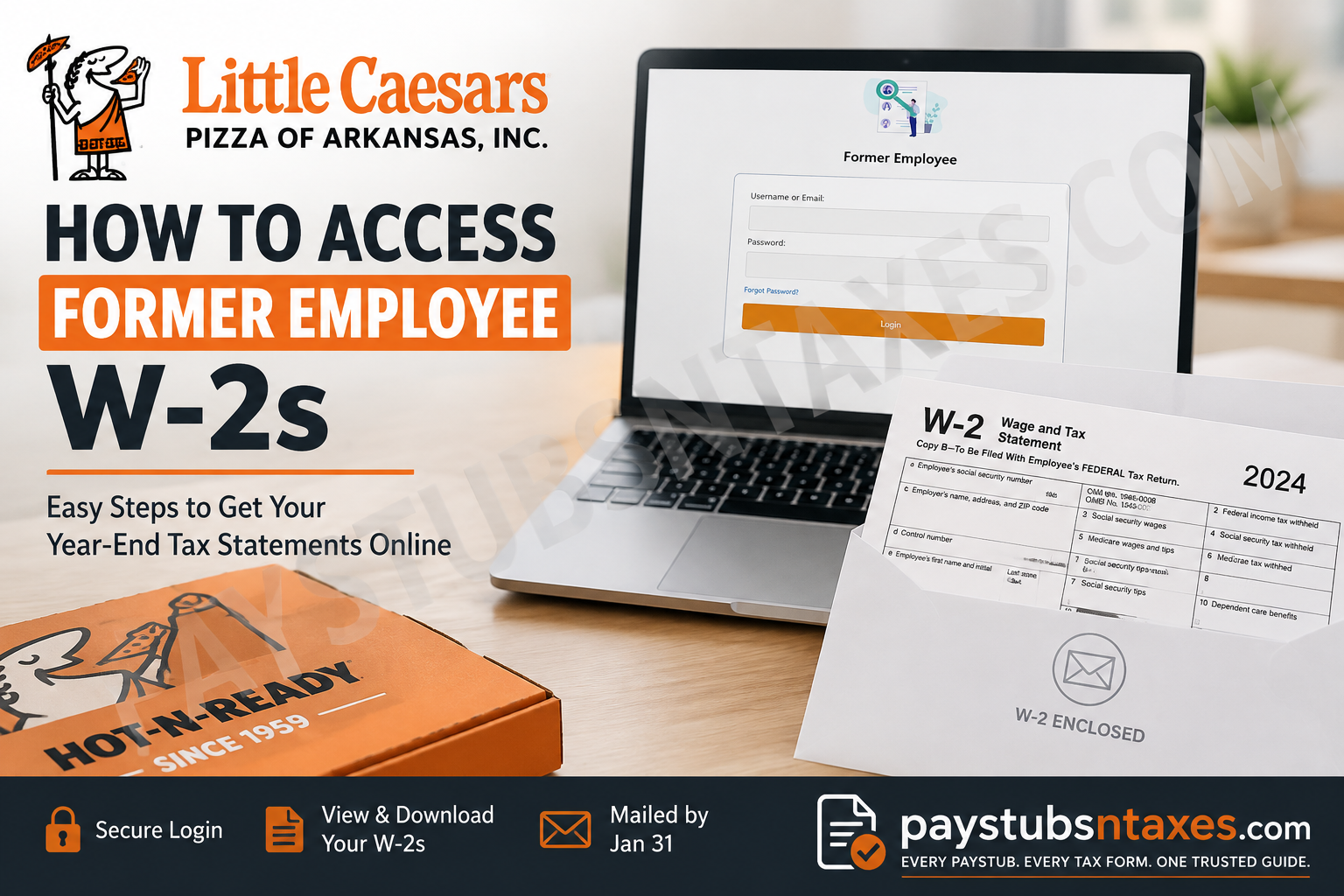
Former employees of Little Caesars Pizza of Arkansas, Inc. may still need access to their year-end tax documents long after their final shift—particularly when filing a federal or state income tax return, verifying previous earnings, applying for a loan, or correcting an earlier tax filing. Fortunately, Little Caesars Pizza of Arkansas provides a dedicated former employee portal through its Human Resources system, allowing eligible former colleagues to retrieve available W-2 forms online. This guide explains how former Little Caesars Arkansas employees can access their W-2s, what to expect when opening a tax statement, how current and previous W-2s are displayed, and what to do if the portal does not work.
Important: This information is primarily intended for employees and former employees whose legal employer is Little Caesars Pizza of Arkansas, Inc. Little Caesars restaurants may be independently owned and operated by franchisees, and those employers can use entirely different payroll, HR, and tax-document systems.
Little Caesars Arkansas Former Employee W-2 Portal
After leaving Little Caesars Pizza of Arkansas, Inc., you may continue to access available year-end tax statements through the dedicated former employee login.
Use the following HR portal:
Little Caesars Pizza of Arkansas HR Portal
The login page asks for your username or email address and password. Make sure you use the credentials associated with your former employee account rather than attempting to enter credentials from an unrelated Little Caesars system.
How to Access Your Little Caesars Arkansas W-2 Online
Follow these steps to retrieve your W-2:
- Open the Little Caesars Pizza of Arkansas HR portal using the link above.
- Select the Former Employee portal if you begin on the main HR portal page.
- Enter your registered username or email address.
- Enter your password and select Login.
- Open the Employee Menu after signing in.
- Select W2s.
- Choose the appropriate tax year.
- Open the generated PDF.
- Save the document to a secure location or print a copy for your records.
Depending on your browser settings, the W-2 PDF may open in a new window or prompt you to download it. A compatible PDF reader, such as Adobe Acrobat Reader or your browser’s built-in PDF viewer, will be required to view and print the document.
Because a W-2 contains sensitive personal and financial information, avoid downloading it on a public computer. If you must use a shared device, delete the downloaded file, clear it from the recycle bin, and sign out of the HR portal before leaving.
What Is a W-2 Proof Report?
The W-2 page may display a proof report for the current tax year if the company has not yet finalized its year-end payroll figures. A proof report is a preliminary record; it is not the official W-2 and should not be used to file your federal or state income tax return.
The official W-2 becomes available after the relevant payroll year has been closed and the necessary updates have been applied to the employee self-service system. Once this process is complete, the finalized W-2 will replace the proof report.
Before filing your taxes, check that the document is clearly identified as a W-2 rather than a proof report. Filing from preliminary figures could lead to discrepancies, processing delays, or the need to amend your tax return later.
What If You Have Forgotten Your Password?
If you cannot remember your password, select Forgot Password on the former employee login page and follow the account-recovery instructions.
Use the email address connected to your former employee profile whenever possible. Remember to check your spam or junk folder if a reset message does not appear in your inbox promptly.
If you no longer have access to the registered email address, cannot remember your username, or do not receive the recovery message, contact Little Caesars Pizza of Arkansas for assistance at (501) 833-9444.
When requesting help, be prepared to provide enough information for the Human Resources team to verify your identity. However, never send highly sensitive information—such as your full Social Security number—through unsecured email unless an authorized representative gives you a secure method of submission.
Will Little Caesars Arkansas Mail a W-2 to Former Employees?
Little Caesars Pizza of Arkansas, Inc. also sends W-2 forms to former employees by standard postal mail, generally no later than January 31 of the following year.
To avoid having your tax document sent to the wrong place, make sure the company has your current mailing address. If you moved after leaving the company, contact Human Resources as soon as possible to determine whether your address can be updated or whether the W-2 has already been mailed.
Postal delivery times vary, so the online portal may provide the quickest route to obtaining an available W-2. If your mailed copy does not arrive within a reasonable period, check the portal first and then contact Human Resources.
What to Do If Your W-2 Is Missing
If the W-2 for the required tax year does not appear, consider the following possibilities:
- The current year may not yet have been finalized.
- The available document may still be a proof report.
- You may be signed into the wrong portal or account.
- The company may have an outdated email or mailing address on file.
- Your workplace may have been operated by an independent franchisee that uses a different payroll system.
Start by confirming that you are using the Former Employee login for Little Caesars Pizza of Arkansas, Inc. If the correct W-2 remains unavailable, call (501) 833-9444 and explain which tax year you need.
Important Information for Franchise Employees
This procedure is primarily intended for people formerly employed by Little Caesars Pizza of Arkansas, Inc. It does not necessarily apply to every Little Caesars restaurant in Arkansas.
Many Little Caesars locations are independently owned and operated. An independent franchisee may use a different payroll provider, employee portal, or W-2 distribution process. Your restaurant’s branding alone does not establish which corporate entity employed you.
Check an earlier pay statement, employment document, or tax form to identify the legal name of your employer. If another business name appears, contact that employer or franchise operator directly. Little Caesars Pizza of Arkansas may not hold payroll records for employees of an independently operated location.
Little Caesars Arkansas Human Resources Contact Information
For login difficulties, unavailable W-2s, account-recovery problems, or questions about your tax statement, contact:
Little Caesars Pizza of Arkansas, Inc.
7500 Landers Road
North Little Rock, AR 72117
Phone: (501) 833-9444
Human Resources can help clarify portal access and payroll-record questions, although employees should consult a qualified tax professional or the appropriate tax authority for personal tax advice.
Final Takeaway
Obtaining a Little Caesars Arkansas former employee W-2 usually comes down to three simple actions: sign in through the dedicated former employee portal, open Employee Menu – W2s, and select the appropriate year. Make certain that you download the finalized W-2—not a proof report—and keep the document somewhere secure.
If account recovery tools do not resolve the issue, or if the required form is missing, contact Little Caesars Pizza of Arkansas Human Resources at (501) 833-9444. A little preparation goes a long way: verifying your contact details and portal access early can keep tax season from becoming a last-minute scramble.
Frequently Asked Questions
1. How do former Little Caesars Arkansas employees access their W-2s?
Former employees can sign in through the Little Caesars Pizza of Arkansas former employee portal. After logging in, open Employee Menu, select W2s, and choose the required year.
2. What is the Little Caesars Arkansas former employee W-2 login?
The former employee login is available through the Little Caesars Arkansas HR portal. You will need the username or email address and password associated with your former employee account.
3. Where is the W-2 option in the employee portal?
Once you have signed in, go to the Employee Menu and select W2s. The page should display the current and previous W-2 forms available for your account.
4. Can former employees download previous Little Caesars W-2s?
Yes. The W-2 page may contain both current and past tax statements. Availability depends on the payroll records associated with your account.
5. What is a W-2 proof report?
A proof report is a preliminary summary displayed before the company finalizes its year-end payroll information. It is not an official W-2 and must not be used to file a tax return.
6. When will the proof report become an official W-2?
The finalized W-2 should replace the proof report after the payroll year has been closed and the necessary employee self-service updates have been completed.
7. Can I file my taxes using the proof report?
No. Wait until the portal displays the finalized W-2. Filing with preliminary figures could result in incorrect tax reporting, processing delays, or the need to amend your return.
8. Does Little Caesars Arkansas mail W-2s to former employees?
Yes. Little Caesars Pizza of Arkansas, Inc. also sends former employees their W-2 forms by standard postal mail, generally no later than January 31 of the following year.
9. What should I do if my mailed W-2 has not arrived?
Confirm that your former employer has your correct mailing address, check whether the form is available through the online portal, and allow reasonable time for postal delivery. If it remains unavailable, call (501) 833-9444.
10. How do I reset my former employee portal password?
Select Forgot Password? on the login page and follow the account-recovery instructions. Check your spam folder if the reset email does not arrive in your inbox.
11. What if I no longer have access to my registered email address?
Contact Little Caesars Pizza of Arkansas at (501) 833-9444. Human Resources may need to verify your identity before helping you recover the account or obtain the W-2.
12. Why will my W-2 PDF not open?
The file may have been downloaded automatically or blocked from opening in a new window. Check your downloads folder, allow pop-ups for the portal, and open the document with a current browser or PDF reader.
13. What should I do if my W-2 contains incorrect information?
Do not edit the form yourself. Contact Human Resources and identify the error so the company can determine whether it needs to issue a corrected W-2.
14. Does this W-2 portal cover every Little Caesars restaurant in Arkansas?
No. The portal is primarily for employees whose legal employer was Little Caesars Pizza of Arkansas, Inc. Independently operated franchise locations may use different payroll providers and HR systems.
15. Who should I contact for help with a Little Caesars Arkansas W-2?
Call Little Caesars Pizza of Arkansas, Inc. at (501) 833-9444 for assistance with login problems, missing forms, account recovery, or payroll-record questions.
