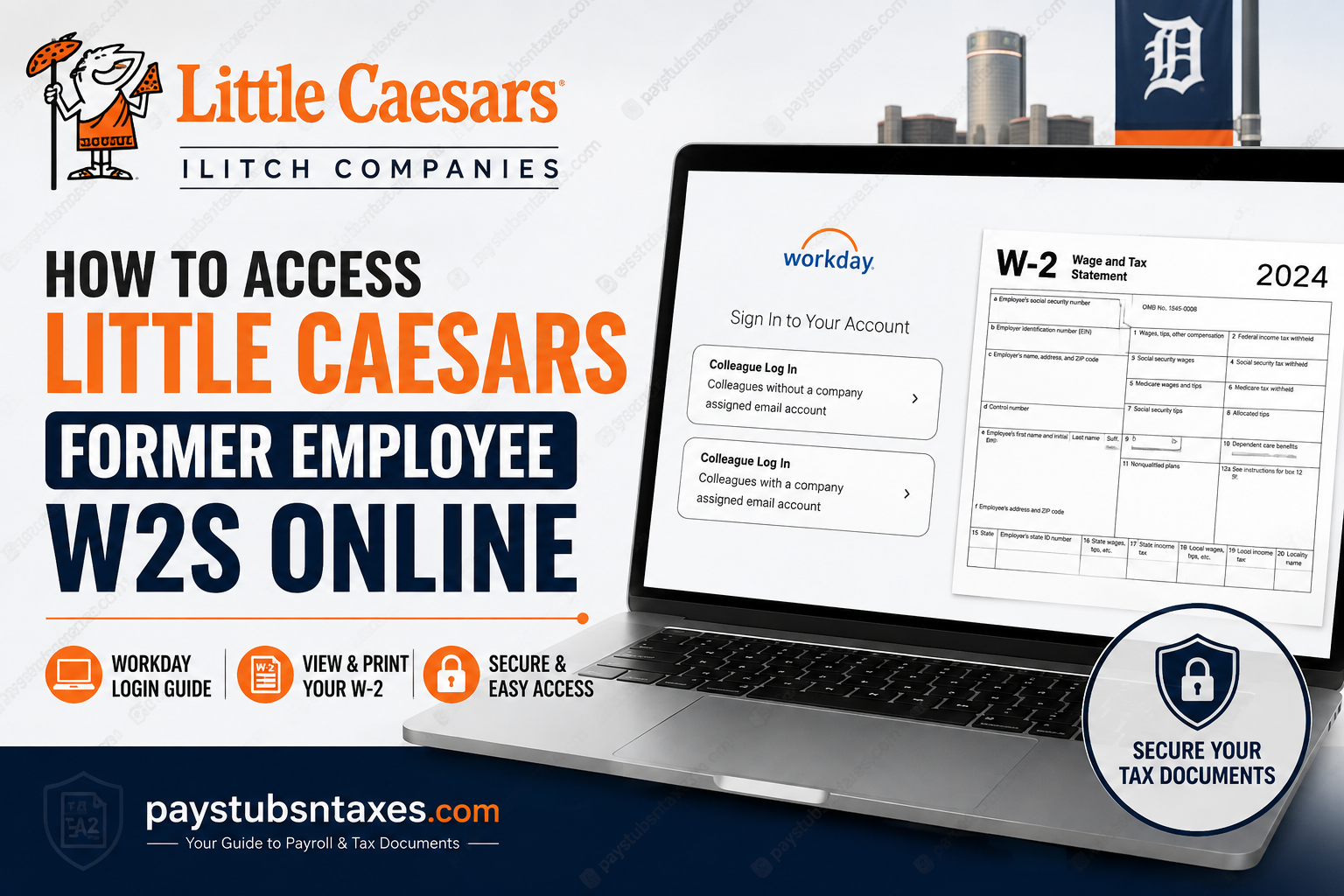
If you previously worked for a company-operated Little Caesars® Pizza, Blue Line Foodservice Distribution®, or another participating Ilitch Companies business, your year-end tax statements may remain available electronically through Workday after your employment ends. Former employees should retrieve their W-2 as soon as possible because post-employment access may be available only for a limited period. If your online access has expired, your former employer or Human Resources representative can help you obtain another copy.
About Little Caesars and Ilitch Companies
Little Caesars is an American pizza restaurant company founded in 1959 by Mike and Marian Ilitch. Headquartered in Detroit, Michigan, the company has grown from a single restaurant into an international brand with both company-operated and franchised locations.
Little Caesars forms part of the wider Ilitch family of businesses, whose operations extend across food, sports, entertainment, gaming, and related industries. This distinction matters when looking for payroll documents because not every Little Caesars restaurant has the same employer or payroll system.
This guide is primarily intended for former colleagues who were employed by a Little Caesars business operated through Ilitch Companies.
Important: Company-Operated vs. Franchise Little Caesars Locations
Before attempting to log in, confirm who actually employed you.
A Little Caesars restaurant may be independently owned and operated by a franchisee. An independent franchise owner can use its own payroll provider, HR system, tax-document service, or employee portal rather than Ilitch Workday.
Therefore:
- If your W-2 or previous pay statement lists an Ilitch Companies-related employer, the Workday instructions below may apply.
- If your restaurant was independently franchised, contact the franchise owner, payroll department, general manager, or HR representative for the correct W-2 system.
- Do not assume every Little Caesars employee uses the same Workday account simply because the restaurant carries the Little Caesars brand.
Getting this distinction right at the outset can save considerable time and prevent you from going around in circles with the wrong payroll portal.
How to Access a Little Caesars Former Employee W-2 Online
1. Open the Ilitch Workday portal
Using a secure computer or mobile device, visit:
https://wd5.myworkday.com/ilitch/login.htmld
Avoid entering payroll credentials through links in unsolicited emails, text messages, or advertisements. When tax season is in full swing, fraudulent login pages can be difficult to distinguish from the genuine article, so it is prudent to use a trusted bookmark or an employer-provided link.
2. Select the login option for users without a company email
The Workday sign-in page may display two choices:
- Colleague Log In — Colleagues without a company-assigned email account
- Colleague Log In — Colleagues with a company-assigned email account
Most former employees whose corporate email or single sign-on access has been withdrawn should select Colleagues without a company-assigned email account.
Separation from employment does not necessarily bring Workday access to an immediate halt. During the permitted post-employment access period, you may be able to sign in with personal credentials even though your company email and SSO account are no longer active.
3. Sign in with your former-employee credentials
Enter the username and password associated with your Workday account. If you are using the Workday mobile app and are asked for an organization ID, enter: ilitch
If you have forgotten your password, use the recovery option displayed on the portal. The reset process may require access to the personal email address or telephone number registered with your account.
4. Open the Pay section
After reaching the Workday home page:
- Select Menu in the upper-left corner.
- Choose Pay from the menu.
- Select My Tax Documents.
This section stores available W-2 statements and other applicable payroll tax documents.
5. Choose the correct W-2
Find the relevant tax year and select the applicable W-2 form. Check the year carefully, particularly if you worked for Little Caesars or another Ilitch Companies business across more than one calendar year.
Workday may need a short time to generate the file. If a Notify Me Later message appears, select it and allow the request to continue processing.
6. Open the notification and download the PDF
When the document is ready, Workday will place a notice under the bell-shaped Notifications icon in the upper-right corner.
Open the completion notification and select the PDF attachment. You can then:
- View the W-2;
- Download a copy to a secure device;
- Print it for your records; or
- Upload it to reputable tax-preparation software.
Before filing your return, confirm that the W-2 shows the correct name, mailing address, Social Security number details, employer information, wages, and tax withholdings. Contact your former employer promptly if anything appears inaccurate.
What If You Cannot Access Workday?
If the door to your former Workday account has already closed, do not repeatedly guess your password or create a second account. Instead, work through the following options.
Use the account-recovery feature.
Try the username or password recovery option on the Workday sign-in page. Check your personal email account—including its spam or junk folder—for recovery instructions.
Contact your former Human Resources office.
Each Little Caesars district or Ilitch Companies-operated business may have a different Human Resources contact. Former employees should contact the HR office that supported their store, warehouse, distribution facility, or corporate department.
Company-operated stores commonly display contact information for HR, loss prevention, and the ethics hotline. If you no longer have access to that information, contact your former general manager, district manager, or the relevant business through the Ilitch Companies contact directory.
When requesting assistance, be prepared to provide enough information for HR to locate your employment record, such as:
- Your full legal name;
- Your former work location;
- Your approximate dates of employment;
- Your employee ID, if known;
- The last four digits of your Social Security number, if requested through an approved channel; and
- A current mailing address and telephone number.
Never send your complete Social Security number or password through ordinary email unless an authorized representative provides a secure method.
Ask for a replacement W-2
If online access is no longer available, request a replacement or reissued W-2 from your former employer. Confirm your current mailing address, particularly if you have moved since leaving the company.
Will Little Caesars Mail a Former Employee’s W-2?
Little Caesars or the applicable Ilitch Companies employer generally mails W-2 forms to current and former employees by the federal furnishing deadline, ordinarily January 31 of the following year. If you elected paperless delivery, however, your statement may be provided electronically instead.
A mailed W-2 will usually be sent to the address in the employer’s payroll records. Former employees who have moved should update their address with HR as early as possible rather than leaving the matter until the eleventh hour.
Mail delivery is not instantaneous. Allow a reasonable period after the mailing deadline before requesting a duplicate, while remaining mindful of your tax-filing deadline.
What If You Worked for a Little Caesars Franchise?
Not every Little Caesars restaurant is operated by Ilitch Companies. Many locations are independently owned and operated franchises, and the franchise owner—not Little Caesars Enterprises or Ilitch Companies—may be the legal employer shown on your pay statement and W-2.
If you worked for a franchise:
- Check an old pay stub or bank deposit description for the employer’s legal name.
- Contact the restaurant’s franchise owner, payroll office, or HR representative.
- Ask which payroll platform was used and how former employees receive tax statements.
- Do not assume that the Ilitch Workday portal will contain your records.
The employer name printed on a previous pay statement is often the surest compass when determining whom to contact.
How to Create a Secure Workday Password
If Workday asks you to create or reset a password, use one that:
- Contains at least 12 characters;
- Includes uppercase and lowercase letters, numbers, and symbols;
- Is unique to your Workday account; and
- Uses a memorable passphrase rather than a short, predictable word.
Do not reuse a password from your email, banking, social-media, or shopping accounts. Avoid passwords based on corporate slogans or products, such as “PizzaPizza-123” or “CrazyPuffs-123,” as well as easily discovered personal information such as birthdays, children’s names, pet names, or school mascots.
A password manager can generate and securely store a strong, unique password, sparing you the headache of trying to remember yet another complicated credential.
Final Checklist
To retrieve a Little Caesars former employee W-2:
- Visit the Ilitch Workday portal.
- Choose the login option for colleagues without a company-assigned email account.
- Sign in using your former-employee credentials.
- Open Menu → Pay → My Tax Documents.
- Select the appropriate tax year.
- Wait for the completion notification if processing is required.
- Open, download, and securely store the PDF.
- Contact the appropriate HR office if access has expired or the document is missing.
- Confirm whether your restaurant was company-operated or independently franchised.
Because former-employee access may not remain available indefinitely, retrieving your W-2 sooner rather than later is the wisest course. A few minutes spent downloading and safeguarding the document today can prevent a last-minute scramble when tax deadlines loom.
Frequently Asked Questions About Little Caesars Former Employee W-2s
1. How do former Little Caesars employees access their W-2 online?
Former employees of participating Ilitch Companies-operated locations can sign in to the Ilitch Workday portal without a company-assigned email account. After signing in, go to Menu → Pay → My Tax Documents, select the appropriate tax year, and download the W-2 PDF when it becomes available.
2. What is the Little Caesars Workday login URL?
The Ilitch Workday login address provided for eligible Little Caesars and Blue Line employees is: https://wd5.myworkday.com/ilitch/login.htmld
For security, use a trusted bookmark or an employer-provided link instead of signing in through an unsolicited email, text message, or advertisement.
3. Which Workday login option should a former employee select?
A former employee who no longer has access to a company email account should ordinarily select Colleagues without a company-assigned email account. This option is intended for users who cannot use their previous corporate email or single sign-on credentials.
4. Where can I find my W-2 in Workday?
After signing in to Workday, select Menu in the upper-left corner, open Pay, and choose My Tax Documents. Locate the relevant tax year, select the applicable W-2, and open the completed PDF from the Notifications area.
5. What is the Little Caesars organization ID for the Workday mobile app?
Enter ilitch when the Workday mobile app asks for the organization ID. After connecting to the organization, use the appropriate former-employee login option and your personal Workday credentials.
6. Can I access Workday after leaving Little Caesars?
Eligible former employees may retain Workday access for a limited period after their employment ends, even when their company email and single sign-on access have been revoked. Because the availability period may vary, former employees should download their tax and payroll records promptly.
7. What should I do if I forgot my Workday password?
Use the username or password recovery option on the Workday login page. Recovery instructions may be sent to the personal email address or telephone number registered with the account. If recovery fails, contact the Human Resources office that supported your former workplace.
8. Why is my Little Caesars W-2 not available immediately?
Workday may need a short time to generate the W-2 PDF. If Notify Me Later appears, select it and wait for a completion alert. When processing finishes, open the bell-shaped Notifications area and select the PDF attachment.
9. How do I print my Little Caesars W-2 from Workday?
Open the completed W-2 PDF from Workday Notifications, download it to a secure device, and use the PDF viewer’s print option. Confirm that the selected printer is secure, especially if the document contains your Social Security number and other sensitive tax information.
10. Does Little Caesars mail W-2s to former employees?
The applicable employer generally mails W-2 forms to current and former employees by the federal furnishing deadline, ordinarily January 31 of the following year. Employees who selected paperless delivery may receive the document electronically instead. Mailing depends on the address recorded in the payroll system.
11. What should I do if my mailed W-2 never arrives?
Allow a reasonable period for postal delivery, verify that your former employer has your current address, and then contact the appropriate HR or payroll office. Ask whether the W-2 was mailed, returned as undeliverable, or made available electronically, and request a replacement if necessary.
12. Who should I contact about a missing Little Caesars W-2?
Contact the HR office or payroll representative responsible for your former store, warehouse, distribution facility, or corporate department. If you do not have that information, ask your former general manager or district manager, or use the official Ilitch Companies contact directory to locate the appropriate business.
13. Can employees of franchised Little Caesars stores use the Ilitch Workday portal?
Not always. Independently owned Little Caesars franchises are separate employers and may use different payroll or HR systems. Check an old pay stub or bank deposit description for the legal employer’s name, then contact the franchise owner or payroll office for W-2 instructions.
14. What information should I provide when requesting a replacement W-2?
Be prepared to provide your legal name, former work location, approximate employment dates, employee ID if known, current mailing address, and telephone number. Use only an approved, secure channel for sensitive information, and never email your Workday password or complete Social Security number.
15. What should I do if the information on my W-2 is incorrect?
Contact your former employer’s HR or payroll department promptly and explain which information appears incorrect. Do not alter the W-2 yourself. If the employer confirms an error, it may issue a corrected tax statement, generally known as Form W-2c, for use with your tax return.
