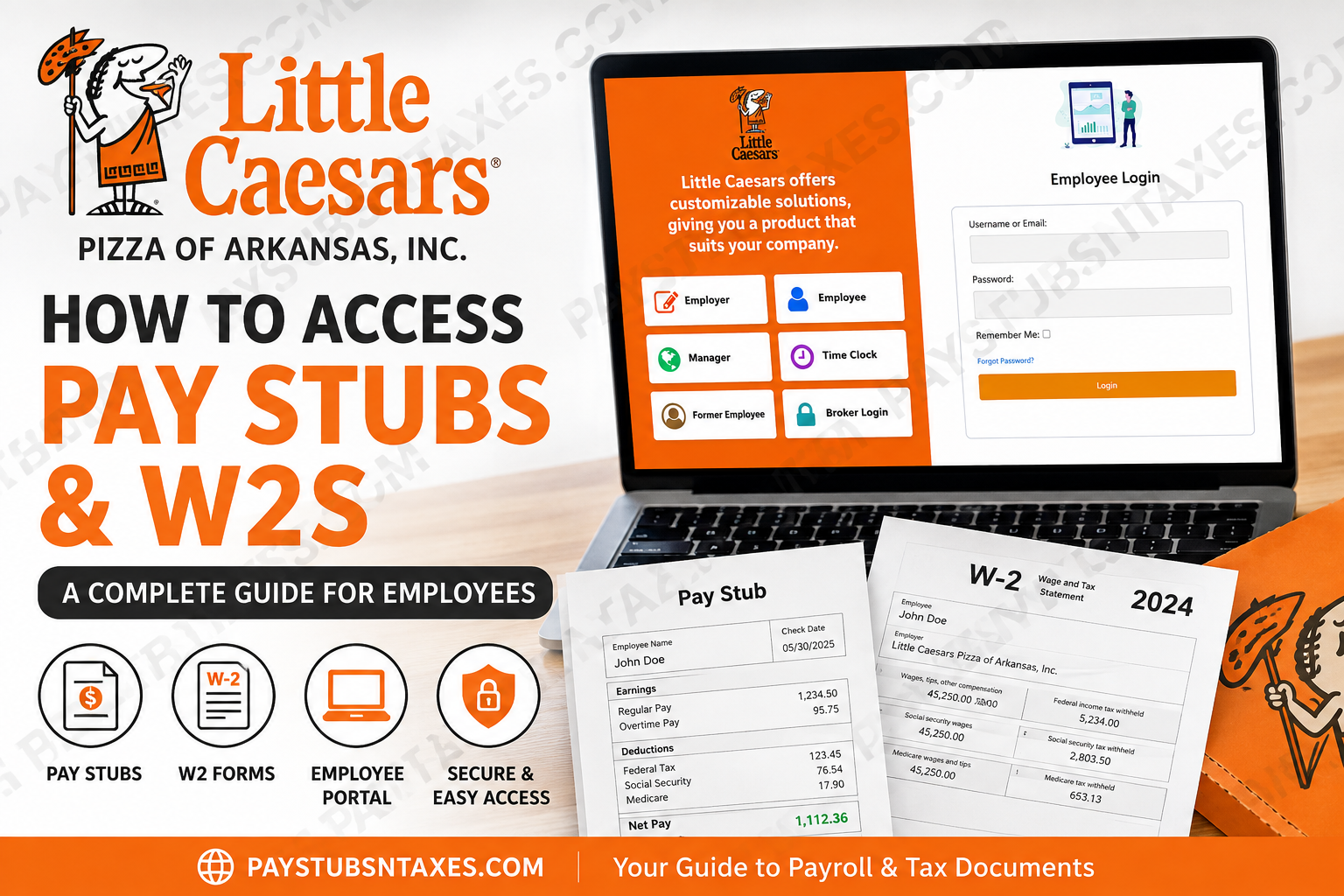
If you work for Little Caesars Pizza of Arkansas, Inc., keeping track of your payroll records does not have to be a complicated undertaking. The company provides a dedicated Human Resources and Employee Self-Service portal through which eligible employees can access payroll information, review their paycheck history, and retrieve available W-2 tax statements online. The portal serves as a central hub for payroll, benefits, company policies, and other employment-related information, allowing employees to handle many routine HR matters without having to chase down paper records.
However, there is an important distinction worth making at the outset: this guide is primarily intended for employees whose legal employer is Little Caesars Pizza of Arkansas, Inc. Little Caesars operates through a combination of company-related operations and independently owned franchise businesses. Consequently, an employee working at a Little Caesars restaurant outside this Arkansas organization may be paid through an entirely different payroll provider or HR system.
Who Can Use the Little Caesars Arkansas Employee Portal?
This guide is primarily intended for employees whose employer is Little Caesars Pizza of Arkansas, Inc. Although the Little Caesars name appears on restaurants across the country, many locations are independently owned and operated. Franchise employers may use entirely different payroll systems, HR platforms, login pages, or procedures. Before attempting to sign in, check your pay statement, onboarding paperwork, or employment documents to confirm that Little Caesars Pizza of Arkansas, Inc. is your employer.
If you work for another Little Caesars franchise, contact your restaurant manager or local payroll representative for the correct portal information.
Little Caesars Arkansas Employee Portal Login
Eligible employees can access the portal through the following link:
Employee portal: https://www.littlecaesarsofar.com/hris/hrisLogin.aspx?enc=rn/2MnQUjrUq2yijZRyM9w==
To sign in:
- Open the employee portal in a current web browser.
- Enter your username or email address.
- Enter your password.
- Select Remember Me only when using a private, trusted device.
- Click Login.
Once your credentials have been accepted, you will enter the employee self-service area, where the options assigned to your account should appear.
For security’s sake, avoid saving your password on a shared restaurant, library, or public computer. When you have finished reviewing your payroll information, sign out completely and close the browser window.
What If You Forget Your Password?
If your password slips your mind, click Forgot Password? on the login page and follow the instructions displayed on the screen.
Use the email address or account information associated with your employee profile. If the recovery process does not work—or you no longer have access to the email address connected to your account—contact Human Resources for assistance rather than repeatedly attempting to sign in.
How to Access Little Caesars Arkansas Pay Stubs
Payroll checks processed through the CYMA payroll system appear on the Check History page. This section allows employees to review their available payment records and open printable copies of their checks.
After logging in:
- Locate the Employee Menu.
- Select Check History.
- Review the payroll checks listed on the page.
- Find the check or pay period you need.
- Click View/Print beside the relevant entry.
- Open, save, or print the generated PDF.
The information available in Check History depends on the employee self-service settings established by the company. Consequently, the portal may not display every historical record indefinitely.
How to Access Little Caesars Arkansas W-2 Forms
The employee portal may provide both current and previous W-2 documents that are available for viewing or printing.
To retrieve a W-2:
- Sign in to the Little Caesars Arkansas employee portal.
- Open the Employee Menu.
- Select W2 or the corresponding W-2 menu option.
- Choose the appropriate tax year.
- Allow the portal to generate the document.
- Open or save the PDF, depending on your browser settings.
- Review the employee information and tax year before printing or using the form.
Keep downloaded W-2 forms in a secure location because they contain sensitive personal, wage, and tax information.
Important Information About W-2 Proof Reports
Before year-end payroll processing has been finalized, the portal may display a proof report for the current tax year instead of the official W-2 form. The proof report exists so that information can be reviewed before the year is formally closed.
Do not use a proof report to file your personal income-tax return.
The official W-2 becomes available only after the company has finalized the annual payroll amounts, closed the applicable year in its payroll system, and applied the necessary employee self-service updates. When that process has been completed, the official W-2 form should replace the proof report.
The distinction is critical: a preliminary report may look informative, but it is not a substitute for the finalized tax document.
Can Former Employees Access Pay Stubs and W-2s?
The main Little Caesars Arkansas HR portal includes a Former Employee option. If you are no longer employed by the company, begin there rather than attempting to use an active-employee account that may have been disabled.
Access can vary according to your account status and the company’s record-retention settings. If the former-employee option does not provide the document you need, contact Human Resources and be prepared to confirm your identity, employment location, and the tax year or pay period in question.
What to Do If a Pay Stub or W-2 Will Not Open
Pay stubs and W-2s are generated in PDF format. If a document will not display:
- Check the browser’s Downloads folder.
- Allow pop-ups or downloads from the portal, if they have been blocked.
- Open the file with a current PDF reader or a browser that supports PDFs.
- Try another modern browser.
- Save the document first and open it afterward.
- Confirm that the file finished downloading before attempting to view it.
A PDF reader may be required on devices that do not provide built-in PDF support. Even if the document cannot be displayed immediately, you may still be able to save it and open it later on a compatible device.
Little Caesars Pizza of Arkansas HR Contact Information
Employees who cannot access their account, locate a paycheck, retrieve a W-2, or resolve another HR-related issue can contact Little Caesars Pizza of Arkansas directly.
Little Caesars Pizza of Arkansas, Inc.
7500 Landers Road
North Little Rock, AR 72117
Phone: (501) 833-9444
When contacting HR about payroll records, having your employee information and the specific pay period or W-2 year in question readily available may help the matter move more efficiently.
Final Thoughts
The Little Caesars Arkansas employee portal puts essential payroll records within easy reach, allowing eligible employees to review check history, download pay-stub PDFs, and obtain available W-2 forms without unnecessary delay. The process is generally straightforward: log in, open the Employee Menu, select the required payroll section, and save the document securely. Nevertheless, pay close attention to the employer named on your records and never mistake a preliminary W-2 proof report for the finalized tax form. If the portal leaves you at a crossroads, Little Caesars Pizza of Arkansas Human Resources can help point you in the right direction.
Frequently Asked Questions About Little Caesars Arkansas Pay Stubs and W-2s
1. How do I access my Little Caesars Arkansas pay stub?
Log in to the Little Caesars Arkansas employee self-service portal, open the Employee Menu, and select Check History. Locate the desired payment and click View/Print to generate a PDF copy of the pay stub.
2. What is the Little Caesars Arkansas employee portal login?
The employee portal is available at littlecaesarsofar.com. Eligible employees can sign in using their registered username or email address and password.
3. Where can I find my Little Caesars W-2 online?
After signing in to the Little Caesars Arkansas employee portal, open the Employee Menu and select W2. Choose the relevant tax year to view, save, or print the available form.
4. Can former Little Caesars Arkansas employees access their W-2s?
Former employees should begin with the Former Employee option on the HR portal. If online access is unavailable or the required W-2 does not appear, they should contact Human Resources at 1-501-833-9444.
5. What information appears in Little Caesars Check History?
Check History generally displays the check number, check date, net amount, and View/Print link for each available payroll record. The precise range of records depends on the company’s employee self-service settings.
6. How do I print a Little Caesars Arkansas pay stub?
Open Check History, find the appropriate payment, and click View/Print. When the PDF opens, select the print command in your browser or PDF reader. You may also save the document for later use.
7. Why won’t my Little Caesars pay stub open?
The browser may have blocked the PDF or downloaded it without opening it. Check your Downloads folder, permit pop-ups and downloads from the portal, or open the file with a current browser or PDF reader.
8. What should I do if I forget my employee portal password?
Click Forgot Password? on the login page and follow the account-recovery instructions. If you cannot access the email associated with your account or the recovery process fails, contact Human Resources.
9. Why is my current W-2 shown as a proof report?
A proof report may appear before annual payroll amounts have been finalized. It should be replaced by the official W-2 after the payroll year has been closed and the required employee self-service updates have been completed.
10. Can I file my taxes with a W-2 proof report?
No. A W-2 proof report is a preliminary record and must not be used to file an income-tax return. Wait for the finalized W-2 form to become available.
11. Why is my previous paycheck missing from Check History?
A record may be unavailable because it falls outside the online history range, has not yet been posted, or is not visible under the company’s portal settings. Human Resources can help locate older or missing payroll information.
12. Do all Little Caesars employees use the Arkansas employee portal?
No. This portal is primarily intended for employees of Little Caesars Pizza of Arkansas, Inc. Independently owned franchise locations may use different payroll providers, HR systems, and login pages.
13. What payroll information can employees see in the portal?
Depending on company settings, employees may see check history and payroll features such as earnings, deductions, taxes, and other adjustments. Only applicable items approved for display in employee self-service will appear.
14. Is it safe to download a pay stub or W-2 on a public computer?
Using a public or shared computer is not recommended because payroll and tax documents contain sensitive information. If it is unavoidable, do not select Remember Me, avoid saving passwords, sign out completely, and delete downloaded files before leaving.
15. How do I contact Little Caesars Pizza of Arkansas Human Resources?
Employees can call Human Resources at 1-501-833-9444. The company’s listed address is 7500 Landers Road, North Little Rock, AR 72117. Have your employee details, work location, and relevant pay date or tax year ready when requesting assistance.
