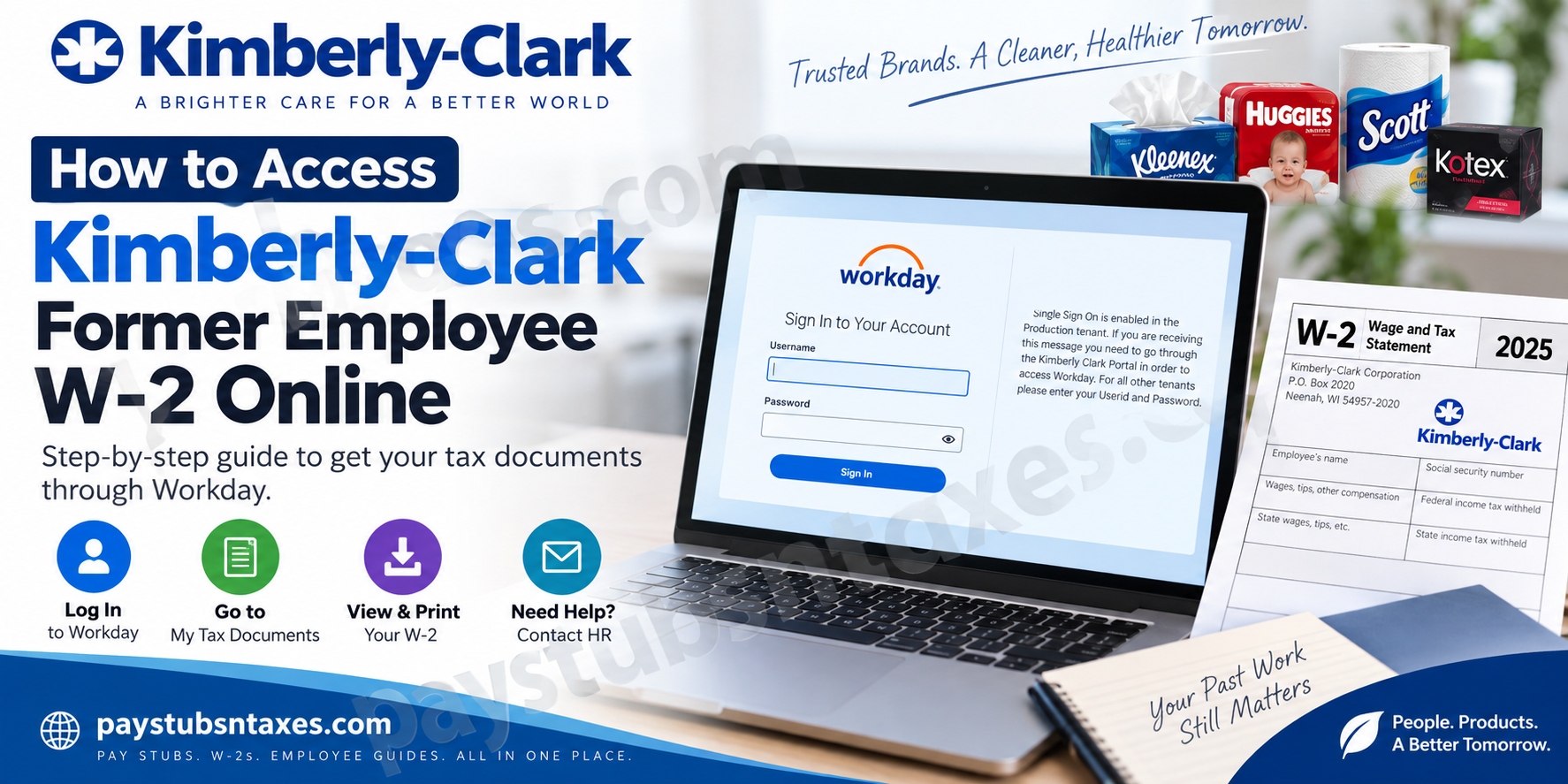
Former Kimberly-Clark employees who need a copy of their W-2 tax statement may still be able to retrieve it electronically through Workday, even after their regular employee access has ended. Although active employees typically enter Workday through Kimberly-Clark’s Single Sign-On environment, former employees may be provided with separate Workday credentials that allow limited post-employment access.
This guide explains how to access your Kimberly-Clark former employee W-2 online, how to navigate Workday to locate tax documents, what to do if your Single Sign-On access has been revoked, and how to obtain your W-2 when online access is no longer available.
About Kimberly-Clark
Kimberly-Clark Corporation is an American multinational consumer goods and personal-care company whose portfolio includes widely recognized brands such as Kleenex, Huggies, Kotex, Depend, Scott, Andrex, Cottonelle, and Poise. The company was founded in Neenah, Wisconsin, in 1872 and has developed into a global manufacturer of consumer and personal-care products.
For employees, payroll and tax information is generally managed electronically through Workday, which provides access to employment records such as payslips, tax documents, personal information, and other self-service functions.
How Former Kimberly-Clark Employees Access Workday
While employed, Kimberly-Clark workers generally access Workday through the company’s internal portal using Single Sign-On (SSO). Once an employee separates from Kimberly-Clark, however, corporate SSO access may be disabled when the termination is processed.
That does not necessarily mean your Workday access disappears immediately.
Former employees may receive limited access through a non-SSO Workday account for a certain period following separation. Login information may be sent to the personal email address recorded in the employee’s HR profile.
For this reason, after leaving Kimberly-Clark, it is particularly important to check the personal email account you previously supplied to the company, including its spam or junk folder.
Kimberly-Clark Workday Non-SSO Login
Former employees may try the following Workday login page:
Kimberly-Clark Workday:
https://wd1.myworkday.com/kimberlyclark/login.htmld?redirect=n
When the login page appears, you may see a notice explaining that Single Sign-On is enabled for Kimberly-Clark’s Production tenant and that active employees must access Workday through the Kimberly-Clark Portal.
Former employees who have been issued non-SSO credentials may instead be able to enter their User ID and password directly.
If your former-employee credentials no longer work, proceed to the troubleshooting section below.
How to View and Print Your Kimberly-Clark W-2 in Workday
Once you have successfully logged into Workday, retrieving your tax statement is relatively straightforward.
Step 1: Open the Pay Application
From the Workday homepage, locate the Applications section and select Pay.
Workday commonly places payroll-related information—including payslips and tax documents—inside this application.
Step 2: Expand the View Section
Inside the Pay application, locate the View section.
If My Tax Documents is not immediately displayed, select More to expand the available options.
Step 3: Select My Tax Documents
Click My Tax Documents.
Workday will display the tax documents that are currently available under your account, including applicable W-2 or corrected W-2C statements. The standard Workday process is Pay → More → My Tax Documents.
Step 4: Find the Correct Tax Year
Review the available records and locate the tax year for which you need a W-2.
For example, if you are preparing a return for wages earned during 2025, select the W-2 corresponding to tax year 2025.
Step 5: Click View/Print
Select View/Print beside the appropriate W-2.
Workday should then generate the document so that you can:
- View your W-2 online
- Download a digital copy
- Save the document to your computer
- Print a paper copy for your records or tax preparation
If multiple View/Print options are associated with a corrected W-2, make sure you review and print all applicable forms.
Once you have finished, log out of Workday—particularly if you are accessing payroll information from a shared or public device. Workday guidance specifically recommends signing out after completing tax-document tasks in order to protect personal information.
Kimberly-Clark W-2 Access for Former Employees
The most significant difference between a current employee and a former employee is the way Workday is accessed.
Current Employees
Current Kimberly-Clark employees generally enter Workday through the company’s internal employee portal using SSO.
Once authenticated, they may use Workday to manage employment information such as:
- Payslips
- Tax documents
- Contact information
- Address details
- Emergency contacts
- Time-off information
- Other employee self-service records
Former Employees
After separation, access through the Kimberly-Clark Portal or corporate SSO may be revoked. If Kimberly-Clark has enabled post-employment Workday access for your account, you may instead receive a separate username and password that can be used without corporate SSO.
Because post-termination access may be available only for a limited period, it is wise to download your W-2s and any pay statements you may need as soon as you regain access. Waiting until months later can make matters more complicated if your former-employee account has already expired.
What If I Cannot Access My Kimberly-Clark W-2 Online?
If your Workday account has expired, you have forgotten your credentials, or you never received post-employment login information, you should contact Kimberly-Clark for assistance.
The HR contact number provided for employee-related assistance is:
Kimberly-Clark Human Resources: 972-281-1200
When calling about a W-2, be prepared to verify your identity. Having the following information readily available may make the process smoother:
- Full legal name
- Former employee ID, if known
- Last Kimberly-Clark work location
- Approximate employment dates
- Current mailing address
- Personal email address
- Last four digits of your Social Security number, if requested through an appropriate secure verification process
Do not send your complete Social Security number or other sensitive payroll information through an unsecured email unless Kimberly-Clark specifically directs you to an approved secure channel.
Kimberly-Clark also maintains a corporate contact service through which individuals can submit questions or contact the company. Its published contact information includes a toll-free number and mailing address for general inquiries.
Will Kimberly-Clark Mail My W-2?
If electronic access is unavailable, former employees may generally receive their W-2 by postal mail using the home address maintained in Kimberly-Clark’s payroll or HR system.
This is why keeping your mailing address current after leaving the company is essential.
If you moved after separation and did not update your address, your tax statement could be sent to your previous residence. Contact Kimberly-Clark promptly if you believe the company has an outdated address.
Former employees who cannot retrieve their tax statement electronically should normally expect the W-2 to be furnished around the end of January following the relevant tax year.
Final Checklist
Before closing Workday, make sure you have:
- Selected the correct tax year
- Downloaded every relevant W-2 or W-2c
- Confirmed that the document is legible
- Saved it in a secure location
- Printed a copy if required
- Signed out of Workday completely
Recovering a Kimberly-Clark former employee W-2 is usually straightforward when post-employment Workday access remains active. When it does not, timely contact with HR or payroll—coupled with an up-to-date mailing address—is the surest way to keep the process from falling through the cracks.
Frequently Asked Questions
1. How do former Kimberly-Clark employees access their W-2 online?
Sign in to the Kimberly-Clark Workday non-SSO portal using the credentials supplied after your employment ended. Then navigate to Pay → More → My Tax Documents → View/Print.
2. What is the Kimberly-Clark former employee Workday login?
The supplied non-SSO login address is: Kimberly-Clark Workday Login
Use a verified link from your separation documents or post-employment email whenever possible.
3. Can I use my old Kimberly-Clark Okta credentials?
Usually not. Corporate Okta and single sign-on access may be revoked after your termination is processed. Former employees may need separate Workday credentials sent to their personal email address.
4. Where can I find My Tax Documents in Workday?
Open the Pay application from the Workday home page. Under View, select More, followed by My Tax Documents.
5. How do I download my Kimberly-Clark W-2?
Find the correct tax year on the My Tax Documents page and select View/Print. Once Workday generates the document, open it and save the file securely to your device.
6. Can I print my W-2 directly from Workday?
Yes. Open the W-2 through View/Print, then use the print option in the document viewer or browser. Confirm that every page is legible before signing out.
7. Can former employees use the Workday mobile app?
Former employees may be able to use the Workday mobile app if post-employment access remains active. However, the desktop website is generally more convenient for downloading and printing tax documents.
8. Why can’t I log in to Kimberly-Clark Workday?
Your old corporate account may have been disabled, your former-employee access may have expired, or your password may be incorrect. Confirm that you are using the non-SSO page and the credentials issued after separation.
9. How can I reset my former-employee Workday password?
Use the password-recovery option shown on the login page, if available. You may need access to the personal email address or telephone number registered with your Workday account.
10. What should I do if I never received Workday credentials?
Search your personal email—including spam and junk folders—for messages mentioning Workday or Kimberly-Clark. If you still cannot find the instructions, contact Kimberly-Clark HR or payroll and request former-employee access or a replacement W-2.
11. Will Kimberly-Clark mail my W-2?
A paper W-2 may be mailed when electronic delivery is unavailable or was not elected. Confirm that Kimberly-Clark has your current mailing address, particularly if you moved after leaving the company.
12. When should a former employee receive a W-2?
Employers generally must furnish W-2 statements by January 31 of the year following the relevant tax year. A mailed statement may arrive after that date because of postal delivery times.
13. How can I obtain an older Kimberly-Clark W-2?
Check My Tax Documents in Workday to see whether the earlier statement remains available. If it is not listed, ask Kimberly-Clark HR or payroll for a replacement copy.
14. What is a W-2c in Workday?
A W-2c is a corrected wage and tax statement. If Workday displays both a W-2 and a W-2c, download every available document so that you retain the original statement and all applicable corrections.
15. What should I do if my Kimberly-Clark W-2 is missing or incorrect?
Contact Kimberly-Clark HR or payroll first and request a replacement or correction. If you have contacted the employer but still do not have the correct form by the end of February, call the IRS at 800-829-1040 or review its missing or incorrect W-2 guidance.
