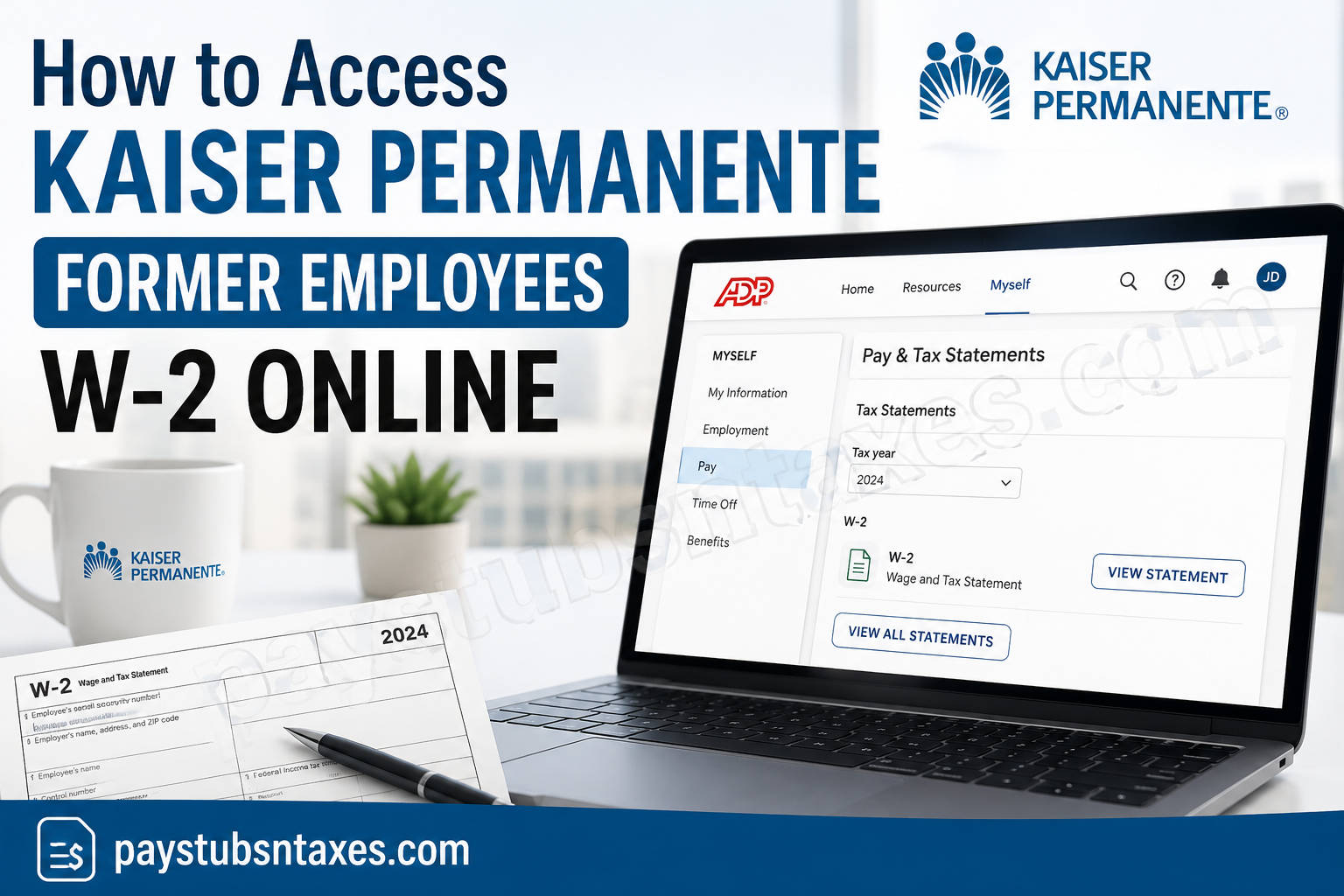
Leaving Kaiser Permanente may bring your day-to-day access to employee systems to an end, but it does not eliminate your need for important payroll and tax records. Former employees may still need their Kaiser Permanente W-2 to prepare a tax return, verify past earnings, apply for a mortgage or loan, or maintain accurate financial records.
Once your employment with Kaiser Permanente has ended, your regular access to HR Connect may no longer be available. Former employees who want to retrieve their W-2 electronically can use ADP, either through the MyADP website or the ADP Mobile Solutions app. Employees who did not elect paperless tax statements should generally receive their W-2 by postal mail no later than January 31 of the following year.
This guide explains how to access a Kaiser Permanente former employee W-2 online, register for ADP if you are a first-time user, download your tax statement, and obtain assistance if you run into difficulties.
Why Former Employees Must Use ADP
Kaiser Permanente’s mission is rooted in providing high-quality, affordable health care and improving the well-being of its members and communities. That commitment extends to supporting employees throughout their careers and helping former employees obtain essential employment documents after they leave the organization.
Once your Kaiser Permanente employment ends, your access to HR Connect will generally be discontinued. Consequently, you will need to obtain your W-2 through one of the following methods:
- Access it electronically through the MyADP portal.
- Retrieve it through the ADP Mobile Solutions app.
- Receive a paper copy by postal mail.
If you did not consent to paperless tax statements, your W-2 should be mailed to your address on file no later than January 31 of the following year. Keeping your mailing address current can therefore save you considerable trouble.
How to Access Your Kaiser Permanente W-2 Through MyADP
Follow these steps to find your W-2 online:
- Visit the MyADP website.
- Enter your ADP username and password.
- Complete any identity-verification step requested by ADP.
- Select Myself from the main menu.
- Choose Pay.
- Open Pay & Tax Statements.
- Select Tax Statements.
- Choose the appropriate tax year.
- Open your W-2 and select the available option to view, download, or print the PDF.
Depending on the version of the portal displayed on your device, you may also be able to reach the Pay section by opening the menu in the upper-left corner or selecting Pay from the recommended shortcuts.
ADP may ask you to complete two-factor authentication before displaying the document. Once you receive the security code by email or text message, enter it and select Submit Code. This additional safeguard helps protect the sensitive personal and financial information contained in your W-2.
How to Register as a First-Time MyADP User
If you have never used MyADP, you must create an account before you can retrieve your Kaiser Permanente tax documents.
- Go to https://my.adp.com.
- Select New User? Get Started.
- Choose Find Me.
- Select My Information.
- Enter your Kaiser Permanente employee ID and the other requested identifying information.
- Register a personal email address and telephone number that you can access.
- Follow the verification prompts.
- Create your username and a strong, unique password.
- Complete the account setup and sign in.
The typical registration path is:
Get Started → Find Me → My Information → Kaiser Permanente Employee ID → Email and Phone Registration
Enter your information exactly as it appeared in Kaiser Permanente’s payroll records. A discrepancy in your name, employee ID, or other identifying details may prevent ADP from locating your account.
Because you may no longer have access to a Kaiser Permanente email address, use an active personal email address whenever the registration process permits it. Keep your username, password, and recovery information in a secure place so that you can regain access when necessary.
How to Get Your W-2 Through the ADP Mobile App
The ADP Mobile Solutions app offers another practical route to your tax documents.
- Download ADP Mobile Solutions from the Apple App Store or Google Play Store.
- Open the app and sign in with your MyADP credentials.
- Complete any requested security verification.
- Open the Pay section.
- Select Tax Statements.
- Choose the relevant tax year.
- View or download your W-2.
If you have not yet created an account, select the registration or account-creation option and follow the prompts. Available menus can differ slightly by device, operating system, and employer settings, but W-2 statements are generally located within the Pay or Tax Statements area.
How to Download or Print Your W-2
After opening the required statement, ADP may provide separate options to print or download it.
- Select Print PDF if your device is connected to a printer.
- Select Download PDF to save an electronic copy.
Save the file in a secure location because a W-2 contains confidential information, including your Social Security number, earnings, and tax-withholding details. If you use a shared or public computer, sign out of MyADP when you finish and remove any downloaded copies from the device.
What to Do If Your W-2 Does Not Appear
If you cannot find your Kaiser Permanente W-2, take the following steps:
- Confirm that you selected the correct tax year.
- Check that you signed in to the ADP account associated with your Kaiser Permanente employment.
- Review the Pay and Tax Statements sections carefully.
- Complete any pending identity-verification request.
- Try signing in through both the MyADP website and the mobile app.
- Use ADP’s username or password recovery option if you cannot sign in.
- Check your postal mail if you did not elect paperless delivery.
Tax statements for a recently completed year may not appear until payroll processing is finished. If the document is still unavailable after the applicable delivery deadline, contact Kaiser Permanente HR for assistance.
Kaiser Permanente Former Employee W-2 Assistance
If you encounter registration problems, cannot locate your account, or need help obtaining your W-2, call Kaiser Permanente HR at: (877) 457-4772
Before calling, have your former Kaiser Permanente employee ID and relevant employment details readily available. For your protection, provide sensitive personal information only through an official, verified Kaiser Permanente or ADP channel.
Final Thoughts
Leaving Kaiser Permanente may close the door on HR Connect, but it does not place your tax documents beyond reach. By signing in at my.adp.com or using the ADP Mobile Solutions app, you can locate, download, and print your W-2 without navigating unnecessary red tape. Register early, keep your personal contact information current, and store downloaded tax records securely so that, when tax season arrives, you are ready to hit the ground running.
Frequently Asked Questions
1. How can a former Kaiser Permanente employee obtain a W-2?
Former Kaiser Permanente employees can obtain their W-2 through the MyADP website or the ADP Mobile Solutions app. After signing in, navigate to Myself → Pay → Pay & Tax Statements → Tax Statements and select the appropriate tax year.
2. Can former Kaiser Permanente employees still use HR Connect?
Access to HR Connect generally ends after employment with Kaiser Permanente is terminated. Former employees should use MyADP to retrieve available W-2 statements and other eligible payroll records.
3. What is the MyADP website for Kaiser Permanente employees?
The official MyADP sign-in page is https://my.adp.com. Former employees can use this portal to access available tax statements associated with their Kaiser Permanente employment.
4. How do I register for MyADP as a first-time user?
Visit MyADP and select New User? Get Started. Follow the path Find Me → My Information, enter your Kaiser Permanente employee ID and requested personal details, and then register your email address and telephone number.
5. What information do I need to register for MyADP?
You may need your Kaiser Permanente employee ID, legal name, personal contact information, and other identifying details. Enter the information exactly as it appears in the payroll records connected to your former employment.
6. Where is the W-2 located in MyADP?
After signing in, select Myself, followed by Pay, Pay & Tax Statements, and Tax Statements. Choose the required year to open the corresponding W-2.
7. Can I download my Kaiser Permanente W-2 as a PDF?
Yes. Open the W-2 in MyADP and select the available Download PDF option. Store the downloaded document securely because it contains confidential tax and identification information.
8. Can I print my W-2 directly from MyADP?
Yes. After opening the statement, select Print PDF or use your device’s print function. Check the document carefully before filing your tax return.
9. Can I access my Kaiser Permanente W-2 on my phone?
Yes. Download the ADP Mobile Solutions app, sign in with your MyADP credentials, open the Pay section, and select Tax Statements. Menu names may vary slightly by device and app version.
10. Why is ADP asking me for a verification code?
ADP may require two-factor authentication to protect your financial and personal information. Enter the security code sent to your registered email address or telephone number to continue.
11. What should I do if I forget my MyADP username or password?
Use the username or password recovery option on the MyADP sign-in page. You may be asked to verify your identity using the email address or telephone number connected to your account.
12. When will Kaiser Permanente mail my W-2?
If you did not consent to paperless delivery, your W-2 should be mailed to the address on file no later than January 31 of the following year.
13. What should I do if my mailed W-2 never arrives?
Confirm that sufficient delivery time has passed and check whether Kaiser Permanente had your correct mailing address. You can also sign in to MyADP to look for an electronic copy or call Kaiser Permanente HR at (877) 457-4772.
14. Why is my Kaiser Permanente W-2 missing from MyADP?
The statement may not have been released yet, you may have selected the wrong year, or you may be using an ADP account that is not linked to your Kaiser Permanente employment. Confirm your account details and contact HR if the document remains unavailable.
15. Who should I call for help with a Kaiser Permanente former employee W-2?
Call Kaiser Permanente HR at (877) 457-4772. Keep your former employee ID and relevant employment details available so the representative can help locate your records efficiently.
