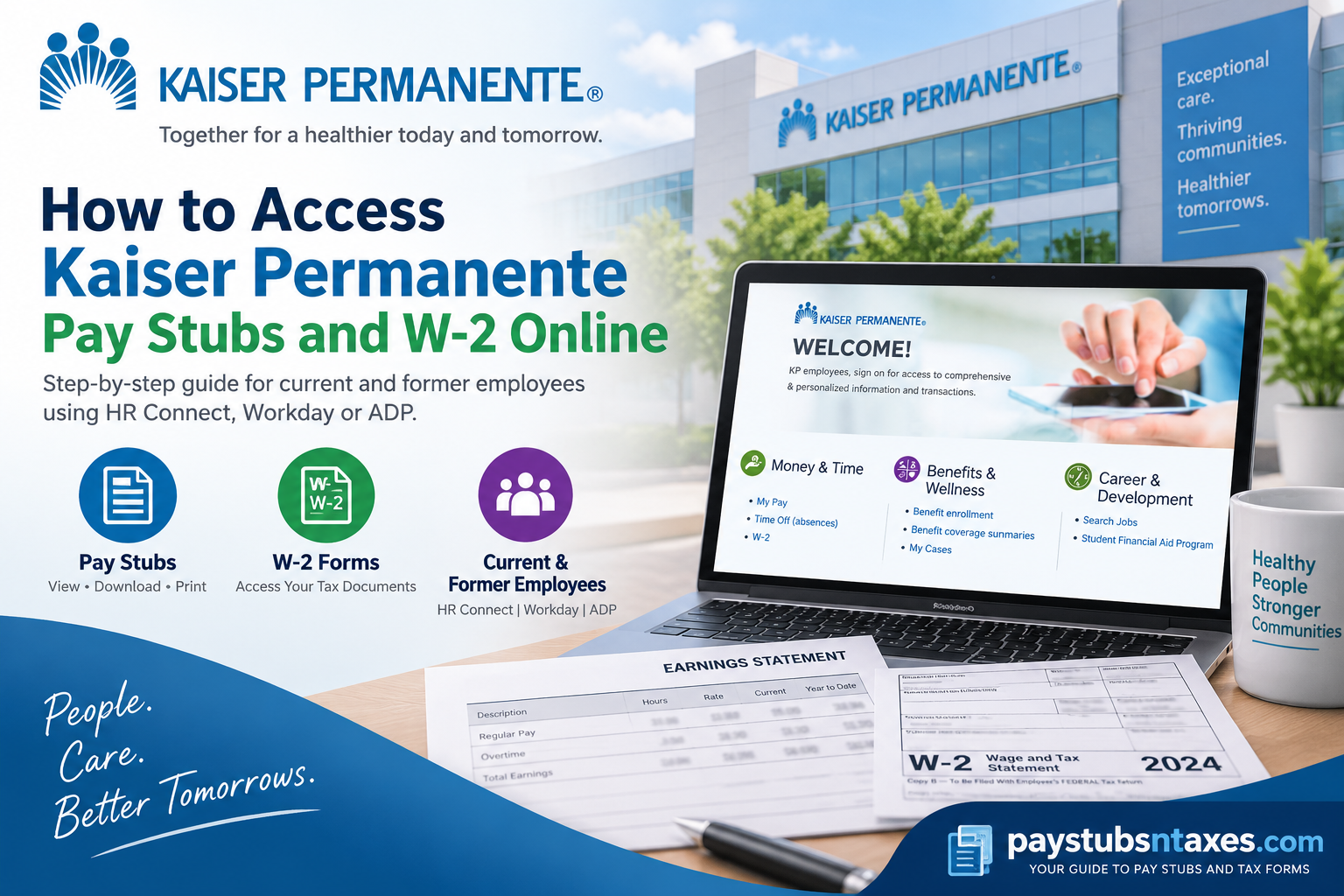
Accessing your Kaiser Permanente pay stubs and W-2 forms begins with knowing which employee portal your organization uses. Although Kaiser Permanente and its associated organizations share a commitment to better health care, their payroll arrangements are not necessarily identical.
For employees whose payroll services are available through HR Connect, the portal provides links to My Pay and W-2. Employees assigned to Risant Health’s Workday environment should use their designated Workday account, while former employees may have access through ADP if their employer has enabled that service. Whether you are reviewing deductions, gathering proof of income, or preparing for tax season, choosing the correct portal can save considerable time and effort.
Which Payroll Portal Should You Use?
Your legal employer and employment status determine where your records are available.
| Your situation | Where to begin |
| Current Kaiser Permanente employee using HR Connect | HR Connect’s My Pay or W-2 link |
| Employee assigned to Risant Health Workday | Your employer-designated Workday account |
| Former employee whose HR Connect access has ended | ADP, if enabled by your former employer, or your HR office |
| Unsure which system holds your records | Your dedicated HR or payroll department |
An affiliation with Kaiser Permanente or Risant Health does not, by itself, establish which payroll platform an individual employee should use. If in doubt, check your onboarding information or ask payroll to confirm the correct portal.
How to Access Kaiser Permanente Pay Stubs Through HR Connect
The Kaiser Permanente HR Connect portal includes a Money & Time section with links to pay and tax information.
To find your pay statements:
- Open HR Connect.
- Select SIGN ON.
- Enter your National User ID (NUID) and complete the sign-in prompts.
- Under Money & Time, select My Pay.
- Follow the available options to locate your pay statements and choose the required pay period.
- Use the viewing, downloading, or printing options provided, following your employer’s information-handling rules.
The screens displayed after sign-in may vary by employee group. If you cannot find a particular statement, contact payroll with the relevant pay-period dates.
If you have forgotten your identifier, the Kaiser sign-on page provides a Forgot NUID option. Other sign-in difficulties should be directed to KP’s IT Service Desk.
How to Access Your Kaiser Permanente W-2 Through HR Connect
To locate your annual tax statement:
- Visit HR Connect and sign in.
- Find Money & Time.
- Select W-2.
- Follow the instructions to access available tax statements.
- Choose the appropriate tax year and open the document.
- Save or print a copy using the permitted options.
Select the year in which the wages were paid. For example, wages paid during 2026 belong on your 2026 W-2, even though the form is generally issued in early 2027.
If the requested year is missing, ask payroll whether the form has been released or whether older records must be requested separately.
How to Access Pay Stubs and W-2 Forms in Risant Health Workday
Employees directed to the Risant Health Workday portal should sign in using their employer-provided credentials.
Workday menus depend on the organization’s configuration and the employee’s access permissions. The following steps describe common navigation; your account may use different labels or offer different options.
View or Print Workday Payslips
- Sign in to your designated Workday account.
- Open Menu or View All Apps.
- Select Pay.
- Look for Payslips, commonly listed under View.
- Find the relevant pay period.
- Select View to open the payslip or Print if that option is available.
Before saving the statement, check its pay-period dates and payment date to ensure you have selected the correct record.
View or Print Workday Tax Documents
Where this feature is enabled:
- Open the Pay application.
- Under View, select My Tax Documents. You may need to choose More first.
- Locate the required tax year.
- Select View/Print beside the appropriate document.
- Download or print the available form.
If a W-2c, or corrected wage statement, appears alongside the original W-2, retain both documents. Contact payroll if you need clarification about the correction.
If Payslips or My Tax Documents is absent, ask your HR office where those records are distributed.
How Former Kaiser Permanente Employees Can Access Payroll Records
After employment ends, your employee sign-in may no longer provide access to HR Connect. When that happens, contact your former employer’s HR or payroll department to confirm the retrieval process.
ADP access is conditional: your former employer must make the relevant records available through the service. An ADP account does not automatically contain every former employer’s documents, and access to a W-2 does not necessarily include historical pay stubs.
Access Available Documents Through ADP Online
- Visit ADP’s employee sign-in page.
- Sign in with your existing ADP credentials.
- If you have never registered, obtain the registration instructions or code from your former employer and follow the account-creation prompts.
- Find the available pay statement or tax statement section.
- Choose the required pay period or tax year.
- Open and save or print the document.
Only your employer can provide the registration code needed for its service. If account recovery does not resolve a login problem, contact your former HR or payroll team. ADP login assistance explains the available recovery options.
Use the ADP Mobile Solutions App
The ADP Mobile Solutions app supports access to pay statements and tax documents when those services are enabled.
Sign in, open the available pay or tax-document section, and select the record you need. If a document is unavailable in the app, check the web portal or ask payroll to confirm its availability.
When Will Your W-2 Arrive by Mail?
If you have not consented to electronic W-2 delivery, expect a paper statement through your employer’s distribution process, typically at the mailing address on file. Electronic delivery requires employee consent under the IRS electronic W-2 requirements.
The usual furnishing deadline is January 31 of the following year, adjusted when it falls on a weekend or applicable holiday. For 2026 wages, the deadline is February 1, 2027. A properly addressed form mailed by the deadline meets the furnishing requirement; it does not have to arrive that day.
Keep your former employer informed of address changes so that an outdated mailing address does not delay your documents.
Conclusion
Accessing a Kaiser Permanente pay stub or W-2 online is relatively straightforward once you identify the payroll system associated with your employment. Current Kaiser Permanente employees can generally begin with HR Connect, where My Pay and W-2 appear under the Money & Time section. Employees of Workday-based organizations such as Risant Health should use their designated Workday portal, while former employees may need to obtain tax documents through ADP, HR/payroll support, or postal delivery.
The essential point is simple: Kaiser Permanente’s extensive network does not operate through a single universal payroll platform. Identifying the correct employer and payroll system at the outset will save time, reduce unnecessary login attempts, and put you on the shortest path to the document you need.
Frequently Asked Questions
1. Where can I view my Kaiser Permanente pay stubs online?
Sign in to Kaiser Permanente HR Connect, locate Money & Time, and select My Pay. Follow the available options to choose a pay period and view your statement. If your employer uses another payroll platform, access your records through that designated service.
2. How do I download my Kaiser Permanente W-2?
Open HR Connect, sign in, and select W-2 under Money & Time. Choose the required tax year, open the available statement, and use the download or print option. Contact payroll if your form is missing or you need an older copy.
3. What login information do I need for HR Connect?
Kaiser Permanente’s sign-on process begins with your National User ID (NUID). Enter your NUID and complete the authentication prompts. If you cannot remember it, select Forgot NUID on the sign-on page; contact KP’s IT Service Desk for other login difficulties.
4. Does every Kaiser Permanente-affiliated employer use the same payroll portal?
Payroll access can differ by legal employer and employee group. HR Connect provides Kaiser Permanente pay and W-2 links, while employees assigned to other systems may use Workday or another designated service. Your HR or payroll department can confirm which portal holds your records.
5. How do Risant Health employees access Workday?
Employees assigned to Risant Health’s Workday environment should visit the Risant Health Workday portal and sign in with their employer-provided credentials. Confirm your assigned portal with HR, since affiliation alone does not establish which Workday environment you should use.
6. Where are pay stubs located in Workday?
A common Workday navigation path is Menu or View All Apps → Pay → Payslips. Select the required pay period, then choose View or Print. Menu labels and available features depend on your employer’s configuration and your account permissions.
7. Where can I find my W-2 in Workday?
Where tax-document access is enabled, open Pay → My Tax Documents. You may need to select More under View first. Locate the required tax year and choose View/Print. If the option is unavailable, ask payroll how your employer distributes W-2 forms.
8. Can former Kaiser Permanente employees still access HR Connect?
Employee access to HR Connect may end after employment terminates. If your sign-in no longer works, contact your former HR or payroll department for retrieval instructions. Ask whether your documents are available through ADP or whether copies must be requested directly.
9. How can former employees access W-2 forms through ADP?
Visit ADP’s employee sign-in page and log in with your ADP credentials. Open the available tax-statement section and select the required year. Access depends on your former employer making the documents available; contact payroll if your account or W-2 cannot be located.
10. How do I register for ADP access?
Obtain registration instructions or a registration code from your employer or former employer. Follow the account-creation prompts and complete identity verification. ADP cannot provide your employer’s registration code. For further help, use ADP’s login support guidance.
11. Can I access pay stubs and W-2 forms on my phone?
The ADP Mobile Solutions app supports pay statements and tax documents when your employer enables those services. Sign in and open the available pay or tax section. If a document is missing, check the web portal or contact payroll.
12. Will ADP show all my previous Kaiser Permanente pay stubs?
Available records depend on what your former employer provides through ADP. Access to a W-2 does not guarantee access to historical pay statements. If a particular pay period is missing, request the statement from your former employer’s HR or payroll department.
13. When will I receive my W-2 by mail?
W-2 forms are generally furnished by January 31 of the following year, with adjustments for weekends and applicable holidays. For 2026 wages, the deadline is February 1, 2027. A properly addressed form mailed by the deadline may arrive afterward. See the IRS W-2 instructions.
14. Will I receive a paper W-2 if I have not chosen paperless delivery?
If you have not consented to electronic delivery, expect a paper W-2 through your employer’s distribution process, typically by mail. Confirm that payroll has your current address, especially after leaving employment. The IRS requires consent for electronic W-2 delivery.
15. Who should I contact if my pay stub or W-2 is missing or incorrect?
Contact the HR or payroll department of the employer that issued the document. Have your employee ID, employment dates, and relevant pay period or tax year ready. Your employer can investigate missing records and arrange corrections, as explained in ADP’s employee W-2 guidance.
