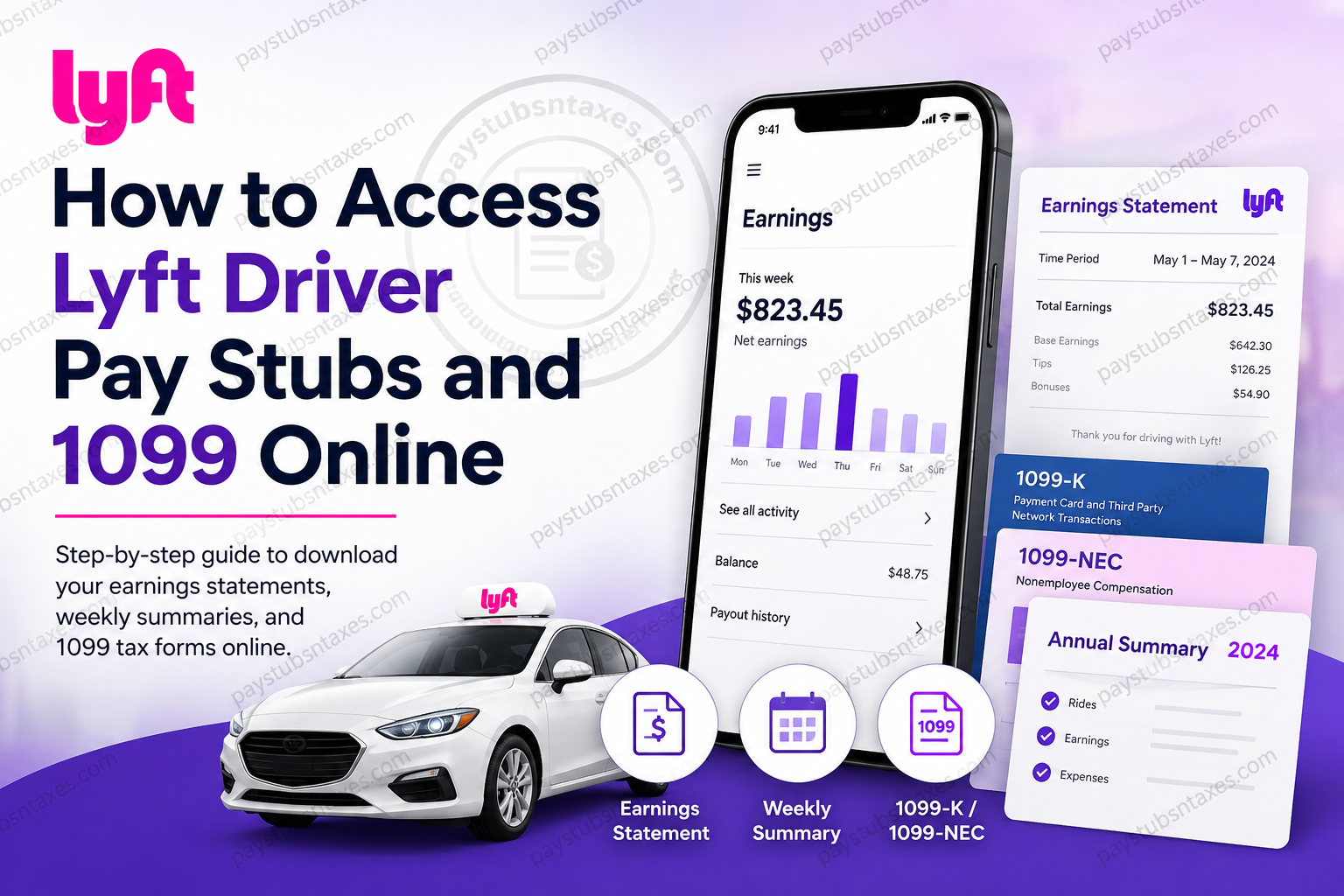
Keeping track of your Lyft earnings should be straightforward, whether you are preparing a rental application, reviewing your weekly income, or getting your paperwork ready for tax season. Although drivers often search for “Lyft pay stubs,” Lyft provides earnings statements and summaries rather than traditional employee payslips.
You can request an Earnings Statement through the Lyft Driver app, download weekly summaries from your Driver Dashboard, and retrieve 1099 forms from the Tax Center. Knowing which document you need will save time and help you present the right information.
This guide covers earnings records and tax document access for U.S. Lyft drivers.
Does Lyft Provide Pay Stubs?
Lyft classifies its drivers as independent contractors rather than employees, so it does not issue conventional payroll pay stubs. Instead, drivers can access records showing their earnings over a selected period.
Depending on your purpose, you may need one of the following:
| Document | What it provides | Where to access it |
| Earnings Statement | Total earnings, including base earnings, tips, and bonuses, for your chosen timeframe | Lyft Driver app |
| Weekly summary | A downloadable record of a particular week’s earnings | Driver Dashboard → Driving history |
| Annual Summary | A yearly breakdown of earnings and related expenses | Driver Dashboard → Tax Center |
| Form 1099-K | Reportable gross payments from passengers | Driver Dashboard → Tax Center |
| Form 1099-NEC | Reportable non-ride earnings, such as bonuses | Driver Dashboard → Tax Center |
An earnings statement can support a housing or loan application, although the organisation requesting it determines whether it meets its requirements. Before submitting your paperwork, confirm the period it must cover and whether additional records are needed.
How to Access Your Lyft Earnings Statement
If you need a document showing your earnings across a specific timeframe, request an Earnings Statement in the Lyft Driver app.
- Open the Lyft Driver app and its main menu.
- Select Account.
- Choose Your info.
- Under the Driver heading, select Earnings Statement.
- Choose the timeframe you need.
- Enter the email address where you want the statement sent.
The statement includes base earnings, tips, and bonuses. Check your email address before completing the request, then save the document when it arrives.
For an application requiring several months of earnings, select the full requested period so that your documentation gives a complete picture.
How to Download Lyft Weekly Pay Summaries Online
Weekly summaries make it easier to review your earnings regularly and maintain an organised record of your driving income.
To download a weekly summary:
- Sign in to your Lyft Driver Dashboard.
- Open the Dashboard menu.
- Select Driving history.
- Choose the week you want to review.
- Select Download weekly summary.
Weekly summaries are available on Thursday and can be downloaded as PDFs. Save each file with a recognisable date so you can retrieve it quickly when needed.
How to Check Earnings in the Lyft Driver App
For a quick earnings review, tap the dollar amount at the top of the app’s home screen. You can switch between Week, Month, and Year, or select See all activity to inspect individual rides and bonuses.
The app is useful for checking recent activity, while downloadable statements provide records you can retain or submit.
Why Your Weekly Earnings May Differ From Your Bank Deposit
Your earnings record and your bank deposit do not necessarily represent the same thing.
The Lyft earnings week runs from Monday at 5:00 a.m. to the following Monday at 4:59 a.m. Earnings received after that cutoff belong to the next weekly period. Additionally, money already paid through Express Pay or Lyft Direct is excluded from the regular weekly deposit.
Weekly transfers begin on Tuesday and generally reach your bank within one to three business days, although bank processing and holidays can cause delays.
When comparing figures, check the earnings period and any earlier payouts before assuming that money is missing.
How to Access Lyft 1099 Forms Online
Your Lyft tax documents are available through the Tax Center in your Driver Dashboard.
To download them:
- Open the Lyft Driver Dashboard and sign in.
- Select Tax Center.
- Find the Documents section.
- Locate your Annual Summary or available 1099 form.
- Select Download and save the file.
Lyft states that tax documents will be available by January 31 for the preceding tax year. You can also retrieve them through the Dashboard if your driver account has been deactivated. See Lyft’s U.S. driver tax information for document access details.
Before using a downloaded form, check that it covers the correct year and that your personal information is accurate.
Understanding Your Lyft Tax Documents
Your Annual Summary, 1099-K, and 1099-NEC serve different purposes. Reading them together helps you avoid confusing passenger payments with the amount deposited into your bank account.
Annual Summary
Drivers who received earnings during the year receive an Annual Summary. It provides a yearly overview of earnings and related expenses, along with information such as rides completed and online miles.
The Annual Summary is not an official tax form, but it contains useful information for preparing your return, including when you do not receive a 1099.
Form 1099-K
Form 1099-K reports gross payments from passengers for the rides you provided. Because those payments include certain fees and taxes, the reported amount may exceed what you received in your bank account.
It does not report non-ride earnings such as referral bonuses.
Form 1099-NEC
Form 1099-NEC reports qualifying earnings outside passenger payments, including bonuses and other non-ride compensation.
Whether you receive either 1099 form depends on the reporting requirements applicable to your earnings, tax year, and location. Check the document descriptions in your Tax Center to see which forms you qualify for.
Receiving no 1099 does not, by itself, mean you have no tax filing obligations. Your Annual Summary remains a useful starting point for reviewing your income. Lyft explains these distinctions on its driver tax resources page.
Conclusion
Accessing Lyft driver pay stubs and 1099 forms online is relatively straightforward once you know where the relevant records are kept. Although Lyft does not issue traditional employee pay stubs, drivers can generate an Earnings Statement through the Lyft Driver app, download weekly summaries from Driving History, and retrieve an Annual Summary, 1099-K, or 1099-NEC through the Tax Center in the Driver Dashboard.
For a Lyft pay-stub equivalent, navigate to Account → Your info → Earnings Statement in the Lyft Driver app. For tax documents, sign in to the Driver Dashboard → Tax Center → Documents → Download. Tax documents are generally made available by January 31, and importantly, qualifying records can remain accessible even after a driver account has been deactivated.
By periodically downloading and safely retaining these documents rather than scrambling for them at the eleventh hour, Lyft drivers can keep their financial records in good order and make everything from income verification to tax preparation considerably smoother.
Frequently Asked Questions About Lyft Pay Stubs and 1099 Forms
1. Does Lyft give drivers pay stubs?
Lyft does not issue traditional employee pay stubs because its drivers are independent contractors. Instead, you can access earnings statements, weekly summaries, and an Annual Summary to document your income. Eligible drivers also receive 1099 tax forms.
2. How do I get my Lyft earnings statement?
Open the Lyft Driver app and follow these steps:
- Select Account.
- Tap Your info.
- Under Driver, select Earnings Statement.
- Choose your timeframe.
- Enter the email address where you want the statement sent.
The statement includes base earnings, tips, and bonuses.
3. How do I download Lyft weekly pay summaries?
Sign in to your Driver Dashboard, open Driving history, and select the week you need. Then choose Download weekly summary to save a PDF. Weekly summaries are available on Thursday and provide a convenient record of your recent earnings.
4. Where can I find my Lyft 1099 online?
Your available Lyft 1099 forms are in the Tax Center of your Driver Dashboard. Sign in, locate Documents, and select Download beside the relevant form. Check that you have selected the correct tax year before saving or printing it.
5. When are Lyft tax documents available?
Lyft states that tax documents are available in the Driver Dashboard by January 31 for the preceding tax year. Check Tax Center → Documents for your Annual Summary and any 1099 forms you qualify to receive.
6. Does every Lyft driver receive a 1099?
No. Whether you receive a 1099 depends on your earnings and the reporting requirements applicable to the tax year and your location. Your Tax Center explains which forms you qualify for. Drivers who earned money during the year receive an Annual Summary.
7. What is the difference between Lyft’s 1099-K and 1099-NEC?
Lyft’s 1099-K reports gross passenger payments for rides, while its 1099-NEC reports qualifying non-ride earnings, such as bonuses. Depending on your earnings and applicable reporting requirements, you may receive one form, both forms, or neither.
8. What is the Lyft Annual Summary?
The Lyft Annual Summary is a yearly record of your earnings and related expenses, with additional information such as completed rides and online miles. Although it is not an official tax form, it can help you prepare your tax return.
9. How do I download my Lyft Annual Summary?
Log in to your Driver Dashboard and select Tax Center. Under Documents, locate the Annual Summary for the year you need and select Download. Save a copy with your other financial records so it is easy to retrieve.
10. Can I use Lyft earnings statements as proof of income?
A Lyft earnings statement can document your income for rental housing, loans, and similar applications. However, acceptance depends on the organisation reviewing it. Confirm the required timeframe and whether you must also provide bank statements, tax returns, or other supporting documents.
11. Can I access Lyft tax documents after my account is deactivated?
Yes. Lyft states that you can still access tax documents through your Driver Dashboard after account deactivation. Sign in and open Tax Center → Documents. If you cannot log in, use the account recovery options or contact Lyft Support.
12. Why is my Lyft 1099-K amount higher than my bank deposits?
Your 1099-K reflects gross passenger payments, which include certain fees and taxes rather than only the money deposited into your account. Review it alongside your Annual Summary to understand the difference between passenger payments, listed expenses, and payouts.
13. Why does my weekly Lyft deposit differ from my earnings?
Your weekly deposit excludes earnings already paid through Express Pay or Lyft Direct. The earnings period also matters: Lyft’s week runs from Monday at 5:00 a.m. through the following Monday at 4:59 a.m. Compare the same period and review earlier payouts when checking totals.
14. What should I do if a Lyft ride is missing from my earnings?
Allow up to 72 hours for the ride to appear in your history. Processing delays, connectivity issues, or routine reviews can affect visibility. If it remains missing after 72 hours, contact Lyft Support and provide the ride’s date and time.
15. How do I contact Lyft about missing earnings or tax documents?
Visit the official U.S. Lyft Help Center and choose the relevant earnings, tax document, or account access topic. Explain the issue and identify the affected week or tax year. For a missing deposit, include its expected amount and transfer date.
