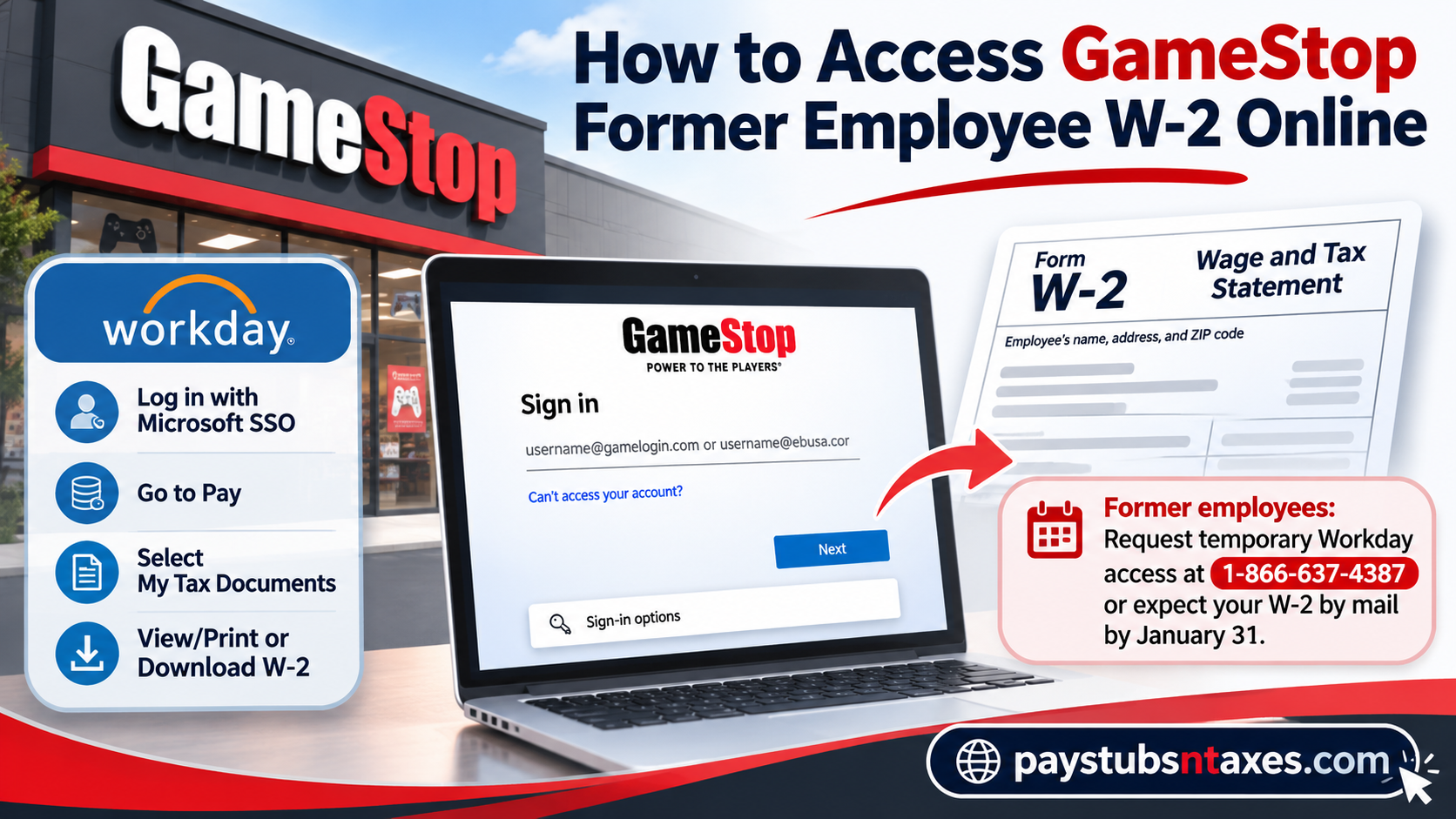
Former GameStop employees can download an available W-2 from Workday > Pay > My Tax Documents if their account still works. If your access has expired, call the GameStop HR Solutions Center at 1-866-637-4387 and ask whether temporary Workday access is available. If you need a paper copy, HR can confirm your mailing address and explain how to request a replacement. However, because Workday access is generally revoked after termination, former associates who cannot regain access should expect their W-2 forms to be delivered by postal mail, typically by January 31 of the following year. This comprehensive guide explains how to access your GameStop former employee W-2 online, request temporary Workday access, navigate Microsoft’s Single Sign-On (SSO) system, download tax documents, and resolve common W-2 delivery problems.
How to download your GameStop W-2 from Workday
If your account is still active or GameStop HR has restored your access, you can retrieve your Form W-2 from a personal computer or tablet.
- Open GameStop Workday. For a standard employee login, use your GameStop Microsoft single sign-on (SSO) credentials. If HR sent you temporary sign-in instructions, follow those instructions.
- From the Workday home page, open Pay. If the tile is missing, select Menu in the upper-left corner and look for Pay under Personal.
- Under View, select My Tax Documents.
- Find the W-2 for the tax year you need. If Workday lists several forms, check the tax year and employer name before choosing one.
- Select View/Print in the Employee Copy column. Workday may take a few minutes to generate the document. If you see Notify Me Later, you can select it and open the download link from your Workday notifications when the form is ready.
- Download the PDF or print a copy. If you print it, check the selected printer before sending the document.
A W-2 is listed under the year the wages were paid. For example, if you left GameStop in December 2025 but received your final paycheck in January 2026, that paycheck generally belongs on your 2026 W-2. If GameStop paid you in both years, check both years in Workday.
What to do if your GameStop Workday access has expired
Once GameStop deactivates your work account, a password reset may leave you in the same position. Call the HR Solutions Center at 1-866-637-4387, explain that you are a former employee, and tell the representative which tax year you need. Ask whether HR can issue temporary Workday credentials or provide another way to obtain the form.
Have your former employee ID handy if you know it, along with your approximate employment dates and the store or location where you worked. If HR grants temporary access, ask when it expires and save the PDF as soon as you can open it. You can also download any other available W-2s you still need while the account is open.
Will GameStop mail a W-2 to former employees?
GameStop generally sends paper W-2s to former employees by postal mail. If you moved after leaving, ask HR to confirm the mailing address on your payroll record. If you previously chose electronic delivery in Workday, ask whether that election still applies after your departure.
The usual federal deadline for furnishing Form W-2 is January 31, adjusted when that date falls on a weekend or legal holiday. For tax year 2026, the general deadline is Monday, February 1, 2027. A properly addressed paper W-2 can be mailed by the deadline and arrive afterward.
If your copy is overdue, ask HR when it was sent and which address was used. If it went to an old address or never reached you, confirm your current address and request a duplicate for the specific tax year. If you can sign in but the form is missing from My Tax Documents, ask whether payroll has released it and how you can obtain an employee copy.
Can you change your electronic W-2 preference after leaving GameStop?
If you still have Workday access and the setting is available, go to Pay > My Tax Documents, select Edit under Printing Election, choose an available delivery method, and click OK and Done to save it. If your W-2 has already been issued or HR gave you temporary access solely to retrieve it, confirm the delivery method for that tax year with HR before relying on a change in Workday.
Conclusion
Obtaining your GameStop former employee W-2 online is relatively straightforward when your Workday account remains accessible. By signing in through Microsoft’s authentication system, navigating to Pay > My Tax Documents, and selecting the appropriate tax year, you can retrieve your W-2 and save it as a PDF. However, because GameStop generally revokes Workday access following termination, former employees may need additional assistance before they can recover their tax documents electronically.
The most effective first step is to contact GameStop HR at 1-866-637-4387 and request temporary Workday access or an alternative W-2 delivery method. If online retrieval is not possible, confirm that your mailing address is accurate and allow sufficient time for postal delivery. Ultimately, keeping your employment records organized, updating your contact information, and addressing missing tax documents promptly will help ensure a smoother and less stressful tax-filing experience.
GameStop Former Employee W-2 FAQs
1. Where do I log in to get my GameStop W-2?
Use the GameStop Workday portal. If HR issues temporary credentials, use the sign-in instructions it provides.
2. Should I use Microsoft or Okta to sign in to GameStop Workday?
GameStop’s standard Workday sign-in uses Microsoft single sign-on (SSO). If you receive temporary access as a former employee, follow the instructions from GameStop HR.
3. Does GameStop Workday access expire after I leave?
Yes. GameStop can deactivate your employee account after you leave. If your work credentials no longer work, contact the HR Solutions Center for help retrieving your W-2.
4. How do I request temporary Workday access after leaving GameStop?
Call 1-866-637-4387, explain that you are a former employee, and specify the tax year you need. Ask whether HR can grant temporary access and how long it will remain active.
5. What information should I have ready when I call GameStop HR?
Have your former employee ID handy if you know it, along with your approximate employment dates, store or work location, and the tax year you need. HR may ask you to verify your identity.
6. Where can I find my W-2 if the Pay tile is missing?
Open Menu in the upper-left corner of Workday. Under Personal, select Pay, then look for My Tax Documents under View.
7. Can I download my GameStop W-2 as a PDF?
Yes. Select the correct tax year under My Tax Documents, click View/Print, and download the PDF once Workday generates it.
8. What should I do if Workday says my W-2 request is still processing?
Give Workday a few minutes to generate the form. If Notify Me Later appears, select it and check your Workday notifications for the download link.
9. Can I get a GameStop W-2 from an earlier year?
Check My Tax Documents for the year you need. If the form is missing or your access has expired, ask HR how to request a copy for that specific year.
10. Does GameStop mail W-2s to former employees?
GameStop generally sends paper W-2s by postal mail to former employees. If you previously opted for electronic delivery, ask HR whether that preference still applies after your departure.
11. When should GameStop furnish 2026 W-2s?
The general federal deadline for furnishing 2026 W-2s is Monday, February 1, 2027. A paper form mailed by the deadline may arrive afterward.
12. How do I update my mailing address after leaving GameStop?
Call the GameStop HR Solutions Center at 1-866-637-4387 and ask how to update your payroll mailing address. If the W-2 has already been sent, confirm the address used and request a replacement if needed.
13. How do I replace a lost or undelivered GameStop W-2?
Ask HR for a duplicate for the specific tax year. If you still have Workday access and the form is available, you can download another copy from My Tax Documents.
14. Can I change my electronic W-2 delivery preference after leaving?
If Workday still lets you edit your preference, go to Pay > My Tax Documents > Printing Election > Edit and save your selection. If the form has already been issued, ask HR which delivery method was used.
15. Which GameStop W-2 covers my final paycheck if I was paid in January?
Use the W-2 for the calendar year you received the pay. For example, if you left GameStop in December 2025 and received your final paycheck in January 2026, that paycheck generally appears on your 2026 W-2.
