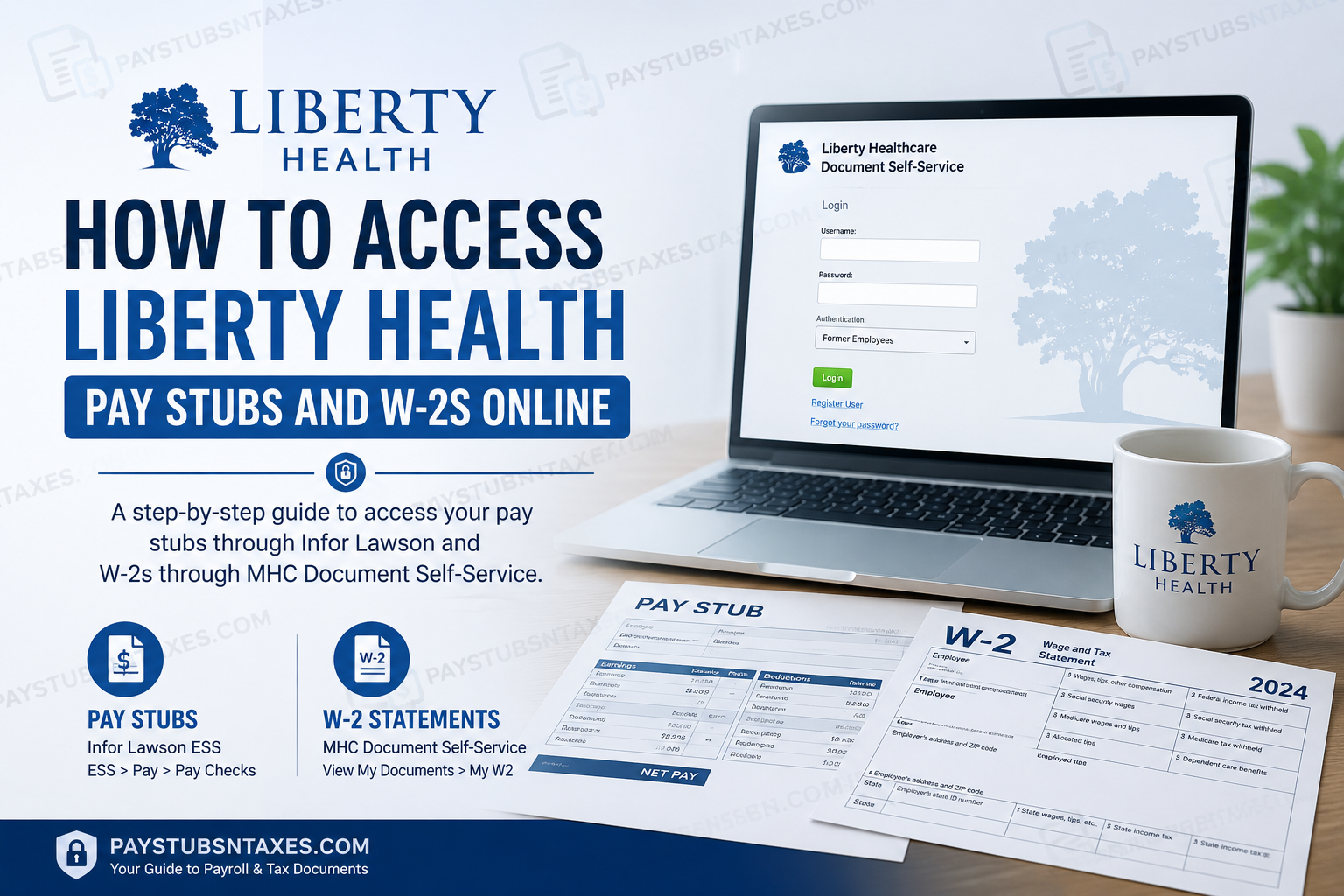
Liberty Health employees can access their payroll records online through two principal systems. Pay stubs are available through the Infor Lawson Employee Self-Service (ESS) portal, while W-2 statements can be accessed through the MHC Document Self-Service portal. Having these online resources at your fingertips makes it considerably easier to review earnings, verify deductions, retrieve previous pay information, and obtain year-end tax documents without waiting for paper copies.
For more than a century, Liberty Health has cultivated a reputation for providing healthcare and senior-care services rooted in community, continuity, and compassion. The family-owned organization traces its history to 1875 and has grown from its North Carolina beginnings into a broad continuum-of-care network serving communities across North Carolina, South Carolina, Virginia, Tennessee, Louisiana, and Florida. Its family of companies encompasses senior living, health and rehabilitation, home care and hospice, medical specialties, medical transportation, Medicare Advantage services, and McNeill’s Pharmacy.
For employees, however, one of the more practical considerations is knowing precisely where to go when a pay stub or W-2 is needed. Because Liberty Health uses different systems for payroll and tax-document access, knowing which portal serves which purpose can save a considerable amount of time.
Liberty Health Employee Payroll Resources
Use the appropriate portal for the document you need:
- Pay stubs: Infor Lawson Employee Self-Service
- W-2 statements: Liberty Healthcare Document Self-Service
- Additional assistance: Call Liberty Health Corporate at 1-800-438-1115
Because these portals contain confidential payroll and tax information, access them only from a trusted device and a secure internet connection.
How to Access Liberty Health Pay Stubs Online
Liberty Health uses the Infor Lawson portal to provide employees with electronic paycheck records. Once signed in, you can review current and previous paychecks, open detailed earnings information, and print individual pay stubs.
Step 1: Open the Infor Lawson Portal
Visit the Liberty Health Infor Lawson paychecks portal.
Enter your authorized Liberty Health credentials to sign in. Since passwords may be case-sensitive, check your capitalization carefully if the system does not accept your credentials.
Step 2: Navigate to Pay Checks
After logging in, follow this menu path:
ESS > Pay > Pay Checks
The Pay Checks page will display a list of your available paycheck records.
Step 3: Find the Required Paycheck
Use the scroll bar on the right side of the page to review earlier paycheck entries. Locate the applicable pay date and click it to open the paycheck details.
The detailed record may include information such as gross earnings, taxes, benefit deductions, other payroll deductions, and net pay.
Step 4: Open the Printable Pay Stub
Inside the paycheck details, select Printable Pay Stub. The document should open in a separate pop-up window.
If nothing happens, your browser may be blocking the window. Allow pop-ups for the Infor Lawson website and select Printable Pay Stub again.
Step 5: Print or Save the Pay Stub
When the printable version appears, click Print in the upper-right corner. Depending on your browser and device, you may print a paper copy or choose a PDF option to save the pay stub electronically.
Store downloaded payroll records in a secure location because they contain sensitive personal and financial information.
Step 6: Sign Out Securely
Always exit the Infor Lawson application after completing your work. This precaution is particularly important when using a shared or public computer; leaving the session open could allow someone else to see your payroll information.
How to Access Liberty Health W-2 Forms Online
Liberty Health makes W-2 statements available through the MHC-powered Liberty Healthcare Document Self-Service portal. The sign-in process differs slightly for current and former employees, so selecting the correct authentication option is essential.
Step 1: Open Document Self-Service
Go to https://www.libertyhealthcaredocuments.com/
The login page will request three pieces of information:
- Username
- Password
- Authentication category
Step 2: Choose the Correct Employee Category
Current employees
Current employees must enter their username in the following format:
[USERNAME]@liberty-healthcare.com
Replace [USERNAME] with your assigned Liberty Health username. Enter your password, select the appropriate current-employee authentication option, and click Login.
Former employees
Former employees should select Former Employees from the Authentication drop-down menu before entering their credentials.
If you are accessing the portal for the first time following termination, click Register User to establish an account. Complete the registration process before attempting to sign in.
The login page also provides account-recovery options if you have forgotten your password or need help unlocking your account.
Step 3: Select My W2
Once logged in, find the View My Documents section and select My W2.
The portal will display the W-2 statements available for your account, typically organized by tax year.
Step 4: Choose the Applicable Tax Year
Find the year you need and click the magnifying-glass icon on the right side of the corresponding entry.
Your browser may prevent the W-2 from opening if pop-ups are disabled. If a pop-up warning appears, allow pop-ups for the Document Self-Service website and click the magnifying-glass icon again.
Step 5: View, Download, or Print the W-2
The selected W-2 should open in a new browser tab. From there, use the browser’s download or print controls to save or print the statement.
Review the employee name, mailing address, Social Security number details, wages, and withholding amounts before using the document for tax preparation. If any information appears incorrect, contact Liberty Health Corporate for guidance.
Step 6: Log Out
Sign out of Document Self-Service and close any tabs displaying your W-2. If you downloaded the statement, ensure that it is stored securely rather than left in a public download folder or on a shared device.
About Liberty Health
Family-owned since 1875, Liberty Health has built an enduring legacy of compassionate care. Its continuum of services includes rehabilitation and skilled nursing, home care and hospice, senior living, medical equipment, non-emergency medical transportation, Medicare Advantage plans, and pharmacy services.
With operations across North Carolina, South Carolina, Virginia, Tennessee, Louisiana, and Florida, Liberty Health helps seniors and their families find dependable care close to home. That same commitment to accessibility extends to employees, who can conveniently manage essential payroll and tax records through the organization’s secure online portals.
Final Takeaway
Accessing Liberty Health pay stubs and W-2 statements online is relatively straightforward once you know which system handles each document. For pay stubs, use the Infor Lawson Employee Self-Service portal, navigate to ESS > Pay > Pay Checks, select the required paycheck date, and choose Printable Pay Stub if you need a printable version.
For W-2 statements, visit https://www.libertyhealthcaredocuments.com/ and use MHC Document Self-Service. Current employees should enter their username in the [USERNAME]@liberty-healthcare.com format, whereas former employees should select Former Employees from the Authentication menu and register an account if they are accessing the service for the first time following separation.
After signing in, navigate to View My Documents > My W2, choose the relevant tax year, and click the magnifying-glass icon to open the W-2. If nothing appears, allow pop-ups for the website and try once more.
With the correct portal and authentication method in hand, retrieving a Liberty Health pay stub or W-2 need not be a wild-goose chase; the process can generally be completed online within a matter of minutes.
Frequently Asked Questions About Liberty Health Pay Stubs and W-2s
1. Where can Liberty Health employees view their pay stubs?
Liberty Health employees can view pay stubs through the Infor Lawson Employee Self-Service portal. After signing in, go to ESS > Pay > Pay Checks.
2. How do I access my Liberty Health W-2 online?
Sign in to the Liberty Healthcare Document Self-Service portal, select My W2 under View My Documents, and click the magnifying-glass icon beside the required tax year.
3. What is the Liberty Health pay stub portal?
The Liberty Health pay stub portal is the company’s Infor Lawson Employee Self-Service system, available at the Infor Lawson paychecks page.
4. What is the Liberty Health W-2 portal?
Liberty Health provides electronic W-2 statements through the Liberty Healthcare Document Self-Service portal.
5. What username should a current Liberty Health employee use?
A current employee’s username must follow this format: [USERNAME]@liberty-healthcare.com. Replace [USERNAME] with the username assigned to you.
6. Can former Liberty Health employees access their W-2s online?
Yes. Former employees should select Former Employees from the Authentication drop-down menu before entering their login credentials.
7. How does a former employee register for Document Self-Service?
If you are visiting the portal for the first time after leaving Liberty Health, select Register User on the login page and follow the registration instructions.
8. Where can I find previous Liberty Health paychecks?
Open ESS > Pay > Pay Checks in Infor Lawson and use the scroll bar on the right side of the paycheck list to find earlier records.
9. How do I print a Liberty Health pay stub?
Select the relevant paycheck date, click Printable Pay Stub, and then choose Print in the upper-right corner of the pop-up window.
10. Why will my Liberty Health pay stub not open?
Your browser may be blocking the pop-up window. Allow pop-ups for the Infor Lawson website, then select Printable Pay Stub again.
11. Why will my Liberty Health W-2 not open?
W-2 forms usually open in a new browser tab. If the document does not appear, allow pop-ups for the Document Self-Service website and click the magnifying-glass icon again.
12. Can I download my Liberty Health pay stub as a PDF?
If your browser’s print window includes a Save as PDF option, you can use it to save the printable pay stub electronically. Keep the file in a secure location.
13. Can I download my Liberty Health W-2?
Yes. After the W-2 opens in a new tab, use the browser’s download or print controls to retain a copy securely.
14. What should I do if I forget my Document Self-Service password?
Use the password-recovery option on the Document Self-Service login page. An account-unlock option may also be available if repeated login attempts have locked your account.
15. Who can help with Liberty Health pay stub or W-2 access?
For additional assistance with payroll documents, registration, or portal access, contact Liberty Health Corporate at 1-800-438-1115.
