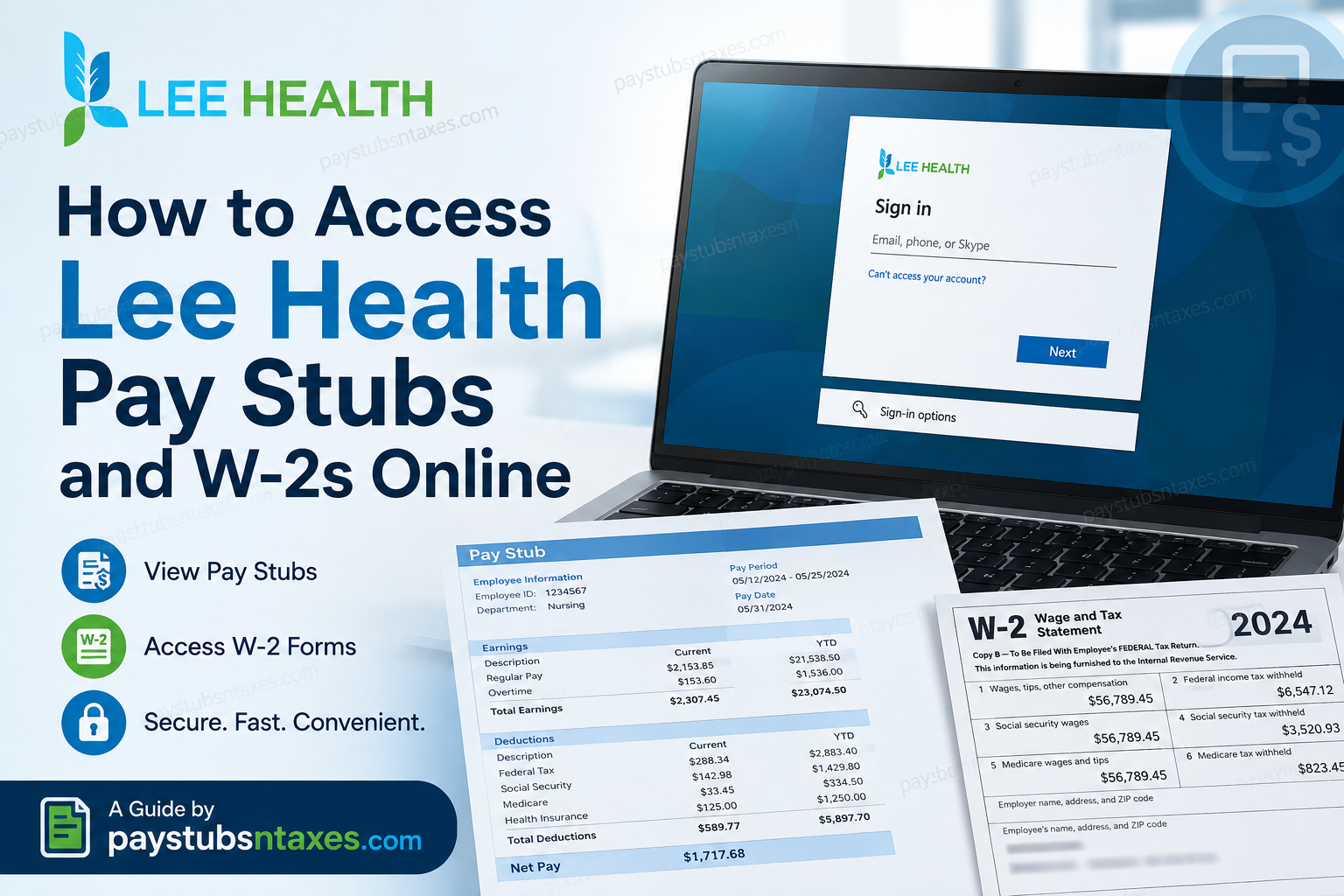
Lee Health employees can access their pay stubs, payroll information, compensation details, and W-2 tax forms online through the Infor Global HR employee self-service system. Rather than relying on paper documents or waiting for HR to process routine requests, employees can use Infor to retrieve much of their payroll and employment information whenever it is convenient. The process is relatively straightforward: sign in to the Lee Health Infor Portal, open Infor Global HR, make sure you are in Employee Space, and then use the Pay and Benefits Quick Links to select either Pay Checks or Tax Forms.
About Lee Health
Lee Health is a community-owned, not-for-profit health system that has served Southwest Florida for more than a century. Its services extend across hospitals, physician practices, specialty services, and other healthcare programs, with a strong emphasis on community health, innovation, safety, and continuous improvement.
The health system also promotes a comprehensive approach to employee well-being. Its benefits offerings encompass areas such as health and wellness, insurance, financial planning, retirement, career development, education, family support, and work-life balance.
For employees, having payroll and tax information at their fingertips is more than a matter of convenience. Whether you need a recent pay stub for a mortgage application, want to verify deductions, or need your W-2 to file an annual tax return, the Infor Global HR system provides a central point of access.
Lee Health Infor Portal Login
Visit the official Lee Health Infor portal:
Access the Lee Health Infor Global HR Portal
Enter the Infor single sign-on credentials provided by Lee Health. Depending on the sign-in screen displayed, you may first be asked for your organizational email address, username, or another account identifier. Select Next, enter your password, and complete any additional identity-verification prompt that appears.
Because pay statements and tax forms contain sensitive personal and financial information, use a trusted device and a secure internet connection. Avoid signing in through public Wi-Fi or a shared computer whenever possible.
How to Access Infor Global HR
After signing in, the Infor home page will appear. Follow these steps to enter the employee self-service area:
- Select the Homepages icon.
- Open the Homepages menu.
- Select Infor Global HR.
- Confirm that you are viewing your Employee Space.
Most frequently used employee services are available through the Quick Links section. If the expected options do not appear, verify that you are in Employee Space rather than another Infor workspace.
How to View Lee Health Pay Stubs Online
To access your Lee Health pay statements:
- Sign in to the Lee Health Infor portal.
- Open Infor Global HR from the Homepages menu.
- Go to your Employee Space.
- Locate the Pay and Benefits section under Quick Links.
- Select Pay Checks.
- Choose the pay period you want to review.
- Open the corresponding statement to examine your earnings, taxes, deductions, and net pay.
Depending on the options available in your browser or device, you may also be able to download or print the statement for your records.
Review each pay stub carefully. Check the pay period, hours worked, gross earnings, benefit deductions, tax withholdings, and net payment. If something does not add up, raise the issue promptly; payroll discrepancies are generally easier to resolve when they are reported without delay.
The Pay Checks area may also include a Compensation tab, where employees can review compensation by work assignment and examine available pay-rate history.
How to Access a Lee Health W-2 Online
To retrieve your W-2 electronically:
- Log in to the Lee Health Infor portal.
- Open Infor Global HR.
- Enter your Employee Space.
- Find Pay and Benefits in the Quick Links area.
- Select Tax Forms.
- Choose the applicable tax year.
- Open the W-2 to view, save, or print it.
Before downloading the form, make sure that you have selected the correct tax year. If you print the document, check that every page is complete and that the employee and employer information is legible.
An electronic W-2 contains highly confidential data, including earnings and tax-identification information. Save it only to a secure location, and do not send an unprotected copy through ordinary email.
How to Access Lee Health Pay Stubs on a Mobile Device
Lee Health employees can also use compatible mobile access to manage employee self-service information while away from a desktop computer.
The Infor Go mobile application is designed to provide mobile access to Infor services, enabling employees to reach eligible self-service information from a supported smartphone or tablet.
For payroll purposes, this means that employees can potentially check their pay information without having to sit at a workplace computer. For highly sensitive activities, however, a private device and trusted internet connection are preferable.
When using a mobile device:
- Open the Infor Go app.
- Connect to the Lee Health Infor environment as configured for your organization.
- Complete the required sign-in and authentication process.
- Open Infor Global HR/Employee Self Service.
- Navigate to the applicable Pay and Benefits option.
- Choose Pay Checks or Tax Forms, depending on what you need.
If your mobile interface differs from the desktop version, the wording or placement of menus may vary slightly.
Paperless W-2 Delivery and Mailed Copies
Employees may have the option to elect paperless W-2 delivery. Choosing electronic delivery can provide faster access, reduce paper clutter, and lessen the risk of a mailed form going astray.
Unless an employee has elected paperless delivery, Lee Health generally sends the W-2 to the employee’s home address by January 31 following the relevant tax year. Employees should therefore keep their mailing address current in Infor Global HR, particularly after moving.
To review or update personal information, enter Employee Space and open the profile or personal-information options available through the portal. When submitting an address change, enter the requested effective date and confirm that the street address, city, state, and ZIP code are accurate.
Portal labels and available options may vary slightly according to an employee’s access permissions or a subsequent system update.
Accessing Pay Stubs and W-2s Through Infor Go
The Infor Go mobile application offers a convenient way to access employee self-service features away from a desktop computer. After installing the application and connecting it to Lee Health’s Infor environment, sign in with your authorized Infor credentials.
Navigate to Infor Global HR, open your Employee Space, and use Pay Checks for pay statements or Tax Forms for W-2s. Although mobile access is convenient, a desktop browser may be more practical when downloading or printing tax documents.
Use a secured mobile device with a passcode or biometric lock, and avoid storing payroll documents in an unprotected downloads folder.
What to Do If You Cannot Access Your Payroll Documents
If the portal will not accept your credentials, begin with the Can’t access your account? or sign-in recovery option, if one is displayed. Also confirm that you are using the Lee Health portal address and your assigned organizational credentials.
If you can sign in but cannot find your pay stub or W-2, check that:
- You opened Infor Global HR from the Homepages menu.
- You are viewing Employee Space.
- You selected Pay Checks for pay statements.
- You selected Tax Forms for W-2s.
- You chose the correct pay period or tax year.
- Your browser permits the document or pop-up window to open.
For questions about pay statements, W-2 forms, or technical access, contact HR Connect at 239-343-1555. You may also email hr@leehealth.org to request assistance. Never include your password, complete Social Security number, or an unprotected tax document in an email.
Final Takeaway
Accessing Lee Health pay stubs and W-2s online is considerably easier when you know where the relevant tools are tucked away. Start with the Lee Health Infor Portal, open Infor Global HR, enter Employee Space, and use the Pay and Benefits Quick Links. Choose Pay Checks for payroll records and Tax Forms for W-2 information. Infor’s employee self-service model is intended to put routine employment information directly in employees’ hands, reducing the need to chase paperwork or wait for simple administrative requests to make their way through the system.
If the portal does not cooperate, your credentials have stopped working, or a payroll or tax document appears to be missing or incorrect, contact Lee Health HR Connect at 239-343-1555 or hr@leehealth.org. Keeping your address, contact information, and account credentials current will also help ensure that both electronic and mailed payroll documents reach you without unnecessary delay.
Frequently Asked Questions About Lee Health Pay Stubs and W-2s
1. How do I access my Lee Health pay stub online?
Sign in to the Lee Health Infor Global HR Portal with your Infor SSO credentials. Open Infor Global HR, enter Employee Space, and select Pay Checks under Pay and Benefits. Choose the relevant pay period to view your statement.
2. Where can I find my Lee Health W-2?
Your W-2 should be available under Tax Forms in the Pay and Benefits section of Employee Space. Select the appropriate tax year, then open, download, or print the form as needed.
3. What is the Lee Health employee portal login link?
The Lee Health employee Infor portal is available at:
https://mingle-portal.inforcloudsuite.com/LEEMEMORIAL_PRD
Use your authorized Lee Health Infor credentials to sign in.
4. What credentials do I need to access Lee Health Infor?
Use the Infor single sign-on credentials issued to you by Lee Health. The sign-in page may request your organizational email address, username, or another account identifier before prompting you for your password.
5. Can I view my Lee Health pay stubs on a mobile phone?
Yes. Employees may access payroll information through the Infor Go mobile application, provided the application has been configured for Lee Health’s Infor environment. Pay stubs are generally available through Infor Global HR > Employee Space > Pay Checks.
6. Can I download or print my Lee Health pay stubs?
The portal may allow you to open, save, or print an available pay statement, depending on your device and browser settings. If the document does not open, check whether your browser is blocking pop-ups or downloads.
7. When does Lee Health mail W-2 forms?
Unless an employee has chosen paperless delivery, Lee Health generally mails W-2 forms to employees’ home addresses by January 31 following the applicable tax year. Postal delivery times may vary.
8. How do I choose paperless W-2 delivery?
Look for an electronic-delivery or paperless-consent option in the Tax Forms area of Infor Global HR. Read the disclosure carefully before submitting your election. If the option is unavailable or unclear, contact HR Connect for assistance.
9. How do I get a previous year’s Lee Health W-2?
Open Tax Forms under Pay and Benefits, then select the required tax year from the available records. If an older W-2 is not displayed, contact HR Connect to ask whether a copy can be retrieved or reissued.
10. What should I do if my Lee Health W-2 is missing?
Confirm that you selected the correct tax year and that you are viewing Employee Space in Infor Global HR. If the W-2 remains unavailable after the expected release date, call HR Connect at 239-343-1555 or email hr@leehealth.org.
11. How do I update my mailing address for W-2 delivery?
Open your employee profile or personal-information area in Infor Global HR and locate the address section. Enter the correct effective date and verify your street address, city, state, and ZIP code before submitting the change.
12. What should I do if my W-2 was mailed to an old address?
Update your address in Infor Global HR as soon as possible, then contact HR Connect at 239-343-1555. Ask whether the original form was returned and what steps are required to obtain another copy.
13. Why can’t I see Pay Checks or Tax Forms in Infor?
Make sure you opened Infor Global HR from the Homepages menu and are viewing Employee Space. If the links still do not appear, your access permissions or portal configuration may require assistance from HR Connect.
14. How can former Lee Health employees obtain pay stubs or W-2s?
Former employees may have different portal-access arrangements, particularly if their organizational credentials have expired. Contact HR Connect at 239-343-1555 or hr@leehealth.org for the correct document-retrieval procedure.
15. Who should I contact about Lee Health pay stubs, W-2s, or login problems?
Call HR Connect at 239-343-1555 or email hr@leehealth.org. Explain the problem and identify the relevant pay period or tax year, but never send your password, complete Social Security number, or an unprotected tax document by email.
