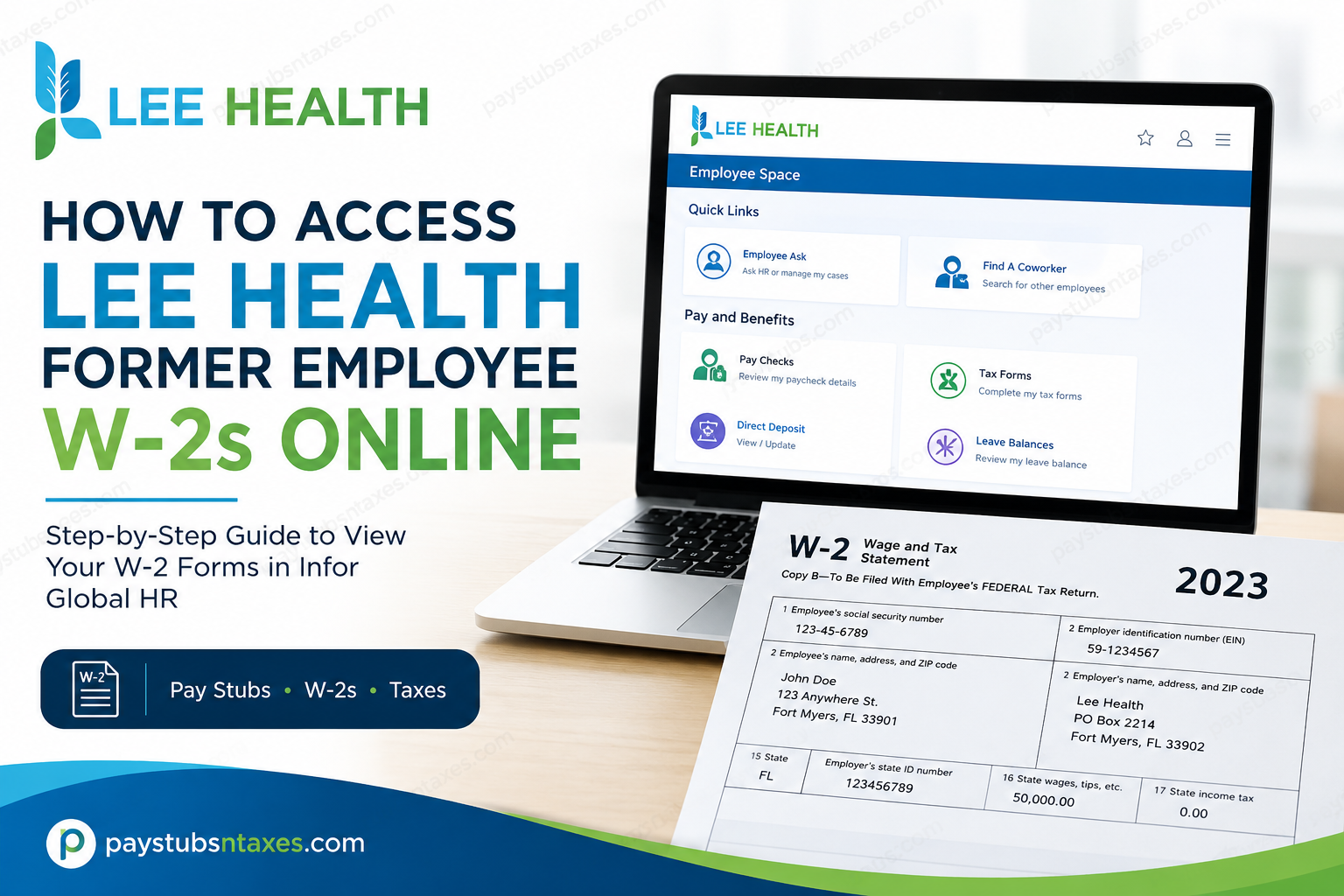
Former Lee Health employees who need a copy of their W-2 tax form may still be able to retrieve it electronically through the Infor Global HR Employee Self-Service portal for a limited period after leaving the organization. Rather than waiting for a paper copy to arrive in the mail, eligible former employees can sign in from an internet-connected computer—or, where access remains active, through the **Infor Go mobile application—to review employment-related information conveniently.
Lee Health has served Southwest Florida for more than a century as a community-owned, not-for-profit health system and has grown into one of the region’s largest integrated healthcare networks. For employees and former employees, the Infor environment provides a centralized gateway to payroll and employment information, making administrative tasks considerably less cumbersome.
Lee Health Infor Portal for Former Employees
To begin, visit the official Lee Health Infor portal:
Open the Lee Health Infor Global HR Portal
The portal can be accessed from an internet-connected computer, tablet, or compatible mobile device. You may also use the Infor Go mobile application if your former employee account remains active and mobile access has been configured.
How to Get Your Lee Health W-2 Online
Follow these steps to locate your W-2 in Infor:
1. Open the Lee Health Infor portal
Navigate to the Lee Health Infor Global HR Portal using the link above. For the smoothest experience, use a modern, updated browser.
You may be redirected to a Lee Health-branded Microsoft sign-in page. If this occurs, enter the email address, username, or account identifier associated with your Lee Health Infor account, select Next, and complete the remaining sign-in prompts.
2. Enter your former employee credentials
Provide the Infor username and password issued to you during your employment. Complete any identity-verification or multifactor-authentication step that appears.
Former employees should use their existing credentials unless Lee Health has supplied different post-employment login instructions.
3. Open the Homepages menu
Once you reach the Infor home page, select the Homepages icon. This opens the menu containing the Infor applications available to your account.
4. Select Infor Global HR
Choose Infor Global HR from the Homepages menu. The system should then open your Employee Space, where payroll and personal-information tools are housed.
5. Go to Pay and Benefits
In Employee Space, find the Quick Links section and look under Pay and Benefits.
6. Select Tax Forms
Click Tax Forms to view the tax documents associated with your Lee Health employment. Select the appropriate tax year and open the corresponding W-2.
7. Download or print your W-2
After opening the form, save a copy to a secure personal device or print it for your records. Check that your name, mailing address, Social Security number information, wages, and tax withholdings appear correctly before using the form to prepare your tax return.
Avoid saving sensitive payroll documents on a public or shared computer. If you must use one, sign out completely and remove any downloaded copies when you have finished.
Can Former Lee Health Employees Use Infor Go?
Eligible former employees may be able to access payroll records through the Infor Go mobile application while their accounts remain active. The app offers a convenient way to reach information available through the desktop self-service portal, including paystubs and tax documents.
After installing Infor Go from your device’s official app store, follow Lee Health’s account setup and sign-in prompts. Mobile availability can depend on your account status and the access permissions retained after separation.
If the application will not accept your credentials, try the web portal before contacting HR. This helps establish whether the difficulty lies with the app or with the account itself.
How Long Can a Former Employee Access Lee Health Infor?
Post-employment Infor access is available only for a limited period, and the precise duration may depend on Lee Health’s current access policies and your account status.
Do not assume that your credentials will continue working throughout the entire tax season. Download your W-2 forms, pay stubs, and any other essential payroll records promptly after leaving Lee Health.
If your access has already expired, HR Connect can explain the available alternatives and help you request the documents you need.
Will Lee Health Mail a W-2?
Lee Health also sends W-2 forms by postal mail to former employees’ home addresses no later than January 31, subject to the applicable tax-year calendar and federal requirements.
Make sure Lee Health has your correct mailing address. An outdated address can result in a delayed or undeliverable W-2.
If you recently moved or believe the address on file is incorrect, contact HR Connect for assistance. When requesting an address change, be prepared to complete any identity-verification process required to protect your personal and tax information.
What to Do If You Cannot Log In
If the portal rejects your credentials, first check that:
- You are using the correct Lee Health Infor portal.
- Your username or account identifier has been entered accurately.
- Caps Lock is not affecting your password.
- Your internet connection is stable.
- Your browser is current and allows the portal’s sign-in functions.
- You have completed any required identity-verification prompt.
The Lee Health sign-in page may also display a Can’t access your account? option. However, former employees whose accounts have expired or been disabled may still need assistance from HR Connect.
Repeatedly guessing a password may lock the account, so it is better to seek help once ordinary troubleshooting has run its course.
Contact Lee Health for W-2 Assistance
For questions about a missing W-2, expired Infor access, incorrect personal information, or difficulty locating tax forms, contact Lee Health HR Connect:
- Phone: 239-343-1555
- Email: hr@leehealth.org
When requesting assistance, provide enough information for the HR team to identify your employment record. For security reasons, never send your full Social Security number, password, or complete tax document through an ordinary email.
Final Takeaway
Accessing a Lee Health former employee W-2 online is relatively straightforward while your Infor account remains active. Sign in to the Lee Health Infor portal, open Infor Global HR, enter Employee Space, and select Tax Forms from the Pay and Benefits Quick Links. The same self-service environment can also provide access to paycheck and compensation information, while Infor Go offers a mobile route to employee resources. The key point, however, is timing: former-employee access may remain available only for a limited period. Retrieving important payroll and tax documents sooner rather than later can save you from having to chase them down at tax time. If the portal is no longer available to you, Lee Health HR Connect remains the appropriate avenue for assistance, and a paper W-2 is also sent to the former employee’s address on file.
Lee Health Former Employee W-2 FAQs
1. How do I access my Lee Health W-2 after leaving the organization?
Visit the Lee Health Infor Global HR Portal and sign in with your former employee credentials. Open Infor Global HR, navigate to Employee Space, and select Tax Forms under Pay and Benefits. Your ability to retrieve the form depends on whether your post-employment account remains active.
2. What is the Lee Health former employee W-2 portal?
The former employee W-2 portal is Lee Health’s Infor Global HR self-service system:
https://mingle-portal.inforcloudsuite.com/LEEMEMORIAL_PRD
Use this portal to access available tax forms, paystubs, and other employment information during the permitted post-separation period.
3. Where are W-2 forms located in Lee Health Infor?
After signing in, select the Homepages icon and open Infor Global HR. From your Employee Space, locate the Quick Links section, go to Pay and Benefits, and select Tax Forms. Choose the applicable tax year to view your W-2.
4. Can former Lee Health employees access Infor after termination?
Former employees may retain access to Infor for a limited period following separation. The exact duration can depend on Lee Health’s current policies and the status of the individual account. Download important payroll and tax documents promptly rather than assuming access will remain available throughout tax season.
5. Can I access my Lee Health W-2 from a mobile phone?
Yes, you may access the web portal from a compatible mobile browser. You may also be able to use the Infor Go mobile application if your former employee account remains active and mobile access is enabled.
6. Can I view old Lee Health paystubs after leaving?
Former employees may be able to view previous paystubs while their Infor accounts remain active. Sign in to Infor Global HR and check the payroll options in Employee Space. Download and securely retain any pay records you are likely to need before your post-employment access expires.
7. What should I do if my Lee Health Infor login does not work?
Confirm that you are using the correct portal and account identifier, check your password carefully, and complete any required verification prompt. If your credentials have expired or your account has been disabled, call HR Connect at 239-343-1555 or email hr@leehealth.org.
8. What if I forgot my Lee Health Infor password?
Use the account-recovery option displayed on the sign-in page, if available. The Lee Health-branded login screen may show Can’t access your account? beneath the username field. If self-service recovery fails or your former employee account is inactive, contact HR Connect for assistance.
9. Does Lee Health mail W-2 forms to former employees?
Yes. Lee Health also sends W-2 forms by postal mail to the former employee’s home address on record no later than January 31, subject to the applicable annual tax schedule. Maintaining an accurate mailing address can help prevent delays or returned mail.
10. When should my Lee Health W-2 arrive by mail?
Lee Health sends W-2 forms no later than January 31. Delivery may take additional time, depending on postal conditions and the accuracy of your address. If the form does not arrive after a reasonable mailing period, contact HR Connect and verify the address associated with your employment record.
11. How do I get a replacement Lee Health W-2?
First, check whether you can download another copy from Tax Forms in Infor Global HR. If your account is no longer accessible or the required form is unavailable, contact HR Connect at 239-343-1555 or hr@leehealth.org to request assistance.
12. What should I do if the address on my Lee Health W-2 is incorrect?
Contact HR Connect to report the discrepancy and confirm the address in your former employee record. An outdated mailing address does not necessarily make the wage and tax information unusable, but HR can advise you on whether a correction or replacement form is required.
13. Who should I contact about an incorrect Lee Health W-2?
For incorrect wages, withholding amounts, personal information, or other W-2 concerns, call Lee Health HR Connect at 239-343-1555 or email hr@leehealth.org. Do not include your password, full Social Security number, or an unprotected copy of your W-2 in an ordinary email.
14. Can HR Connect send my W-2 by email?
Contact HR Connect to learn which secure delivery or replacement options are available. Because a W-2 contains highly sensitive information, Lee Health may require identity verification and may not send the document as an unsecured email attachment.
15. How can I protect my downloaded W-2?
Download your W-2 only on a trusted personal device and store it in a secure, password-protected location. Avoid public computers and unsecured Wi-Fi networks. When finished, sign out of Infor completely and remove any downloaded files from shared devices, browser download folders, or public printers.
