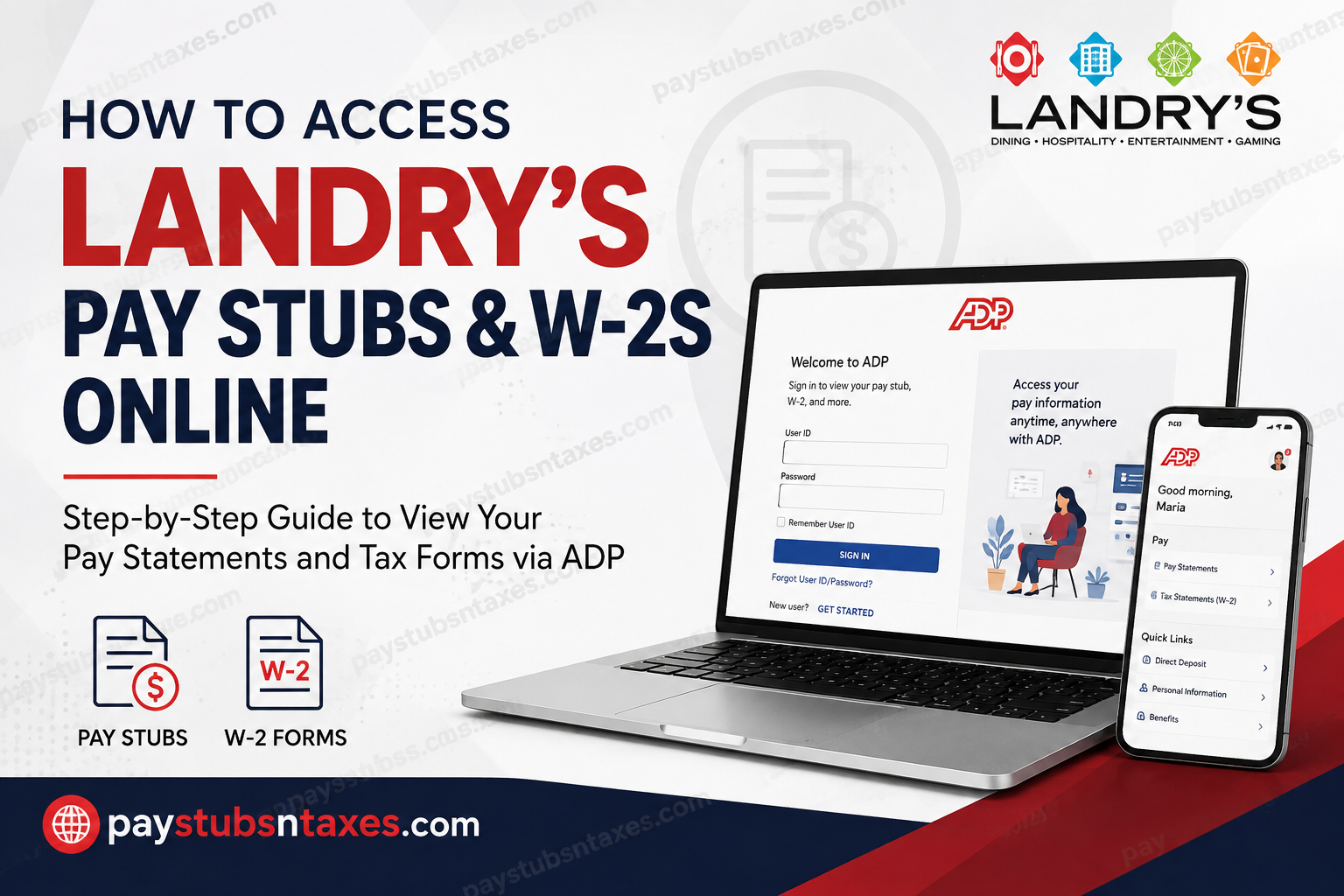
Landry’s employees can access their pay stubs and W-2 tax forms online through the secure MyADP portal. Whether you need to verify your earnings, review payroll deductions, download a previous pay statement, or obtain your W-2 for tax preparation, MyADP places these essential records at your fingertips. This guide explains how to register for a Landry’s ADP account, sign in, locate pay statements and W-2 forms, and resolve common access difficulties.
About Landry’s, Inc.
Headquartered in Houston, Texas, Landry’s, Inc. is a multinational leader in the restaurant, hospitality, gaming, and entertainment industries. Its extensive portfolio encompasses hundreds of establishments and an array of widely recognized brands, including Landry’s Seafood House, Bubba Gump Shrimp Co., Rainforest Cafe, Morton’s The Steakhouse, Saltgrass Steak House, Chart House, Mastro’s Restaurants, and Del Frisco’s Double Eagle Steakhouse.
The company’s diverse operations also include Golden Nugget hotels and casinos, celebrated leisure destinations such as the Kemah Boardwalk and Galveston Island Historic Pleasure Pier, and distinguished accommodations including The Post Oak Hotel at Uptown Houston and The San Luis Resort.
To give employees convenient and secure access to payroll documents, Landry’s makes pay statements and W-2 forms available through ADP.
What Is the Landry’s ADP Portal?
MyADP is a secure, self-service platform through which eligible Landry’s employees can view and manage payroll-related information. Once your account has been registered, you can sign in from a compatible web browser and access available documents without waiting for printed copies.
The official Landry’s ADP login page is: Visit the MyADP portal
For security reasons, enter the web address directly or use the link above. Avoid signing in through unfamiliar links received by text message or unsolicited email.
How to Register for a Landry’s ADP Account
If you have never used MyADP for your Landry’s employment records, you must create an account before you can access your pay stubs or W-2s.
Step 1: Open the MyADP website
Navigate to https://my.adp.com using a trusted computer or mobile device.
Step 2: Begin the registration process
Select New User? Get Started. Depending on the version of the ADP sign-in page displayed on your device, the option may instead appear as Create Account, Register Now, or similar wording.
Step 3: Enter the Landry’s registration code
When prompted for a registration code, enter: landrys-online
Enter the code carefully, including the hyphen, and proceed to the next screen.
Step 4: Verify your identity
Provide the personal information requested by ADP, which may include:
- Your first name
- Your last name
- Your Social Security number
- Your date of birth
Enter your information exactly as it appears in Landry’s payroll records. Even a minor discrepancy—such as a shortened name, an outdated surname, or an incorrect date—may prevent ADP from identifying your employee record.
Because this stage involves sensitive information, complete it only on a private, trusted device and a secure internet connection.
Step 5: Answer the verification questions
ADP will ask three questions to confirm your identity. Answer each question accurately and then select Confirm.
Step 6: Complete your personal account setup
Follow the on-screen prompts to establish your login credentials and provide any required contact or security information. Choose a strong, unique password that you do not use for other accounts.
Once the process is complete, keep your user ID in a secure place. You will need your user ID and password whenever you sign in to MyADP.
How to Access Landry’s Pay Stubs Online
After registering your account, retrieving a Landry’s pay stub is straightforward:
- Go to https://my.adp.com.
- Enter your ADP user ID and password.
- Select Sign In.
- From the main menu, navigate to Myself.
- Select Pay.
- Choose Pay Statements.
- Select the statement for the desired pay period.
- View, download, or print the document as needed.
Your pay statement generally provides a detailed breakdown of gross earnings, taxes, benefit deductions, other withholdings, and net pay. Reviewing each statement regularly is a prudent habit: it enables you to spot an incorrect deduction or payroll discrepancy before it slips through the cracks.
How to Access a Landry’s W-2 Online
To find your available W-2 tax forms:
- Sign in at https://my.adp.com.
- Open the Myself menu.
- Select Pay.
- Choose Tax Statements.
- Select the appropriate tax year.
- Open, download, or print the W-2.
Save the downloaded document in a secure location. Since a W-2 contains confidential wage and tax information, do not store it on a shared computer or send it through an unsecured messaging service.
If the expected W-2 is not listed, verify that you have selected the correct tax year. Bear in mind that an annual W-2 will not necessarily appear immediately after the calendar year closes; it becomes available once payroll processing and year-end reporting have been completed.
Can You Use the ADP Mobile App?
Yes. Employees may also use the ADP Mobile Solutions app, available through the Apple App Store and Google Play.
If you have already registered on the MyADP website, sign in to the mobile app using the same ADP credentials. May new users begin registration from the app by selecting New? Get Started or the equivalent account-creation option.
Although menu labels may vary slightly between the website and the mobile app, pay statements and tax documents are ordinarily located within the app’s Pay section.
What to Do If You Forget Your ADP Login Details
If your user ID has slipped your mind, select Forgot your user ID? on the MyADP sign-in page. ADP may ask for your name and the email address or mobile number associated with your account.
If you remember your user ID but cannot recall your password, select Forgot your password? and follow the prompts. You may receive a verification code by email or text message before being allowed to create a new password.
Make sure you can access the email address or mobile number registered with ADP. If your contact details have changed, the automated recovery process may not work, in which case you should request assistance through the Landry’s support contact listed below.
Landry’s ADP Support
If you continue to experience difficulty accessing your Landry’s pay statements or W-2 forms, contact: W2@ldry.com
When requesting assistance, explain the problem clearly and include your full name and an appropriate way to reach you. For your protection, never include your complete Social Security number, ADP password, or security-question answers in an ordinary email.
ADP Pay Statements vs. ADP Pay Card Information
A Landry’s pay statement shows how your wages were calculated, including earnings, deductions, taxes, and net pay. An ADP or Wisely pay card account, by contrast, concerns the funds deposited onto the card and the resulting card transactions.
Use MyADP to retrieve Landry’s pay stubs and W-2 forms. Employees who receive wages through an ADP-issued pay card may need to use the separate card-management service shown on the card or in the card packet to review balances and transactions.
Final Thoughts
Accessing Landry’s pay stubs and W-2s online need not be an uphill battle. Visit the MyADP portal, register with the code landrys-online, verify your identity, and complete the account setup. Thereafter, your payroll documents should be only a few clicks away under Myself > Pay. Keeping your ADP credentials current—and reviewing your payroll records periodically—will help you remain organized, protect your personal information, and retrieve essential employment documents whenever the need arises.
Frequently Asked Questions About Landry’s Pay Stubs and W-2s
1. How do I access my Landry’s pay stubs online?
Visit https://my.adp.com, sign in, and select Myself > Pay > Pay Statements. Choose the relevant pay period to view, download, or print your pay stub.
2. How do I obtain my Landry’s W-2 online?
Sign in to MyADP and navigate to Myself > Pay > Tax Statements. Select the applicable tax year, then open or download your W-2.
3. What is the Landry’s ADP registration code?
The Landry’s ADP registration code is landrys-online. Enter it exactly as shown, including the hyphen.
4. How do new Landry’s employees register for MyADP?
Go to https://my.adp.com, select New User? Get Started, and enter landrys-online. Provide your name, Social Security number, and date of birth, answer the identity-verification questions, and complete the account-setup prompts.
5. What information do I need to register for Landry’s ADP?
You may need your first and last name, Social Security number, date of birth, and access to a personal email address or mobile number. Your information should match Landry’s payroll records exactly.
6. Can I access Landry’s pay stubs through the ADP mobile app?
Yes. Download the ADP Mobile Solutions app from the Apple App Store or Google Play and sign in with your existing MyADP credentials. Available pay statements and tax documents can generally be found in the Pay section.
7. Can I use the same login for MyADP and the ADP mobile app?
Yes. Once your account has been registered, you can generally use the same ADP user ID and password on both the MyADP website and the ADP Mobile Solutions app.
8. What should I do if I forget my ADP user ID?
Select Forgot your user ID? on the MyADP sign-in page. Follow the prompts and provide the requested identifying and contact information to recover your user ID.
9. How can I reset my Landry’s ADP password?
Select Forgot your password? on the MyADP sign-in page. ADP may send a verification code to the email address or mobile number associated with your account before allowing you to create a new password.
10. Why is the Landry’s registration code not working?
Confirm that you entered landrys-online correctly and that your personal information matches Landry’s payroll records. If the problem persists, avoid creating multiple accounts and contact W2@ldry.com for assistance.
11. Why can’t ADP find my employee record?
ADP may be unable to locate your record if your name, Social Security number, or date of birth does not match the information held in the payroll system. A recent hire may also need to allow time for the employment record to become available.
12. Can former Landry’s employees access their W-2s online?
Former employees who retain access to their MyADP accounts may be able to sign in and retrieve available W-2 forms under Tax Statements. Those who cannot access their accounts should contact W2@ldry.com.
13. Can I download or print my Landry’s pay stubs and W-2s?
Yes. Open the desired pay statement or W-2 in MyADP and use the available download or print option. Store printed and electronic copies securely because they contain sensitive personal and financial information.
14. What should I do if my W-2 is not showing in MyADP?
Verify that you selected the correct tax year and that year-end processing has been completed. If the W-2 should already be available but does not appear, contact W2@ldry.com.
15. Who should I contact for help with Landry’s pay stubs or W-2s?
For difficulty accessing Landry’s pay statements or W-2 forms through ADP, email W2@ldry.com. Describe the issue clearly, but never send your complete Social Security number, password, or security answers by email.
