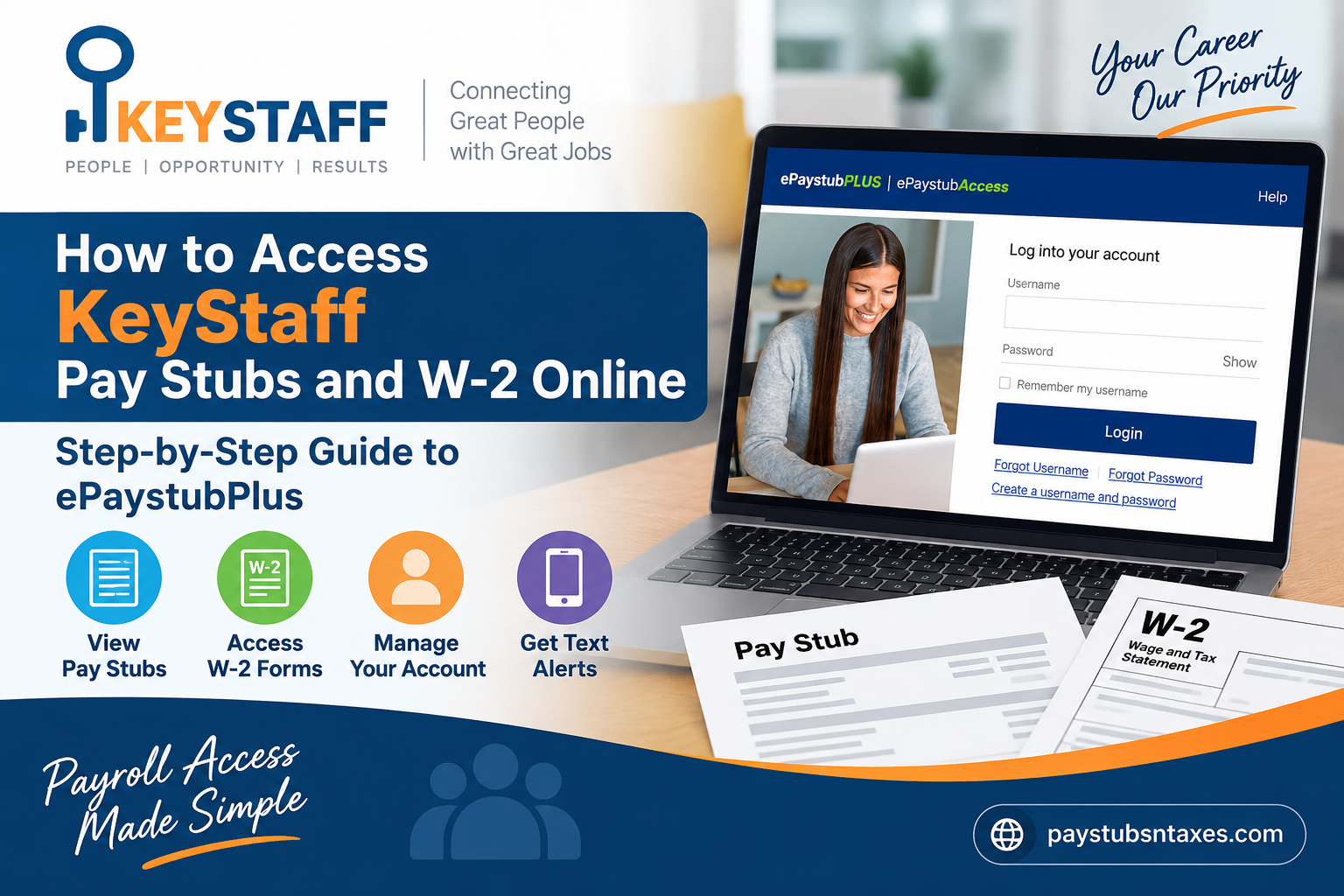
A pay stub can answer more questions than the amount deposited into your bank account. It shows the pay period, your earnings, deductions, and other details you may need when checking a paycheck or preparing an application. Your W-2 serves a different purpose: it summarizes your wages and tax withholding for a calendar year. When either document is needed, knowing where to look can save you time.
KeyStaff uses the ePaystubPlus portal to give employees online access to payroll information. Active and separated employees can use the portal to find available pay stubs and tax forms, as well as review certain account and contact details. This guide explains how to set up your login, locate your KeyStaff pay stubs and W-2, and get help if you cannot access your account.
Where do I access my KeyStaff pay stubs?
Start at the ePaystubPlus login page. You can sign in from a computer, tablet, or phone with a web browser and an internet connection.
Before entering any personal information, check that you are on the correct website. The address should begin with https://portal.cardaccesssite.com/web/epaystubplus/. If you receive a link in an unexpected email or text message, it is safer to type the portal address into your browser yourself.
The current login page asks for a username and password. It also offers links to create an account, recover a forgotten username, and reset a forgotten password. If you have used an earlier version of ePaystubPlus, pay attention to the instructions displayed on the current page; the sign-in process has changed.
First-time login: Set up your ePaystubPlus account
If this is your first time accessing KeyStaff payroll records online, or you have not created credentials under the portal’s current login system, you will need to register before signing in.
- Visit the ePaystubPlus portal.
- Select Create a username and password.
- Follow the on-screen prompts to verify your identity and create your login credentials.
- Complete any required security steps, then return to the login page if the portal does not sign you in automatically.
- Enter your new username and password to access your account.
Have the personal information needed to confirm your identity ready, but enter it only into the official portal when prompted. Older KeyStaff instructions described a setup process that began with a Social Security number and date of birth on the main login screen. The current page instead begins with a username and password and provides a separate registration link, so the on-screen registration prompts are the best guide for first-time setup.
Choose a password that you do not use for other accounts. If the portal asks you to set security questions or other recovery details, pick answers you can retrieve later without making them easy for someone else to guess. These steps may feel like an extra hurdle, but they help protect documents containing sensitive financial and personal information.
How to Access KeyStaff Pay Stubs Online
Accessing your KeyStaff pay stubs is generally straightforward once your ePaystubPlus account has been established.
1. Visit the ePaystubPlus website
Go to: https://portal.cardaccesssite.com/web/epaystubplus/
The login page provides fields for your username and password, together with account-recovery and registration options.
2. Enter your login credentials
If you have already created an account, enter your:
- Username
- Password
Then select Login.
You may also have the option to select Remember my username on a trusted personal device. Avoid enabling this feature on shared or public computers.
3. Open My ePaystubs
After successfully signing in, employees are directed to the My ePaystubs area, where uploaded pay statements can be viewed. KeyStaff’s payroll instructions specifically identify this section as the location for accessing available pay stubs.
Select the appropriate pay period to review your statement.
Depending on the options presented by the portal, you may then be able to view, print, or save your pay statement for your records.
How to find your KeyStaff W-2 online
A W-2 reports wage and tax information for an entire calendar year, whereas a pay stub covers a particular pay period. If you need your KeyStaff W-2, sign in to ePaystubPlus and look for the tax forms or W-2 section of your account.
Choose the tax year you need and open the form. If the portal offers a download or print option, save a copy somewhere you can find it again. Use a private device or a trusted printer when handling a document that contains your personal and tax information.
If you do not see a W-2 for the year you need, double-check that you selected the correct tax year. Then contact KeyStaff to confirm whether the form is available in your account and how you can obtain it. A missing form is better resolved with the payroll team than by repeatedly changing your login details.
Do not confuse your W-2 with a W-4. A W-4 is the withholding form you complete or update to tell an employer how to withhold federal income tax from your pay. A W-2 is the year-end statement of wages and tax withholding that you may need when preparing your tax return. Both may be associated with your payroll records, but they serve different purposes.
Can former KeyStaff employees still log in?
Yes. KeyStaff states that both active and separated employees have access to ePaystubPlus. If your assignment or employment has ended, you may still need an earlier pay stub, a W-2, or a record of past earnings. Start with the same portal address and the username and password you established for your account.
If you have not signed in for some time, you may need to recover your username, reset your password, or complete a new registration step shown on the current login page. Keep your email address, phone number, and home address up to date whenever the portal allows you to do so. Accurate contact information is especially helpful after leaving an assignment, when you may no longer receive workplace reminders about payroll or tax documents.
If you cannot access your account after trying the recovery options, use the support number listed below or contact your KeyStaff office. Explain whether you are a current or former employee and which document you need, so the person assisting you can point you in the right direction.
Forgot your username or password?
The current ePaystubPlus login page has separate Forgot Username and Forgot Password links. Choose the one that matches your problem and follow the instructions presented by the portal.
If you are unsure which username you created, use the username recovery option first. If you remember your username but cannot recall your password, use the password reset option. Carefully enter any information requested for verification, and check the email account or phone number associated with your portal account if the process directs you to do so.
Repeated guesses can make account recovery harder. If the portal does not recognize your information or you cannot complete its recovery steps, contact support rather than continuing to try variations of a password. For account trouble, call 1-888-828-2270 and select option 2 for Client Services. A representative can help you regain access. You can also call your KeyStaff office if you have questions about your payroll records.
How to Change Your ePaystubPlus Password or Security Questions
Once inside the employee portal, KeyStaff’s instructions indicate that the My ePaystub Account section can be used to manage certain account settings, including passwords and security questions.
If you suspect that someone else may know your password, change it promptly and avoid reusing credentials from unrelated websites.
A strong payroll-portal password should be unique and difficult to guess because payroll accounts can contain highly sensitive personal and financial information.
How to Set Up KeyStaff Pay Stub Text Alerts
ePaystubPlus also offers a useful feature for employees who prefer to receive payroll notifications on their phones.
Within the My ePaystub Account area, employees can set up text alerts to receive a summary when pay-stub information becomes available.
This can be particularly convenient for temporary or contract employees whose hours and earnings may vary from one assignment to another.
Text-message charges may apply depending on your mobile carrier and service plan.
Forgot Your KeyStaff ePaystubPlus Username or Password?
If you cannot sign in, do not repeatedly guess your credentials. Too many unsuccessful attempts may complicate account recovery.
Instead, use the recovery options shown beneath the login form:
Forgot Username or Forgot Password
Follow the on-screen verification process and create new credentials when prompted.
If automated recovery does not resolve the problem, further assistance is available through customer service.
KeyStaff ePaystubPlus Customer Service
Employees experiencing account-access problems can call: 1-888-828-2270
Select Option #2 for Client Services.
KeyStaff’s payroll instructions state that a customer-service representative can assist employees who are having trouble regaining access to their accounts.
When requesting assistance, have enough identifying information available to verify your identity, but never send highly sensitive information through an unsolicited email or text message.
About KeyStaff
KeyStaff was established in Austin, Texas, in 2004 by Amy Clary and Jason Stoneberg. The company was founded with the aim of creating a professional yet approachable staffing firm with a strong commitment to community involvement.
Its staffing relationships span a broad professional spectrum, including light industrial, administrative, engineering, and information technology positions.
At the heart of the company’s stated mission is a straightforward objective: connecting the right candidate with the right job.
Conclusion
Accessing KeyStaff pay stubs and W-2 forms online is considerably easier when your ePaystubPlus account is properly established and your personal information remains current. Begin by visiting https://portal.cardaccesssite.com/web/epaystubplus/ and signing in with your username and password. New users should follow the portal’s current Create a username and password process, while existing employees can use the account-recovery links if they forget their credentials.
After logging in, navigate to My ePaystubs to review available payroll statements and check the portal’s tax-document options for W-2 information. You can also manage certain account settings and activate text alerts for pay-stub summaries.
If you hit a brick wall with account access, call 1-888-828-2270 and select Option #2 for Client Services. Keeping your login credentials secure and your contact information up to date will make payroll and year-end tax-document retrieval far smoother for both current and former KeyStaff employees.
Frequently asked questions about KeyStaff pay stubs and W-2s
1. Where can I log in to see my KeyStaff pay stubs?
Go to the ePaystubPlus portal and sign in with your username and password. Once inside your account, open My ePaystubs to see the pay stubs available to you.
2. How do I access my KeyStaff pay stubs for the first time?
On the portal’s login page, select Create a username and password. Complete the on-screen identity-verification and registration steps, then sign in with the credentials you created.
3. Do I need a username to log in?
Yes. The current ePaystubPlus login page asks for a username and password. If you have not created a username under the current system, use the registration link on that page.
4. Can I access KeyStaff pay stubs on my phone?
You can open the ePaystubPlus website in a browser on your phone. After signing in, navigate to My ePaystubs and select the document you need. Your phone may open the document in a new tab or save it to your files.
5. How do I print a KeyStaff pay stub?
Open the pay stub for the correct pay period and use the print option available in the portal or your browser. If you are using a shared printer, collect the document promptly because it may contain private information.
6. Can I download my pay stubs?
After opening a pay stub, look for a download or save option in the portal or document viewer. Store the file somewhere secure and give it a name that helps you identify the pay period later.
7. Where do I find my KeyStaff W-2?
Sign in to ePaystubPlus and look for the tax forms or W-2 area. Select the tax year you need and open the available form. If you do not see it, contact KeyStaff to confirm how to obtain it.
8. Is a W-2 the same as a pay stub?
No. A pay stub shows information for a specific pay period. A W-2 summarizes wages and tax withholding for an entire calendar year. Choose the document that matches the request you are trying to fulfill.
9. What is the difference between a W-2 and a W-4?
A W-4 provides withholding information to an employer. A W-2 reports annual wages and tax withholding. If you need the year-end wage statement for tax preparation, look for your W-2.
10. Can former KeyStaff employees use ePaystubPlus?
Yes. KeyStaff states that both active and separated employees have portal access. Former employees can use the portal to look for available historical pay stubs and tax documents.
11. What should I do if I forgot my ePaystubPlus username?
Select Forgot Username on the login page and follow the instructions. If you cannot complete the recovery process, call Client Services for account access help.
12. What should I do if I forgot my password?
Select Forgot Password on the ePaystubPlus login page. Follow the portal’s prompts to reset it. If the reset does not work, contact Client Services instead of repeatedly guessing.
13. Why is one of my pay stubs missing?
First, check that you are looking for the correct pay period. Pay stubs appear after they have been uploaded to your account. If the expected stub remains missing, contact your KeyStaff office and provide the pay period in question.
14. What if my W-2 is not available online?
Make sure you selected the correct tax year and checked the tax forms area. If the W-2 is still unavailable, contact KeyStaff to ask about its status and the appropriate way to get a copy.
15. Who can help me regain access to my account?
Call 1-888-828-2270 and select option 2 for Client Services. A representative can help with account access. For questions about a specific KeyStaff payroll document, you can also contact your KeyStaff office.
