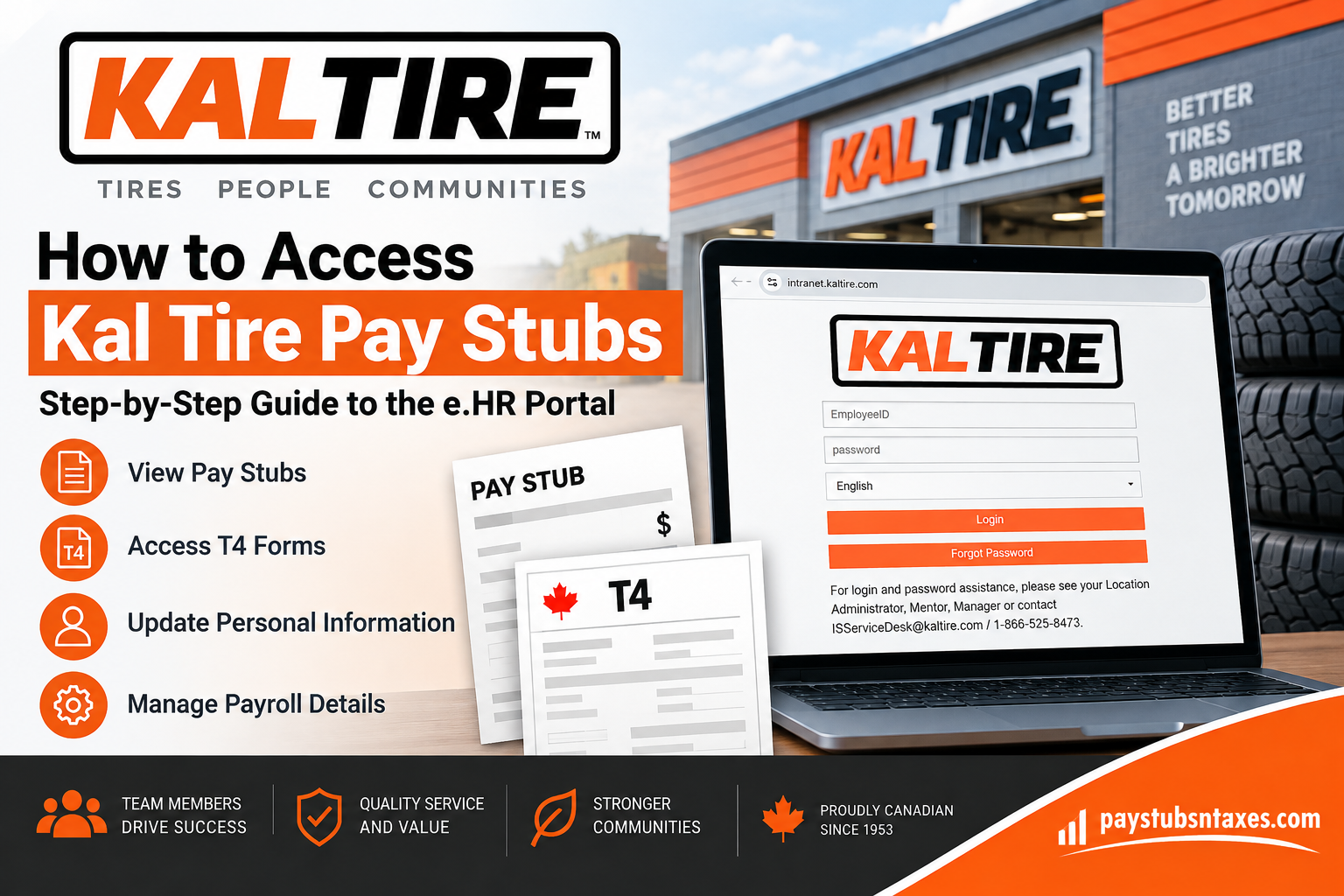
Kal Tire employees can access their pay stubs, salary statements, payroll information, personal details, and tax forms such as T4 slips through the company’s secure e.HR employee portal. For active employees, this self-service system provides a convenient way to review payroll records without having to request a paper copy from a manager or payroll office.
Founded in Vernon, British Columbia, in 1953, Kal Tire has grown into one of Canada’s largest independent tire service dealers, with more than 280 retail and commercial locations across the country. Its Mining Tire Group also provides tire services and supply support to more than 150 mine sites across five continents.
Whether you need to confirm your latest earnings, print a salary statement for a financial application, check your deductions, or retrieve payroll records for your own files, the e.HR portal puts the essential information within easy reach.
What Is the Kal Tire e.HR Portal?
The Kal Tire e.HR portal is the company’s online employee self-service system. It is used for payroll administration and gives active employees access to important personal and employment information, including:
- Pay stubs and salary statements
- Payment information
- T4 tax forms
- Mailing addresses
- Telephone numbers
- Email addresses
- Other employee records and self-service options
By keeping this information in one central location, the portal makes routine payroll and administrative tasks considerably more straightforward.
How to Log In to the Kal Tire Employee Portal
Follow these steps to sign in and access your payroll information:
- Open a secure web browser on your computer, tablet, or smartphone.
- Visit the official Kal Tire e.HR portal at https://intranet.kaltire.com.
- Enter your Employee ID in the first field.
- Enter your password in the password field.
- Select your preferred language from the drop-down menu, if necessary.
- Click Login to enter the employee self-service system.
Because the portal contains confidential payroll and personal information, always ensure that you are using the correct web address before entering your credentials. If you are signing in on a shared device, do not allow the browser to save your password.
How to View Your Kal Tire Pay Stub
Once you have successfully logged in, use the following navigation path:
Employee Self Service > Payment > Salary Statement
The Payment page contains a Salary Statement link. Selecting this link will display a list of the paychecks you have received during the year.
Click any row in the list to open the corresponding salary statement. This arrangement enables you to move between payment records efficiently, whether you are checking your latest earnings or looking further back in the year.
Information Shown on a Salary Statement
A Kal Tire salary statement contains the details associated with a particular payment. At the top of the statement, you should find:
- The Attendance Period covered by the payment
- The official Pay Date
- Your payroll area at the time the payment was issued
The remainder of the statement provides the payroll information connected with that paycheck. Review the document carefully, particularly when verifying a payment or retaining the statement for financial, lending, or administrative purposes.
Bear in mind that a salary statement records the payroll details that applied when the check was processed. If your work location or payroll area later changed, an earlier statement may still display the information that was valid at the time of that payment.
How to Download or Print a Kal Tire Pay Stub
After opening the required salary statement, use the available download or print option to retain a copy.
To download the statement:
- Open the relevant paycheck from the Salary Statement list.
- Select the available download option.
- Save the document in a secure folder on your device.
- Give the file a meaningful name, such as Kal Tire Pay Stub – September 2026.
To print the statement:
- Open the pay stub you need.
- Select the print option.
- Confirm the correct printer and page settings.
- Print the document and store it securely.
Payroll documents contain sensitive personal and financial information. Avoid saving them on public computers, unsecured shared drives, or devices to which other people have unrestricted access.
What to Do If You Cannot Log In
If your password is not working, select Forgot Password on the e.HR login page and follow the instructions presented on the screen.
If you remain unable to access your account, seek assistance from one of the following:
- Your Location Administrator
- Your Mentor
- Your Manager
- The Kal Tire IS Service Desk
You can contact the IS Service Desk by email at ISServiceDesk@kaltire.com or by telephone at 1-866-525-8473.
When requesting assistance, explain the problem clearly, but never send your password by email or disclose it over the telephone. Support personnel may need to confirm your identity; however, they should not require your existing password.
About Kal Tire
Kal Tire is a Canadian tire dealer and service company headquartered in Vernon, British Columbia. Its business encompasses retail and commercial tire sales and services, automotive services, mining and off-road tire services, and tire retreading.
The company traces its origins to 1953 in Vernon, British Columbia, and has since developed a substantial Canadian retail and commercial presence alongside its international mining operations.
Final Thoughts
The Kal Tire e.HR portal puts essential payroll information within easy reach. Once logged in, employees can navigate to Employee Self Service > Payment > Salary Statement to review their paychecks, examine payment details, and download or print salary statements whenever necessary.
Keeping copies of important pay records—and protecting them with the same care as any other financial document—can make tax preparation, income verification, and personal record-keeping far less burdensome.
Frequently Asked Questions About Kal Tire Pay Stubs
1. Where can I find my Kal Tire pay stubs?
Log in to the Kal Tire e.HR portal and navigate to Employee Self Service > Payment > Salary Statement. The Salary Statement page displays a list of the paychecks you have received during the year.
2. What is the Kal Tire employee portal website?
The Kal Tire employee e.HR portal is available at https://intranet.kaltire.com. Enter the address carefully to avoid visiting an unofficial or potentially unsafe website.
3. Who can access the Kal Tire e.HR portal?
The e.HR portal is intended for active Kal Tire employees who have valid login credentials. Access may depend on an employee’s current employment status and assigned account permissions.
4. What login information do I need?
You need your Kal Tire Employee ID and password. The login page also provides a language-selection menu that can be used before signing in.
5. How do I view a specific salary statement?
Open Employee Self Service, select Payment, and then choose Salary Statement. Locate the required paycheck in the annual list and click its row to open the statement.
6. Can I access old Kal Tire pay stubs?
The Salary Statement page presents a list of the paychecks received during the selected year. Availability of statements from earlier years may depend on the records retained in your account.
7. Can I download a Kal Tire salary statement?
Yes. Open the required salary statement and select the available download option. Save the document in a private, securely protected folder rather than on a public or shared computer.
8. Can I print my Kal Tire pay stub?
Yes. After opening the relevant statement, use the print option to produce a paper copy. Check the selected printer carefully, particularly if you are using a shared workplace device.
9. What information appears on a Kal Tire salary statement?
The top of the salary statement includes the Attendance Period, Pay Date, and your payroll area at the time the payment was issued. The statement also contains the payroll details associated with that paycheck.
10. What is the difference between the Attendance Period and Pay Date?
The Attendance Period identifies the period of work associated with the payment, whereas the Pay Date indicates when the payment was officially issued. These dates may therefore be different.
11. How do I reset my Kal Tire portal password?
Select Forgot Password on the e.HR login page and follow the instructions displayed. If you cannot complete the reset, contact your Location Administrator, Mentor, Manager, or the IS Service Desk.
12. Who should I contact if the Kal Tire employee portal is not working?
Contact your Location Administrator, Mentor, Manager, or the Kal Tire IS Service Desk. The IS Service Desk can be reached at ISServiceDesk@kaltire.com or 1-866-525-8473.
13. Can I access my T4 through the Kal Tire e.HR portal?
Yes. Active employees can use the e.HR portal to access tax documents, including T4 forms, along with their pay and personal employment information.
14. Can I update my personal information in the e.HR portal?
The portal provides access to personal details such as your address, telephone number, and email address. Where the applicable self-service option is available, you can review or update this information through your account.
15. What should I do if my pay stub appears incorrect?
First, ensure that you have opened the correct salary statement. Check its Attendance Period, Pay Date, and payroll area. If the information still appears incorrect, raise the matter promptly with your Location Administrator, Mentor, Manager, or the appropriate payroll support contact.
