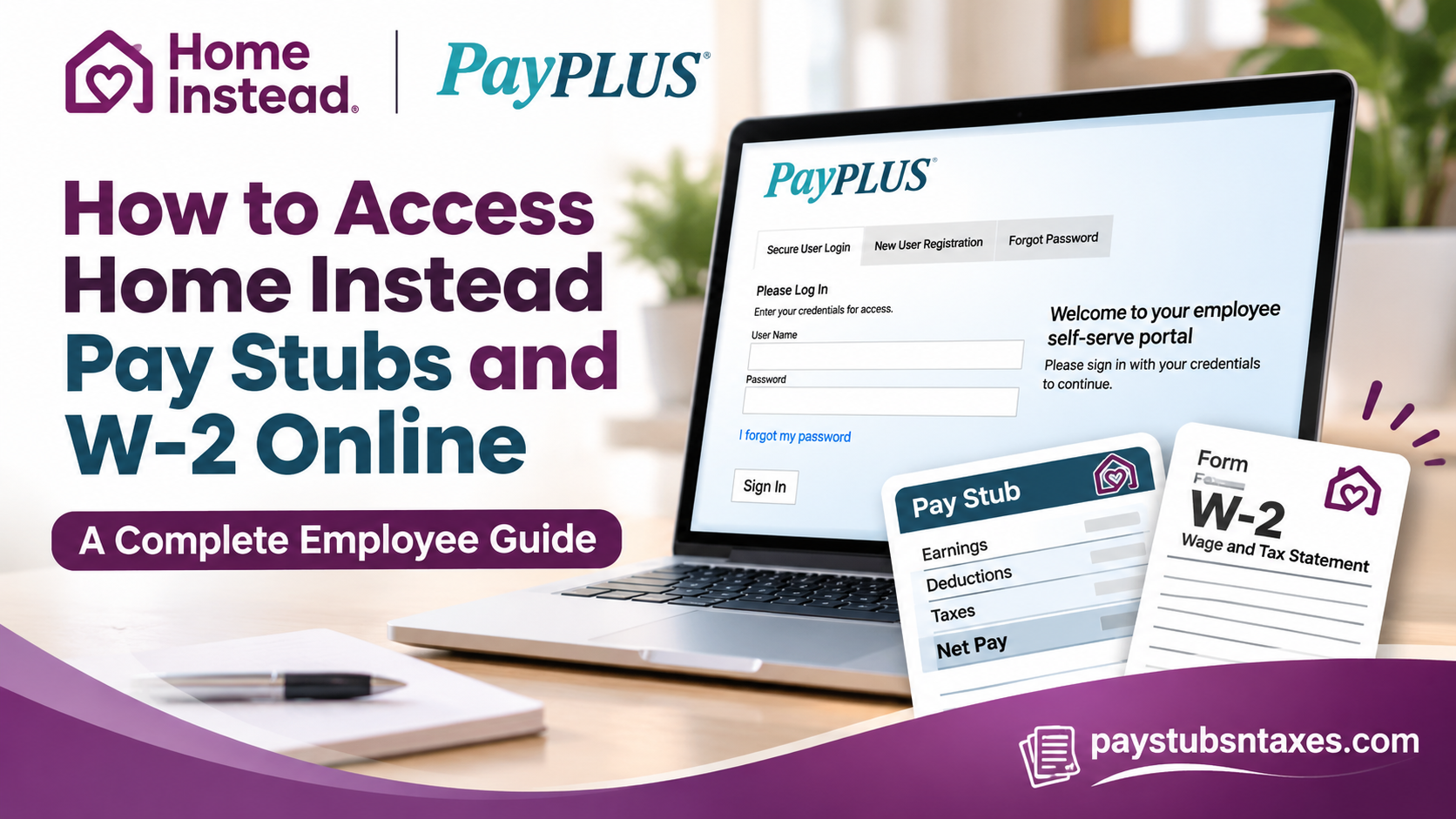
If your Home Instead franchise uses PayPLUS Payroll Services, you can view, print, and save your pay stubs and W-2 forms through the PayPLUS Employee Self Service (ESS) portal. Sign in, select Pay, and choose a pay date to open a paycheck stub or a tax year to view an available W-2. If you need login help or a copy of a missing document, contact the local Home Instead office that employed you.
Home Instead was founded in Omaha in 1994 by Paul and Lori Hogan. Its franchise network helps older adults live safely and independently at home through non-medical care, ranging from occasional respite to ongoing support. Because franchise offices are independently owned and operated, the payroll instructions issued by your local office determine which portal and credentials you should use. PayPLUS is a preferred payroll provider for the franchise network. This comprehensive guide explains how to log into PayPLUS, complete the initial account setup, access current and previous pay statements, retrieve W-2 forms, reset your password, and resolve common payroll-related difficulties.
How to Log In to Home Instead PayPLUS ESS
- Open PayPLUS4HISC and select the ESS Employee Self Service icon on the left. You can also go directly to the PayPLUS ESS sign-in page.
- Under Secure User Login, enter the username and password issued by your local Home Instead office.
- Select Sign In. If you land on the payroll dashboard, you can open your pay records immediately. If prompted to complete account setup, follow the steps below.
Set Up Your PayPLUS Account on Your First Visit
Your first sign-in may prompt you to set a password, verify your email address, and choose and answer three security questions. Follow the instructions from your franchise office and the prompts shown on your screen. Once you have completed the required fields, select Save. In some versions of the portal, the save control appears as a floppy-disk icon near the upper-left corner.
If you have yet to receive your username or starter password, ask your local franchise office for the correct credentials. If you already have an account and cannot remember your password, use Forgot Password or I forgot my password on the sign-in page.
How to View and Download Home Instead Pay Stubs
The payroll dashboard typically shows your three most recent pay stubs. If the paycheck you need is older, open the full pay history through the Pay menu or select the three-dot menu in the dashboard’s Pay section.
- Sign in to PayPLUS ESS and select Dashboard or Pay from the left-hand menu.
- Find the paycheck you want to review and click its blue pay date. Check the pay period shown on the statement if you need to match the payment to specific shifts or hours worked.
- Review the statement for earnings, taxes, deductions, and net pay.
- Use the available print controls to print the stub. To keep a digital copy, choose Save as PDF in your browser’s print dialog if that option is available.
The pay date is the date the paycheck was issued. If you are gathering documents for a rental application, loan, or other proof-of-income request, check the requested date range before saving your statements.
How to Get Your Home Instead W-2 Online
PayPLUS stores available year-end tax forms in the same Pay section as paycheck statements. To find your Home Instead W-2, open Pay and select the blue tax year for the form you need. Once the form opens, print it or save a PDF copy using the available print controls.
If the tax year is missing or the form will not open, ask your franchise’s payroll contact whether the W-2 is available electronically and how to request a copy. If your name, mailing address, or other information needs updating, contact the office and ask how to submit the correction. You can also review the address and withholding information displayed in ESS.
How Former Home Instead Employees Can Request Pay Stubs and W-2s
If your PayPLUS login is still active, sign in and check Pay for the relevant pay dates or tax years. If you can no longer sign in, contact the Home Instead franchise that issued your paychecks. Tell the office which pay dates or tax years you need and ask how it can verify your identity and deliver the records securely. If you worked for more than one franchise, check the employer name on an existing pay stub or W-2 to identify the office responsible for each set of records.
Who to Contact for PayPLUS Login or Payroll Help
Your local Home Instead franchise office is the first point of contact for a locked account, a missing pay stub, or a question about your paycheck. For paycheck discrepancies, have the pay date and a brief description of the issue ready so payroll can locate the statement. If your franchise gave you 561-409-5980 as its office number, you can call it for help. Otherwise, use the number your own office provided.
When you finish viewing your records, select Exit in the upper-right corner to sign out. Keep any downloaded copies in a secure location, especially W-2 forms, which contain sensitive personal information.
Conclusion
Accessing Home Instead pay stubs and W-2 forms online is considerably more convenient when employees understand how to navigate the PayPLUS Employee Self-Service Portal. From completing the initial login process and reviewing current earnings to retrieving historical payroll records and downloading annual tax statements, the platform offers an accessible way to manage essential employment documents.
For employees whose franchise offices use PayPLUS, the process generally begins at payplus4hisc.com or the direct Evolution Payroll ESS login page. After signing in, the Pay section provides access to available paycheck information and year-end tax statements, while account settings support password management and personal-information review.
Nevertheless, because Home Instead operates through independently owned franchise offices, payroll procedures, login credentials, and document availability may differ between employers. Whenever an account-related difficulty arises, contacting the appropriate local franchise office remains the most reliable course of action.
By maintaining secure login credentials, reviewing payroll information regularly, and preserving electronic copies of important documents, Home Instead employees can approach payroll administration with greater confidence, efficiency, and peace of mind.
Home Instead Payroll FAQs
1. What is the Home Instead employee payroll portal?
Home Instead franchises that use PayPLUS give employees access to payroll records through PayPLUS Employee Self Service (ESS). You can reach the sign-in page by selecting the ESS icon on the PayPLUS4HISC website.
2. Do all Home Instead franchises use PayPLUS?
Each Home Instead franchise is independently owned and operated. Confirm which payroll portal to use with your local office, especially if you recently transferred to a different franchise.
3. How do I log in to PayPLUS for the first time?
Sign in with the credentials issued by your franchise. If prompted, follow the instructions to set your password, verify your email address, and answer three security questions. Select Save to complete setup.
4. Where do I get my PayPLUS username and initial password?
Contact your local Home Instead office or payroll representative. They can confirm your username and provide the first-time sign-in instructions for your account.
5. How do I reset my PayPLUS password?
Select Forgot Password, or I forgot my password on the sign-in page and follow the prompts. If you cannot complete the reset, ask your local franchise office for help.
6. How do I view my latest Home Instead pay stub?
Sign in to PayPLUS ESS and look for the most recent pay date in the Pay section of your dashboard. Select the blue date to open the statement.
7. How do I find older Home Instead pay stubs?
Open Pay from the left-hand menu or select the three-dot menu in the dashboard’s Pay section. The dashboard typically shows your three most recent stubs, while the Pay section displays your available pay history.
8. Can I download my Home Instead pay stub as a PDF?
Yes. Open the pay stub, select Print, and choose Save as PDF in your browser’s print dialog if that option is available.
9. Where can I find my Home Instead W-2 in PayPLUS?
Sign in to PayPLUS ESS, open Pay, and select the blue link for the tax year you need. The link opens the W-2 if it is available in your account.
10. How do I print my Home Instead W-2?
Open the W-2 for the correct tax year and select Print. Choose your printer for a paper copy or Save as PDF to keep a digital copy.
11. What should I do if my Home Instead W-2 is missing?
Contact the franchise office that issued your paychecks. Give payroll the tax year you need and ask whether the form is available electronically or how to request a copy.
12. Can former Home Instead employees still access PayPLUS?
If your PayPLUS account remains active, you can sign in and check Pay for your records. If you no longer have access, request your pay stubs or W-2s from the franchise office that employed you.
13. How do I get payroll records from more than one Home Instead franchise?
Contact each franchise that paid you. The employer name on an existing pay stub or W-2 can help you identify which office to ask for a particular record.
14. Can I check my address and tax withholding in PayPLUS?
PayPLUS ESS can display the address and withholding information your employer has on file. If anything needs updating, ask your local franchise office how to submit the change.
15. Who should I contact about a missing or incorrect Home Instead paycheck?
Contact the payroll representative at your local Home Instead franchise. Have the pay date and pay period ready, and explain which hours, earnings, or deductions you want the office to review.
