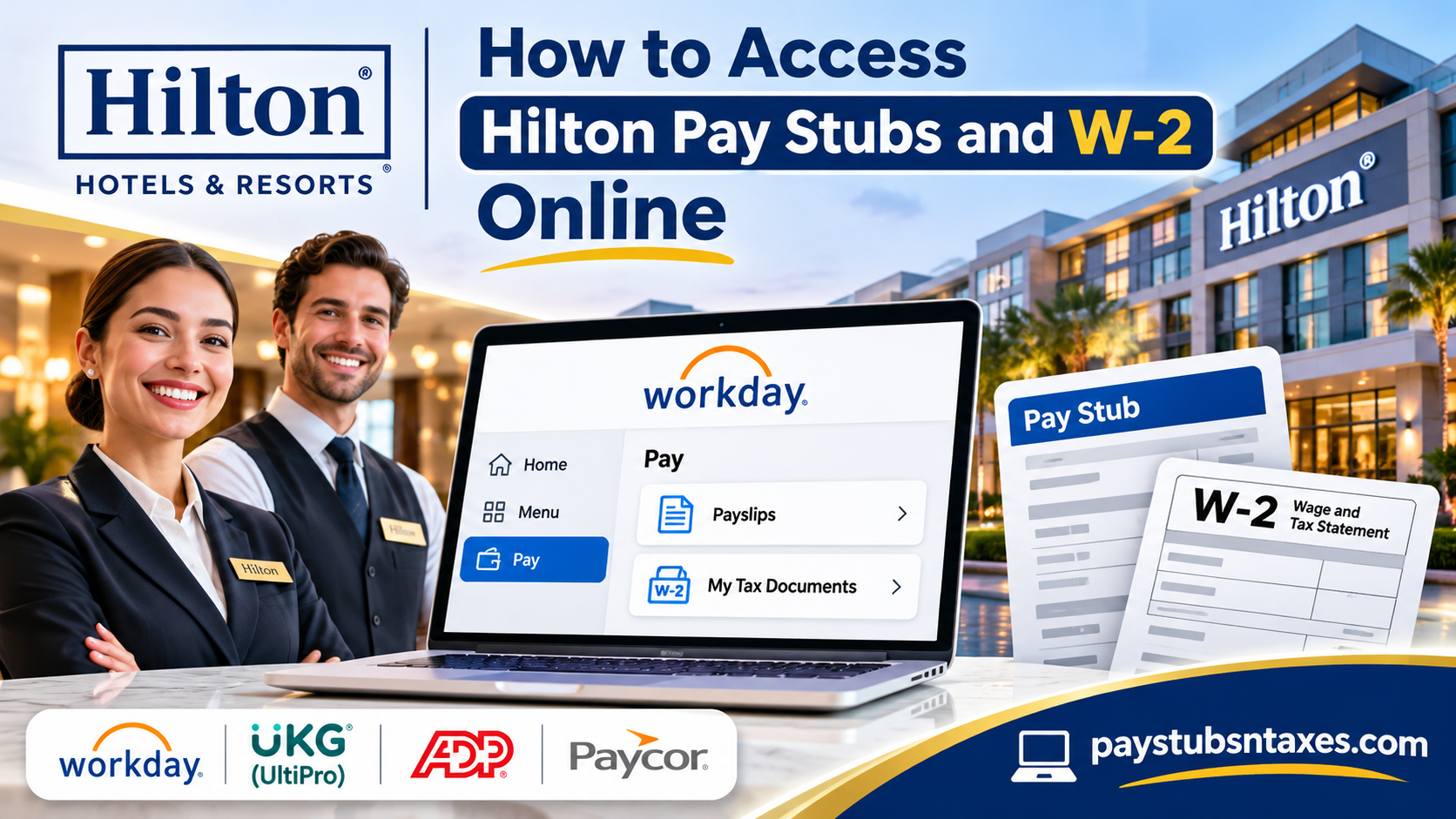
Accessing your Hilton pay stubs and W-2 forms online begins with identifying your employer. Although your workplace may carry the Hilton name, an independent hospitality company may operate the hotel and administer its payroll. Consequently, the correct employee portal depends on the company that employs you.
For employees whose companies use Workday, the usual route is Menu → Pay → Payslips for pay statements and Pay → My Tax Documents → View/Print for W-2 forms. However, some hotel operators use UKG UltiPro, ADP, Paycor, or another payroll platform, so confirming your employer’s system will save you time and unnecessary login attempts.
This guide explains how to find the appropriate portal, retrieve your payroll documents, and resolve common access problems.
Identify Your Employer Before Signing In
There is no single payroll login that applies to every employee working at a Hilton-branded hotel. Independently operated properties may have their own HR departments, payroll arrangements, and employee access procedures.
Before attempting to retrieve your documents, check your employment offer, onboarding paperwork, or an earlier pay statement for your employer’s name. If the information remains unclear, contact your hotel’s local HR or payroll office.
Establishing this detail at the outset helps you avoid going around in circles between portals that cannot recognize your credentials.
Hilton Employee Payroll Portals by Management Company
The following portals correspond to the management companies identified below. Use the address supplied or confirmed by your employer, particularly if your hotel has recently changed operators.
| Employer or management company | Payroll platform | Employee login |
| HRI Hospitality / HRI Properties, associated with Historic Restoration Inc. | Workday | HRI Workday |
| Valor Hospitality | Workday | Valor Hospitality Workday |
| Aimbridge Hospitality | UKG UltiPro | Aimbridge UltiPro |
| Other hotel employers or operators | May include Workday, ADP, Paycor, or another system | Request the correct portal from local HR or payroll |
Your credentials belong to your employer’s payroll environment. Working at a Hilton-branded property does not automatically give you access to another management company’s system.
How to Access Hilton Pay Stubs in Workday
If your employer uses Workday, follow these steps to locate your available pay statements. The appearance of the home page and the applications displayed may vary according to your role and your employer’s configuration.
1. Sign In to Your Employer’s Workday Portal
Open the Workday address provided by your employer and enter your username and password. Complete any additional verification requested during sign-in.
When accessing an updated Workday interface for the first time, you may see a Quick Tips screen introducing the home page and toolbar. Review or dismiss it to continue.
2. Open the Pay Application
From the Workday home page, select Menu, then choose Pay. Depending on your organization’s layout, the Pay application may also appear directly on the home page as a worklet or shortcut.
3. Select Payslips
Within the Pay application, look under the View heading and select Payslips.
This page displays the pay statements available through your account. Locate the payment date or pay period you need before opening a document.
4. View Your Pay Statement
Select View beside the relevant payslip. Review the statement to check your earnings, deductions, withholding, and take-home pay.
If an amount appears incorrect, raise the issue with your local payroll office so it can investigate the underlying payroll record.
5. Print or Save Your Pay Stub
Use the available Print option to produce a copy. If your browser or device offers Save as PDF in the print window, you can use it to retain a digital version.
Keep downloaded statements in a secure location, particularly when they contain personal or financial information.
How to Access Your Hilton W-2 in Workday
For employees receiving a U.S. Form W-2 through Workday, the tax document section provides access to available employer-issued forms.
1. Open the Pay Worklet
Sign in to your employer’s Workday account and select Pay from the landing page or application menu.
2. Choose My Tax Documents
Under the View heading, select My Tax Documents.
The page should display the tax documents currently available to your account. Check the tax year carefully before proceeding.
3. Select View/Print
Find the appropriate W-2 and, under the Employee Copy column, click View/Print.
Workday will begin generating the document.
4. Allow the Document to Process
You may receive a message stating, “Your request is being processed.” If so, either wait for the document to become available or select Notify Me Later.
Choosing Notify Me Later allows you to return to other tasks while the request completes. Once the document is ready, check your Workday notifications for the link.
5. Download or Print Your W-2
Open the generated document and save or print it as needed. Before using the form, confirm that you have selected the correct employer and tax year.
If personal details or reported figures appear inaccurate, contact payroll for assistance.
Accessing Payroll Documents Through Aimbridge UltiPro
If Aimbridge Hospitality is your employer and your property directs employees to UltiPro, use the Aimbridge employee portal instead of an HRI or Valor Workday login.
After signing in, locate the sections for pay statements and year-end tax documents. Because menu labels and access permissions can vary, follow your employer’s instructions when locating a particular pay stub or W-2.
If you cannot find the relevant section, your local HR or payroll office can confirm the correct navigation.
What If Your Employer Uses ADP or Paycor?
Some Hilton-branded properties may use ADP, Paycor, or a different payroll service. In that case, the Workday instructions above will not match your employee account.
Ask HR to confirm:
- The payroll platform used by your property.
- The correct employee login address.
- Whether registration or an invitation is required.
- Where pay statements and tax documents appear after sign-in.
Using the portal assigned to your employment record is essential, especially if you have worked for more than one hotel operator.
Can Former Hilton Employees Access Pay Stubs and W-2s?
Former employees should contact the company that employed them at the relevant property. Access after separation depends on that employer’s arrangements, and an account previously used at work may require a different sign-in process or additional assistance.
If your login no longer works, ask the former employer’s HR or payroll office how to obtain copies of your documents. Provide the property name, your employment dates, and the pay periods or tax years required.
If the hotel has changed management, identify the employer responsible for the period in question so your request reaches the appropriate payroll team.
Getting Help With Hilton Pay Stubs and W-2 Forms
Your hotel’s local HR or payroll office is the most useful starting point for login assistance, missing documents, and payroll questions. Have your employer’s name, property location, employee ID if available, and the relevant pay period or tax year ready.
Once you have confirmed your employer and the appropriate portal, retrieving your Hilton pay stubs and W-2 forms becomes a straightforward process. For Workday users, remember the two main routes: Pay → Payslips for pay statements and Pay → My Tax Documents for available W-2 forms.
Conclusion
Accessing Hilton pay stubs and W-2 forms online becomes substantially easier once you understand the distinction between the Hilton hotel brand and the organization that actually manages your employment and compensation.
Because Hilton-branded properties operate under different ownership and management arrangements, employees may encounter several payroll systems, including Workday, UltiPro/UKG, ADP, and Paycor. Identifying your legal employer is therefore the cornerstone of a successful payroll document retrieval process.
For employees whose organizations use Workday, the process is relatively straightforward: navigate to Pay > Payslips to access pay statements or Pay > My Tax Documents to retrieve available W-2 forms.
Employees of Aimbridge Hospitality and other management organizations should instead follow the procedures established by their respective payroll providers.
Whether you are a current team member reviewing your latest earnings or a former employee preparing your annual tax return, keeping your payroll credentials secure, maintaining accurate contact information, and knowing when to contact Human Resources will help ensure that essential employment documents remain within reach.
Frequently Asked Questions
1. Does Hilton have one payroll portal for all employees?
No. Hilton-branded hotels may be operated by different companies, each with its own payroll platform. Confirm your employer’s name and login instructions with your local HR or payroll office.
2. How can I identify my Hilton hotel employer?
Check your offer letter, onboarding documents, or a previous pay statement for your employer’s name. If you are unsure, ask your hotel’s HR department which company administers your payroll.
3. How do I view Hilton pay stubs in Workday?
Sign in to your employer’s Workday portal, select Menu → Pay → Payslips, and click View beside the statement you need. Menu labels may vary by employer.
4. How do I download my Hilton W-2 from Workday?
Open Pay → My Tax Documents, locate the appropriate tax year, and select View/Print under Employee Copy. Once Workday generates the document, download or print it.
5. Which payroll portal do HRI Hospitality employees use?
Employees directed to HRI’s Workday system can use the HRI Workday portal. Confirm with local HR that this portal applies to your property and employment record.
6. Where can Valor Hospitality employees access payroll documents?
Valor Hospitality employees directed to Workday can sign in through the Valor Hospitality Workday portal. Available pay statements and tax documents depend on their account access.
7. How do Aimbridge Hospitality employees access pay stubs and W-2s?
Employees whose properties use Aimbridge’s UltiPro system can visit the Aimbridge UltiPro portal. After signing in, locate the pay statement or year-end tax document section.
8. Do all Hilton hotels use Workday?
No. Depending on the employer, a Hilton-branded hotel may use Workday, UltiPro, ADP, Paycor, or another payroll system. Your local HR office can confirm the correct platform.
9. Can I print my Hilton pay stub?
Yes, if your payroll portal provides a print option. In Workday, open the relevant payslip and select Print. You may also save a PDF through your device’s print settings.
10. What does “Your request is being processed” mean in Workday?
This message means Workday is generating your requested document. You can wait for it to finish or select Notify Me Later and retrieve the document through your Workday notifications when it is ready.
11. What should I do if I forget my payroll password?
Select Forgot Your Password? or the equivalent recovery link on your employer’s login page. If you cannot reset it, contact your local HR department or designated support team.
12. Why is my Hilton W-2 missing from Workday?
The form may not yet be available, you may have selected the wrong tax year, or your employer may distribute it through another system. Contact payroll to confirm availability and access.
13. Can former Hilton employees retrieve pay stubs and W-2s?
Former employees should contact the company that employed them at the hotel. Post-employment access varies, so HR or payroll must confirm whether to use an existing account, a separate login, or a document request.
14. What if my Hilton hotel changes management companies?
Ask HR which employer holds the payroll records for each period you need. Documents covering earlier employment may need to be requested from the previous management company.
15. Who should I contact about missing or incorrect payroll documents?
Contact your employer’s local HR or payroll office. Provide your property name, employee ID if available, and the relevant pay period or tax year so the team can locate your records.
