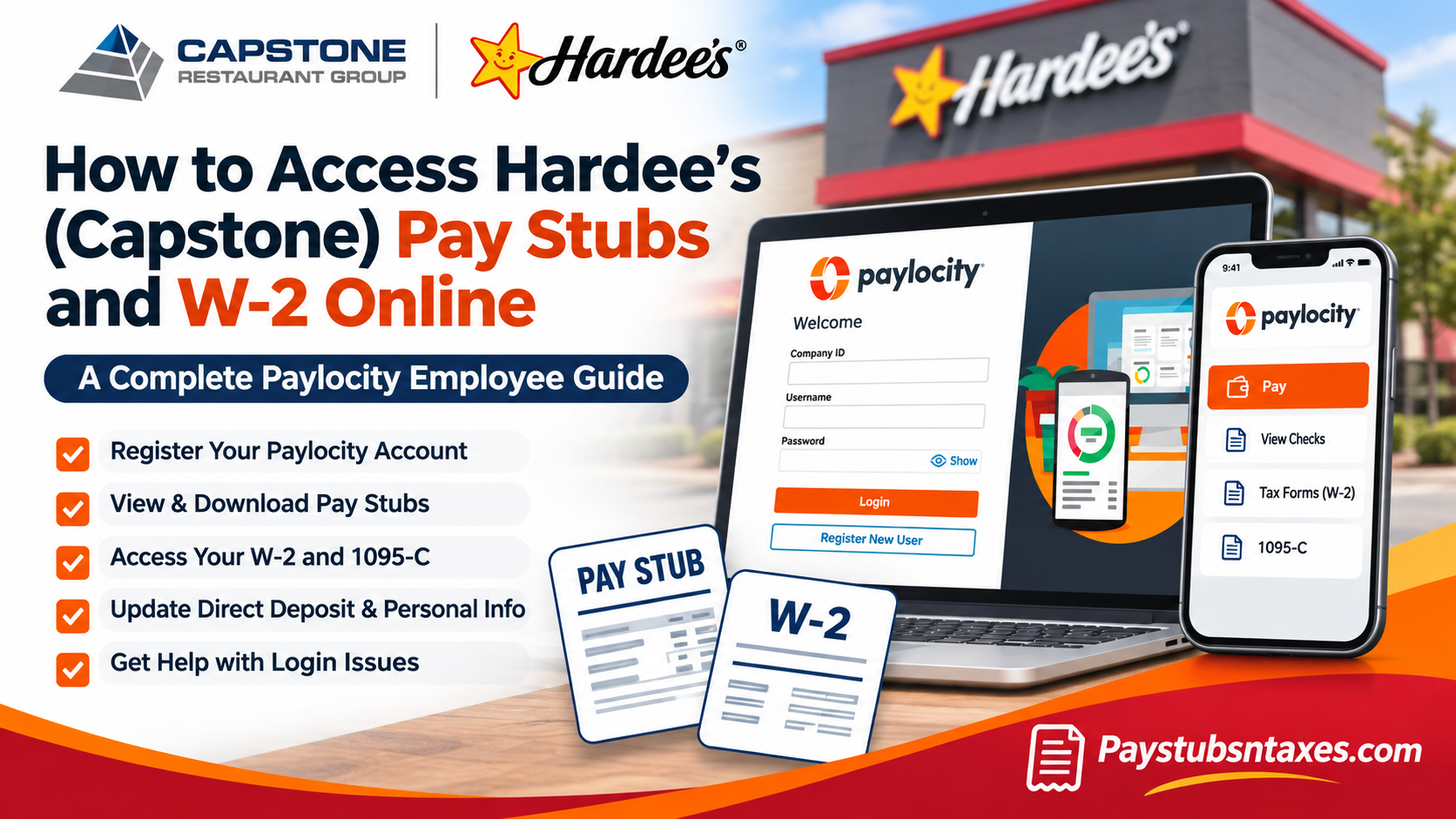
If you work or previously worked at a Hardee’s restaurant operated by Capstone Restaurant Group, sign in to Paylocity with your Company ID, username, and password. On the Self-Service Portal, select Pay → View Checks to download a pay stub, or Pay → More → Tax Forms to retrieve your W-2. Former Capstone team members can continue using the portal after leaving the company. Capstone Restaurant Group is an independent Hardee’s franchisee, so the company that employed you determines which payroll system holds your records. If you worked for another Hardee’s franchise operator, check the employer name on an earlier pay statement or onboarding paperwork before trying to register.
How to register for the Capstone Paylocity portal
Go to the Paylocity login page and choose Register New User if you have never set up your account. Capstone requires team members to create their own credentials, so complete the registration yourself.
- Enter your Company ID. Paylocity uses it to identify the employer account for both registration and sign-in. If you are unsure which ID applies to you, check the following table.
Capstone Restaurant Group Paylocity Company IDs
The following Company IDs correspond to affiliated entities within Capstone Restaurant Group.
| Company ID | Company Name |
| 11257 | LBE Restaurant Development, LLC |
| 11258 | Summit Restaurant Development, LLC |
| 12496 | Pioneer Restaurants, LLC |
| 126127 | LBE Holdings, LLC |
| 195761 | Ozark Stars, LLC |
| N5525 | Empire Restaurants, LLC |
| N5526 | Bighorn Restaurants, LLC |
| N5527 | Heartland Restaurants, LLC |
| N5528 | Summit Restaurant Holdings, LLC |
| N9116 | North Star Foods, LLC |
| N9117 | River Valley Restaurants, LLC |
| N9118 | Tristar Ventures, LLC |
| N9198 | Atlantic Star Foods, LLC |
- Verify your identity. Enter your last name, Social Security number, and ZIP code exactly as they appear in Capstone’s payroll records. If you recently moved, Payroll may still have your previous ZIP code on file.
- Create a username and password. Capstone’s setup instructions specify a username of 3 to 20 characters and a password of 7 to 20 characters with a number, uppercase and lowercase letters, and a symbol. Follow the requirements shown on the registration screen.
- Complete the security prompts. Set up your security questions, then select a security image and enter a security phrase if prompted. Security answers are case-sensitive.
- Return to the login page. Sign in with your Company ID and the credentials you created.
Paylocity allows one account per Social Security number for each Company ID. If you already registered, use Forgot Password or ask Payroll for help recovering your username or updating an old email address.
How to view and download Hardee’s pay stubs
If Capstone pays you by direct deposit, your pay stubs are paperless. You can open the latest statement from the Pay tile or use View Checks to find a specific pay date. A detailed stub lets you review gross earnings, taxes, deductions, and take-home pay for that pay period.
On a desktop browser
- Sign in to Paylocity and open the Self-Service Portal. If another workspace opens first, use the menu in the upper-left corner to switch to Self Service.
- Find the Pay tile. To open a recent statement, click its pay date. To find another statement, select View Checks.
- Select the check you want from the list. Check the pay date before downloading, especially if you are collecting several statements for a rental or loan application.
- Choose Download Paystub in the upper-right corner. Open the PDF to save or print it.
If your dashboard displays your take-home pay, use the arrow beside Net Amount to hide it from the Self-Service home screen.
In the Paylocity mobile app
Install Paylocity from the Apple App Store or Google Play Store and sign in with your existing credentials. Open Pay to see your latest statement, then tap History to find earlier pay stubs. Check your app store listing for current device requirements.
How to download your Capstone W-2 or 1095-C
Capstone directs current and former team members to Paylocity for their W-2 forms and says they are available electronically by January 31 each year. Retrieve your W-2 from the portal. If you need a paper copy or have questions about electronic delivery, contact Capstone Payroll.
On a desktop browser
- From Employee Self-Service, open the Pay tile and choose More → Tax Forms.
- If your layout opens in Paylocity Home, go to Employees → Person Record → Pay → Tax Forms. In some layouts, the employee record is labeled Employee Payroll File.
- Select the tax year and open Form W-2. Choose Form 1095-C if you need that document and it is available for the selected year.
- Follow the prompts to view or download the PDF. Paylocity may give you the option to password-protect the file.
In the Paylocity mobile app
Open Pay → Tax Forms, select the year, and tap the W-2. If you want to send yourself a copy, use the envelope icon and follow the prompts to create a password for the PDF. This is a copy you send from the app. Capstone posts the original form in the portal.
Where does premium overtime appear on the 2025 W-2?
Capstone identified Box 14 of its 2025 Form W-2 as the place to look for the premium overtime entry associated with the One Big Beautiful Bill. If you have a question about the amount shown on your form, ask Capstone Payroll to review it.
How former Capstone employees can access payroll records
If you have left Capstone, use your existing Paylocity login and select the year you worked for the company. If you never registered, choose Register New User and enter the details Capstone Payroll has on file. A ZIP code from your time with the company may still be on record, even if you have since moved.
If the reset link goes to an email address you can no longer access, ask Payroll to update your contact information. Once you regain access, download the W-2s and pay stubs you need and save them somewhere secure.
How to contact Capstone Payroll for login help
Email payroll@capstonerestaurants.com or call (303) 530-2900 if you are locked out, need the correct Company ID, or cannot find a payroll document. Tell Payroll whether you need help signing in or retrieving a record. For a missing W-2 or pay stub, include the tax year or pay date so Payroll can locate it.
For account verification, Capstone asks for your legal first and last name, date of birth, current email address, and the last four digits of your Social Security number. If you prefer to confirm how to share those details, call first. Keep your full Social Security number and Paylocity password out of email.
Conclusion
Accessing Hardee’s (Capstone) pay stubs and W-2 forms online is a convenient and secure process through the Paylocity Employee Self-Service Portal.
Whether you need to verify your latest paycheck, review historical earnings, download an annual W-2, retrieve Form 1095-C, or update your direct deposit information, Paylocity provides a centralized platform for managing essential employment records.
Both current and former Capstone Restaurant Group employees can access the portal, although first-time users must register using the correct Company ID and matching personal information.
Because Capstone distributes its W-2 statements electronically rather than through traditional mail, employees should establish and maintain their Paylocity accounts well before tax season.
If registration difficulties, missing documents, or login issues arise, assistance is available through payroll@capstonerestaurants.com or (303) 530-2900.
By keeping your Paylocity credentials secure and regularly reviewing your payroll information, you can maintain accurate employment records and access important financial documents whenever they are needed.
Frequently Asked Questions
1. What payroll portal does Hardee’s use for Capstone employees?
Capstone Restaurant Group uses Paylocity Employee Self-Service. If you worked at a Hardee’s location run by another franchisee, check the employer name on a previous pay stub to confirm which payroll portal to use.
2. How do I register for the Capstone Paylocity portal?
Select Register New User on the Paylocity login page. Enter your Company ID, last name, Social Security number, and ZIP code as recorded by Capstone Payroll. Then create your username and password and complete the security prompts.
3. Where can I find my Capstone Paylocity Company ID?
Contact Capstone Payroll to confirm the Company ID for your employer account. You’ll need it to register and sign in.
4. Why does Paylocity say my registration information doesn’t match?
Your last name, Social Security number, and ZIP code must match Capstone’s payroll records. If you recently moved or changed your name, ask Payroll to confirm what it has on file.
5. How do I download a Capstone pay stub on a computer?
Open Self-Service → Pay → View Checks, select the pay date you need, and click Download Paystub. You can save or print the PDF.
6. How do I see my Hardee’s pay stubs on my phone?
Sign in to the Paylocity mobile app and tap Pay to see your latest pay stub. Tap History to find earlier statements.
7. Can I hide my take-home pay on the Paylocity dashboard?
Yes. Select the arrow next to Net Amount to hide your take-home pay on the Self-Service home screen.
8. Where do I download my Capstone W-2 in Paylocity?
In Employee Self-Service, go to Pay → More → Tax Forms, choose the tax year, and open your W-2. If you land on Paylocity Home, use Employees → Person Record → Pay → Tax Forms.
9. Can I get my W-2 through the Paylocity mobile app?
Yes. Tap Pay → Tax Forms, select the year, and open your W-2. To email yourself a copy, tap the envelope icon and follow the prompts to password-protect the PDF.
10. When does Capstone make W-2 forms available?
Capstone says it posts W-2 forms in Paylocity by January 31 each year. Sign in and select the tax year you need.
11. Does Capstone mail or email W-2 forms?
Capstone directs team members to retrieve their W-2s through Paylocity instead of waiting for mail or email. If you need a paper copy or have trouble retrieving the form, contact Capstone Payroll.
12. Can former Hardee’s employees still access Capstone pay stubs and W-2 forms?
Yes. Former Capstone employees can use their existing Paylocity credentials after leaving. If you never registered, select Register New User and use the information Capstone Payroll has on file.
13. Can I download Form 1095-C from Paylocity?
Yes, if Capstone issued you a Form 1095-C. Open Pay → Tax Forms, select the applicable year, and choose Form 1095-C.
14. Where does premium overtime appear on Capstone’s 2025 W-2?
Capstone identifies Box 14 on its 2025 W-2 as the place to look for the premium overtime entry associated with the One Big Beautiful Bill.
15. Who can help if I’m locked out of Paylocity or missing a W-2?
Try Forgot Password on the Paylocity sign-in page. If you’re still locked out, can’t access your old email address, or need a missing W-2, email payroll@capstonerestaurants.com or call (303) 530-2900.
