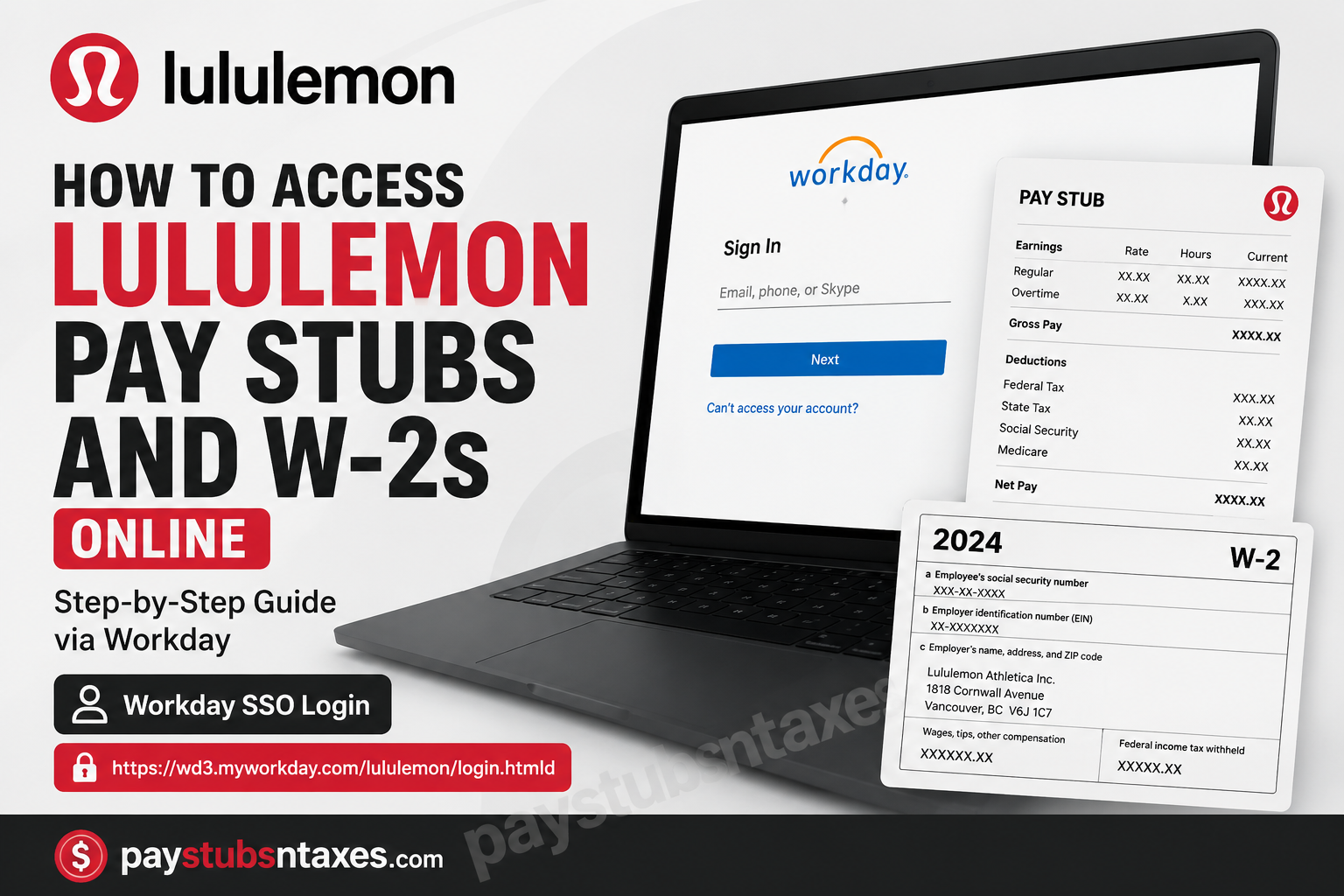
Lululemon Athletica Inc. is a Canadian-American multinational athletic apparel retailer rooted in Vancouver, British Columbia. Founded in 1998, the company has grown from a yoga-wear retailer into a global, purpose-driven brand offering athletic apparel, footwear, accessories, lifestyle products, and personal-care items. To help manage employment and payroll information, lululemon uses Workday. Eligible employees can use the platform to review pay statements, access available tax documents, and manage certain personal and financial details from one secure location. This guide explains how to access lululemon pay stubs and W-2 forms online through Workday.
Important: Workday menus, labels, and authentication requirements may vary according to an employee’s country, role, employment status, and the version of the system currently in use. If an option described below does not appear, contact lululemon’s internal People and Culture, payroll, or technology-support team.
Lululemon Workday SSO Login
Use the following employee sign-in page:
Lululemon Workday SSO:
https://wd3.myworkday.com/lululemon/login.htmld
The page may redirect you to lululemon’s Microsoft sign-in screen. Enter the email address, telephone number, or account identifier associated with your employee profile, select Next, and complete the authentication process.
Depending on the company’s security settings, you may also be asked to verify your identity through multifactor authentication.
What You Need Before Signing In
Have the following information or resources at your fingertips:
- Your active lululemon employee email address or SSO username
- Your current password
- Access to your registered multifactor-authentication device
- A secure internet connection
- A compatible browser with pop-ups and PDF downloads enabled
Never enter your credentials on a page reached through an unsolicited email or text message. Check the web address carefully and use only the official Workday SSO link supplied by lululemon.
How to Access Lululemon Pay Stubs in Workday
If you need proof of income, want to verify deductions, or simply wish to keep your financial records in order, your pay stub is usually the first port of call.
A standard Workday payslip workflow provides access through the employee’s Pay area, where available pay-period dates can be selected, and the corresponding statement opened.
Step 1: Sign In to Workday
Go to the Lululemon Workday SSO portal and log in using your authorized credentials.
Step 2: Locate the Pay Section
From the Workday home page, open Menu, View All Apps, or the relevant navigation menu and look for Pay.
Depending on the Workday interface currently assigned to your account, you may also be able to find the Pay application using Workday’s search function.
Step 3: Select Payslips
Inside the Pay section, select Payslips.
Workday should display the pay statements currently available to your account.
Step 4: Choose the Appropriate Pay Period
Review the listed payment dates and select the pay period you want to examine.
A typical Workday payslip screen provides a list of pay-period dates, after which the corresponding PDF or statement can be opened.
Step 5: View Your Pay Stub
Open the applicable statement.
Your pay stub may contain information such as:
- Gross earnings
- Regular wages
- Overtime or additional earnings, where applicable
- Federal and state tax withholding
- Other payroll deductions
- Benefit deductions
- Net pay
- Pay-period dates
- Year-to-date payroll totals
Review the figures carefully, particularly when checking a change in wages, deductions, or withholding.
Step 6: Download or Print the Statement
If Workday provides a PDF or print option, save a copy to a secure location or print it for your records.
Keeping electronic copies of important pay statements can be invaluable when applying for a loan, renting a property, verifying income, or resolving a payroll discrepancy.
How to Access a Lululemon W-2 in Workday
Form W-2 applies to eligible employees working in the United States. When the tax document becomes available in Workday, follow these steps:
- Sign in to the lululemon Workday portal.
- Open the Menu in the upper-left area of the home screen.
- Select the Pay application.
- Choose My Tax Documents.
- Find the relevant tax year in the table of available documents.
- Select View/Print, View, or the corresponding document link.
- If Workday displays a processing message, select Notify Me Later.
- Wait for the document-generation notification.
- Open the notification by selecting the bell icon near the upper-right corner.
- Select the completed PDF to view, download, or print your W-2.
Generating a tax-document PDF may take a short while. If the file does not appear immediately, avoid submitting the same request repeatedly; check your Workday notifications first.
How to Download or Print a W-2
After opening the W-2 PDF:
- Select the download icon to save it to your device.
- Choose a private, easily identifiable folder.
- Give the file a clear name, such as lululemon-W2-2025.pdf.
- Open the downloaded copy to make sure every page is readable.
- If a paper copy is needed, print it using a trusted device and collect it immediately.
A W-2 contains sensitive personal and tax information. Do not save it to a public computer, shared drive, or unencrypted device. If you print the document, store it securely and shred unwanted copies.
What If “My Tax Documents” Is Missing?
The option may be absent for several reasons:
- The tax form has not yet been issued.
- Your role or location uses a different payroll process.
- You are looking in the wrong Workday application.
- Your account does not have the required permissions.
- Your employment record is still being updated.
- You are a former employee whose regular SSO access has ended.
- You work outside the United States and receive a different tax document rather than a W-2.
Begin by searching Workday for My Tax Documents. If the feature remains unavailable, contact lululemon’s payroll, People and Culture, or internal Workday-support team.
Access for Former Lululemon Employees
Former employees should not assume that their regular SSO account will remain active indefinitely. If you can no longer sign in, contact lululemon’s People and Culture or payroll-support channel and request the approved process for obtaining historical pay statements or tax forms.
Be prepared to verify your identity. However, never send a complete Social Security number, banking password, or Workday password through ordinary email.
Final Takeaway
Accessing lululemon pay stubs and W-2s online is generally straightforward: sign in through the official Workday SSO page, open the Pay application, and choose either Payslips or My Tax Documents. From there, select the relevant pay period or tax year and download the available PDF. Because payroll records contain highly sensitive information, security should remain front and centre. Use a trusted device, verify the sign-in address, keep multifactor authentication enabled, and store downloaded documents in a secure location. If an option is unavailable or your access has expired, lululemon’s internal payroll or People and Culture support channel should be your first port of call.
Frequently Asked Questions About Lululemon Pay Stubs and W-2s
1. How do I access my lululemon pay stubs online?
Sign in to the lululemon Workday portal, open Menu, select Pay, and choose Payslips. Select the required pay period to view, download, or print the corresponding statement.
2. What is the lululemon Workday login URL?
The supplied lululemon employee SSO address is https://wd3.myworkday.com/lululemon/login.htmld. The portal may redirect you to a Microsoft sign-in page to complete authentication.
3. What credentials do I need to sign in?
Use the employee email address, SSO username, or other account identifier assigned to you by lululemon. You will also need your current password and, when required, access to your registered multifactor-authentication device.
4. Where are lululemon payslips located in Workday?
Payslips are generally available under Menu > Pay > Payslips. Depending on the version of Workday, you may also find them by opening your employee profile and selecting Pay, followed by Payslips.
5. How do I download a lululemon pay stub?
Open the required pay period from the Payslips section and select its PDF or View option. When the statement opens, use the download icon to save a copy securely to your device.
6. How do I print a lululemon pay stub?
Open the pay-stub PDF and select the print icon or your browser’s print command. Use a trusted printer, retrieve the document immediately, and store it securely because it contains confidential payroll information.
7. How do I access my lululemon W-2 online?
Sign in to Workday and navigate to Menu > Pay > My Tax Documents. Find the applicable tax year, select the available viewing or printing option, and open the generated W-2 PDF.
8. Who receives a W-2 from lululemon?
A W-2 is generally issued to eligible lululemon employees in the United States whose compensation is reportable on Form W-2. Employees in other countries normally receive the tax document required by their jurisdiction instead.
9. Why does Workday display “Notify Me Later” when I request my W-2?
The message usually means that Workday is generating the PDF. Select Notify Me Later, allow the process to finish, and then check the bell icon for a notification confirming that the document is ready.
10. Why can’t I find “My Tax Documents” in Workday?
The form may not have been issued yet, your account may lack the necessary permissions, or your location may use a different tax-document process. Search Workday for My Tax Documents and contact payroll or People and Culture if the option remains unavailable.
11. Can former lululemon employees access old pay stubs and W-2s?
Access depends on the status of the former employee’s account and lululemon’s current procedures. If regular SSO access has ended, contact the appropriate lululemon payroll or People and Culture support channel for the approved document-retrieval process.
12. What should I do if my lululemon Workday password does not work?
Confirm that you are using your employee SSO account rather than a lululemon customer-shopping account. Use the authorized account-recovery option on the sign-in page or contact internal support if you cannot restore access.
13. Can I access lululemon Workday from my phone?
Mobile access may be available through an approved Workday application or a supported mobile browser. Availability and sign-in requirements depend on lululemon’s account and security configuration.
14. What should I do if my pay stub contains an error?
Review the pay period, hours, earnings, deductions, taxes, and net pay carefully. Report any suspected discrepancy promptly to the appropriate lululemon payroll or People and Culture representative.
15. Is it safe to download a pay stub or W-2 from Workday?
Yes, provided you use the authorized Workday portal and a trusted device on a secure connection. Store downloaded documents in a protected location, avoid public computers, and never disclose your Workday password or complete Social Security number by ordinary email.
