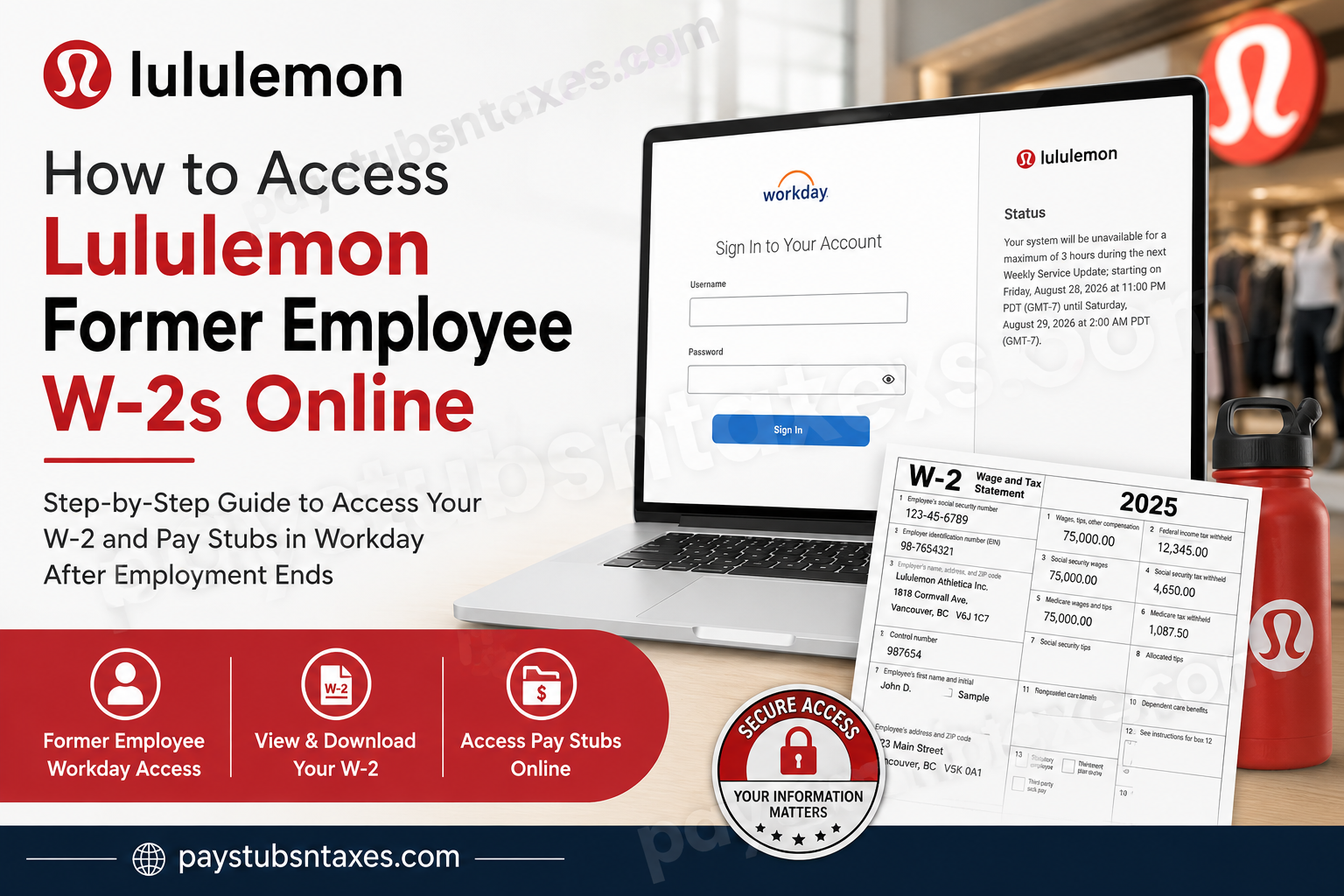
Former Lululemon employees in the United States may retain limited access to Workday after leaving the company, allowing them to view, download, and print available pay statements and tax documents, including Form W-2 and, where applicable, Form W-2C. Because post-termination access differs from the single sign-on process used by current employees, it is essential to use the correct Workday login page and the credentials issued when your employment ended.
About lululemon
Lululemon Athletica Inc., commonly styled as lululemon, is a multinational athletic apparel retailer headquartered in Vancouver, British Columbia, and incorporated in Delaware, United States. Founded in 1998, the company grew from its roots in yoga apparel into a broader athletic and lifestyle brand offering sportswear, footwear, accessories, and related products.
The company describes itself as a purpose-driven brand whose values influence its business strategy, innovation, connections, and workplace culture. Its global footprint has expanded considerably from its Vancouver origins, enabling the brand to serve customers across numerous international markets and channels.
For payroll and employee self-service functions, lululemon uses Workday, which also provides former employees with a route to retrieve certain payroll and year-end tax documents after separation.
Understanding Lululemon Former-Employee Workday Access
lululemon athletica inc., commonly styled as lululemon and traded on Nasdaq under the ticker symbol LULU, is a global athletic-apparel company with roots in Vancouver, British Columbia. The company uses Workday for various human-resources and payroll functions.
After employment ends, a worker’s regular company access may be discontinued; nevertheless, limited Workday self-service access may remain available for a defined period. This post-termination access can allow former employees to review pay slips, retrieve tax documents, and update certain personal contact details.
Post-termination access ordinarily begins the day after an employee leaves lululemon, once the termination has been processed in the system.
Watch for Two Automated Emails
After the termination is processed, two automated messages should be sent to the former employee’s personal email address. Together, these messages provide the information needed to enter Workday:
- A link to the Workday website
- A temporary password
- The former employee’s Workday username
If no personal email address is recorded, the messages may instead be sent to the employee’s lululemon work email address. Since access to a corporate inbox may disappear shortly after departure, employees approaching their final working day would be wise to ensure that their personal email address is accurate in Workday.
Check the inbox associated with your employee record, as well as its spam, junk, promotions, and quarantine folders. Searching for terms such as “Workday,” “temporary password,” “username,” or “lululemon” may help bring the messages to light.
Step-by-Step: How to Get a Lululemon W-2 From Workday
1. Open the Former-Employee Workday Login Page
Go to the following address:
https://wd3.myworkday.com/lululemon/login.htmld?redirect=n
This is the non-SSO Workday page for lululemon. It is different from the sign-in route generally used by active employees.
For security, examine the address carefully before entering any credentials. The domain should be myworkday.com, and the connection should use HTTPS.
2. Enter Your Workday Username and Password
Type the username supplied in the automated email, followed by the temporary or previously established password.
Do not use your old lululemon SSO credentials unless the company has specifically instructed you to do so. The former-employee portal asks for a Workday username and password directly.
3. Reset the Temporary Password
During the first sign-in, Workday should prompt you to replace the temporary password. Choose a strong, unique password that you do not use for another account.
Complete any additional identity-verification or security prompts that appear. The precise screens may vary as Workday and company security settings evolve.
4. Open the Pay Section
From the Workday home dashboard, select the Pay application or icon.
If the dashboard layout has changed, use Workday’s search function to look for My Tax Documents or Tax Documents.
5. Select My Tax Documents
Within Pay, locate the View section. If only a shortened list appears, select More to reveal the remaining options, and then choose My Tax Documents.
The page should display the tax forms currently available in your account, potentially including:
- Form W-2
- Form W-2C, if a correction was issued
- Tax forms from more than one available year
6. View, Download, or Print the W-2
Locate the required tax year and select View/Print beside the appropriate document. Workday may generate the form as a PDF or open it in a separate browser window.
Save the file to a secure personal device. If a corrected Form W-2C is available, download every related form displaying a View/Print option, since the correction may need to be read alongside the original W-2.
7. Sign Out Securely
Once the download is complete, sign out of Workday—especially if you used a shared or public computer. Close the browser window and remove any downloaded copies from a public device. Tax forms contain highly sensitive information, so leaving an account or document exposed is an unnecessary roll of the dice.
Will Lululemon Mail a W-2 to a Former Employee?
Former employees may also receive their year-end tax statement by standard postal mail at the home address on record. W-2 forms are generally expected to be furnished by January 31 of the following calendar year, subject to applicable tax rules and any calendar-based adjustment.
Keeping your mailing address current is therefore crucial. If you moved after leaving lululemon, update your contact information through Workday while access remains available or contact the relevant company support team.
Online availability and postal delivery are complementary rather than mutually exclusive: downloading a W-2 from Workday does not necessarily prevent a mailed copy from arriving.
Important Security Tips
Tax documents are a rich target for identity theft. A few sensible precautions can keep trouble at bay:
- Use a private device and a trusted internet connection.
- Confirm that the website uses the legitimate myworkday.com domain.
- Create a unique Workday password.
- Never disclose your login details or temporary password.
- Store downloaded tax forms in an encrypted or password-protected location.
- Avoid saving a W-2 on a workplace, library, hotel, or other shared computer.
- Sign out when finished rather than merely closing the browser tab.
Final Takeaway
Accessing a lululemon former-employee W-2 online is usually straightforward once you have the correct post-termination credentials. Use the dedicated non-SSO Workday page, sign in with the username and password supplied after your departure, navigate to My Tax Documents, and select View/Print beside the required form. Download the document while your limited access remains active, keep your personal email and mailing address current, and store every tax record securely. A few careful minutes today can spare you a great deal of inconvenience when tax season gathers pace.
Frequently Asked Questions About Lululemon Former-Employee W-2s
1. How can a former lululemon employee access a W-2 online?
Visit the lululemon non-SSO Workday portal, sign in with your former-employee Workday credentials, and navigate to Pay → More → My Tax Documents. Select View/Print beside the required W-2.
2. What is the lululemon Workday login for former employees?
The lululemon former-employee Workday login is:
https://wd3.myworkday.com/lululemon/login.htmld?redirect=n
This page uses a Workday username and password rather than current-employee SSO credentials.
3. Can former lululemon employees still access Workday?
Former employees may retain limited Workday self-service access for a certain period after their employment ends. This access can include pay statements, tax documents, and selected personal contact information.
4. When does lululemon post-termination Workday access begin?
Post-termination access generally begins the day after the employee leaves lululemon, provided the termination has been processed in Workday.
5. How do former employees receive their Workday login details?
After a termination is processed, two automated emails should provide the former employee’s username, temporary password, and Workday login link. These messages are normally sent to the personal email address recorded in Workday.
6. What happens if no personal email address is listed in Workday?
If no personal email address is on file, the automated access messages may be sent to the former employee’s lululemon work email address. Contact the appropriate lululemon support team if that mailbox is no longer accessible.
7. Should former employees use their old lululemon SSO credentials?
No. Former employees should ordinarily use the Workday username and password issued for post-termination access. Previous lululemon SSO credentials may cease working after employment ends.
8. Where is the W-2 located in Workday?
The usual navigation path is:
Workday Dashboard → Pay → View → More → My Tax Documents → View/Print
If the menu looks different, search Workday for My Tax Documents or Tax Documents.
9. How can a former employee download or print a lululemon W-2?
Open My Tax Documents, find the relevant tax year, and select View/Print beside the W-2. Once the document opens, download the PDF to a secure personal device or print it using a private printer.
10. What should a former employee do if the temporary password does not work?
Confirm that you are using the non-SSO portal, enter the credentials manually, and check for accidental spaces or capitalization errors. Use any available password-recovery option or contact lululemon’s authorized payroll, former-employee, People and Culture, or Workday support channel if the problem persists.
11. What if a lululemon W-2 is not listed in Workday?
Check that you selected the correct tax year and allow time for the document to become available. If it remains missing, contact the appropriate lululemon payroll or former-employee support team and request assistance.
12. Does lululemon mail W-2 forms to former employees?
Former employees may also receive year-end tax statements by standard postal mail at the home address on record. W-2s are generally required to be furnished by January 31 of the following year, subject to applicable rules and calendar adjustments.
13. How can a former employee update a mailing address?
If post-termination Workday access is still active, review the available personal-information settings and update the address there. Otherwise, contact the appropriate lululemon support team before year-end tax documents are mailed.
14. What is a W-2C, and should it also be downloaded?
A W-2C is a corrected wage and tax statement issued when information on an original W-2 must be amended. If both forms appear, download the original W-2 and every related W-2C that offers a View/Print option.
15. Can Canadian former lululemon employees use these steps to obtain a T4?
The same Workday account may provide access to Canadian tax documents, but a W-2 is specifically a United States tax form. Canadian former employees should look for the applicable slip, such as a T4, and contact the appropriate support team if it is unavailable.
