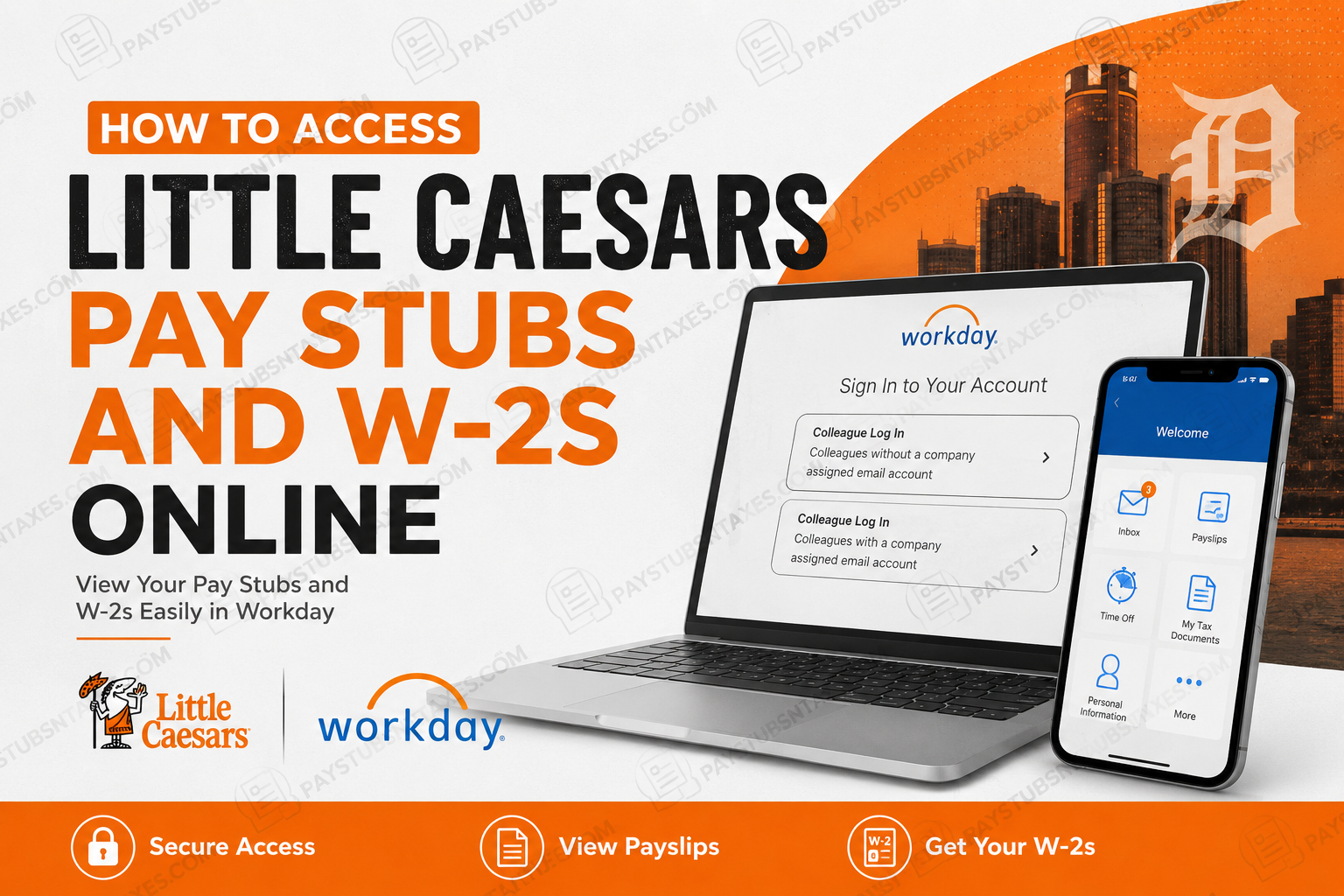
If you work for Little Caesars under Ilitch Companies, your pay stubs and year-end tax documents can generally be accessed electronically through Workday. The platform gives eligible colleagues a centralized place to review payroll information, view or print payslips, and retrieve tax documents such as Form W-2.
Little Caesars, founded by Mike and Marian Ilitch in 1959, is headquartered in Detroit, Michigan, and operates alongside other businesses within the wider Ilitch family of companies. While the brand has grown far beyond its Michigan roots, its workforce remains spread across restaurants, distribution operations, corporate offices, fundraising operations, and other business functions. This guide explains how to access Little Caesars pay stubs and W-2 forms through Workday, how to set up Workday Mobile, what to do if you cannot sign in, and how to keep your payroll account secure.
Important: This guide is primarily intended for Little Caesars colleagues whose employer is an Ilitch Companies-operated business. Little Caesars also has independently owned and operated franchise locations, and those employers may use a different payroll or HR platform.
Little Caesars Workday Login
To access your Little Caesars payroll documents from a computer:
- Visit the Little Caesars and Ilitch Companies Workday login page:
https://wd5.myworkday.com/ilitch/login.htmld - Select the appropriate login option:
- Colleague Log In for employees without a company-assigned email account.
- Colleague Log In for employees with a company-assigned email account.
- Enter the requested username and password.
- Complete any identity-verification or multifactor-authentication steps that appear.
Because the two options may carry the same main heading, read the explanatory text beneath each button carefully before proceeding.
Once signed in, the Workday home page provides access to payroll, benefits, tax documents, personal information, and other employment-related services available to your account.
How to View Little Caesars Pay Stubs Online
A Workday pay stub—commonly called a payslip—provides a detailed breakdown of your wages, taxes, deductions, reimbursements, and net pay for a particular pay period.
To view a Little Caesars pay stub:
- Sign in to Workday.
- Open the Pay application from the home page. If it is not immediately visible, enter Pay or Payslips in the Workday search bar.
- Select Payslips under the section for viewing payroll information.
- Find the required pay period in the list.
- Select View to open the payslip.
- Use the available Print or Download PDF option to save a copy.
Depending on your browser and Workday configuration, selecting Print may open a printable PDF immediately or generate the document in the background. If Workday displays a processing message, wait for the document to finish generating and check your notifications.
How to Access a Little Caesars W-2 Online
Eligible U.S. employees may retrieve available W-2 statements through Workday. A W-2 reports annual taxable wages and the federal, state, and other taxes withheld from an employee’s pay.
To view or print a W-2:
- Log in to Workday.
- Open the Pay application.
- Locate the section relating to tax information.
- Select My Tax Documents.
- Find the applicable tax year and document type.
- Select View/Print beside the required W-2.
- Wait while Workday generates the document.
- Open the completed document from the on-screen prompt or Workday notification.
- Download the PDF or print a copy for your records.
The names and positions of menu items can change slightly as Workday is updated. If My Tax Documents does not appear on your home page, search for that phrase using the search field.
When Will Little Caesars Employees Receive Their W-2s?
Little Caesars generally mails W-2 statements to an employee’s designated mailing address by the applicable annual distribution deadline unless the employee has consented to electronic-only delivery.
Employers typically must furnish W-2 statements by January 31 following the relevant tax year, although the effective deadline may shift when January 31 falls on a weekend or legal holiday. Postal delivery can take additional time.
Employees should ensure that their home and mailing addresses are accurate in Workday well before year-end. An outdated address can send an important tax document down the wrong road and cause avoidable delays.
Online availability may also depend on payroll processing, organizational settings, and whether the employee has chosen paperless tax-document delivery.
How to Use the Workday Mobile App
The Workday mobile app offers a convenient alternative when a computer is not within easy reach.
Setting Up Workday for Little Caesars
- Download the official Workday app from the Apple App Store or Google Play Store.
- Open the app and begin the organization-setup process.
- When prompted for the organization ID or organizational code, enter: ilitch
- Continue to the Little Caesars or Ilitch Companies sign-in page.
- Enter your login credentials.
- Complete any required security verification.
After signing in, open Pay to look for payslips and tax documents. The mobile interface may arrange these features differently from the desktop website, but the underlying records should be associated with the same employee account.
For sensitive documents such as W-2s, a private computer may provide a more comfortable viewing and printing experience. Avoid downloading payroll or tax files to a public or shared device.
Password Requirements and Security Guidance
Your Workday account contains confidential payroll, tax, banking, and personal information; consequently, a strong and unique password is not merely advisable—it is indispensable.
When creating a password, use one that:
- Contains at least 12 characters
- Includes uppercase and lowercase letters, numbers, and symbols
- Is unique to Workday
- Is memorable to you but difficult for anyone else to predict
A passphrase made from several unrelated words can be easier to remember while remaining considerably harder to guess than a short, conventional password.
Do not use:
- Little Caesars or corporate branding in predictable combinations
- Product names followed by common numbers or symbols
- Your date of birth
- A pet’s or child’s name
- A school mascot
- Information readily obtainable from social media
- A password already used for email, banking, social media, or another workplace account
Never share your password, verification code, or W-2 with anyone who contacts you unexpectedly. A legitimate support representative should not need your password to assist with account access.
How to Choose the Correct Login Option
The Ilitch Companies Workday sign-in page may display separate options for colleagues with and without company-assigned email accounts.
Choose the option that corresponds to your employment setup:
- If you do not have a company-issued email address, select the option specifically described for colleagues without one.
- If you do have a company-issued email address, select the corresponding company-email option.
Selecting the wrong route may lead to an authentication error even when the username and password are correct. When login trouble arises, checking this choice is an easy first port of call.
How to Get Help With Workday
Human Resources support may vary by district and work location. Employees should look for the official workplace notice containing contact details for Human Resources, loss prevention, and the Little Caesars ethics hotline.
You may also be able to identify an HR representative through Workday. If the required contact information is not displayed at your workplace, ask your general manager or another authorized manager to provide the current details.
For account, payroll, or tax-document problems, be prepared to provide:
- Your full name
- Employee ID, if known
- Store or work location
- District or department
- A concise description of the problem
- The relevant pay date or tax year
Do not send your password, complete Social Security number, unredacted W-2, or bank-account details through ordinary email or text messages.
Final Thoughts
Accessing Little Caesars pay stubs and W-2s online is generally straightforward once the correct Workday account and login route are in hand. Sign in through the Ilitch Companies Workday portal, open the Pay area, and select either Payslips or My Tax Documents. Mobile users should enter ilitch as the organization code during setup.
Keep your contact information current, download important records to a secure personal device, and protect your account with a strong, unique passphrase. When a document is missing or an account problem cannot be resolved through self-service options, your district or location-specific HR or payroll representative should be the next point of contact.
Frequently Asked Questions About Little Caesars Pay Stubs and W-2s
1. How do I access my Little Caesars pay stub online?
Sign in to the Ilitch Companies Workday portal, open Pay, and select Payslips. Choose the required pay period, then use the available option to view, download, or print your earnings statement.
2. What is the Little Caesars Workday login website?
The Workday login page supplied for Little Caesars and participating Ilitch Companies employees is: https://wd5.myworkday.com/ilitch/login.htmld
Employees should bookmark the official address rather than relying on advertisements or unofficial login directories.
3. What is the organization ID for Little Caesars Workday?
The Little Caesars Workday organization ID is ilitch. Enter this code when setting up the official Workday mobile app on an Android or Apple device.
4. How do I get my Little Caesars W-2 online?
Log in to Workday and navigate to Pay > My Tax Documents. Find the correct tax year, select View/Print beside the W-2, and open the document once Workday has finished generating it.
5. Can I access Little Caesars Workday from my phone?
Yes. Download the official Workday app, enter ilitch as the organization code, and complete the sign-in process. After logging in, open the Pay area to look for payslips and available tax documents.
6. When does Little Caesars send W-2 forms?
Little Caesars generally mails W-2 forms to employees’ designated addresses by the applicable annual furnishing deadline unless an employee has consented to paperless delivery. Employers typically must furnish W-2s by January 31, although the effective deadline can shift when that date falls on a weekend or legal holiday.
7. Why is my Little Caesars W-2 not showing in Workday?
The W-2 may not have been released yet, the wrong tax year may be selected, or your account may not have the necessary access. Search for My Tax Documents, check your Workday notifications, and contact payroll or HR if the form remains unavailable.
8. Can former Little Caesars employees access their W-2s online?
Former employees may retain limited Workday access, but availability and login procedures can vary. If your previous credentials no longer work, contact the HR or payroll office associated with your former store, district, warehouse, or corporate department.
9. How do I download a Little Caesars pay stub as a PDF?
Open the required statement under Pay > Payslips, then select Print or Download PDF, depending on the options displayed. If Workday generates the file in the background, retrieve it from your notifications after processing is complete.
10. What should I do if I forget my Workday password?
Use the password-reset or account-recovery option on the sign-in page, if available. If you cannot complete self-service recovery, contact your local Little Caesars HR representative or the designated internal support channel.
11. Which Workday login option should I select?
Choose the option whose description matches your employment setup. Employees without a company-assigned email account should use the corresponding non-company-email option, while those with a company-issued email should choose the company-email route.
12. How far back can I view Little Caesars pay stubs?
Workday commonly displays multiple historical payslips, although the available period may depend on company retention settings and your employment status. Open Pay > Payslips and review the listed payment dates; contact payroll if an older statement is missing.
13. What should I do if my Little Caesars W-2 is incorrect?
Contact payroll or Human Resources promptly and explain the discrepancy. Do not alter the W-2 yourself. If the information is incorrect, the employer may need to issue an official corrected tax statement, generally called Form W-2c.
14. What if my mailed Little Caesars W-2 never arrives?
Confirm that your mailing address is current, and check Pay > My Tax Documents for an electronic copy. If you still cannot obtain the form, contact the HR or payroll department serving your location.
15. Who should I contact for Little Caesars Workday assistance?
Workday support arrangements vary by district and location. Check the official contact notice at your workplace or search Workday for your HR representative. You may also ask your general manager for the current HR or payroll contact information, but never send your password, full Social Security number, or banking credentials through ordinary email or text message.
