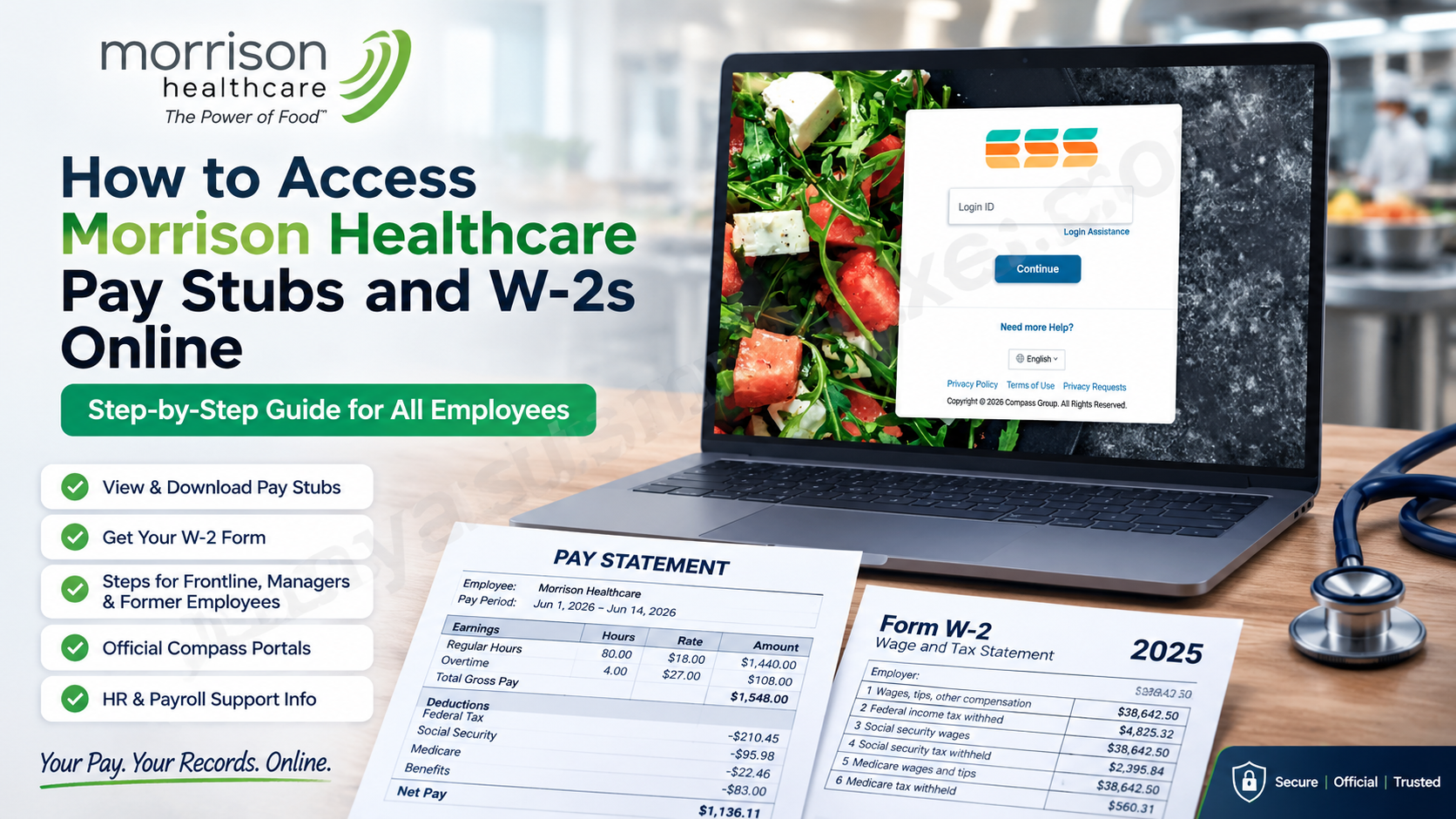
Morrison Healthcare associates can access pay stubs, W-2 forms, and other employment records through Compass Group’s employee self-service systems. The correct route depends primarily on your position, account permissions, and employment status. Frontline associates generally begin with the Compass Associate Portal, while salaried associates and managers may enter through CompassManager and PeopleHub. Because menus and available applications can vary by role and location, do not be alarmed if your dashboard differs slightly from a colleague’s.
About Morrison Healthcare
Morrison Healthcare is a national food and nutrition services company dedicated exclusively to hospitals and healthcare systems. Drawing on more than 65 years of experience, the organization combines culinary, nutritional, and operational expertise to improve consistency and help transform the healthcare experience.
Its workforce includes registered dietitians, executive chefs, managers, and professional food-service team members united by the belief that food can support healing, touch lives, and make healthcare more humane. For associates, that far-reaching mission is accompanied by access to employee resources covering payroll, tax documents, benefits, and professional support.
What Are PeopleHub, CAP, and ESS?
Compass Group uses several connected employee platforms, and their overlapping functions can make the process appear more complicated than it is.
- CAP, or the Compass Associate Portal, is the principal starting point for many frontline and hourly associates.
- PeopleHub provides access to various people-management and employee-service functions when it is enabled for the user’s account.
- CompassManager, sometimes associated with the Owners Management Suite, is commonly used by salaried associates and managers.
- ESS Mobility offers mobile-friendly access to eligible employee resources through a supported smartphone or tablet browser.
The applications and menu labels displayed after sign-in may depend on your job classification, business unit, location, and account configuration.
How Frontline Associates Can Access PeopleHub
Frontline associates should normally begin with the Compass Associate Portal.
- Visit the official portal at ess.compassassociate.com/ui.
- Enter the login ID or employee credentials assigned to your account.
- Complete any identity-verification or multifactor-authentication step displayed.
- Open the Applications section on the dashboard.
- Select PeopleHub if the application is available.
- Navigate to the payroll, pay statement, or employee-document area relevant to your request.
The typical route is:
Compass Associate Portal → Applications → PeopleHub
If PeopleHub does not appear, this does not necessarily indicate an account problem. Application visibility is role-based, and payroll or tax-document options may instead be presented directly within CAP or another employee-service menu.
How Salaried Associates and Managers Can Access PeopleHub
Salaried associates and managers may use the CompassManager single sign-on system.
- Go to sso.compassmanager.com/login.
- Enter your Compass Group email address or assigned account credentials.
- Complete the official sign-in process.
- Open Applications.
- Select People Management.
- Choose the PeopleHub icon.
- Open the appropriate payroll or employee-record section.
The usual navigation path is:
CompassManager/OMS → Applications → People Management → PeopleHub
Only use credentials issued or approved for your employment account. If you cannot sign in, select the official account-assistance option rather than repeatedly guessing your password, as several unsuccessful attempts may lock the account.
How to View and Download a Morrison Healthcare Pay Stub
Once you have entered the employee platform available to your account, follow these steps:
- Look for a menu labelled Paystubs, Pay Statements, My Pay, Payroll, Earnings, or Payroll Information.
- Open the list of available pay periods.
- Select the required pay date.
- Confirm that both the pay-period dates and payment date are correct.
- Open the statement.
- Choose Download, Save as PDF, or Print.
- Store the document in a secure folder and sign out of the portal.
The pay period identifies when the work was performed, whereas the pay date records when the payment was issued. Keeping that distinction in mind can prevent considerable confusion, particularly when hours worked near a payroll cutoff appear on the following statement.
For orderly record-keeping, use a clear filename such as 2026-07-10-Morrison-paystub.pdf. Never include your full Social Security number, bank-account number, or password in a filename.
How to Access a Morrison Healthcare W-2 Online
For W-2 access, begin with the official Compass Associate Portal or the employee-service platform assigned to your role.
- Sign in through the Compass Associate Portal, CompassManager, or the approved ESS route connected to your account.
- Open the payroll or employee-document area.
- Look for W-2, W2s, Tax Forms, Tax Documents, Paystubs, or a similarly worded option.
- Select the correct tax year.
- Open the W-2 and verify the displayed information.
- Download the form to a protected personal folder or print it using a private printer.
- Log out when finished.
A crucial point is easily overlooked: select the year in which the wages were paid, not merely the year in which you are filing the return. For example, a person filing a tax return in 2026 will ordinarily need the W-2 labelled 2025.
If the tax-document menu is not visible inside PeopleHub, return to CAP and inspect the available payroll or W-2 options there. Depending on your account setup, PeopleHub may manage personal and withholding information while the downloadable wage statement appears elsewhere in the Compass employee system.
How to Access a W-2 on a Mobile Device
Eligible associates may use ESS Mobility from a supported smartphone or tablet:
- Open ess.compassassociate.com in an updated mobile browser.
- Sign in with the credentials assigned to your account.
- Open More, Payroll, or the available employee-document menu.
- Select W-2 or Tax Documents.
- Choose the correct wage year.
- Open the form and select Download, Save to Files, or Print.
- Sign out after saving the document.
If the PDF refuses to open, allow pop-ups for the official portal, confirm that JavaScript is enabled, check the device’s available storage, and try an updated browser. A desktop or laptop may provide a smoother experience when mobile access proves temperamental.
How Former Morrison Healthcare Employees Can Obtain a W-2
Former associates should first try any existing Compass Associate Portal account that remains active. Use the official password-reset or account-recovery function if necessary, but avoid creating a duplicate account unless instructed to do so.
If portal access has ended:
- Call the HR Service Center at 1-877-311-4747.
- Request assistance with payroll or a W-2.
- Explain that you are a former Morrison Healthcare associate.
- Be prepared to provide your former work location, approximate employment dates, personnel number if known, requested tax year, and current mailing information.
- Complete identity verification only through the official process provided by Compass.
Never pay an unofficial website or social-media contact that promises to “unlock” a W-2. A legitimate payroll-support process will not demand gift cards, cryptocurrency, wire transfers, or peer-to-peer payments to release a tax document.
Morrison Healthcare HR and Payroll Support
For W-2 questions, payroll concerns, benefits inquiries, and related HR matters, use the following contact information:
HR Service Center
Email: HRServiceCenter@compass-usa.com
Telephone: 1-877-311-HRHR (4747)
Hours: 7:30 a.m. to 6:00 p.m. Eastern Time, Monday through Friday
For a technical problem involving a Compass system, call the Technology Service Center at 1-888-295-7206. Technical support can assist with system access, but questions about wages, withholding, deductions, or document issuance should be directed to HR or payroll.
Security Tips for Pay Stubs and W-2 Forms
Payroll and tax documents contain enough personal information to become a gold mine for identity thieves. Exercise the same care you would apply to banking records.
- Use only verified Compass-controlled login addresses.
- Avoid signing in over public Wi-Fi.
- Never disclose your password or one-time verification code.
- Do not send a complete W-2 through ordinary, unencrypted email.
- Never publish screenshots showing wages, addresses, employee numbers, or Social Security information.
- Save files in an encrypted or password-protected location.
- Retrieve printed documents immediately from shared printers.
- Sign out after every session.
- Remove sensitive files from borrowed or public devices.
Final Thoughts
Accessing Morrison Healthcare pay stubs and W-2s online is usually straightforward once you enter through the portal assigned to your role. Frontline associates should generally start with the Compass Associate Portal, whereas salaried associates and managers may use CompassManager and PeopleHub. From there, locate the payroll, pay statement, or tax-document section, select the correct period or year, and save the document securely. Should the usual route come to a dead end, resist the temptation to use an unofficial retrieval service. The Morrison Healthcare HR Service Center remains the appropriate port of call for W-2, payroll, and benefits assistance, while the Technology Service Center handles system-access difficulties.
Frequently Asked Questions About Morrison Healthcare Pay Stubs and W-2s
1. How do I access my Morrison Healthcare pay stub online?
Visit the Compass Associate Portal at ess.compassassociate.com/ui, sign in with your assigned credentials, and open Applications, PeopleHub, or the available payroll menu. Look for Paystubs, Pay Statements, My Pay, Payroll, or Earnings, then select the required pay date.
2. Where can I download my Morrison Healthcare W-2?
Sign in to the Compass Associate Portal, PeopleHub, or ESS platform assigned to your account. Open the payroll or employee-document section, select W-2, W2s, Tax Forms, or Tax Documents, choose the correct wage year, and download the form securely.
3. What is the Morrison Healthcare employee portal?
Morrison Healthcare employees use Compass Group’s employee-service platforms. Frontline associates generally start with the Compass Associate Portal, while salaried associates and managers may use CompassManager and PeopleHub. The applications shown after login depend on the employee’s role, location, and account permissions.
4. What is the Morrison Healthcare pay-stub login website?
The principal login website for frontline associates is https://ess.compassassociate.com/ui/. Salaried associates and managers may use https://sso.compassmanager.com/login. Employees should enter credentials only on verified Compass-controlled websites and avoid unofficial services that request payroll or identity information.
5. How do frontline Morrison Healthcare associates access PeopleHub?
Frontline associates should sign in to the Compass Associate Portal, open the Applications section, and select PeopleHub if it appears. The usual path is Associate Portal → Applications → PeopleHub. If PeopleHub is unavailable, look for a direct payroll or employee-document option.
6. How do Morrison Healthcare managers access PeopleHub?
Managers and salaried associates can sign in through CompassManager, open Applications, select People Management, and choose the PeopleHub icon. The typical route is CompassManager or OMS → Applications → People Management → PeopleHub.
7. Is a Morrison Healthcare W-2 always located in PeopleHub?
No. Depending on the employee’s role and portal configuration, a downloadable W-2 may appear in the Compass Associate Portal, ESS Mobility, or another payroll or tax-document section. If PeopleHub does not display the W-2, return to CAP and check the available document menus.
8. Can I access my Morrison Healthcare pay stub from a phone?
Yes. Eligible associates can open ess.compassassociate.com in an updated mobile browser, sign in, and locate the payroll or employee-document menu. Select the required pay statement, save it to a protected folder, and sign out when finished.
9. How do former Morrison Healthcare employees obtain a W-2?
Former employees should first try their existing Compass Associate Portal account. If access has ended, call the HR Service Center at 1-877-311-4747, explain that you are a former associate, and request assistance obtaining the W-2 for the required tax year.
10. Who do I contact about a missing Morrison Healthcare W-2?
Contact the HR Service Center at HRServiceCenter@compass-usa.com or 1-877-311-4747. Support is available from 7:30 a.m. to 6:00 p.m. Eastern Time, Monday through Friday. Be prepared to identify the required tax year and complete official identity verification.
11. What should I do if my Morrison Healthcare pay stub is incorrect?
Compare the pay stub with your approved time record, schedule, pay rate, benefit elections, and previous statement. Report the exact pay period, disputed earning or deduction, displayed amount, and expected amount to your manager, timekeeper, HR representative, or payroll support.
12. What should I do if my Morrison Healthcare W-2 is incorrect?
Do not edit the W-2 yourself. Identify the incorrect box or amount and contact the HR Service Center at 1-877-311-4747. Payroll may issue Form W-2c, the official Corrected Wage and Tax Statement, when a reportable correction is required.
13. Why can’t I find my W-2 in the employee portal?
The W-2 menu may be missing because you entered the wrong portal, selected the wrong year, have different role-based permissions, or no longer possess active employee access. Check CAP and ESS Mobility before contacting HR or payroll for assistance.
14. Who handles Morrison Healthcare employee-portal login problems?
For persistent system or login problems, contact the Compass Technology Service Center at 1-888-295-7206. Before calling, verify the login address, use the official password-recovery option, allow legitimate document pop-ups, and retry with a supported, updated browser.
15. How can I download Morrison Healthcare payroll documents securely?
Use a private device and a trusted internet connection, confirm that the website is Compass-controlled, and save documents in an encrypted or password-protected folder. Never share your password, verification code, complete Social Security number, or banking information through ordinary email or unofficial support pages.
