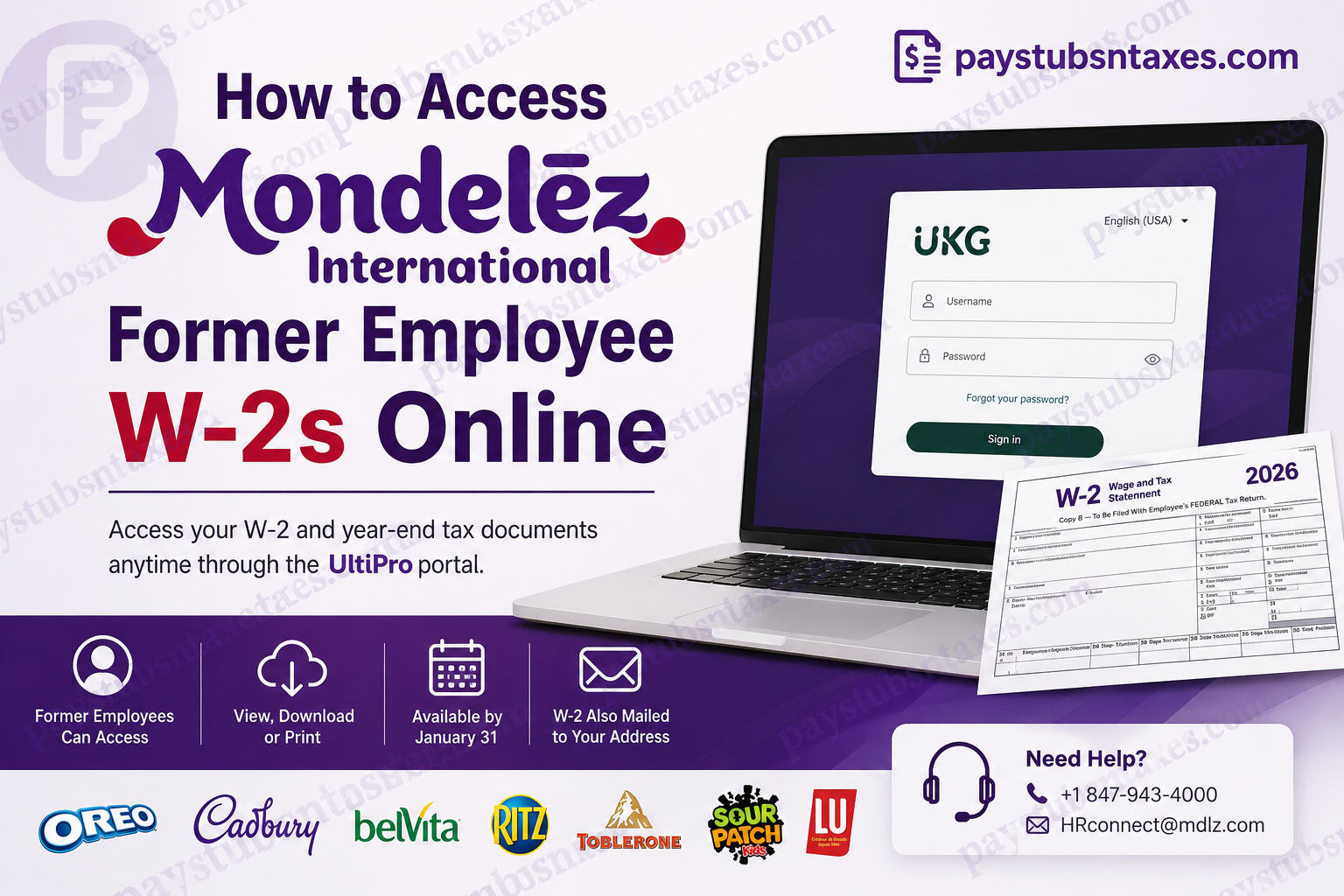
Leaving Mondelēz International may bring your access to the company’s Workday environment to an end, particularly when the account relies on single sign-on. Nevertheless, losing access to Workday does not necessarily place your year-end tax records beyond reach. Former employees may still be able to retrieve their W‑2 forms through the company’s separate UltiPro portal, now associated with UKG. Whether you need your W‑2 to prepare a tax return, verify past earnings, or replace a misplaced copy, the following guide explains how to locate, download, and safeguard the document.
Mondelēz International at a Glance
Mondelēz International is one of the world’s foremost snack companies, with a portfolio encompassing household brands such as Oreo, Ritz, belVita, LU, Cadbury Dairy Milk, Milka, Toblerone, Sour Patch Kids, and Trident.
Although the Mondelēz corporate name may not be instantly recognisable to every consumer, its products are woven into everyday life across the globe. The company operates in numerous international markets and employs a large, diverse workforce united by its purpose of empowering people to “snack right”—offering the right snack for the right moment, made the right way.
For former U.S. employees, access to payroll and tax documentation remains especially important after that employment relationship has ended.
Can Former Mondelēz Employees Access W‑2s Online?
Former employees may be able to access their year-end tax documents through the Mondelēz UltiPro/UKG portal, even though their regular Workday single sign-on privileges have been withdrawn.
Portal access ultimately depends on the status of the individual account. If your existing credentials no longer work, or if you have never established separate UltiPro credentials, contact Mondelēz Human Resources for assistance rather than attempting username or password combinations based on instructions issued by another employer.
Mondelēz may also send a paper W‑2 by standard postal mail to the home address recorded in its payroll system. Keeping that address up to date is therefore essential; otherwise, an important tax document may go astray.
How to Access Your Mondelēz W‑2 Through UltiPro
Follow these steps to retrieve your W‑2 online:
1. Open the Mondelēz UltiPro Login Page
Visit the Mondelēz UltiPro portal:
https://mondelez.ultipro.com/Login.aspx?ReturnUrl=%2f
Because W‑2 forms contain sensitive personal and financial information, confirm that the address in your browser belongs to the legitimate ultipro.com domain before entering any credentials. Avoid following unsolicited login links received through email or text messages.
2. Enter Your Login Credentials
Type your assigned username and password into the appropriate fields, then select Sign in.
Do not assume that your former Workday or company-network password will necessarily work here. Workday single sign-on and UltiPro access may operate independently, particularly after an employee’s departure.
3. Reset a Forgotten Password if Necessary
If you cannot remember your password, select Forgot your password? and follow the identity-verification instructions displayed on the screen.
Use a personal email address or telephone number associated with your account if prompted. Should the recovery process fail—perhaps because your contact information is outdated or your account has been locked—contact Human Resources rather than repeatedly attempting to sign in.
4. Open the W‑2 Section
Once inside the portal, use either of the following routes:
- Select the W‑2 icon on the home page; or
- Open Myself and choose W‑2 from the menu.
The exact wording or position of these options may vary slightly if UKG updates the portal interface.
5. Select the Required Tax Year
Choose the year corresponding to the W‑2 you need. For example, wages earned during 2026 will appear on the 2026 W‑2, even though the form is generally issued in January 2027.
Before downloading it, check that the document displays:
- Your correct name and Social Security number;
- Your current or last reported mailing address;
- Mondelēz’s employer information;
- Your wages and other compensation; and
- The federal, state, and local taxes withheld, where applicable.
If any information appears inaccurate, contact Human Resources or payroll promptly and request a corrected W‑2.
6. View, Download, or Print the Form
After selecting the appropriate year, you should be able to view, download, or print the W‑2.
Save the document as a PDF on a secure personal device. A personal computer or encrypted storage account is preferable to a shared or public machine. If you print the form, store the paper copy somewhere private because it contains information that could facilitate identity theft.
When Will a Mondelēz W‑2 Be Available?
A W‑2 for the preceding calendar year should ordinarily be furnished by January 31 of the following year. Thus, a W‑2 covering earnings paid in 2026 should be available or issued no later than January 31, 2027, subject to any calendar-related adjustment to the applicable deadline.
A mailed copy may take several additional days to arrive. Online access can therefore be the quicker route when the form has already been posted to the portal.
What If You Cannot Log In?
Login difficulties are frustrating, but they need not become a stumbling block. Work through the following checks methodically:
- Confirm that you are using the Mondelēz-specific portal rather than a generic UKG page or another employer’s UltiPro site.
- Check the spelling and capitalisation of your username.
- Use Forgot your password? if the portal recognises your account.
- Try a current browser and ensure that cookies and JavaScript are enabled.
- Enter the address manually instead of following an unfamiliar link.
- Contact Mondelēz Human Resources if your account is locked, unrecognised, or associated with obsolete contact details.
Do not use default credential formulas found in generic UltiPro guides. Usernames, initial passwords, company access codes, and recovery rules are configured separately by each employer.
How to Contact Mondelēz Human Resources
If you cannot access the portal, need a replacement W‑2, or believe the information on your form is incorrect, contact Mondelēz International Human Resources:
- Telephone: +1 847-943-4000
- Email: HRconnect@mdlz.com
When requesting assistance, be prepared to provide enough information for the team to locate and verify your employment record, such as:
- Your full legal name, including any former name used while employed;
- Your employee identification number, if known;
- The Mondelēz location or business unit where you worked;
- Your dates of employment;
- A current mailing address and telephone number; and
- The tax year required.
Never send your complete Social Security number, password, or an unencrypted copy of your W‑2 in an ordinary email. Ask the representative which secure verification method should be used.
Because corporate contact channels and payroll arrangements can change, confirm the details through an official Mondelēz website or a trusted separation document if a message is returned or a call cannot be connected.
What If Your Paper W‑2 Has Not Arrived?
Mondelēz may mail a W‑2 to the home address held in its payroll records. If you moved after leaving the company and did not update your address, contact Human Resources as soon as possible.
You should also consider arranging mail forwarding through the postal service. Forwarding is a useful safety net, although it is no substitute for correcting your address with the employer.
If your W‑2 has not arrived by the end of January, contact Mondelēz first and ask when it was mailed or made available online. If you have contacted the employer but still do not have the form by the end of February, the IRS advises calling 800-829-1040. The IRS may contact the employer and provide Form 4852, which can be used as a substitute when a W‑2 remains unavailable.
Final Thoughts
Accessing a Mondelēz former employee W‑2 is generally straightforward when your UltiPro account remains active: visit the company-specific portal, sign in, open Myself > W‑2, select the applicable year, and download or print the form. If the door appears closed because your credentials no longer work, do not resort to guesswork. Use the password-recovery feature or contact Mondelēz Human Resources at +1 847-943-4000 or HRconnect@mdlz.com. Once you obtain the document, save it on a secure personal device so that it remains readily available when tax season comes around.
Mondelēz Former Employee W‑2 FAQs
1. How can a former Mondelēz employee get a W‑2 online?
Visit the Mondelēz UltiPro/UKG portal, sign in with your assigned credentials, and select the W‑2 icon. You can also navigate to Myself > W‑2, choose the required year, and download or print the document.
2. What is the Mondelēz former employee W‑2 login page?
The Mondelēz UltiPro login page is: https://mondelez.ultipro.com/Login.aspx?ReturnUrl=%2f
Confirm that the web address uses the legitimate ultipro.com domain before entering sensitive information.
3. Can former Mondelēz employees still use Workday?
Workday access through company single sign-on is generally revoked after employment ends. Former employees may nevertheless retain separate access to certain payroll and tax records through the Mondelēz UltiPro/UKG portal.
4. Where is the W‑2 section in UltiPro?
After signing in, select the W‑2 icon on the home page. If the icon is not visible, open the Myself menu and choose W‑2. The wording or location may differ slightly following a UKG interface update.
5. What can I do if I forget my UltiPro password?
Select Forgot your password? on the login page and complete the identity-verification process. If the portal cannot verify your identity or your recovery information is outdated, contact Mondelēz Human Resources.
6. Why is my Mondelēz UltiPro account locked?
An account may be locked after repeated unsuccessful login attempts, because its recovery information is obsolete, or because former-employee access has changed. Stop attempting passwords and ask Human Resources to verify the account and explain the available recovery options.
7. Can I use my old Workday password to enter UltiPro?
Not necessarily. Workday and UltiPro may use different authentication systems, especially after termination. Use only your assigned UltiPro credentials; if they do not work, select the password-recovery option or contact Human Resources.
8. When will my Mondelēz W‑2 be available?
A W‑2 for the preceding calendar year should ordinarily be furnished by January 31 of the following year. For example, a W‑2 covering wages paid in 2026 should generally be issued by January 31, 2027, subject to any applicable calendar adjustment.
9. Does Mondelēz mail W‑2 forms to former employees?
Mondelēz may send a paper W‑2 by standard postal mail to the home address recorded in its payroll system. Former employees should ensure that their mailing address is accurate and contact Human Resources if they have moved.
10. How can I obtain an older Mondelēz W‑2?
Sign in to UltiPro and check whether the required year appears under Myself > W‑2. If the older form is no longer available online, contact Mondelēz Human Resources and request another copy.
11. Can I download my Mondelēz W‑2 as a PDF?
Yes. After opening the required tax year, use the available download or print option. Save the PDF on a secure personal device rather than a public computer, shared drive, or former company device.
12. Who should I contact about a missing Mondelēz W‑2?
Contact Mondelēz International Human Resources at +1 847-943-4000 or HRconnect@mdlz.com. Be prepared to provide your name, employee number if known, former work location, employment dates, current address, and the tax year needed.
13. What should I do if my Mondelēz W‑2 is incorrect?
Contact Human Resources or payroll promptly and request a corrected Form W‑2, commonly called Form W‑2c. Check your name, Social Security number, wages, address, and tax withholdings carefully, and never alter the original form yourself.
14. What if my W‑2 has not arrived by the end of February?
Contact Mondelēz first and request the missing form. If you still have not received it by the end of February, call the IRS at 800-829-1040. The IRS may contact the employer and provide Form 4852 as a substitute.
15. How should I protect my downloaded W‑2?
Download the W‑2 over a trusted private connection and store it in an encrypted or password-protected location. Avoid public Wi‑Fi, shared computers, and unencrypted email because a W‑2 contains highly sensitive personal and financial information.
