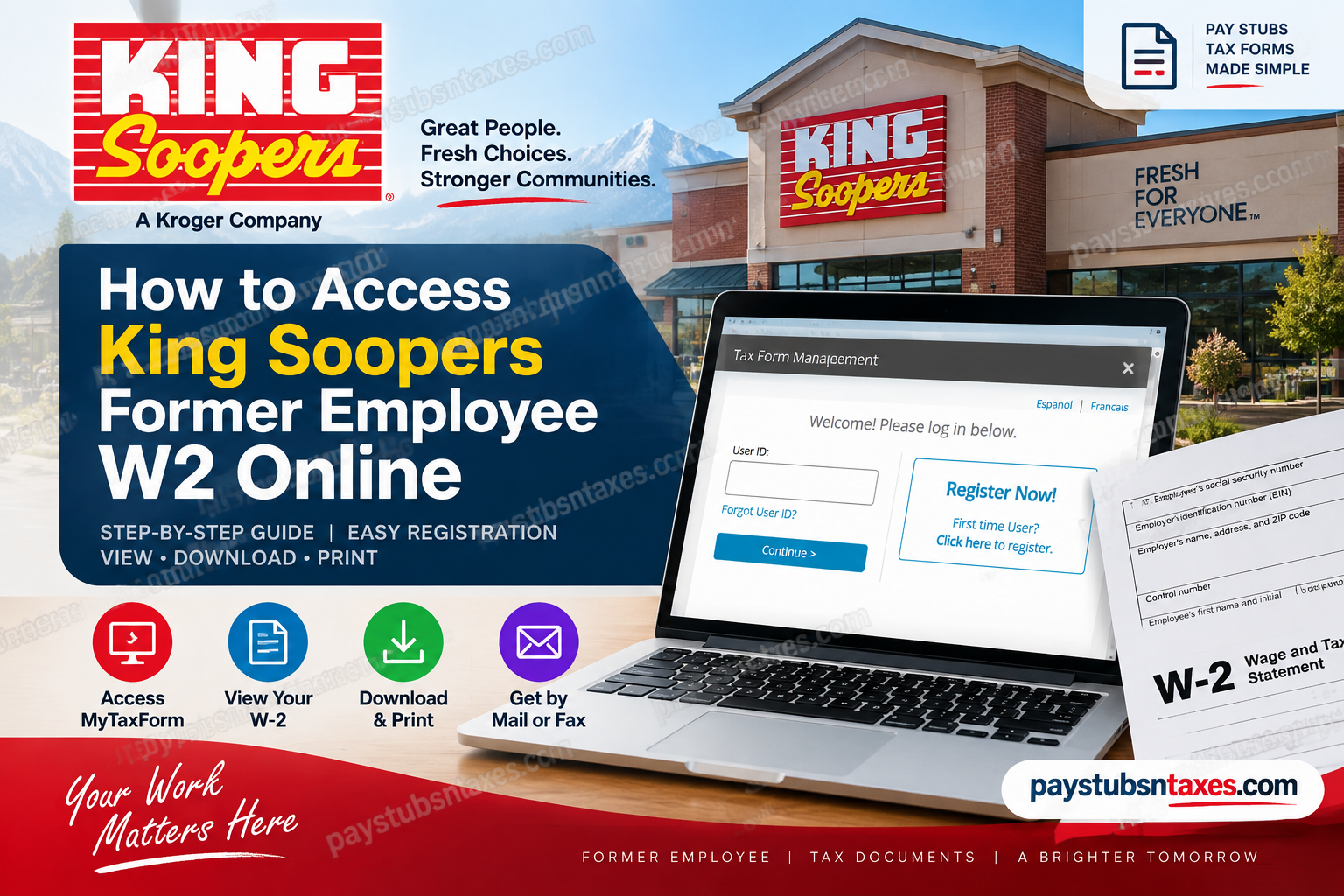
King Soopers is a well-established American supermarket chain headquartered in Denver, Colorado. The company operates primarily throughout Colorado, with a presence extending into Wyoming, and is part of The Kroger Co. family of businesses. While current King Soopers associates can generally reach payroll and tax-related services through MyInfo, the situation changes once employment ends. Former employees may lose access to MyInfo through the company’s Single Sign-On system; however, that does not necessarily mean their year-end tax documents are out of reach. If you are a former King Soopers employee looking for your W-2, you can access your available year-end tax statements directly through the Tax Form Management/MyTaxForm portal.
King Soopers W-2 Access for Former Employees
King Soopers, a Kroger-owned supermarket chain headquartered in Denver, Colorado, employs associates throughout Colorado and parts of Wyoming. While active employees can use MyInfo to access employment services, former associates must take a different route once their Single Sign-On privileges have been withdrawn.
If you have left King Soopers, you do not need access to MyInfo to retrieve an available year-end tax statement. Instead, visit the Tax Form Management website and use your personal account credentials. First-time users can create an account by selecting Register Now!
Before You Begin
To make the registration process run smoothly, gather the following information before visiting the portal:
- King Soopers company code 10575
- Your legal name and identifying information
- An accessible email address or telephone number
- Any additional employment or identity details requested during verification
Enter your information exactly as it would appear in your employment and payroll records. Even a minor discrepancy may prevent the system from matching your identity successfully.
How to Register as a First-Time User
Follow these steps if you have never created a personal Tax Form Management account:
- Go to https://mytaxform.com/.
- Enter the King Soopers company code 10575 when prompted.
- Select Continue to open the King Soopers or Kroger employment-services login page.
- Click Register Now! in the first-time-user section.
- Complete the personal-information forms. Ensure that every detail is accurate and consistent with the information King Soopers has on record.
- Complete the CAPTCHA or other identity-verification challenge displayed on the screen.
- Select the I’m not a robot checkbox if requested, and then click Continue.
- Create a personalized user ID. Your user ID must contain at least eight characters, although the portal may allow a longer ID.
- Select Check Status to confirm that your chosen user ID is available. A red X means that the ID is already in use, whereas a green checkmark indicates that you may proceed.
- Create a password containing between 8 and 16 characters. It must include at least one uppercase letter, one lowercase letter, and one number.
- Click Save.
- When the registration-complete screen appears, click Continue.
- Choose whether the website should remember the device you are using, and then select Continue again.
Once registration is complete, you can use your personalized user ID and password whenever you need to access an available King Soopers W-2 online.
How Returning Users Can Sign In
If you previously created a personal user ID, return to MyTaxForm.com, enter company code 10575, and sign in using your established credentials.
If your user ID has slipped your mind, select Forgot User ID? and follow the identity-verification prompts. Depending on the options connected to your account, you may be asked to receive a one-time passcode by email or telephone.
Do not create a second account merely because you cannot remember your existing credentials. Recovering the original account is generally the more reliable course of action and may help you avoid duplicate-profile or document-access problems.
How to View, Download, or Print Your King Soopers W-2
After signing in, your most recent available tax forms should appear on the portal’s home page.
To obtain your W-2:
- Locate the appropriate tax year and tax document.
- Select the checkbox beside the W-2 you wish to access.
- Choose View to open the electronic document.
- Select Download if you want to save a copy directly to your device.
- Use the print option after opening the W-2 if you require a paper copy.
Save the document in a secure location rather than on a shared or public computer. Because a W-2 contains sensitive personal and financial information, it should be handled with the same care as any other confidential record.
How to Request a W-2 by Mail or Fax
If electronic access is inconvenient, the Tax Form Management portal may offer alternative delivery options:
- Select Postal Mail to request a paper copy by mail.
- Select Fax to send the document to an appropriate fax number.
Before requesting postal delivery, confirm that your mailing address is current. An outdated address can delay delivery and may expose confidential tax information to the wrong recipient.
Active Employees Versus Former Employees
The correct access route depends on your employment status.
Active King Soopers associates can generally sign in to MyInfo, click Me, and select My Tax Form to reach their tax documents through Single Sign-On.
Former or terminated employees should go directly to MyTaxForm.com. Since MyInfo Single Sign-On access is typically removed after separation, trying to use the active-associate route may lead to a dead end.
Pay stubs and W-2 statements are also handled differently. Pay stubs are generally available through Oracle self-service or MyInfo while the employee has authorized access, whereas year-end tax statements remain accessible through Tax Form Management.
What to Do If Your W-2 Is Not Listed
If the expected W-2 does not appear, first confirm that you entered company code 10575 and signed in to the correct account. You should also verify that you selected the appropriate tax year.
Bear in mind that W-2 statements are issued according to the applicable annual tax-document schedule; consequently, a new form may not appear immediately after the calendar year ends. If online delivery is unavailable, monitor your mail and ensure that your address on file is correct.
If the form should already be available but remains missing, contact Associate Connect rather than repeatedly creating new accounts.
King Soopers W-2 Help and Support
For assistance accessing a pay stub or year-end tax document, contact Associate Connect:
Telephone: 1-877-373-3397
When calling, be prepared to verify your identity. For your security, never publish or send your Social Security number, password, or complete W-2 through an unsecured message.
Final Takeaway
Accessing a King Soopers former employee W-2 is relatively straightforward once you use the correct portal and employer code. Visit MyTaxForm.com, enter 10575, and either sign in with your personal credentials or select Register Now! to establish an account. The most important distinction is simple: active associates may use MyInfo, while former employees should proceed directly through Tax Form Management. Following the correct path from the outset can spare you unnecessary delays and help ensure that your year-end tax documents remain within easy reach.
Frequently Asked Questions About King Soopers Former Employee W-2 Access
1. How do former King Soopers employees get their W-2 online?
Former King Soopers employees can retrieve an available W-2 through MyTaxForm.com. Enter company code 10575, sign in with your personal credentials, and select the appropriate tax form from the home page.
2. What is the King Soopers company code for MyTaxForm?
The King Soopers company code is 10575. Entering the correct code ensures that the portal directs you to the appropriate King Soopers or Kroger employment-services account.
3. Can a former King Soopers employee still use MyInfo?
Former employees generally cannot use MyInfo after their Single Sign-On access has been revoked. They should access year-end tax statements directly through the Tax Form Management portal.
4. How do first-time users register for King Soopers W-2 access?
Go to MyTaxForm, enter company code 10575, and select Register Now! Complete the requested personal information and identity-verification steps, then create a personalized user ID and password.
5. What are the password requirements for MyTaxForm?
The password must contain between 8 and 16 characters, including at least one uppercase letter, one lowercase letter, and one number. Follow any additional requirements displayed during registration.
6. What should I do if I forgot my MyTaxForm user ID?
Select Forgot User ID? on the login page and follow the account-recovery prompts. You may be asked to confirm personal information and enter a one-time passcode sent to your registered email address or telephone number.
7. Can I download my King Soopers W-2?
Yes. After signing in, locate the relevant W-2 and select Download. Store the file on a secure personal device because it contains confidential identity and earnings information.
8. How do I print my King Soopers W-2?
Open the W-2 by selecting View, and then use the available print option. Before printing, confirm that you are using a secure printer and collect the document immediately.
9. Can King Soopers send my W-2 by mail?
If postal delivery is available in your account, select Postal Mail and follow the on-screen instructions. Verify that the mailing address associated with your employment or tax-form account is correct.
10. Can I receive my King Soopers W-2 by fax?
The portal may provide a Fax option for eligible documents. Select it, enter the requested information carefully, and ensure that the receiving fax machine is secure.
11. Why is my King Soopers W-2 not showing online?
The W-2 may not yet have been issued, you may have selected the wrong tax year, or your account may not be matched correctly. Confirm that you used company code 10575 and contact Associate Connect if the form should already be available.
12. How do active King Soopers employees access their tax forms?
Active associates can generally sign in to MyInfo, select Me, and then choose My Tax Form. This Single Sign-On route is intended for employees who still have active MyInfo access.
13. Are King Soopers pay stubs and W-2 forms available in the same place?
Not necessarily. Active employees generally access pay stubs through Oracle self-service or MyInfo, whereas year-end tax statements are provided through Tax Form Management. Former employees may no longer be able to retrieve pay stubs through MyInfo after separation.
14. Where is the import code on a King Soopers W-2?
The import code is generally printed near the employee name and address section of the W-2. It can be used with compatible tax-preparation software to import information from the form.
15. Who should I contact for help with a King Soopers W-2?
For assistance accessing a pay stub or year-end tax statement, contact Associate Connect at 1-877-373-3397. Be prepared to verify your identity, but never send your password or complete Social Security number through an unsecured channel.
