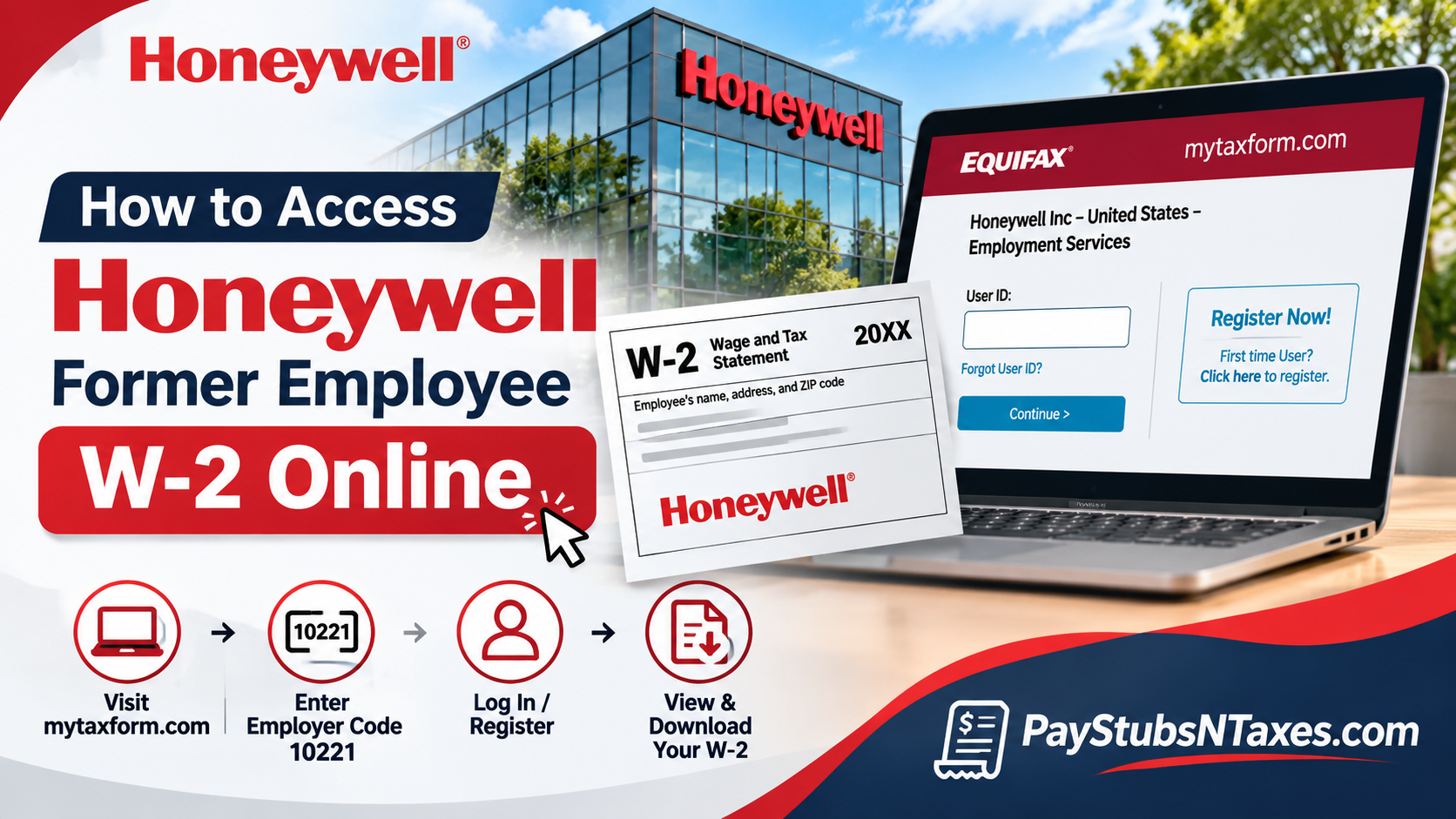
If you previously worked for Honeywell in the United States, you can look up your W-2 through Tax Form Management at MyTaxForm. Whether you recently resigned, retired after years of dedicated service, or simply need a duplicate W-2 from an earlier tax year, understanding the appropriate retrieval procedure can save you considerable time and unnecessary frustration. Unlike active employees, who ordinarily access payroll information through Honeywell HR Direct, former employees can use the Tax Form Management platform to retrieve eligible year-end tax documents, provided they successfully complete the required authentication procedures.
This comprehensive guide explains how to access your Honeywell W-2 online after leaving the company, including account registration, login instructions, electronic delivery consent, document downloads, password recovery, and available HR support.
How to sign in to MyTaxForm after leaving Honeywell
Current employees can start in HR Direct and go to Me → Pay → Year-End Documents, which takes them to Tax Form Management. Former employees can go directly to MyTaxForm and use the sign-in options for former employees.
- Open MyTaxForm in your browser.
- Enter 10221 if the site asks for a five-digit employer code. Check that the sign-in window identifies Honeywell’s U.S. employment services.
- Enter your personal User ID if you previously set one up, then select Continue. Follow the prompts to complete sign-in.
- Choose Forgot User ID? if you cannot remember the ID you registered. If you have never logged in, select Register Now! and complete the on-screen registration.
If you remember using your Honeywell Employee ID and a PIN in the past, follow the instructions on the sign-in page you see today. The former-employee screen directs returning users to their personal User ID and first-time users to registration. If recovery or registration stalls, Honeywell HR Help can point you to the right next step.
How to consent to electronic W-2 delivery
If you already elected electronic delivery before leaving Honeywell, sign in and check whether the W-2 you need is available. To review an existing election, open My Account and look for your delivery preferences.
If you have yet to consent, look for Online Delivery Consent on the home page and follow these steps.
- Check the box beside W-2 or any other tax form you wish to receive electronically.
- Select Receive Forms Online.
- Read the disclosure, check the acknowledgement box, and select Accept & Continue.
- Confirm that the email address and mailing address shown are correct, then select Confirm and Submit.
- Check the receipt page to verify that your election was recorded.
If you’re signing up to retrieve a W-2 that was already issued, check whether that year’s form appears after you complete the process. If it’s missing, ask HR Help how to obtain a copy for that tax year.
How to download, print, or request your Honeywell W-2
Your most recent tax forms should appear on the Tax Form Management home page. Before opening a document, check both the form type and tax year. If a Form 1095-C appears alongside your W-2, select the W-2 for your wage and withholding information.
- Download saves an electronic copy from the portal when the option is available.
- View opens the form so you can review it, save it, or print it.
- Postal Mail lets you request a mailed copy when that option is offered. Verify the destination address before submitting the request.
- Fax lets you send the form to a fax number if that option appears. Check the number before confirming because your W-2 contains sensitive information.
When will Honeywell mail a paper W-2?
If you did not consent to electronic delivery, Honeywell sends a paper W-2 to the home address on file by standard U.S. mail. Employers generally must furnish W-2s by January 31 of the following year. If the deadline falls on a weekend or legal holiday, it moves to the next business day. A mailed form can arrive after the deadline because the deadline governs when the employer furnishes it.
If you moved after leaving Honeywell, ask HR Help to confirm the address on file and explain how to update it. If the form has already been mailed to your former address, ask how to request a replacement.
What to do if you can’t access your Honeywell W-2
Start with Forgot User ID? If you’ve used the portal before. If you can sign in but the document is missing, double-check the tax year and look for the W-2 among the available forms. When you contact Honeywell, specify whether you need help with sign-in, an older W-2, a replacement copy, or a correction. That distinction gives the representative a clear starting point.
Call 877-258-3699 and select All Other HR Queries, or email hrhelp@honeywell.com. If you’re looking for post-employment pay or benefits information as well, you can find the Alumni Hub on Honeywell’s Employee Access page.
Conclusion
Accessing your Honeywell W-2 after leaving the company does not have to be a complicated undertaking. Although former employees may lose access to internal HR Direct applications following resignation, retirement, or termination, Tax Form Management provides an alternative channel for retrieving eligible year-end tax statements online. By visiting www.mytaxform.com, entering Honeywell’s employer code 10221, and signing in with your personalized credentials, you can locate available tax documents, download your W-2, and manage your electronic delivery preferences. If you have never used the platform, completing the initial registration and identity-verification procedures will help establish independent access to your tax records.
Above all, maintaining accurate personal information, securing your login credentials, and confirming your preferred tax form delivery method can spare you considerable inconvenience when the next filing season arrives. Should technical difficulties or missing documents prevent you from retrieving your statement, Honeywell HR Help remains an additional avenue for obtaining assistance. With the appropriate credentials and a clear understanding of the process, former Honeywell employees can manage their tax documentation efficiently, securely, and with greater confidence.
Honeywell Former Employee W‑2 FAQs
1. What is the Honeywell W‑2 portal for former employees?
Use Tax Form Management at MyTaxForm to access available Honeywell W‑2 forms after leaving the company.
2. What is Honeywell’s employer code for MyTaxForm?
Honeywell’s five-digit employer code is 10221. Enter it if the portal asks you to identify your employer.
3. Can I get my Honeywell W‑2 without access to HR Direct?
Yes. Former employees can go directly to MyTaxForm and sign in with their personal User ID. Active employees can start in HR Direct → Me → Pay → Year-End Documents.
4. How do I register for MyTaxForm for the first time?
Select Register Now! on the Honeywell sign-in screen and follow the prompts to verify your identity and set up your account.
5. What if I forgot my Honeywell MyTaxForm User ID?
Select Forgot User ID? and follow the recovery prompts. If you still can’t sign in, contact Honeywell HR Help.
6. Can I still get my W‑2 online if I chose electronic delivery before leaving Honeywell?
Yes. Sign in to MyTaxForm and look for the W‑2 for the tax year you need. If it doesn’t appear, contact Honeywell HR Help to request assistance.
7. How do I consent to electronic W‑2 delivery?
Under Online Delivery Consent, select W‑2 and choose Receive Forms Online. Accept the disclosure, confirm your email and mailing addresses, and submit your election. A receipt page confirms your choice.
8. Where can I check whether I already consented to online delivery?
Open My Account and review your delivery preferences. If you previously consented, the enrollment option may no longer appear on the home page.
9. How do I download or print my Honeywell W‑2?
Select the W‑2 for the correct tax year and choose Download to save a copy. You can also select View to open the form, then save or print it.
10. Can I request a mailed copy of my Honeywell W‑2 through MyTaxForm?
Yes, if Postal Mail is available for the form you selected. Verify the delivery address before submitting the request. If the option is unavailable, contact Honeywell HR Help.
11. When does Honeywell mail W‑2 forms?
If you didn’t consent to electronic delivery, Honeywell mails a paper W‑2 to the home address on file. The usual deadline is January 31 of the following year, or the next business day if January 31 falls on a weekend or legal holiday. The form may arrive after that date.
12. What if I moved after leaving Honeywell?
Contact Honeywell HR Help to confirm or update the mailing address on file. If your W‑2 has already gone to your previous address, ask how to request a replacement.
13. How do I get a Honeywell W‑2 from a previous year?
Check MyTaxForm for the specific tax year. If the form is missing, ask Honeywell HR Help for a copy and specify the year you need.
14. What should I do if my Honeywell W‑2 has an error?
Contact Honeywell HR Help, identify the tax year, and explain which information appears incorrect. Ask how to obtain a corrected W‑2 if one is needed.
15. Who can I contact for help with my Honeywell W‑2?
Call 877‑258‑3699 and select All Other HR Queries, or email hrhelp@honeywell.com. Specify whether you need help signing in, finding a form, requesting a replacement, or correcting an error.
