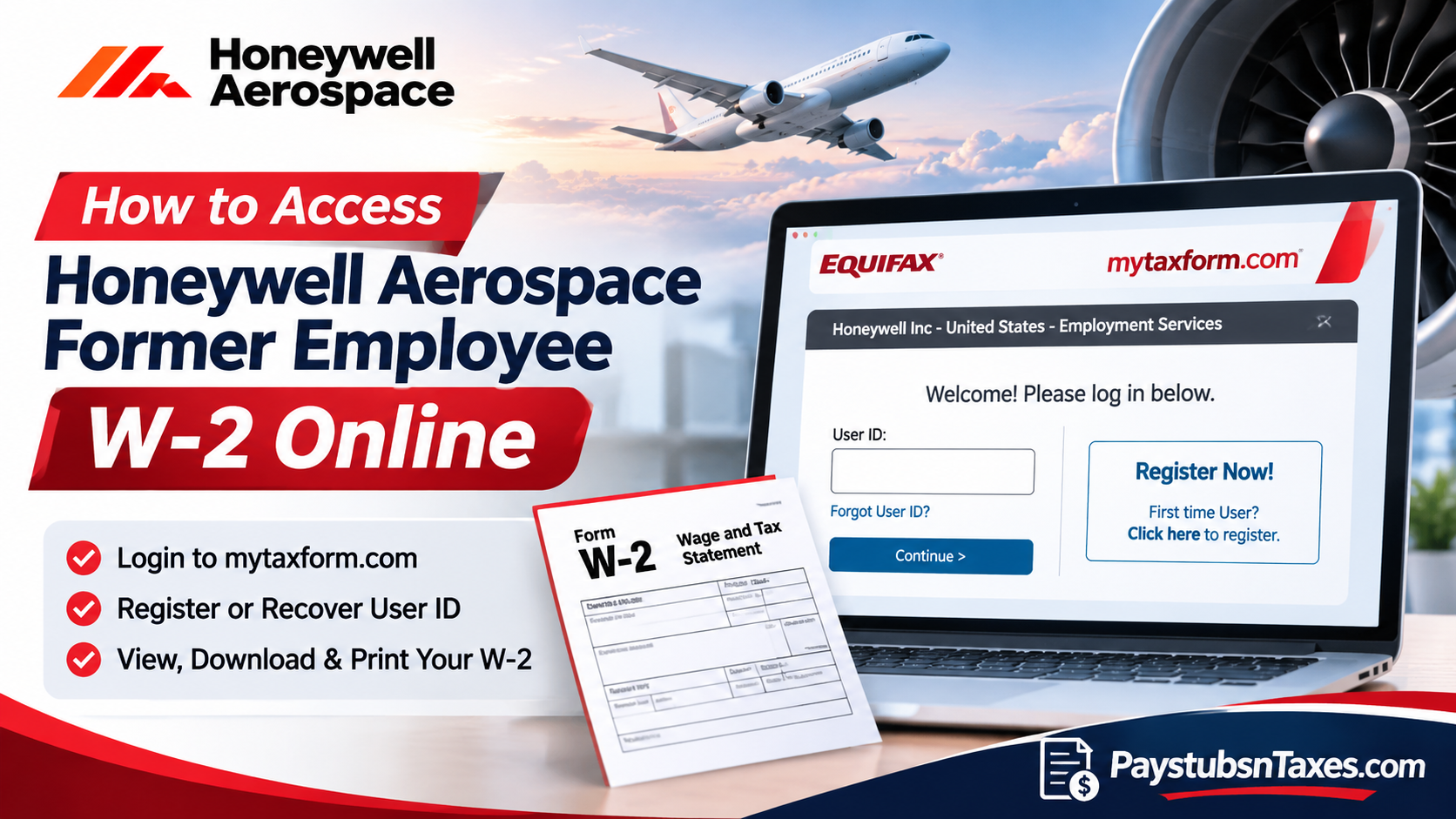
Former Honeywell Aerospace employees can access their U.S. W-2 online through Tax Form Management. This secure, web-based platform enables eligible former employees to retrieve their year-end tax documents without relying on continued access to Honeywell’s internal HR systems. Although active employees generally access payroll information through HR Direct, former employees must typically use Tax Form Management once their corporate credentials have been deactivated. This comprehensive guide explains how to access your Honeywell Aerospace former employee W-2 online, register for the Tax Form Management portal, recover your login credentials, consent to electronic tax document delivery, and download or print your W-2 statement.
How to Sign In to Honeywell Tax Form Management
After you leave Honeywell Aerospace, start at MyTaxForm.com to retrieve a W-2 issued through Honeywell’s U.S. payroll. Active employees typically reach their year-end tax documents through HR Direct single sign-on, while former employees can go directly to Tax Form Management.
- Open MyTaxForm.com in your browser.
- Enter 10221 if the site asks for a five-digit employer code. The sign-in window may display Honeywell Inc – United States – Employment Services.
- Enter the personal User ID you previously created and select Continue. Use Forgot User ID? to recover an existing ID, or Register Now if you are a first-time user.
- Follow the prompts to enter your credentials and complete any identity verification the portal requires.
Some existing accounts may still use a Honeywell employee ID and PIN. If the portal recognizes your employee ID and prompts for a PIN, use the PIN you previously established. For an account that still uses Honeywell’s default PIN, the format is your date of birth in MMDDYYYY order. Follow the prompts displayed for your account, since the registration and sign-in screens can differ.
How to Download or Print Your Honeywell Aerospace W-2
Once you have signed in, check the Tax Form Management home page for your available year-end documents. Select Form W-2 and confirm the tax year before saving a copy. If the portal displays both a W-2 and a 1095-C, choose the W-2 for your wage and withholding information. Form 1095-C concerns employer-provided health coverage.
- View opens the document so you can review, save, or print it.
- Download saves a copy directly when the option is available.
- Postal Mail or Fax lets you request another delivery method if the portal offers it for the selected form.
If the W-2 you need is missing, confirm that you are looking at the correct tax year. If you still cannot find it, contact HR Help and specify the year and employer name shown on your final pay statement. That information can help HR locate the right payroll record.
How to Consent to Electronic W-2 Delivery
If you opted in to electronic W-2 delivery before leaving Honeywell, sign in to Tax Form Management and check whether the form is available. You can review your existing delivery preferences under My Account. If you have yet to opt in and the portal displays Online Delivery Consent, follow these steps.
- Under Online Delivery Consent, select the checkbox next to Form W-2.
- Choose Receive Forms Online.
- Read the disclosure, acknowledge the terms, and select Accept & Continue.
- Verify your email and mailing addresses, then select Confirm and Submit.
- Look for the confirmation receipt to verify that the portal recorded your consent.
If a paper W-2 has already been issued for the year you need, check the portal for a copy or ask HR Help how to request one.
What Happens If You Did Not Opt In to Paperless Delivery?
Honeywell generally mails paper W-2s by January 31 to the home address on file for former employees who did not consent to electronic delivery. Allow time for postal delivery. If you have moved since leaving the company, ask HR Help to confirm your mailing address and explain how to obtain a replacement if the original was sent to your previous address.
Who to Contact If You Cannot Access Your Honeywell W-2
Call Honeywell HR Help at 877-258-3699 and select All Other HR Queries, or email hrhelp@honeywell.com. Include the tax year you need and a brief description of the issue, such as an unrecognized User ID, a missing W-2, or a mailed copy that never arrived. Keep your password, PIN, and full Social Security number out of your email. Honeywell’s Employee Access page also links to the Alumni Hub for post-employment tax, pay, and benefits information.
Conclusion
Accessing a Honeywell Aerospace W-2 after leaving the company does not have to become a complicated administrative undertaking. Although former employees may lose access to HR Direct, the Equifax Tax Form Management portal provides a practical alternative for retrieving eligible year-end tax statements. By visiting www.mytaxform.com, selecting the appropriate Honeywell employer account, and signing in with established personal credentials—or completing registration if necessary—former employees can locate, view, download, and print available W-2 documents.
Furthermore, consenting to electronic tax form delivery can reduce reliance on postal correspondence while making future tax document retrieval more convenient. Whether you are preparing your annual income tax return, verifying previous earnings, or maintaining financial records, retaining secure access to your Honeywell Aerospace W-2 statements is an important part of managing your post-employment responsibilities. If complications arise, particularly those involving account recovery, missing forms, or uncertainty surrounding the correct employing entity, contacting Honeywell HR remains the most reliable next step.
Honeywell Aerospace Former Employee W-2 FAQs
1. Can I access my Honeywell Aerospace W-2 after leaving the company?
Yes. If Honeywell issued your U.S. W-2 and made it available electronically, you can retrieve it through Tax Form Management after your employment ends.
2. What is the Honeywell employer code for MyTaxForm?
Enter 10221 when Tax Form Management asks for Honeywell’s five-digit employer code.
3. How do I register for MyTaxForm as a former Honeywell employee?
Select Register Now on the Honeywell Tax Form Management sign-in screen and follow the prompts to verify your identity and create a personal User ID.
4. What if I forgot my Honeywell MyTaxForm User ID?
Select Forgot User ID? on the sign-in page and follow the recovery prompts. If you cannot complete verification, contact Honeywell HR Help.
5. Can I use my old Honeywell employee ID and PIN?
If the portal recognizes your employee ID and requests the PIN you previously set, use that PIN. If you created a personal User ID, use it to sign in.
6. Can I get my W-2 if I no longer have access to HR Direct?
Yes. Former employees can go directly to Tax Form Management and use their personal login. Active employees with HR Direct access typically use single sign-on.
7. How do I download or print my Honeywell Aerospace W-2?
On the Tax Form Management home page, select Form W-2 for the correct tax year. Choose Download if available, or select View to open the form and save or print it.
8. How do I sign up for electronic W-2 delivery?
Under Online Delivery Consent, select Form W-2 and choose Receive Forms Online. Review and accept the disclosure, verify your email and mailing addresses, and select Confirm and Submit.
9. Where can I check whether I already opted in to paperless delivery?
Sign in to Tax Form Management, open My Account, and review your delivery preferences for Form W-2.
10. When does Honeywell mail paper W-2s to former employees?
Honeywell generally mails paper W-2s by January 31 to the home address on file for employees who did not consent to electronic delivery. The arrival date depends on postal delivery.
11. What if my W-2 was mailed to my old address?
Ask Honeywell HR Help to confirm or update your mailing address and explain how to request a replacement. If your W-2 is available in Tax Form Management, you can download a copy there.
12. Can I request a copy of my Honeywell W-2 by mail or fax?
Select the tax form and look for Postal Mail or Fax. If neither option appears for that form, ask HR Help how to obtain a copy.
13. What if an older Honeywell W-2 is missing from MyTaxForm?
Confirm that you selected the correct tax year. If the form still does not appear, contact HR Help with the year you need and the employer name listed on your final pay statement.
14. What is the difference between a W-2 and a 1095-C?
Form W-2 reports your wages and tax withholding. Form 1095-C reports information about employer-provided health coverage. Select Form W-2 when you need your wage and tax statement.
15. Who can help me with a missing or inaccessible Honeywell W-2?
Call 877-258-3699 and select All Other HR Queries, or email hrhelp@honeywell.com. Specify the tax year and describe the issue so HR can direct your request.
