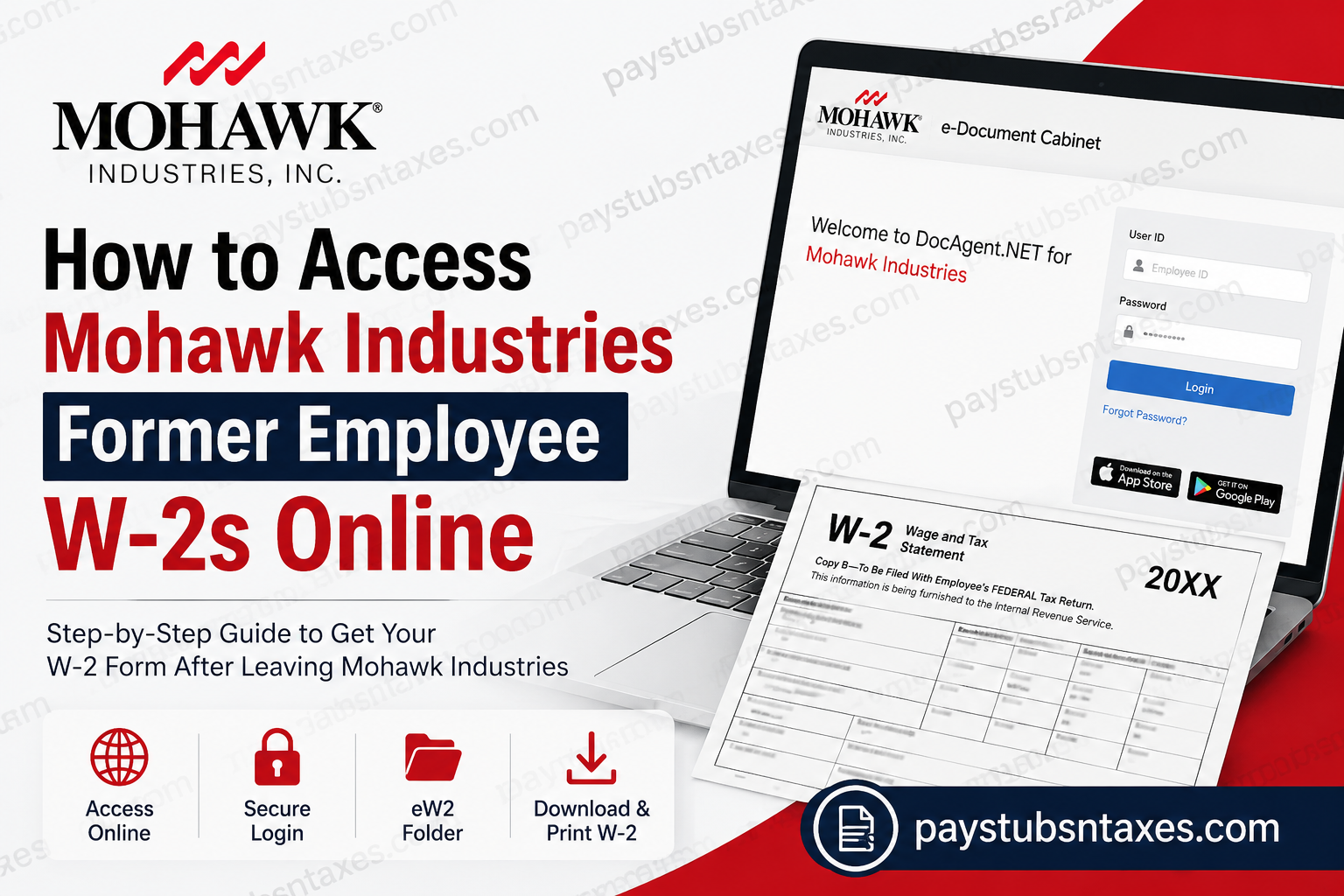
Former Mohawk Industries employees may be able to retrieve their W-2 forms through the company’s secure DocAgent e-Document Cabinet. However, online access does not necessarily remain active indefinitely after employment ends. If your former-employee account has already been deactivated, you may need to wait for a mailed copy or contact Mohawk Shared Services for assistance. This guide explains how to access a Mohawk Industries W-2 online, recover your password, use DocAgent on a mobile device, and request help when online access is no longer available.
Mohawk Industries W-2 Portal
Mohawk Industries uses DocAgent to provide authorized employees and eligible former employees with electronic payroll documents, including pay stubs and W-2 forms.
Official DocAgent portal:
https://mohawkind.docagent.net/
Only current or former Mohawk Industries employees should use this portal. Because the system contains confidential payroll and tax information, every user can access only the documents associated with their individual profile.
How to Access a Former Mohawk Employee W-2 Online
If your DocAgent access remains active after separation, follow these steps:
- Open a secure web browser on a personal computer, smartphone, or tablet.
- Visit the Mohawk Industries DocAgent portal at https://mohawkind.docagent.net/.
- Enter your Mohawk Employee ID in the User ID field.
- Enter your established DocAgent password.
- Select Login.
- After the e-Document Cabinet opens, locate the eW2 folder.
- Select the relevant tax year.
- Click the document icon to open your W-2.
- Use the available viewer controls to save or print a copy for your records.
- Log out when you have finished, particularly if you are using a shared device.
Depending on the settings attached to your account, available documents may appear immediately. If they do not, select Search to display the documents you are authorized to view.
Mohawk DocAgent Login Credentials
The Mohawk DocAgent login page identifies the following credentials:
- User ID: Your Mohawk Employee ID
- Default password: The first four letters of your last name in uppercase, followed by the first four digits of your Social Security number
For example, an employee whose surname begins with “Smith” would use the first four uppercase letters, SMIT, followed by the applicable four digits.
Treat these credentials as highly sensitive. Never send your password or Social Security number through ordinary email, text messages, or an unsecured website.
If you previously created a personalized password, use that password instead of the default combination.
How to Reset a Forgotten DocAgent Password
If you cannot remember your password:
- Go to the Mohawk DocAgent login page.
- Select Forgot Password?
- Follow the instructions presented on the screen.
- If the standard recovery option does not work, use the portal’s separate Password Reset link.
The portal states that password-reset requests are processed during normal business hours, from 8:00 a.m. to 5:00 p.m. Eastern Time. Consequently, a request submitted outside those hours may not be handled until the next business period.
Repeatedly guessing a password can muddy the waters and may complicate access further. It is generally wiser to use the official reset process once you realize that your saved credentials no longer work.
Where to Find Your W-2 in the e-Document Cabinet
After signing in, navigate to: e-Document Cabinet → eW2
The e-Document Cabinet may contain separate folders for ePayStubs and eW2 documents. Your profile determines which folders, tax years, and records you can see.
To open a W-2, click its document icon. The selected form should open in a document viewer or a new browser window. From there, you may be able to:
- Enlarge or reduce the document
- Move between pages
- Search within the document
- Save a PDF copy
- Print the W-2
If nothing appears, allow pop-ups for the DocAgent website and check whether the document opened in a separate browser tab.
Can Former Mohawk Employees Still Use DocAgent?
Former employees may retain DocAgent access for a limited period, but continued access should not be taken for granted. Once Mohawk revokes access to the e-Document Cabinet, you will no longer be able to retrieve the W-2 online through that account.
Your access may have expired if:
- The portal no longer recognizes your Employee ID
- Password recovery does not work
- You can sign in but cannot see the eW2 folder
- The required tax-year document does not appear
- The portal directs you to contact an administrator
If this happens, do not create a new account or enter altered personal information in an attempt to bypass the restriction. Contact Mohawk Shared Services and request assistance with obtaining your W-2.
How Former Employees Receive a W-2 After Online Access Ends
When a former employee can no longer access DocAgent, Mohawk may send the W-2 by postal mail to the home address recorded in its payroll or human-resources system. Employers generally furnish W-2 forms by January 31 following the relevant tax year, subject to applicable calendar and regulatory rules.
Former employees should therefore ensure that Mohawk has their current mailing address. If you moved after leaving the company, update your address with Mohawk as soon as possible and consider arranging mail forwarding through the postal service.
When requesting assistance, be prepared to confirm identifying information securely. However, do not include your full Social Security number in an ordinary email unless an authorized Mohawk representative provides a secure method for doing so.
How to Access Mohawk W-2s on a Mobile Device
DocAgent documents can also be accessed through a smartphone or tablet. You may use either:
- A mobile web browser to visit the Mohawk DocAgent portal; or
- The DocAgent Mobile application, if it is currently available and supported for your account
The application has been distributed through the Apple App Store and Google Play Store. During the first sign-in, users may be asked for their online portal User ID, password, and Mohawk client ID: MOHAWKIND
App availability and compatibility can change, so confirm that you are downloading the legitimate DocAgent application from an official app store. If the application does not work, use the browser-based portal instead.
Avoid downloading payroll applications from advertisements, unofficial websites, or links sent by unknown parties. A W-2 contains enough personal information to make careless handling a costly mistake.
What to Do If Your Mohawk W-2 Is Missing
If the expected W-2 is not available online or has not arrived by mail:
- Confirm that you are checking the correct tax year.
- Verify that Mohawk has your current mailing address.
- Check whether the document is listed under the eW2 folder.
- Use the portal’s Search option if the folder appears empty.
- Check your browser’s pop-up settings if the document will not open.
- Contact Mohawk Shared Services if the form remains unavailable.
Allow reasonable mailing and processing time before requesting a replacement. If the document is needed urgently, explain your filing deadline when contacting support, although expedited delivery cannot be assumed.
Mohawk W-2 Help and Contact Information
For assistance with DocAgent access, password recovery, or a missing W-2, contact:
Mohawk Shared Services
Email: Shared_Services_Admin@mohawkind.com
Include only the information necessary to explain the problem, such as:
- Your full name
- Your former Employee ID, if available
- The tax year required
- Your approximate separation date
- A brief description of the login or delivery issue
- A safe telephone number or email address for a response
Do not place your DocAgent password or full Social Security number in the message.
Final Advice
The quickest route to a Mohawk Industries former employee W-2 is to try the official DocAgent portal while your account remains active. Log in with your Employee ID, open the eW2 folder, and save a secure copy as soon as the document becomes available. If that door has already closed, all is not lost: verify your mailing address and contact Mohawk Shared Services. Acting promptly, protecting your credentials, and relying exclusively on official channels will help you obtain the document without exposing sensitive payroll or tax information.
Frequently Asked Questions About Mohawk Industries Former Employee W-2s
1. How can a former Mohawk employee access a W-2 online?
Visit the Mohawk DocAgent portal, sign in with your Employee ID and password, and open e-Document Cabinet → eW2. Online access is available only while your former-employee account remains authorized.
2. What is the Mohawk Industries W-2 portal?
The official Mohawk Industries DocAgent portal is:
https://mohawkind.docagent.net
Use this website to access eligible electronic W-2 forms and pay statements. Avoid unofficial websites that request payroll credentials or personal information.
3. What is the User ID for Mohawk DocAgent?
Your Mohawk DocAgent User ID is generally your Mohawk Employee ID. Enter it in the User ID field exactly as issued by the company.
4. What is the default password for Mohawk DocAgent?
The portal describes the default password as the first four letters of your last name in uppercase, followed by the first four digits of your Social Security number. If you previously created another password, use your personalized password instead.
5. Where can I find my W-2 after logging in?
After signing in, open the e-Document Cabinet and select the eW2 folder. Choose the applicable tax year, then click the document icon to view, download, or print the form.
6. Can former Mohawk employees continue using DocAgent?
Some former employees may retain access temporarily, but access can be revoked after separation. If the system no longer recognizes your account or the eW2 folder is unavailable, contact Mohawk Shared Services.
7. What should I do if I forget my Mohawk DocAgent password?
Select Forgot Password? on the DocAgent login page and follow the recovery instructions. If the standard option fails, use the separate Password Reset link displayed on the portal.
8. How long does a DocAgent password reset take?
The Mohawk portal indicates that password-reset requests are processed during normal business hours, from 8:00 a.m. to 5:00 p.m. Eastern Time. Requests submitted outside that window may not be addressed until the next business period.
9. Why is the eW2 folder missing from my DocAgent account?
The folder may be missing because the W-2 has not yet been posted, your profile lacks permission to view it, or your online access has expired. Contact Shared Services if the folder does not appear after you confirm that you are using the correct account.
10. How do I obtain my W-2 if my Mohawk DocAgent access has expired?
Contact Mohawk Shared Services and ask how to obtain a replacement or mailed copy. Mohawk may send the W-2 to the home address recorded in its payroll or human-resources system.
11. When should a former Mohawk employee receive a mailed W-2?
Employers generally furnish W-2 forms by January 31 following the relevant tax year, subject to applicable calendar and regulatory rules. Postal delivery may take additional time, so verify that Mohawk has your current address.
12. How can I update the mailing address for my Mohawk W-2?
Contact Mohawk Shared Services to ask about correcting the address associated with your employment records. If you recently moved, arranging postal mail forwarding may provide an additional safeguard.
13. Can I access a Mohawk W-2 from my smartphone?
Yes. If your account remains active, open the Mohawk DocAgent portal in a secure mobile browser. You may also use the legitimate DocAgent Mobile application if it is available and supported for your account.
14. What is the Mohawk client ID for the DocAgent Mobile app?
The Mohawk client ID provided for the DocAgent Mobile application is MOHAWKIND. The app may also request your portal User ID and password during the initial login process.
15. Who should I contact about a missing Mohawk W-2?
Contact Mohawk Shared Services at Shared_Services_Admin@mohawkind.com. Include your name, former Employee ID if available, the required tax year, and a concise description of the problem. Do not send your password or full Social Security number through ordinary email.
