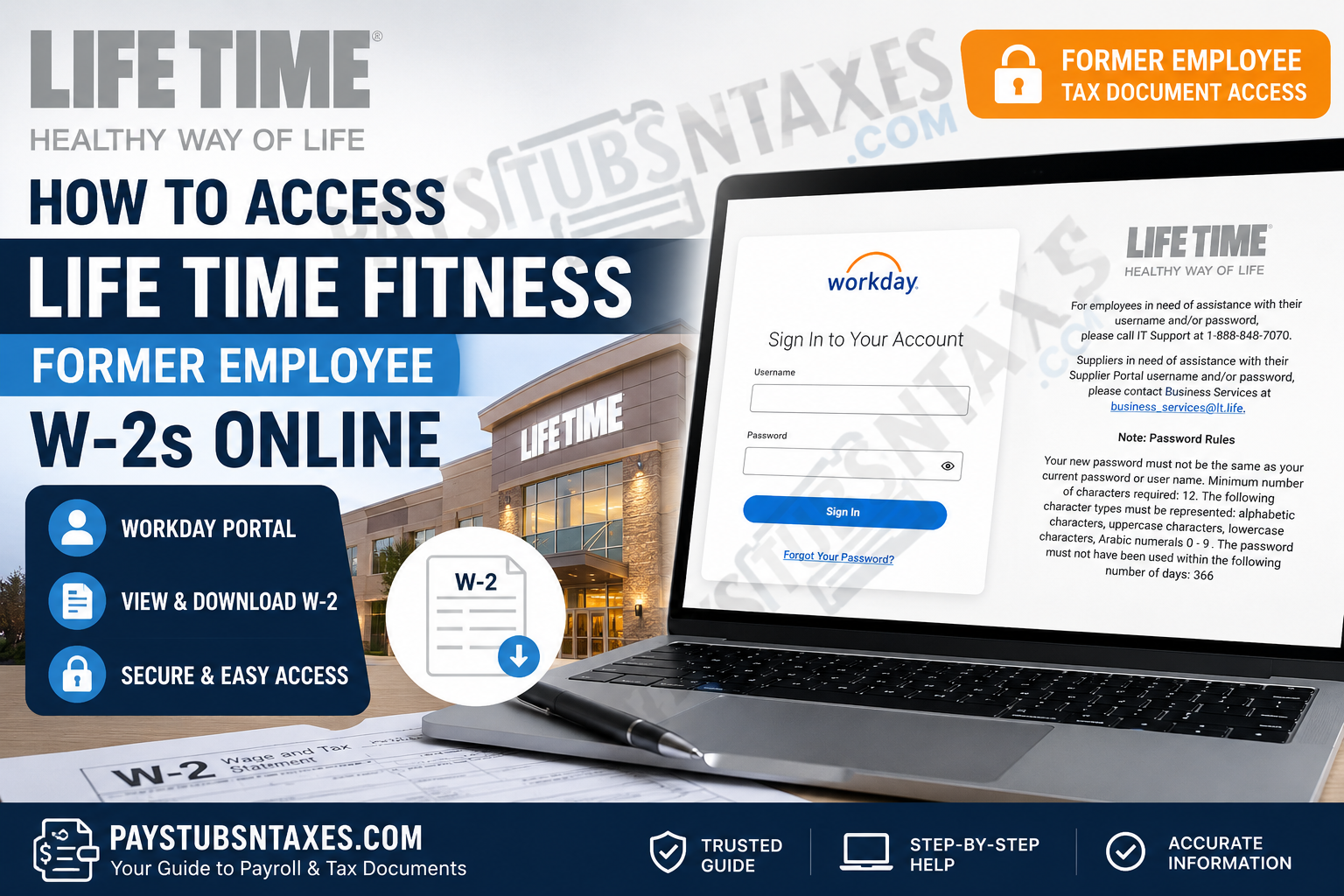
Former employees of LifeTime, Inc.—formerly known as LifeTime Fitness, Inc.—may be able to retrieve their W-2 tax statements online through Workday. LifeTime uses Workday to administer several human-resources functions, including payroll, employee benefits, and the distribution of year-end tax documents to U.S. employees. Whether you can access a Life Time Fitness W-2 online after leaving the company depends primarily on the status of your Workday account. If your credentials remain active, obtaining the form should be relatively straightforward. If your account has been deactivated, however, you may need to wait for a mailed copy or contact Life Time for assistance.
LifeTime Workday Employee Portal
Use the following portal to access your Life Time Workday account:
Workday login: https://wd1.myworkday.com/lifetime/login.htmld?redirect=n
Enter your Workday username and password on the sign-in page. This portal uses a direct Workday login, so former employees should not select or attempt to use single sign-on unless Life Time has specifically instructed them to do so.
Because login pages and internal systems can change, verify that the address displayed in your browser belongs to the official myworkday.com domain before entering your credentials.
How to Get Your LifeTime Fitness W-2 from Workday
Once you have successfully signed in, follow these steps to locate and print your tax statement:
- Open the Menu or Applications area on the Workday home page.
- Select Pay from the available applications or the Personal section.
- Find the View section. If all options are not visible, select More to expand the menu.
- Choose My Tax Documents.
- Review the tax documents available for your account and locate the W-2 for the appropriate tax year.
- Select View/Print to generate the document.
- Allow the system time to prepare the file. Workday may take several minutes to display the W-2, so a short delay does not necessarily indicate that something has gone awry.
- Download the W-2 to a secure device or print a copy for your records.
When you have finished, sign out of Workday completely—particularly if you are using a shared or public computer. Tax documents contain sensitive personal and financial information, and leaving an account open is an unnecessary risk.
What If a Corrected W-2 Is Available?
A corrected wage and tax statement is identified as a Form W-2C. If Workday displays both an original W-2 and one or more W-2C forms, download or print every document for which a View/Print option appears.
A W-2C does not always replace the original form in its entirety. Instead, it identifies information that has been corrected, which means you may need both documents when preparing or amending your tax return.
What If Your Former Employee Workday Account Is Inactive?
Online W-2 access is not guaranteed indefinitely after your employment ends. Once a former employee’s Workday account has been deactivated, the portal may no longer accept the previous username and password.
If you cannot sign in, first use the Forgot Your Password? option displayed on the Workday login page. If self-service recovery is unsuccessful, call Life Time IT Support at 1-888-848-7070 for assistance with your employee username or password.
Be prepared to verify your identity. For security reasons, support representatives should not release payroll information or reset account access without confirming that the request is legitimate.
LifeTime Workday Password Requirements
If Workday asks you to create a new password, it must comply with the following requirements:
- It must contain at least 12 characters.
- It cannot be the same as your current password or username.
- It must contain alphabetic characters.
- It must include both uppercase and lowercase letters.
- It must contain at least one numeral from 0 through 9.
- It must not be a password used within the previous 366 days.
Choose a password that is unique to Workday. Reusing a password from your email, bank, or another important account may leave several services vulnerable if one credential is compromised.
Will LifeTime Mail a W-2 to a Former Employee?
If online access is unavailable, Life Time generally mails a paper W-2 to the address recorded in its payroll system by the applicable January deadline following the tax year. For example, a W-2 covering wages earned during one calendar year is ordinarily furnished around the end of January in the following year.
Former employees should ensure that Life Time has their current mailing address. If you moved after leaving the company and did not update your details, the form may have been sent to an old address.
Postal delivery is not instantaneous, so allow reasonable mailing time before concluding that the form is missing. Nevertheless, if the expected document does not arrive, contact Life Time promptly and request confirmation of the mailing address, issue date, and procedure for obtaining a replacement.
What to Do If Your W-2 Is Missing
If you cannot find your W-2 in Workday and have not received it by mail, take the following steps:
- Confirm that you are checking the correct tax year.
- Look for both W-2 and W-2C entries under My Tax Documents.
- Check whether your browser blocked the document from opening or downloading.
- Try the password-recovery option if you cannot access your account.
- Contact Life Time IT Support if the problem concerns your username or password.
- Contact Life Time’s HR or payroll department if the document itself is missing, incorrect, or was mailed to the wrong address.
Do not send your Social Security number, password, or complete tax document through an unsecured email. Ask the representative which secure verification method Life Time uses before disclosing sensitive information.
Final Takeaway
For most former Life Time Fitness employees with active accounts, Workday offers the quickest route to a year-end tax statement: sign in, open Pay, select My Tax Documents, and use View/Print to retrieve the correct W-2. If the door to online access has already closed, use password recovery, contact Life Time IT Support, or request assistance from HR or payroll. Acting early is the wisest course. Confirm your mailing address, retain every W-2 or W-2C you receive, and store downloaded copies securely so that tax season does not become a last-minute scramble.
Frequently Asked Questions About Life Time Fitness Former Employee W-2s
1. How can a former Life Time Fitness employee get a W-2?
A former Life Time Fitness employee may retrieve a W-2 through the Life Time Workday portal if the associated account remains active. After signing in, open Pay, select My Tax Documents, and click View/Print beside the correct tax year. If online access is unavailable, contact Life Time HR or payroll about receiving a replacement.
2. What is the Life Time Workday login URL?
The Life Time Workday employee portal is: https://wd1.myworkday.com/lifetime/login.htmld?redirect=n.
Before entering any credentials, confirm that the browser address belongs to the official myworkday.com domain.
3. Can former Life Time employees still log in to Workday?
Some former employees can continue using Workday after their employment ends, although access depends on the status of the individual account. If Life Time has deactivated the account, the former username and password may no longer work.
4. Where is the W-2 located in Workday?
The W-2 is generally located under:
Menu or Applications → Pay → View → My Tax Documents
If My Tax Documents is not immediately visible, select More in the View section to display the remaining options.
5. How do I download my W-2 from Life Time Workday?
Open My Tax Documents, locate the W-2 for the appropriate year, and select View/Print. Once Workday generates the document, save the file to a secure device or print a paper copy. Remember to sign out when finished.
6. Why can’t I log in to my Life Time Workday account?
You may be entering an incorrect username or password, or Life Time may have deactivated your account after your employment ended. Start by selecting Forgot Your Password? on the login page. If that does not resolve the problem, call Life Time IT Support at 1-888-848-7070.
7. What should I do if I forgot my Workday password?
Select Forgot Your Password? on the Life Time Workday sign-in page and follow the recovery instructions. If self-service recovery is unavailable or unsuccessful, contact Life Time IT Support at 1-888-848-7070.
Never disclose your password, complete Social Security number, or tax documents through an unsecured email.
8. What are the Life Time Workday password requirements?
A new Life Time Workday password must contain at least 12 characters and include uppercase letters, lowercase letters, alphabetic characters, and Arabic numerals from 0 through 9. It cannot match the username or current password and must not have been used during the preceding 366 days.
9. Does Life Time mail W-2 forms to former employees?
Life Time generally mails W-2 forms to former employees whose online access is inactive, using the mailing address stored in its payroll records. Former employees who have moved should contact Life Time to confirm or update their address.
10. When should a former Life Time employee receive a W-2?
Employers generally furnish W-2 forms by the applicable deadline around the end of January following the tax year. Postal delivery may take additional time. If the document does not arrive within a reasonable period, contact Life Time HR or payroll and request a replacement.
11. What should I do if my Life Time W-2 never arrived?
Confirm that Life Time has your current mailing address and check whether the document is available in Workday. If neither option produces the W-2, contact Life Time HR or payroll to ask when it was issued, where it was sent, and how to request another copy.
12. Why is my W-2 not showing in Workday?
The document may not yet be available, you may be viewing the wrong tax year, or your former-employee access may be restricted. Expand the View menu, check My Tax Documents, and look for both W-2 and W-2C entries. Contact HR or payroll if the expected statement remains missing.
13. How long does Workday take to generate a W-2?
Workday may require several minutes to prepare a W-2 after View/Print is selected. Allow the request to finish before refreshing the page. Also check whether the browser has blocked a pop-up or automatic download.
14. What is a W-2C in Workday?
Form W-2C is a corrected wage and tax statement issued when information on an original W-2 needs to be amended. If both documents are available, download and retain the original W-2 as well as every related W-2C, because the correction may address only specific fields.
15. Who should I contact about an incorrect Life Time W-2?
Contact Life Time HR or payroll if the W-2 contains incorrect wages, tax withholding, personal details, or mailing information. Life Time IT Support can help with usernames and passwords, but payroll-related corrections ordinarily require assistance from HR or the payroll department.
