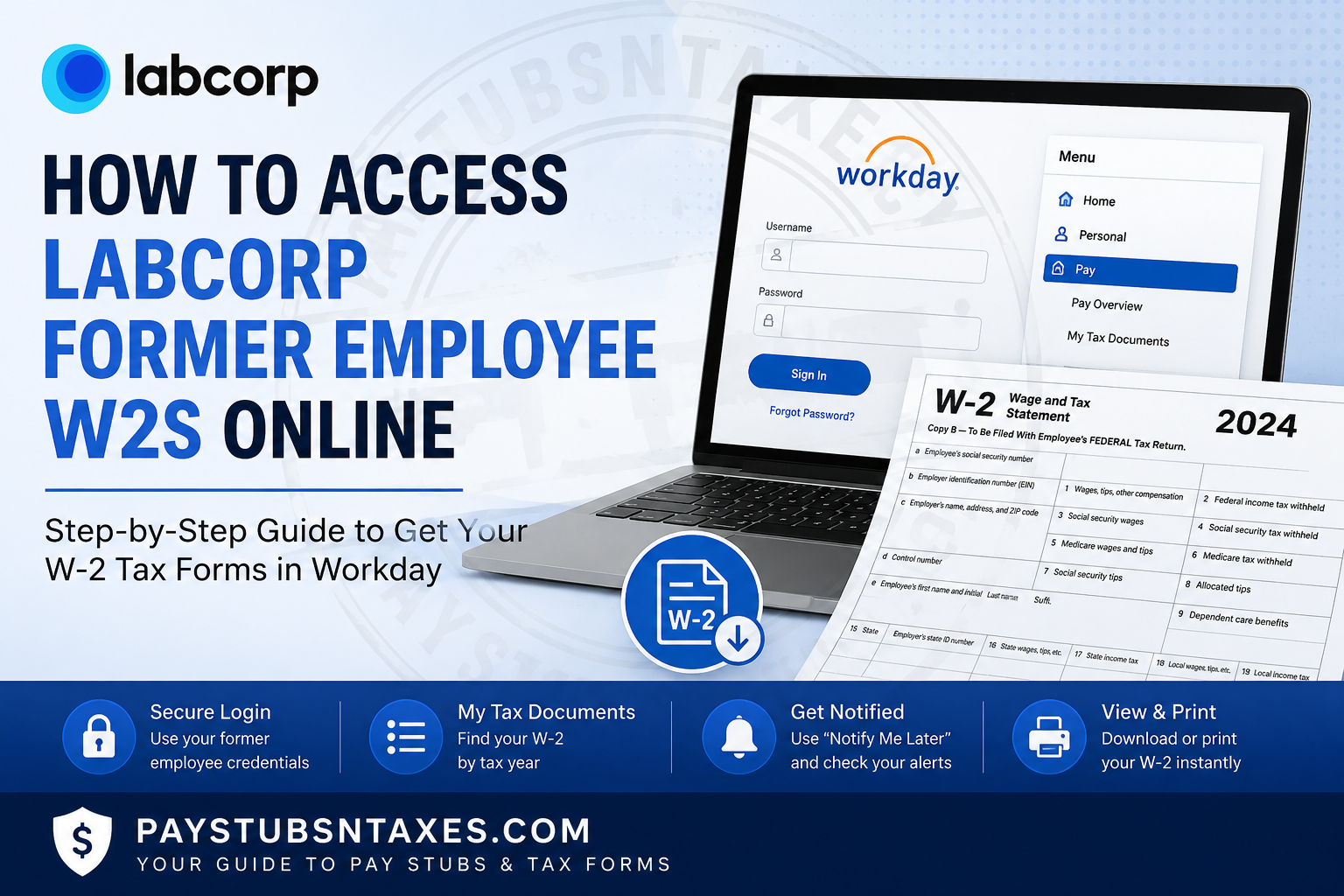
Leaving a company does not necessarily mean losing access to important payroll and tax records. If you previously worked for Labcorp and need a copy of your W-2 tax form, you may still be able to retrieve it electronically through the Labcorp Workday portal, even after your employment has ended. Labcorp uses Workday for payroll-related self-service functions, including access to tax documents. Former employees should use the login credentials that were provided to their personal email address on file. Once signed in from a computer with internet access, they can locate available W-2 forms, open the appropriate tax-year document, and print or save the PDF. This guide explains how former Labcorp employees can access W-2s online, what to do if login information has been misplaced, why the Workday mobile app may not be suitable for terminated employees, and when to expect a paper W-2 in the mail.
About Labcorp
Labcorp is a global life sciences and healthcare company whose work centres on providing health answers through science, diagnostic testing, technology, and research. Its operations address a remarkably broad range of healthcare challenges, from common illnesses and emerging viruses to oncology, neurological conditions, autoimmune diseases, and other complex medical needs.
Through its diagnostic and drug-development capabilities, Labcorp supports healthcare professionals, hospitals, pharmaceutical organisations, researchers, and patients who depend on timely and reliable information when making consequential healthcare decisions.
For employees and former employees, payroll and tax-document access is facilitated through Workday, allowing eligible users to retrieve important employment records electronically without having to visit a Labcorp facility.
Can Former Labcorp Employees Access W-2s Online?
Yes. Former Labcorp employees can use the Workday portal to access pertinent tax and benefits documents after leaving the company.
When your employment ends, login information for post-employment Workday access is typically sent to the personal email address recorded in your employee profile. These credentials differ from the company-managed access you may have used while actively employed.
Before attempting to sign in, check your personal inbox and search for messages containing terms such as:
- Labcorp
- Workday
- Former employee
- Alumni access
- Benefits
- Tax documents
- W-2
Remember to check your spam, junk, promotions, and archived folders. The message may have arrived around the time of your separation from Labcorp.
Labcorp Workday Login for Former Employees
To begin, visit the following Workday sign-in page using a desktop or laptop computer:
Select Sign In if a session-expired message appears. Enter the previously supplied former-employee username and password rather than your old corporate credentials, which may no longer work after separation.
For security and reliability, avoid using links received through unsolicited emails or text messages. Check that the address is a legitimate Workday domain before entering personal information.
How to Access a Labcorp W-2 in Workday
Once you have signed in successfully, follow these steps to locate your tax form:
- From the Workday home page, select Menu in the upper-left corner.
- Choose Pay from the available applications.
- Open My Tax Documents.
- Review the table containing your available tax forms.
- Locate the appropriate tax year and select the corresponding W-2.
- Choose the PDF version of the document when it becomes available.
- Open the PDF to review, download, or print your W-2.
Workday stores W-2 forms under My Tax Documents, so you do not need to search through your profile, benefits, or personal-information sections.
What Does “Notify Me Later” Mean?
Workday may require a short period to generate the PDF version of your W-2. If the system displays a Notify Me Later message, it does not necessarily indicate that your form is missing or that your request has failed.
Select Notify Me Later and allow Workday to process the document. When the file is ready, check the bell-shaped notification icon in the upper-right corner of the page. Open the completion notification and select the PDF file to view or print your W-2.
In other words, patience is sometimes the order of the day: repeatedly submitting the same request is unlikely to make the document appear faster.
Can You Access a Former Labcorp Employee W-2 on Workday Mobile?
Former employees should use Workday through a supported web browser on a computer.
Although Workday Mobile can be convenient for current employees, it may not display historical pay advice or tax statements, and it generally does not offer a suitable former-employee login option. If the document is missing from the mobile application, this does not automatically mean that it is unavailable.
For the best results:
- Use a desktop or laptop computer.
- Open a current version of Chrome, Edge, Firefox, or Safari.
- Allow PDF downloads and pop-up windows for the Workday site.
- Sign in with your former-employee credentials.
- Check Workday notifications if the document is still being generated.
What to Do If Your Workday Session Times Out
For security reasons, Workday may end an inactive session automatically. If you see “Your session has timed out,” select Sign In and authenticate again.
Closing the old browser window before starting a new session may prevent the expired session from interfering with the login process. If the message keeps returning, try clearing the browser’s cookies for Workday, opening a private browsing window, or using another supported browser.
What If You Lost Your Former-Employee Login Information?
If you cannot find the login details sent to your personal email, contact the Labcorp HR Service Line at 1-855-447-8416.
When speaking with an HR Service Line representative, clearly state that you are a former Labcorp employee who needs help accessing Workday for a W-2 or another tax-related document. This distinction matters because the access and identity-verification process for former employees may differ from the procedure used for active employees.
To help the representative locate your employment record, be prepared to provide identifying information such as:
- Your full legal name
- Your former employee ID, if available
- The location or department where you worked
- Your approximate employment dates
- The personal email address on file
- The last four digits of your Social Security number, if requested through an authorized verification process
Never send your full Social Security number, password, or complete tax document through ordinary email.
What If Your W-2 Is Not Listed?
If you can enter Workday but cannot find the required W-2, first confirm that you are looking under Pay > My Tax Documents and that you have selected the correct tax year.
A missing form may also result from processing delays, an incomplete Workday request, or an issue with your former-employee account. Check the bell notification icon before trying again. If the form remains unavailable, contact the Labcorp HR Service Line and explain which tax year you need.
If your W-2 contains an incorrect name, address, wage amount, or tax-withholding figure, do not alter the PDF yourself. Ask Labcorp to review the record and, where appropriate, issue a corrected tax form.
Will Labcorp Mail a W-2 to a Former Employee?
Labcorp also sends W-2 forms to former employees by postal mail using the home address on file. The form is generally mailed by January 31 of the following year, subject to applicable calendar and mailing rules.
If you have moved since leaving Labcorp, an outdated address could delay or prevent delivery. Contact the HR Service Line to determine whether your address can be updated and whether a replacement copy is required.
Online access is often the quickest solution because it allows you to download a clean PDF without waiting for postal delivery. Nevertheless, mailed delivery provides an important fallback when online access is unavailable.
How to Save and Protect Your Labcorp W-2
A W-2 contains sensitive personal and financial information. Once you have downloaded it, handle the document with care.
Save the file on a private, password-protected device rather than a public or shared computer. Avoid leaving printed copies unattended, and do not upload the document to an unfamiliar website. If you must send it to a tax professional, use that professional’s secure document portal instead of ordinary email.
It is also prudent to keep a backup copy in a secure digital location. That small precaution can save considerable time if you need the document for a tax amendment, mortgage application, income-verification request, or financial review.
Final Takeaway
The most direct way to obtain a Labcorp former-employee W-2 is to sign in to Workday from a desktop or laptop computer, open Pay, and select My Tax Documents. If Workday needs time to prepare the file, use Notify Me Later and watch for a notification indicating that the PDF is ready. If you no longer have your post-employment credentials—or if the correct W-2 is missing—contact the Labcorp HR Service Line at 1-855-447-8416. By identifying yourself as a former employee from the outset, you can help ensure that your request reaches the appropriate support channel without unnecessary delay.
Frequently Asked Questions About Labcorp Former-Employee W-2s
1. How do former Labcorp employees access their W-2s online?
Former Labcorp employees can access W-2s by signing in to Workday from a desktop or laptop computer. After logging in, go to Menu > Pay > My Tax Documents, select the appropriate tax year, and open the W-2 PDF.
2. What is the Labcorp Workday login page for former employees?
Former employees can begin at the Workday portal. They should use the post-employment login information previously sent to the personal email address recorded in their employee profile.
3. Where is the W-2 located in Labcorp Workday?
The W-2 is stored in the My Tax Documents section. From the Workday home page, select Menu, open Pay, and then choose My Tax Documents to view the available tax forms.
4. Can former Labcorp employees access Workday after separation?
Yes. Former employees may retain access to pertinent tax and benefits documents through Workday. They must use their designated former-employee credentials rather than an inactive Labcorp corporate account.
5. Can I access my Labcorp W-2 through Workday Mobile?
Former employees should use Workday in a web browser on a desktop or laptop. Workday Mobile may not provide former-employee login functionality or access to historical pay statements and tax documents.
6. What does “Notify Me Later” mean in Workday?
Notify Me Later means that Workday needs additional time to prepare the requested W-2 PDF. Select the option, wait for processing to finish, and check the bell notification icon in the upper-right corner for a completion notice.
7. How do I download or print my Labcorp W-2?
Open the required W-2 under My Tax Documents, select its PDF version, and use your browser or PDF viewer to download or print it. Save the document only on a private, secure device.
8. What should I do if my Workday session has timed out?
Select Sign In and log in again. If the timeout message persists, close the expired window, open a new browser session, clear Workday cookies, or try a private browsing window.
9. What if I lost my former-employee Workday credentials?
Call the Labcorp HR Service Line at 1-855-447-8416. Tell the representative that you are a former Labcorp employee who needs help accessing Workday for a tax or benefits document.
10. What information may be needed when I contact Labcorp HR?
Be prepared to provide your legal name, former employee ID if available, previous work location, approximate employment dates, and the personal email address on file. Additional information may be requested to verify your identity securely.
11. Why is my Labcorp W-2 missing from Workday?
Confirm that you are looking under Pay > My Tax Documents and have selected the correct tax year. Also check the bell icon for an unfinished document request. If the form remains unavailable, contact the Labcorp HR Service Line.
12. Does Labcorp mail W-2 forms to former employees?
Yes. Labcorp generally mails former employees’ W-2 forms to the home address on file by January 31 of the following year, subject to applicable calendar and mailing rules.
13. What if Labcorp mailed my W-2 to an old address?
Contact the Labcorp HR Service Line at 1-855-447-8416 to discuss your address information and the procedure for obtaining another copy. Online Workday access may offer a faster solution.
14. What should I do if my Labcorp W-2 contains an error?
Contact Labcorp HR or payroll support and explain the suspected error. Do not edit the W-2 PDF yourself. If a correction is required, Labcorp may need to issue an official corrected tax form.
15. How can I keep my downloaded W-2 secure?
Store the W-2 on a password-protected personal device or in secure encrypted storage. Do not download it on a public computer or send it through ordinary email. Use a secure document portal when sharing it with a tax professional.
