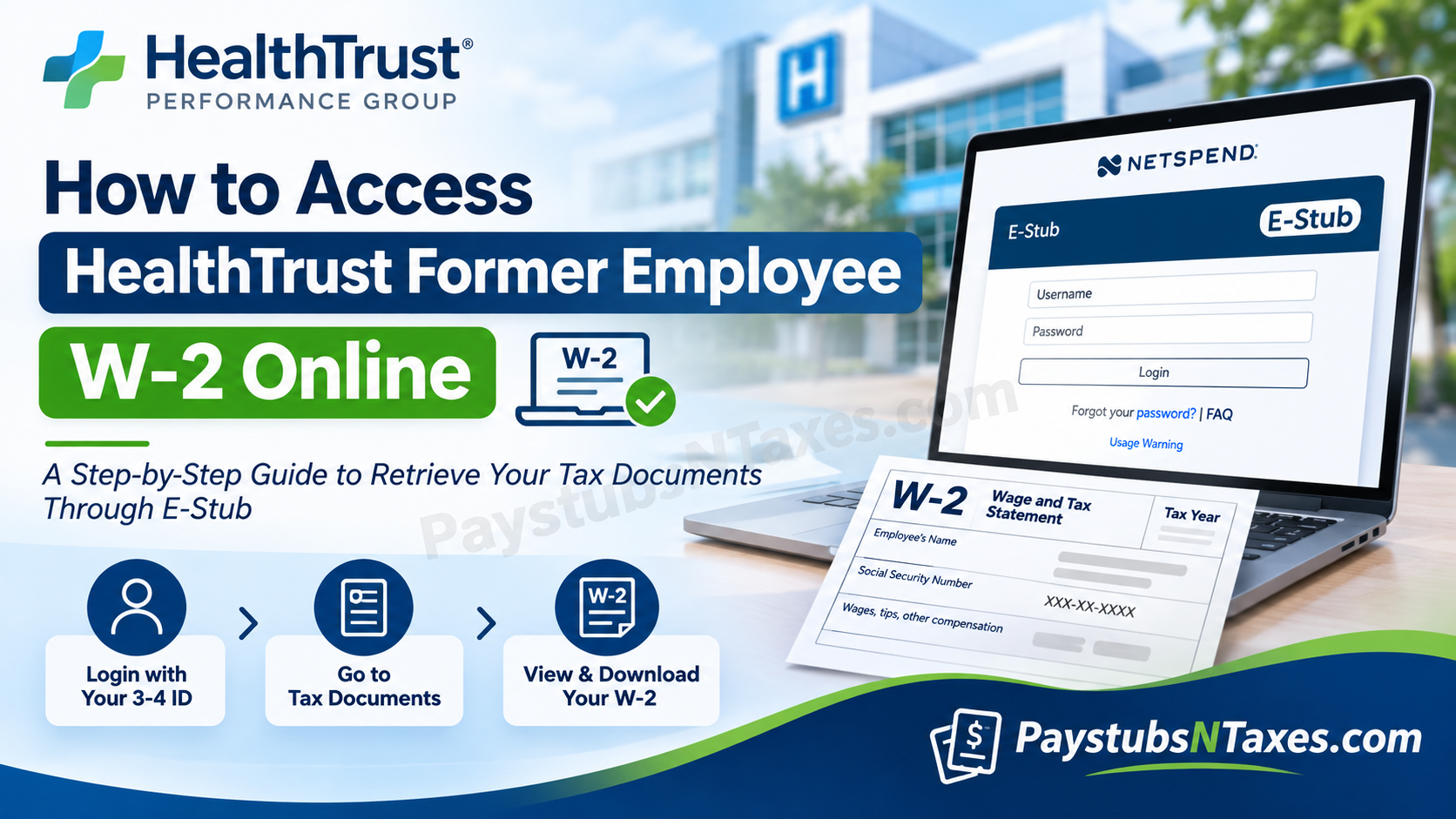
Leaving an organization does not necessarily mean losing access to important employment records, particularly when those documents are essential for fulfilling annual tax obligations. For former employees of HealthTrust Performance Group and HealthTrust Workforce Solutions, retrieving a W-2 form is considerably more straightforward than it might initially appear, thanks to the electronic payroll document management system known as E-Stub.
Whether you have recently resigned, completed a temporary assignment, transitioned to another healthcare organization, or concluded your employment several months ago, understanding how to access your HealthTrust former employee W-2 online can spare you considerable inconvenience during tax season.
HealthTrust provides former employees with access to available year-end tax documents through the Netspend E-Stub portal, enabling eligible individuals to retrieve historical wage statements and electronic tax forms without necessarily contacting their previous workplace.
This comprehensive guide explains how to log in to the HealthTrust E-Stub system, recover forgotten credentials, locate previous W-2 statements, request replacement tax documents, and resolve common account-access difficulties.
Can Former HealthTrust Employees Access Their W-2 Forms Online?
Yes. Former HealthTrust employees can access available W-2 tax statements through the Netspend E-Stub portal, provided their account remains accessible and the relevant documents are available electronically.
HealthTrust maintains an electronic payroll document system that allows separated employees to retrieve eligible historical employment records.
Importantly, former employees can continue accessing their E-Stub accounts after termination, provided they log in at least once every 365 days.
However, prolonged inactivity may result in an account lockout, in which case assistance from the employee’s former local IT Help Desk may be necessary.
Furthermore, E-Stub information is generally retained for three years from the E-Stub implementation or start date, meaning that the availability of historical records depends on the applicable retention period.
Former employees who cannot retrieve their documents electronically may request W-2 reprints directly from the HealthTrust payroll team.
Another important consideration is that employees receive a paper W-2 for the year their employment ended, regardless of their previously selected delivery preference.
Consequently, even if digital access becomes unavailable, alternative arrangements exist for obtaining the documentation required to complete a federal or state income tax return.
Step 1: Open the HealthTrust eStub Portal
Visit the HealthTrust eStub login page.
The login screen contains fields for your username and password, along with a Forgot your password? link. If you have an older bookmark ending in /parallon, use the portal link above for the former employee access route.
Because your W-2 contains sensitive personal information, check the website address before entering your credentials.
Step 2: Enter Your 3-4 ID
Use your HealthTrust 3-4 ID as your username.
If you already have a working password, enter it and select Login. If you cannot remember your password or need to establish access through the former employee reset process, select Forgot your password?
If you no longer know your 3-4 ID, contact your former local IT Help Desk for assistance rather than repeatedly attempting to sign in.
Step 3: Reset Your Password When Necessary
Follow the password-recovery instructions displayed on the portal. The former employee reset process uses the following sequence:
- Enter your 3-4 ID as your username and select Forgot Password.
- When prompted for the old password, enter your Social Security number without dashes.
- Create a new password when prompted.
- Return to the login screen and sign in with your new credentials.
Only enter your Social Security number within the official portal when the reset process requests it. If the prompts differ or your information is rejected, contact support before making further attempts.
Step 4: Select Tax Documents
After signing in, look for Tax Documents in the left navigation menu.
For employees who elected electronic W-2 delivery, this option appears once the relevant documents have been posted. Select it to view the tax statements available in your account.
If you cannot see the menu or the year you need, contact payroll to check availability and request a reprint.
Step 5: Choose the Tax Year and Company
Within Tax Documents, locate the appropriate Tax Year and Company, then select W2 beside the statement you want to open.
Review the year and company carefully so that you retrieve the correct document. If a corrected statement was issued, you may also see a W2 C document type. This option appears only when that form is available for your account.
Step 6: Save or Print Your W-2
Once your W-2 opens, use the available document or browser controls to save or print a copy.
Before closing the statement, confirm that you have selected the intended tax year and that the document is readable. Keep downloaded files in a secure location, and collect printed copies promptly if you are using a shared printer.
Saving your records while you have access can prevent a last-minute scramble when you need them later.
How Long Can Former Employees Access eStub?
eStub information is available for three years from the eStub start date. Former employees must also log in at least once every 365 days to maintain account access.
These are separate conditions: signing in annually helps maintain access, while the availability period determines which records remain accessible. Annual login does not extend document availability indefinitely.
If an older W-2 no longer appears, contact payroll to ask about a reprint.
Will HealthTrust Send a Paper W-2 After Employment Ends?
Former employees receive a paper W-2 for the year their employment ended, regardless of their previous delivery preference.
If you have moved, contact payroll to confirm how to update your mailing information. Keeping your address current can help prevent delays, particularly when you are relying on a mailed copy.
If your paper statement has not arrived or has been misplaced, you can check eStub for an available electronic copy or request payroll assistance.
What to Do If Your eStub Account Is Locked
A locked account requires help from your former local IT Help Desk.
Explain that you are a former HealthTrust employee attempting to access eStub for payroll or tax records. If you have not signed in within the past 365 days, mention that as well so the support team can assess the access problem.
If you need the document while account access is being resolved, contact payroll separately to request a W-2 reprint.
How to Request a HealthTrust W-2 Reprint
HealthTrust payroll can assist former employees who cannot retrieve their W-2 online.
| Contact method | Details |
| Telephone | 877-311-6877 |
| Hours | Monday–Friday, 9 a.m.–5 p.m. EST |
| HWS.SunrisePayroll@HealthTrustWS.com |
When contacting payroll, explain that you are a former employee requesting a W-2 reprint and identify the tax year you need. The team can advise you on any verification requirements and the next steps.
Avoid including your password or full Social Security number in an initial email.
Conclusion
Obtaining your HealthTrust former employee W-2 online need not become an unnecessarily complicated undertaking. By accessing the Netspend E-Stub portal, using your assigned 3-4 ID, and navigating to the Tax Documents section, you can retrieve eligible wage and tax statements without returning to your previous workplace.
Nevertheless, successful access depends on several factors, including your account’s authentication status, electronic W-2 delivery preferences, and the availability of historical records.
Since former employees must generally access E-Stub at least once every 365 days to maintain account availability, periodically reviewing and securely preserving important payroll documents is a sensible precaution.
Should technical difficulties arise, or should your W-2 no longer appear in the system, HealthTrust payroll support remains an alternative route for requesting replacement tax documents.
Ultimately, keeping your employment records organized, safeguarding your login credentials, and understanding the available support channels will help ensure that your transition from HealthTrust does not interfere with your tax-filing responsibilities.
Frequently Asked Questions
1. Can former HealthTrust employees access W-2 forms online?
Yes. Eligible former HealthTrust employees can access available W-2 statements through eStub. This access route applies to former employees who started a contract, shift, or job before 2024.
2. What is the HealthTrust former employee W-2 website?
The eStub website for former employee tax documents is www.onlinewagestatements.com/parallon2. Open the portal and sign in to view your available records.
3. What username do I use to access HealthTrust eStub?
Use your HealthTrust 3-4 ID as your eStub username. If you no longer remember it, contact your former local IT Help Desk for assistance.
4. How do I reset my HealthTrust eStub password?
Select Forgot Password and follow the recovery prompts using your 3-4 ID. If prompted for the old password during the former employee reset process, enter your Social Security number without dashes, then create a new password.
5. Where can I find my W-2 after logging in?
Select Tax Documents from the left navigation menu. Locate the appropriate tax year and company, then click W2 beside the statement you need.
6. Can I download or print my HealthTrust W-2?
Yes. Open the available W-2 statement and use the document viewer or browser controls to save or print a copy. Store it securely because it contains confidential information.
7. How long is eStub information available?
eStub information is available for three years from the eStub start date. If the statement you need is no longer available, contact HealthTrust payroll to request assistance with a reprint.
8. How often must former employees log in to eStub?
Former employees must log in at least once every 365 days to maintain access. This login requirement does not extend the availability period for older documents.
9. What should I do if my eStub account is locked?
Contact your former local IT Help Desk for account assistance. If you need your W-2 while access is being restored, contact HealthTrust payroll to request a reprint.
10. Will I receive a paper W-2 after leaving HealthTrust?
Yes. Former employees receive a paper W-2 for the year their employment ended, regardless of their previous delivery preference. Contact payroll if your mailing address needs updating.
11. Why is the Tax Documents option missing?
For employees who elected electronic W-2 delivery, Tax Documents appears once statements have been posted. If the menu or required statement is missing, contact payroll to check availability.
12. Can I view W-2 forms from previous years?
Yes, provided those statements remain available in your account. Open Tax Documents, find the relevant tax year and company, and select the corresponding W2.
13. What does W2 C mean in eStub?
W2 C identifies a corrected W-2 statement. You will see this document type only if a corrected form was issued and is available in your account.
14. How do I request a HealthTrust W-2 reprint?
Call 877-311-6877, Monday through Friday, 9 a.m.–5 p.m. EST, or email HWS.SunrisePayroll@HealthTrustWS.com. Specify the tax year you need, but do not include your password or full Social Security number in your initial email.
15. Do I use Workforce 2.0 or Estaff 365 to retrieve my W-2?
Use eStub for the former employee W-2 access process described here. Workforce 2.0 and Estaff 365 support candidate, pre-hire, and onboarding activities.
