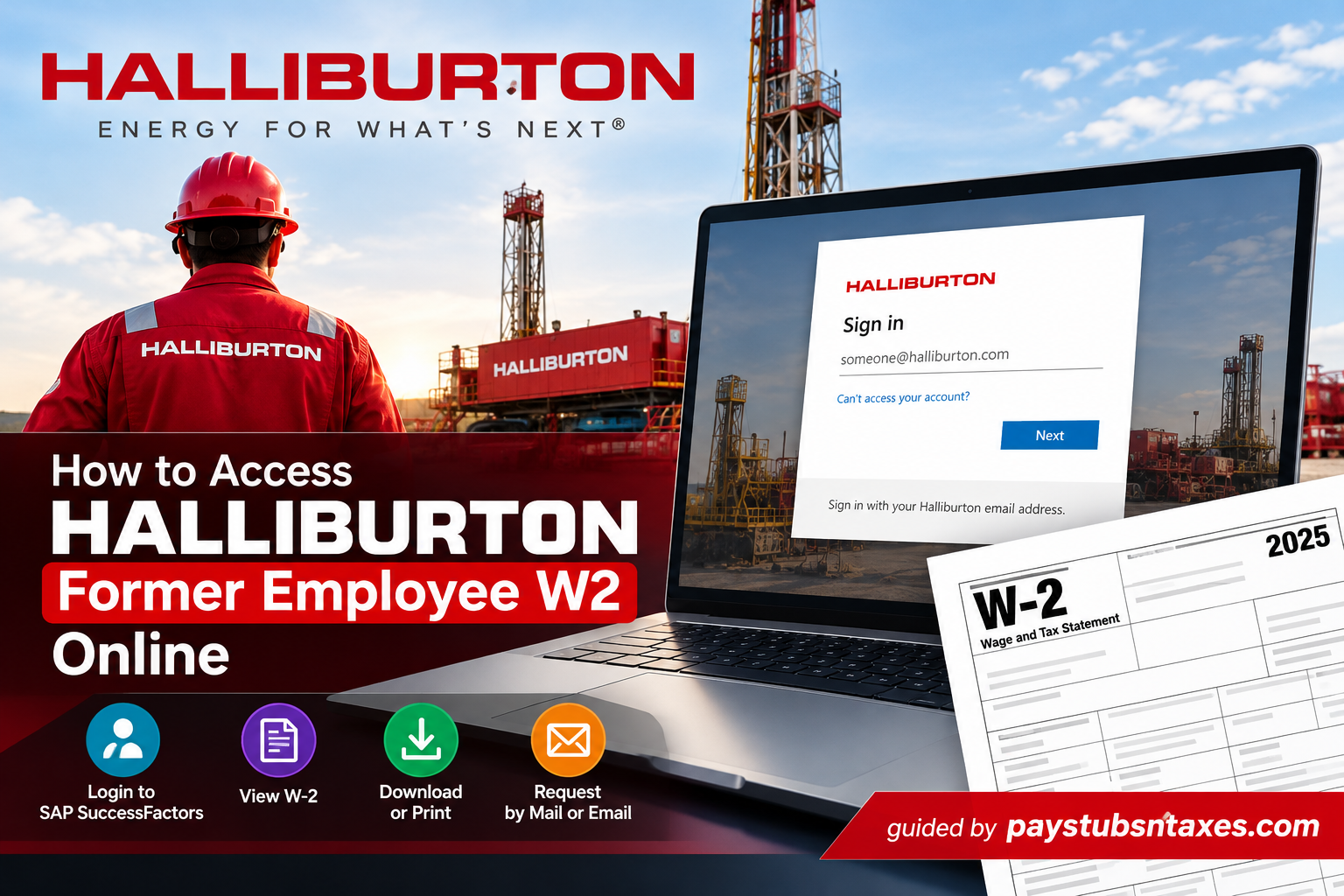
Leaving Halliburton does not eliminate the need to retrieve your employment tax records. Whether you are preparing your annual tax return, replacing a misplaced statement, or reviewing previous earnings, knowing how to obtain your Halliburton former employee W-2 can save time and prevent unnecessary delays.
Your access route depends on whether your employee credentials remain active. Although Halliburton’s SAP SuccessFactors system provides payroll information to authorized users, former employees whose Microsoft single sign-on has been disabled may need to use the company’s MyPay service or request a copy through the Employee Transaction Center.
To obtain your Halliburton W-2 after leaving the company, start with the Halliburton MyPay portal. If your SAP SuccessFactors access remains authorized, you can also check its Year End payroll section. If neither route provides your form, request a replacement through Halliburton’s W-2 reprint mailbox.
What Is a Halliburton W-2 Form?
Form W-2, Wage and Tax Statement, summarizes the wages you received and the taxes withheld during a calendar year. For former Halliburton employees, it remains an essential employment record even after their final paycheck has been issued.
Unlike a pay stub, which generally covers an individual pay period, a W-2 presents annual payroll totals. When retrieving your document, make sure you select the correct tax year rather than relying on your most recent earnings statement.
Start With the Halliburton MyPay Portal
Former employees should begin at the Halliburton MyPay portal.
Follow the instructions displayed on the website to verify your identity and determine which payroll documents or request options are available. Have your former employee number and relevant employment details ready in case they are required.
Because former employee access differs from active employee access, do not assume that your previous Microsoft work credentials will continue to function. If the service cannot verify your details or does not provide the W-2 you need, proceed with a direct replacement request.
How to View Your W-2 in SAP SuccessFactors
If Halliburton still authorizes your access to SAP SuccessFactors, you can check for your tax statement through the payroll section.
- Open the Halliburton SAP portal.
Visit the Halliburton SuccessFactors sign-in page. - Complete Microsoft single sign-on.
Authenticate using your authorized credentials and complete any additional verification. - Select “Me.”
From the SuccessFactors home page, open the navigation drop-down and select Me. - Open “Payroll information.”
Select Payroll information to move to the relevant section of your employee profile. - Choose “View W-2.”
Under Year End, select View W-2. This option opens your annual tax statement rather than an individual pay stub. - Locate your Halliburton tax form.
On the Online Forms W-2/W-2c page, select the Halliburton entry and the required tax year, where available. - Save or print the document.
Move your pointer over the document viewer to reveal its controls, then select the download or print option.
These steps depend on continued account authorization. If your sign-in has been disabled following separation, use the former employee service or request a replacement instead.
How to Request a Halliburton W-2 Replacement
If online access is unavailable, Halliburton provides a dedicated route for requesting paper tax documents.
Send your W-2 replacement request to:
Email: FDUNW2Requests@Halliburton.com
Fax: (580) 251-3283
You can also submit a written request to:
Halliburton Energy Services
Employee Transaction Center
Attn: W2/T4 Reprints
P.O. Drawer 1431
Duncan, OK 73536-0122
Identify yourself as a former employee, specify the tax year you need, and explain whether you are requesting a missing statement or replacing a lost copy. Ask which identity-verification details are required before sending sensitive personal information.
How to Update Your Mailing Address After Leaving Halliburton
An outdated address can become a stumbling block when you are waiting for a paper W-2. If you have moved since leaving Halliburton and can no longer update your details through ESS, submit an address-change request.
For employee data changes after separation, Halliburton lists:
Address-update fax: (580) 251-3371
U.S. former employees may also write to:
Halliburton Energy Services
Employee Transaction Center
Attn: W2 Reprints
P.O. Drawer 1431
Duncan, OK 73536-0122
Include your previous and current mailing addresses and explain that you no longer have ESS access. If you also need a replacement W-2, state that separately so your request addresses both issues.
The two fax numbers serve different purposes: (580) 251-3283 is listed for paper tax-form requests, while (580) 251-3371 is listed for employee data changes after separation. The latter should not be treated as a verified HR telephone helpline.
What to Do if Your Halliburton W-2 Is Missing
If you cannot locate your statement, work through the following checks:
- Confirm the tax year. Ensure you are looking for the W-2 covering the year in which Halliburton paid your wages.
- Check your saved records. You may already have downloaded a copy before leaving.
- Verify your mailing address. A previous address may explain why a paper statement has not reached you.
- Check the appropriate access route. Former employee access may differ from the SAP account you used while employed.
- Request a replacement. Use the dedicated W-2 reprint contact when online retrieval is unsuccessful.
If the statement contains an apparent error, contact payroll to request a review rather than editing the document yourself.
Save Your W-2 Before Online Availability Expires
Download your W-2 as soon as you obtain access and keep it in a secure location. Halliburton’s electronic tax-form terms specify that W-2s, T4s, and payslips will no longer be available through the portal after three years.
Retaining your own copy helps you stay ahead of the curve when you need historical employment records, particularly if your account access changes or you later require a statement from an earlier tax year.
Final Thoughts
Obtaining your Halliburton former employee W-2 does not have to become an unnecessarily complicated undertaking, even when your previous corporate credentials are no longer active.
For former employees who retain authorized access to SAP SuccessFactors, retrieving an available W-2 electronically may be a convenient option. However, because Halliburton generally distributes tax statements to individuals who have left the company by postal mail, online access should not be considered the only route.
If you cannot sign in, the most reliable next step is to contact Halliburton’s designated W-2 administration team, request the appropriate tax document, and confirm that your mailing information is current.
By taking these straightforward precautions, former Halliburton employees can obtain the documentation necessary to prepare accurate tax returns, verify previous employment income, and maintain complete personal financial records.
Frequently Asked Questions
1. How do I get my W-2 from Halliburton after leaving the company?
Visit the Halliburton MyPay portal and follow the former employee verification instructions. If your document is unavailable online, request a replacement through FDUNW2Requests@Halliburton.com.
2. What is the Halliburton former employee payroll website?
The Halliburton MyPay website is mypay.halliburton.com. Follow its instructions to check available payroll documents and request services.
3. Can former Halliburton employees still access SAP SuccessFactors?
SAP SuccessFactors access depends on whether Halliburton continues to authorize your account. If your Microsoft work sign-in has been disabled, use MyPay or submit a W-2 replacement request.
4. Where is the W-2 option in Halliburton SuccessFactors?
If your account remains authorized, navigate to Me → Payroll information → Year End → View W-2. Select the relevant Halliburton entry and tax year where available.
5. Do I need my former Halliburton Microsoft account to use MyPay?
Do not assume your former Microsoft work account is required or remains active. Follow the verification process displayed on MyPay; Microsoft single sign-on applies to the authorized SuccessFactors access route.
6. How can I download my Halliburton W-2?
Once your W-2 opens in an available document viewer, select its Download option. Confirm the tax year and save the file securely.
7. How do I print my Halliburton W-2?
Open the W-2, reveal the document viewer’s toolbar, and select Print. Choose your printer and collect the document promptly.
8. What email address handles Halliburton W-2 replacement requests?
Send replacement requests to FDUNW2Requests@Halliburton.com. Identify yourself as a former employee and specify the tax year you need.
9. Can I request a Halliburton W-2 by fax?
Yes. Halliburton lists (580) 251-3283 for paper W-2 and T4 requests. Confirm which identity-verification details are required before submitting sensitive information.
10. Where can I mail a Halliburton W-2 replacement request?
Mail your request to:
Halliburton Energy Services
Employee Transaction Center
Attn: W2/T4 Reprints
P.O. Drawer 1431
Duncan, OK 73536-0122
11. How do I update my address after leaving Halliburton?
If you no longer have ESS access, submit an address-change request by fax to (580) 251-3371 or write to the Employee Transaction Center, Attn: W2 Reprints, at the Duncan address above.
12. Is (580) 251-3371 a Halliburton HR phone number?
Halliburton lists (580) 251-3371 as a fax number for employee data changes after separation. It should not be presented as a verified HR telephone helpline.
13. What should I do if I cannot log in to retrieve my W-2?
Check that you are using the appropriate former employee service and entering your details correctly. If verification fails or your work account is disabled, request a copy through the W-2 reprint mailbox.
14. How long are Halliburton W-2 forms available online?
Halliburton’s electronic tax-form terms state that W-2s, T4s, and payslips are no longer available through the portal after three years. Download and retain your own copies while they remain accessible.
15. What should I do if my Halliburton W-2 contains incorrect information?
Contact Halliburton payroll or the Employee Transaction Center to request a review. Explain the discrepancy and ask whether a corrected Form W-2c is needed.
