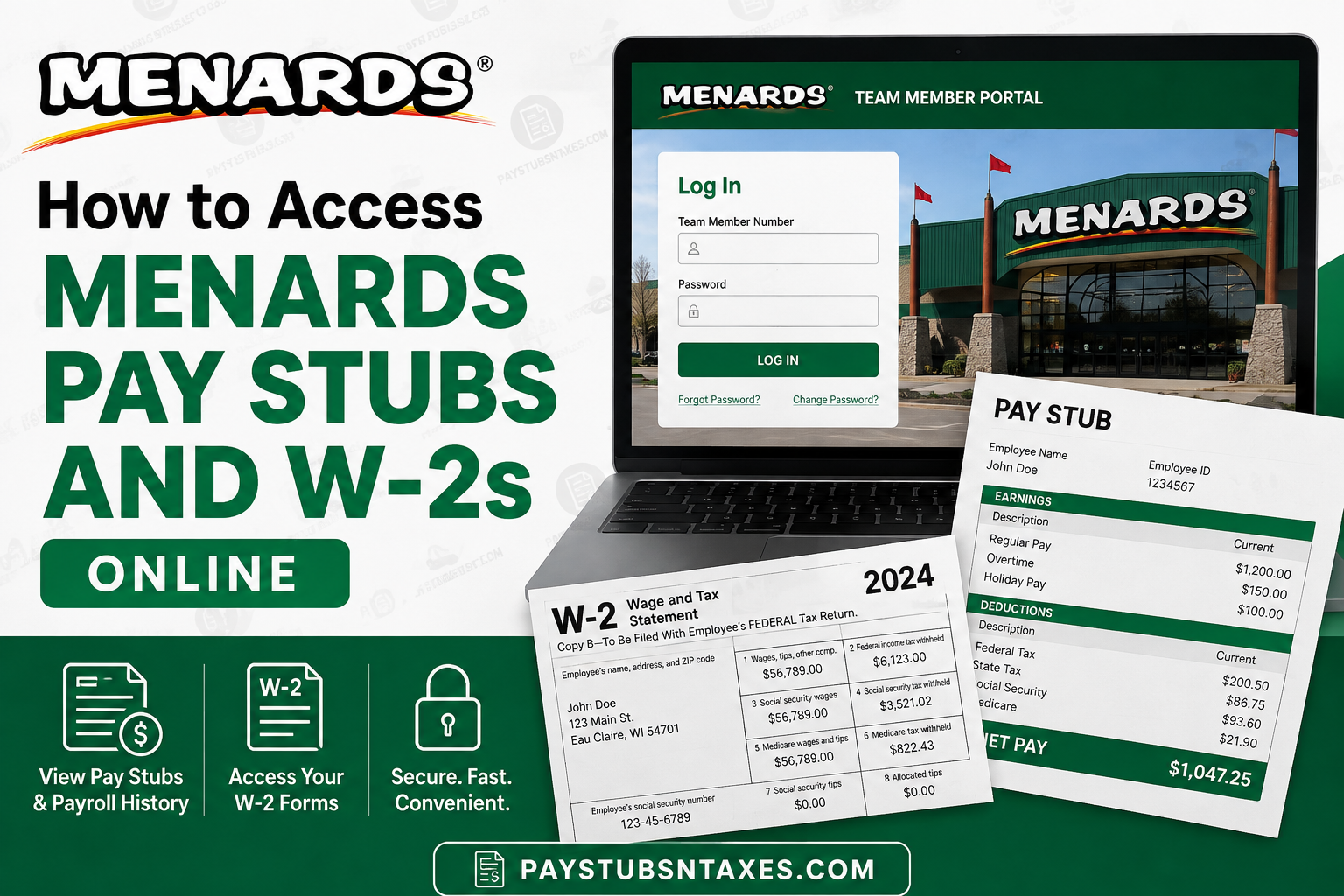
Menards employees can access important payroll records—including pay stubs, payroll history, and W-2 tax forms—through the Menards Team Member Portal. Rather than keeping paper statements tucked away in a drawer, team members can use the online portal to review employment-related records whenever they need them. The Menards Team Member Portal is particularly useful during tax season, when employees need their W-2 forms, or when a pay statement is required for income verification, loan applications, housing, or personal financial records. The portal login page requires a Team Member Number and password and also provides options for forgotten or changed passwords. If login problems persist, employees are instructed to contact their HR/payroll TM for assistance. This guide explains how to access Menards pay stubs and W-2s online, how former employees may retrieve tax documents, and what to do if you cannot sign in.
About Menards
Menard, Inc., better known as Menards, is a privately owned American home-improvement retailer headquartered in Eau Claire, Wisconsin. Founded by John Menard Jr., the company has grown into one of the largest home-improvement chains in the United States. As of March 2026, Menards had 341 stores, primarily across Midwestern states.
Menards ranks as the third-largest home-improvement retailer in the United States, behind The Home Depot and Lowe’s, and remains privately owned by its founder.
From building materials, hardware, electrical supplies, and plumbing products to appliances, garden supplies, flooring, groceries, and automotive products, Menards has developed into far more than a conventional hardware store.
For employees, the company provides an online Team Member Portal designed to make essential employment information easier to manage.
What Is the Menards Team Member Portal?
The official Menards Team Member Portal is available at:
https://tm.menard-inc.com/tmportal-sso/login
The Menards Team Member Portal is a secure online service through which eligible team members can review employment-related information. Depending on an employee’s status and account permissions, the portal may provide access to:
- Current and previous pay stubs
- Payroll and earnings history
- W-2 wage and tax statements
- Other tax documents
- Human-resources information
- Selected employment and career resources
Because payroll records contain confidential financial and personal information, employees should access the portal only from a trusted device and a secure internet connection.
How to Log In to the Menards Team Member Portal
Follow these steps to reach your payroll and tax documents:
- Open a supported web browser on your computer, tablet, or smartphone.
- Visit the official Menards Team Member Portal at tm.menard-inc.com/tmportal-sso/login.
- Enter your Menards team-member credentials on the SSO login page.
- Complete any additional identity-verification step if prompted.
- Select Sign In or the equivalent login button.
- Once the portal opens, navigate to the payroll or human-resources section.
The precise wording and arrangement of menu options may change as the portal is updated. If the expected option is not immediately visible, open the main navigation menu and look for headings such as Human Resources, Payroll, Pay Stubs, Review Pay Stubs, Tax Documents, or View Tax Documents.
How to View Menards Pay Stubs Online
After signing in, locate the payroll or pay-stub area of the portal. In many versions of the system, this option appears under a payroll-related heading or as Review Pay Stubs.
To review a pay statement:
- Sign in to the Menards Team Member Portal.
- Open the main menu.
- Select the payroll or pay-stub option.
- Choose the relevant pay period.
- Open the statement to review its details.
- Download or print a copy if the portal provides those options.
A Menards pay stub may contain information such as gross earnings, regular and overtime hours, taxes withheld, benefit deductions, other payroll deductions, and net pay. Examine the document carefully, particularly if you are checking a suspected payroll discrepancy.
Downloaded payroll documents should be stored securely. Avoid saving them on a public computer or sending them through an unsecured messaging service, as they may contain sensitive identifying information.
How to Access a Menards W-2 Online
A Form W-2 summarizes an employee’s taxable wages and the federal, state, and other taxes withheld during a calendar year. Employees generally need this document when preparing their annual income-tax returns.
To find a Menards W-2 online:
- Log in to the Menards Team Member Portal.
- Open the main navigation menu.
- Select Human Resources.
- Choose Tax Documents or View Tax Documents.
- Select the appropriate tax year.
- Open, download, or print the W-2.
If the current year’s W-2 does not appear, it may not yet have been released electronically. Tax documents are often issued during January following the close of the relevant tax year, although the exact publication date may vary. Rather than jumping to conclusions, check the portal periodically and contact Menards HR or payroll if the document remains unavailable when it should have been issued.
Before using the W-2 to file a tax return, verify that your name, mailing address, Social Security number, wages, and withholding amounts appear accurate. If any information seems incorrect, do not alter the form yourself; contact the appropriate Menards HR or payroll representative and request guidance.
Can Former Menards Employees Access Their W-2s?
Former employees may retain limited access to the Menards Team Member Portal for payroll and tax-record purposes. If your credentials remain active, try signing in through the same official portal and navigate to:
Human Resources → View Tax Documents
Former team members may also be able to review historical pay stubs through the available pay-stub section. Nevertheless, access can depend on account status, how long ago the employment ended, and the company’s record-retention arrangements.
A paper W-2 may also be mailed to the last address held in the employer’s records. Consequently, former employees should ensure that Menards has their correct mailing address. If you have moved since leaving the company, contact the HR or payroll representative at your former work location rather than leaving matters to chance.
What If You Cannot Remember Your Team-Member Number?
A forgotten team-member number can bring the login process to a grinding halt, particularly for someone who left Menards months or years ago. If you no longer remember your identifier, contact your former store, worksite, HR representative, or payroll contact.
Be prepared to verify your identity. Menards may ask for information such as your full legal name, dates of employment, former work location, or other identifying details before discussing a payroll account or releasing a tax document.
For your own protection, never post your team-member number, password, Social Security number, or W-2 information on a public forum.
What to Do If a Pay Stub or W-2 Is Missing
Successfully signing in does not necessarily mean that every document will appear immediately. If a pay stub or W-2 is missing:
- Confirm that you selected the correct pay period or tax year.
- Check both the payroll and Human Resources sections.
- Sign out, close the browser, and sign in again.
- Allow time for a newly issued document to appear.
- Ask HR or payroll whether the document has been released.
- Confirm that your employment and mailing information is accurate.
When requesting assistance, state the document type and relevant period clearly—for example, “my W-2 for tax year 2026” or “my pay stub for the pay period ending March 14.” A precise request cuts through the noise and helps the support team address the problem more efficiently.
Final Thoughts
The Menards Team Member Portal offers current and eligible former employees a convenient route to pay stubs, payroll history, and W-2 tax forms. In most cases, the process is straightforward: visit the official portal, sign in through SSO, and open the relevant payroll or Human Resources section. If your credentials no longer work, your team-member number has slipped your mind, or an expected document is nowhere to be found, the wisest course is to contact your Menards HR or payroll representative. Acting promptly—especially during tax season—can prevent a minor inconvenience from snowballing into a far more troublesome delay.
Frequently Asked Questions About Menards Pay Stubs and W-2s
1. Where can I access my Menards pay stubs online?
You can access available Menards pay stubs through the official Menards Team Member Portal at https://tm.menard-inc.com/tmportal-sso/login. After signing in, open Payroll, Pay Stubs, or Review Pay Stubs, depending on how the portal menu is displayed.
2. How do I download my Menards W-2 online?
Log in to the Menards Team Member Portal, open Human Resources, and select Tax Documents or View Tax Documents. Choose the relevant tax year, open the W-2, and use the available download or print option.
3. What is the official Menards Team Member Portal login page?
The official login page is https://tm.menard-inc.com/tmportal-sso/login. Use this address directly and avoid third-party websites that ask for your Menards login information.
4. What credentials do I need for the Menards employee portal?
You ordinarily need the SSO credentials associated with your Menards team-member account. If you have forgotten your team-member number or password, use any recovery option shown on the login page or contact Menards HR or payroll.
5. Can former Menards employees access their W-2s online?
Eligible former employees may retain limited portal access to historical payroll and tax documents. Try signing in through the official portal and selecting Human Resources → View Tax Documents. If your account is no longer accessible, contact your former Menards location or payroll representative.
6. Does Menards mail W-2 forms to former employees?
A paper W-2 may be mailed to the last address held in the company’s records. Former employees who have moved should contact Menards HR or payroll to confirm or update their mailing information and ask about available delivery options.
7. When are Menards W-2 forms available online?
W-2 forms are generally made available after the relevant calendar year has ended, often during January. The precise posting date can vary, so check the portal periodically and contact HR or payroll if the form remains unavailable when expected.
8. Why is my Menards W-2 not showing in the portal?
Your W-2 may not yet have been released, you may have selected the wrong tax year, or the document may appear under a different menu. Check Human Resources, Tax Documents, and View Tax Documents before contacting payroll for assistance.
9. How can I retrieve an old Menards pay stub?
Sign in to the Team Member Portal and open the pay-stub or payroll-history section. Select the relevant year and pay period if those filters are available. If an older statement is no longer displayed, request assistance from Menards HR or payroll.
10. What information appears on a Menards pay stub?
A pay stub may show the pay period, hours worked, gross earnings, taxes withheld, benefit deductions, other payroll deductions, and net pay. The information displayed can vary according to the employee’s position, benefits, and payroll circumstances.
11. What should I do if I have forgotten my Menards team-member number?
Contact your Menards location, former workplace, HR representative, or payroll contact. Be ready to verify your identity and provide relevant employment details before account information or payroll records can be released.
12. How do I reset my Menards Team Member Portal password?
Use the password-reset or account-recovery option on the SSO login page if one is available. If you cannot complete the recovery process, contact your HR or payroll team member instead of repeatedly attempting to guess the password.
13. Can I access Menards pay stubs from a mobile phone?
Yes, you can generally open the Menards Team Member Portal through a compatible mobile browser. For better security, use a trusted device and a private internet connection, and sign out completely when you finish.
14. Who should I contact about an incorrect Menards W-2 or pay stub?
Contact the HR or payroll representative at your Menards location. Former employees can begin with their previous workplace or established company contact. Clearly identify the document, tax year, or pay period in question.
15. Is it safe to download a Menards W-2 or pay stub online?
It is safest to use the official portal on a private, password-protected device connected to a secure network. Do not save payroll documents on public computers, share your SSO password, or send sensitive tax records through unsecured channels.
