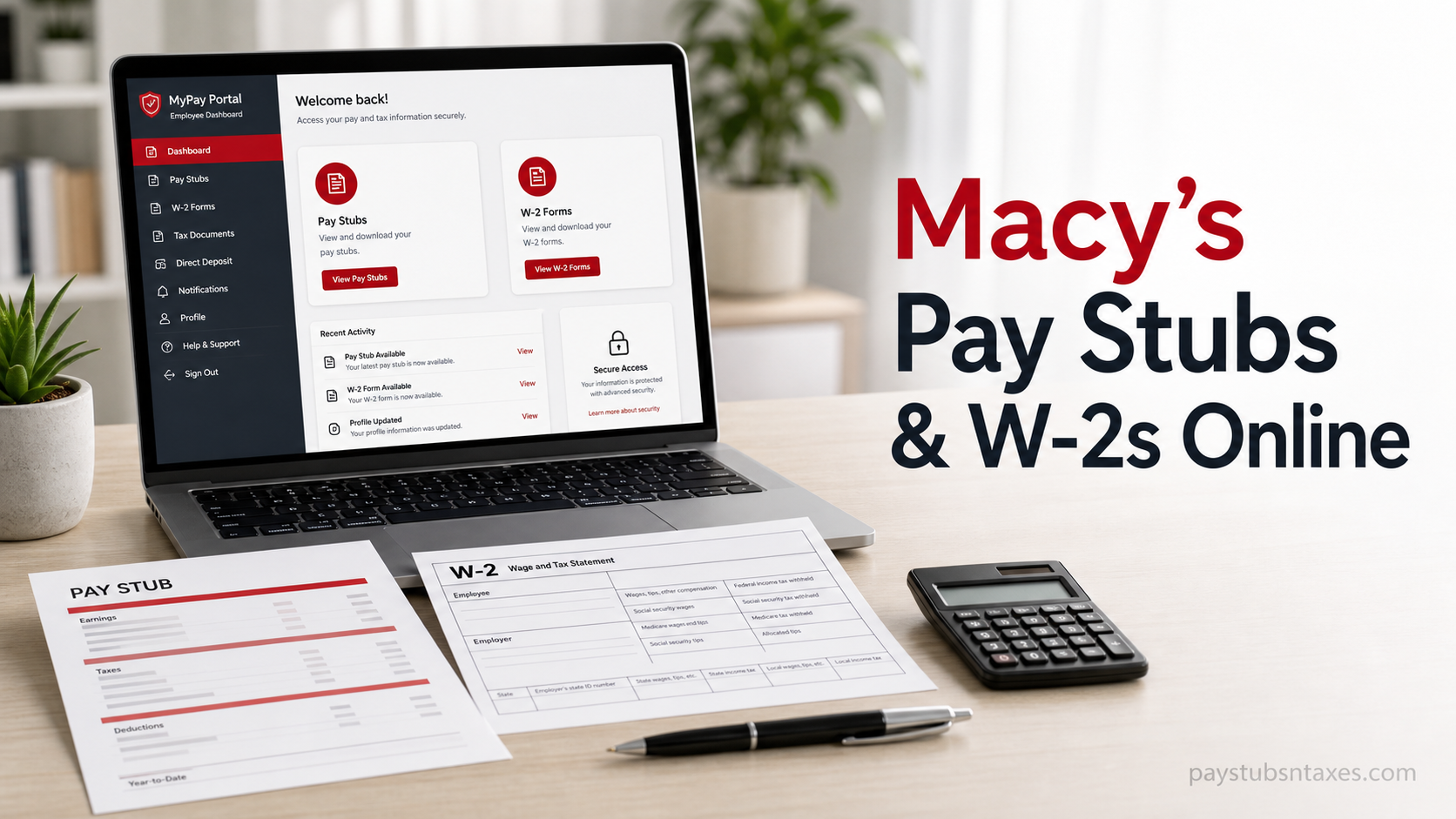
Macy’s employees can access important payroll and tax documents online without having to wait for paper copies or make an unnecessary trip to a workplace location. Current colleagues can use Macy’s My In-Site HR portal to review pay stubs and retrieve W-2 forms, while former colleagues can obtain year-end tax statements through the Tax Form Management website. Whether you need to verify your latest earnings, check payroll deductions, prepare a tax return, or replace a missing W-2, this guide explains the process from start to finish.
About Macy’s
Macy’s is the largest retail brand within Macy’s, Inc., whose portfolio also includes Bloomingdale’s and Bluemercury. Through its stores and digital platforms, the company offers fashion, beauty, home, and lifestyle products from established market brands and its own private labels.
The organization’s colleagues are central to the customer experience, and Macy’s provides online HR resources that allow eligible employees to manage payroll and tax information more conveniently.
What Is Macy’s My In-Site?
My In-Site is Macy’s online HR portal for employee self-service. It provides current colleagues with access to employment-related resources, including pay information, benefits, company communications, and tax documents.
The official Macy’s My In-Site portal is: https://hr.macys.net/insite
For security reasons, enter this address directly into your browser or use a trusted bookmark. Before submitting any credentials, confirm that the address bar displays the official hr.macys.net domain.
How to Access Macy’s Pay Stubs Online
Current Macy’s colleagues can follow these steps to view their pay statements:
- Open a secure web browser and visit https://hr.macys.net/insite.
- Select the red SIGN IN button on the My In-Site landing page.
- Enter your eight-digit employee ID and network password. Depending on the login screen, the username field may also be labelled Employee ID/Network ID/Email.
- Complete the Single Sign-On authentication process when prompted.
- After signing in, navigate to My Total Rewards.
- Select My Pay.
- Choose View Paycheck to open your available pay stubs.
- Select the required pay period, then view, download, or print the statement as needed.
A pay stub generally contains your gross earnings, taxable wages, deductions, taxes, benefits, and net pay. Reviewing these details regularly can help you catch discrepancies before they snowball into larger payroll or tax problems.
How to Access a Macy’s W-2 as a Current Employee
Active colleagues should retrieve their W-2 forms through My In-Site using Single Sign-On:
- Visit https://hr.macys.net/insite.
- Select SIGN IN.
- Log in with your employee credentials and complete any required authentication.
- Open My Total Rewards.
- Select My Pay.
- Choose Access My W-2.
- Select the appropriate tax year.
- Open the form and save or print a copy for your records.
If the W-2 does not appear, make sure you have selected the correct tax year and that the form has already been released. Tax statements are not necessarily available immediately after the calendar year ends.
How Former Macy’s Employees Can Access W-2 Forms
Former or inactive colleagues ordinarily access year-end tax statements through Tax Form Management rather than the internal My In-Site route.
Follow these steps:
- Go to https://mytaxform.com/.
- Enter 10260 as the Macy’s employer or company code.
- Continue to the account login page.
- If you have used the service before, sign in with your personal user ID and password.
- If this is your first visit, select Register Now and follow the identity-verification prompts.
- If you cannot remember your user ID, select Forgot User ID and complete the recovery process.
- Once signed in, locate the W-2 or tax-statement section.
- Select the required tax year and download or print the document.
Registration may require personal information that matches the records held by the employer or tax-form provider. You may also need to verify your identity using a one-time passcode and create a unique username and password.
Electronic W-2 Delivery
Where the option is available, users may be invited to consent to electronic W-2 delivery. Choosing online delivery can make the form available sooner and reduce the risk of a paper statement being delayed or sent to an outdated address.
Read the consent notice carefully before accepting it. You may be asked to confirm your contact information and test whether your device can open PDF documents. If you choose paper delivery instead, the W-2 will generally be mailed to the most recent address on file.
What to Do If You Cannot Log In
Login problems are often caused by an incorrect employee ID, an expired network password, a locked account, or outdated personal information.
Try the following remedies:
- Re-enter your employee ID carefully, including any leading zeros.
- Confirm that Caps Lock is not affecting your password.
- Use the Forgot / Unlock / Change Password option on the My In-Site login page.
- Use Forgot User ID or the password-recovery option on Tax Form Management.
- Clear the browser cache or open the portal in a private browsing window.
- Try a current version of another trusted browser.
- Make sure pop-ups and PDF downloads are not being blocked.
- Avoid repeatedly guessing passwords, as too many unsuccessful attempts may lock the account.
Never send your password, full Social Security number, or one-time security code by ordinary email or text message.
What If a Paycheck or Direct Deposit Is Missing?
If an expected deposit has not reached your bank account, sign in to My In-Site and review the banking information under My Pay > Direct Deposit. Confirm that the routing and account numbers are correct.
If the information is inaccurate, correct it and save the changes. When a bank rejects a payroll deposit, the funds may not be reissued until Macy’s receives the returned transaction; this process can take up to five business days.
How to Contact Macy’s HR Services
If you still cannot access a pay stub or W-2, contact Macy’s HR Services at:
1-800-234-6229
1-800-234-MACY
Before calling, have the following information at hand:
- Your full name
- Your employee ID, if available
- Your current or former employment status
- The tax year or pay period you need
- A concise description of the problem
Do not disclose your network password or one-time authentication code to anyone.
Final Takeaway
Current Macy’s employees can find pay stubs and W-2 forms through My In-Site, primarily under My Total Rewards > My Pay. Former employees should use Tax Form Management and enter employer code 10260 to locate available year-end tax statements. Keep downloaded documents in a secure location, verify that the selected pay period or tax year is correct, and contact Macy’s HR Services at 1-800-234-6229 if account recovery tools do not resolve the issue.
Frequently Asked Questions About Macy’s Pay Stubs and W-2s
1. How do I access my Macy’s pay stub online?
Visit hr.macys.net/insite, select SIGN IN, and enter your employee credentials. Once logged in, go to My Total Rewards > My Pay > View Paycheck. Select the relevant pay period to view, download, or print your pay stub.
2. How do I get my Macy’s W-2 online?
Active employees can find their W-2 under My In-Site > My Total Rewards > My Pay > Access My W-2. Former employees should visit mytaxform.com, enter employer code 10260, and sign in or register for an account.
3. What is the official Macy’s employee login website?
The official Macy’s My In-Site employee portal is https://hr.macys.net/insite. Check that the address bar displays the hr.macys.net domain before entering your employee ID or network password.
4. What information do I need to log in to Macy’s My In-Site?
Current colleagues generally need their eight-digit employee ID and network password. The username field may be labelled Employee ID/Network ID/Email, and an additional Single Sign-On authentication step may be required.
5. Where is the View Paycheck option in Macy’s My In-Site?
After signing in, open My Total Rewards, select My Pay, and then choose View Paycheck. From there, select the appropriate pay period and open the corresponding payroll statement.
6. Where is the Access My W-2 option for active employees?
Active employees can ordinarily find it by following this path: My In-Site > My Total Rewards > My Pay > Access My W-2. Select the required tax year to open, download, or print the form.
7. How do former Macy’s employees obtain a W-2?
Former or inactive Macy’s employees should go to https://mytaxform.com/ and enter employer code 10260. Returning users can sign in with their personal credentials, while first-time users should select Register Now.
8. What is Macy’s employer code for Tax Form Management?
The Macy’s employer or company code for former employees accessing tax statements through Tax Form Management is 10260. Enter this code at mytaxform.com before proceeding to the login or registration page.
9. What should I do if I forget my Macy’s My In-Site password?
Select Forgot / Unlock / Change Password on the My In-Site login screen. Follow the identity-verification prompts to reset the password or unlock the account. Avoid making repeated guesses, as unsuccessful attempts may trigger an account lock.
10. What should I do if I forget my Tax Form Management user ID?
Go to mytaxform.com, enter employer code 10260, and select Forgot User ID. Complete the requested identity-verification steps to recover your account information.
11. Can I print my Macy’s pay stubs and W-2 forms?
Yes. After opening the required pay stub or W-2, use the portal’s download or print option. If the document opens as a PDF, you can save it securely and print it through your browser or PDF reader.
12. Can I access an older Macy’s W-2 online?
Previously issued W-2 forms may be available in the relevant tax portal. Select the required tax year after signing in. If the year you need is not listed, contact Macy’s HR Services for further assistance.
13. Why is my Macy’s W-2 not available yet?
Your W-2 may not appear if the form has not yet been released, the wrong tax year is selected, or your employment status requires you to use a different portal. Active employees should check My In-Site, while former employees should check Tax Form Management.
14. Who should I contact about a missing Macy’s pay stub or W-2?
Contact Macy’s HR Services at 1-800-234-6229, also written as 1-800-234-MACY. Have your employee ID, employment status, required tax year or pay period, and a brief description of the problem ready.
15. Is it safe to access Macy’s payroll records from a personal device?
Yes, provided that you use a trusted device, a secure internet connection, and the correct portal address. Avoid public Wi-Fi, never share passwords or one-time security codes, and sign out completely after downloading payroll or tax documents.
Note: This independent informational guide is not an official Macy’s, Inc. website and does not provide tax, legal, or payroll advice. Portal menus and authentication requirements may change.
