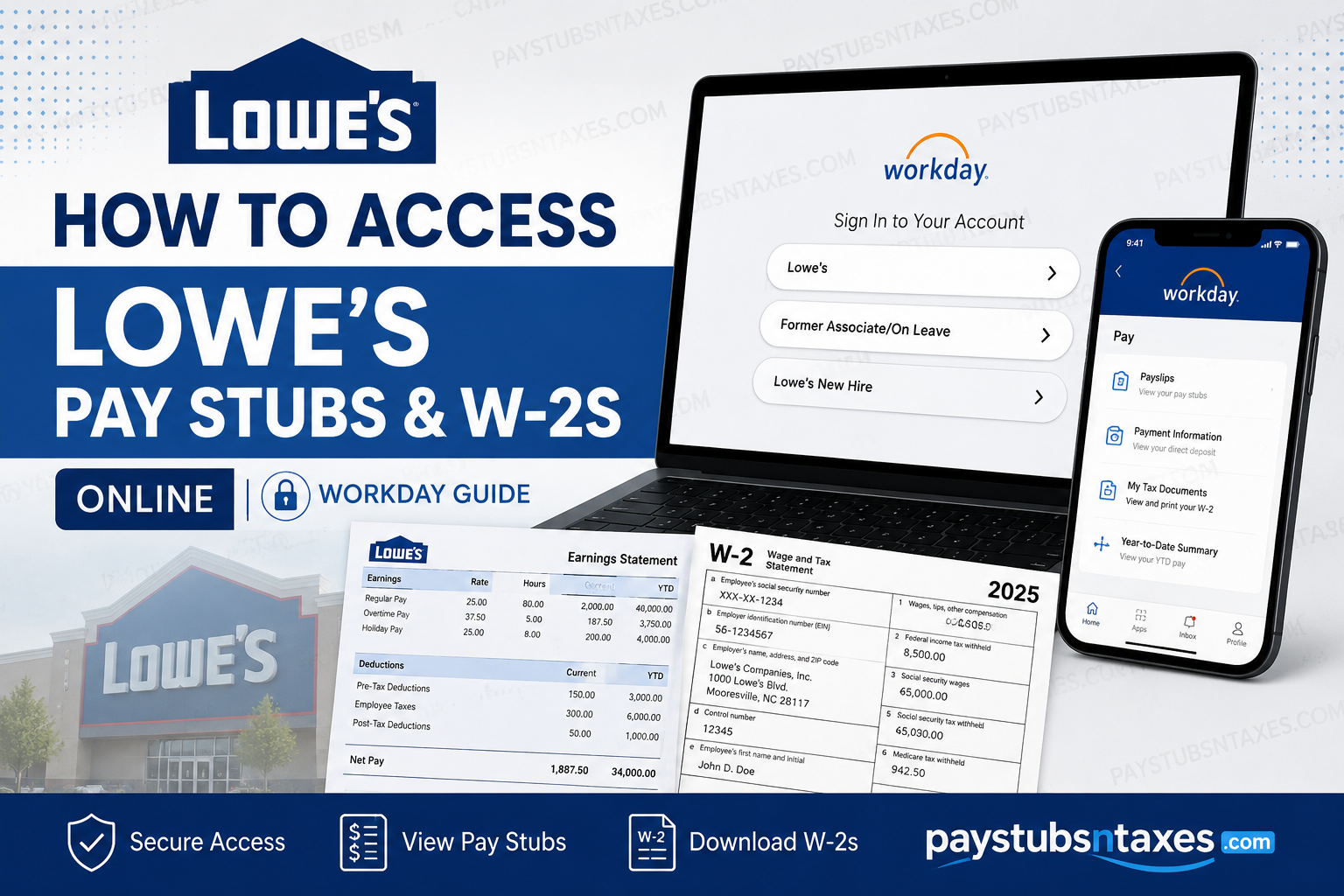
Lowe’s associates can access payroll information online through the company’s Workday environment, while W-2 access may also be routed through Lowe’s designated Tax Form Management portal. Whether you are a current employee, a former associate, or temporarily on leave, knowing which portal to use can save considerable time—particularly when tax season is in full swing.
Lowe’s has grown from a small-town North Carolina hardware store into one of the world’s largest home-improvement retailers. Today, the company has approximately 300,000 associates in the United States, operates more than 1,750 home-improvement stores, and reported $86.3 billion in sales for 2025. This guide explains how to access Lowe’s pay stubs, download payslips, retrieve W-2 tax forms, use the Workday mobile app, and obtain payroll records after leaving Lowe’s.
Lowe’s Workday Login Portal
On a trusted personal device, open the Lowe’s Workday sign-in page:
https://wd5.myworkday.com/wday/authgwy/lowes/login.html
The landing page generally presents three sign-in options:
- Lowe’s
- Former Associate/On Leave
- Lowe’s New Hire
Current associates should select Lowe’s and complete the company’s single sign-on process. Former associates and employees on leave should select Former Associate/On Leave, while incoming associates should use the new-hire option when instructed to do so.
Current associates may also reach payroll services from the Lowe’s internal network by navigating to:
LowesNet > MyLowesLife > MyHR > My Pay
Because menu labels may change as Workday evolves, look for options such as Pay, Pay Hub, Payslips, My Tax Documents, or W-2 Tax Form if the exact wording shown in this guide does not appear.
How to View Lowe’s Pay Stubs Online
A Lowe’s pay stub—often called a payslip in Workday—provides a detailed account of your earnings, deductions, taxes, and net pay for a particular pay period.
To access a payslip from the Workday website:
- Sign in to the Lowe’s Workday portal.
- Open the Menu or select View All Apps.
- Choose Pay or Pay Hub.
- Select Payslips or the corresponding pay-history option.
- Locate the required pay period.
- Select View, View Payslip, or Get PDF.
- Open the generated PDF to review, download, or print it.
Depending on the version of Workday available to you, the Pay screen may display your take-home pay, gross pay, next payday, and year-to-date earnings. Selecting View Pay Details ordinarily reveals a fuller breakdown, including:
- Gross earnings
- Pre-tax deductions
- Post-tax deductions
- Federal, state, and local employee taxes
- Taxable wages
- Net or take-home pay
- Year-to-date payroll totals
You may also be able to select Payment Information to review how your wages were distributed among your designated bank accounts. For security reasons, account numbers may be partially masked.
How to View Lowe’s Pay Stubs in the Workday Mobile App
The Workday mobile app is available through the Apple App Store and Google Play. It allows associates to review payroll details without being tethered to a desktop computer.
To set up the application:
- Download the official Workday app from your device’s app store.
- Open the application and select Log In.
- Enter lowes when asked for the organization ID.
- Continue to the Lowe’s authentication page.
- Sign in with your Lowe’s-authorized credentials.
- Complete any required multifactor authentication.
- After authentication, proceed to the Workday home screen.
Never enter credentials associated with an unrelated employer. Use only the Lowe’s sign-in details assigned to you, and contact Lowe’s support if the application directs you to an organization you do not recognize.
To view a payslip in the mobile app:
- Open Pay. If it is not immediately visible, select View All.
- Choose the required pay period or pay-history entry.
- Review the gross pay, net pay, payment distribution, and year-to-date information.
- Select View Pay Details for taxes and deductions.
- Select Get PDF, Open PDF, or View PDF Statement to open the complete payslip.
The precise layout can differ between Android and iOS, but the underlying process remains much the same.
How to Access a Lowe’s W-2 Online
A W-2 reports taxable wages and taxes withheld during a calendar year. It is important to remember that the amount in the wage boxes on a W-2 may not equal the gross-pay total on your final payslip. Pre-tax deductions—including eligible medical, dental, vision, retirement, Health Savings Account, and Flexible Spending Account contributions—can reduce taxable wages without reducing the gross earnings displayed on a payslip.
- Sign in to Workday.
- Open the Menu and select Pay.
- Choose My Tax Documents.
- Locate the applicable tax year and form.
- Select View/Print.
- If processing is required, choose Notify Me Later.
- Open the completion notification and select the PDF.
- Download or print the W-2.
Lowe’s tax-document link may transfer you to a dedicated tax-form service. Follow the identity-verification instructions displayed there.
How Former Lowe’s Associates Can Obtain a W-2
Former associates can access Lowe’s W-2 forms through: www.mytaxform.com
Enter Lowe’s employer code: 11116
If you have used the service previously, sign in with your established user ID and password. If you are a first-time user—or you have forgotten your credentials—select Register Now and follow the identity-verification process.
The service may compare the information you provide with the most recent personal details held in Workday, including your address, telephone number, and email address. Even a minor discrepancy can bring authentication to a grinding halt, so enter the information exactly as it appeared in Lowe’s records.
Former associates ordinarily retain limited Workday access for 13 months after their last day. Lowe’s sends temporary sign-in information to the personal email address on file. If those messages are difficult to locate, search your inbox and spam folder for emails from: lowes@myworkday.com
Through limited Workday access, former associates can review contact information and retrieve payslips. They should select Former Associate on the Lowe’s Workday login page.
If you update personal information in Workday, allow approximately 24 to 48 hours for the change to appear in the tax-form authentication system.
How Former Associates Can Access Lowe’s Pay Stubs
After signing in with temporary former-associate credentials:
- Open Pay Hub from Top Apps or the main menu.
- Select Payslip – Email/Subscribe under Suggested Links, if available.
- Choose Payslip for Requested Period.
- Select one or more payslips from the list.
- Confirm the personal email address.
- Select OK and wait for the success message.
Download any documents you may need before the 13-month access period expires. Once temporary Workday access ends, retrieving historical payroll records may require assistance from Lowe’s.
Requesting a Paper or Replacement W-2
Former associates who need a W-2 delivered by email, postal mail, or fax may contact Equifax at:
- 1-888-481-5721
- 1-877-325-9239
Use Lowe’s employer code 11116 when requested. Support is generally available Monday through Friday from 7:00 a.m. to 8:00 p.m. Central Time and Saturday from 8:00 a.m. to 5:00 p.m. Central Time. Hours may change, so confirm the current schedule during your call.
For tax forms more than seven years old, contact the Internal Revenue Service because they may no longer be available through Lowe’s online service.
Lowe’s Payroll Support
For additional assistance, contact the Lowe’s Associate Care Center: 1-844-475-6937
Have your identifying information and a clear description of the problem ready, but never send your password, multifactor-authentication code, or complete Social Security number through an unsecured message.
Final Thoughts
Accessing Lowe’s pay stubs and W-2s online is relatively straightforward once you choose the route that matches your employment status. Current associates can begin with Lowe’s Workday or MyHR, while former associates should preserve their temporary Workday credentials and use MyTaxForm with employer code 11116 for tax documents. A little foresight goes a long way: download important payslips before temporary access expires, keep your contact details up to date, and store payroll records securely. If the system still refuses to cooperate, the Lowe’s Associate Care Center can help you get matters back on track.
Frequently Asked Questions About Lowe’s Pay Stubs and W-2s
1. How do I access my Lowe’s pay stub online?
Sign in to the Lowe’s Workday portal and open Pay or Pay Hub. Select Payslips, choose the appropriate pay period, and then select View, Get PDF, or Open PDF to review, save, or print the pay stub.
2. What is the Lowe’s Workday login website?
The Lowe’s Workday login page is:
https://wd5.myworkday.com/wday/authgwy/lowes/login.html
Select Lowe’s if you are a current associate, Former Associate/On Leave if that status applies, or Lowe’s New Hire if you are completing the onboarding process.
3. What is the organization ID for Lowe’s in the Workday app?
The Lowe’s Workday organization ID is lowes. Enter it in lowercase when the mobile app asks you to identify your organization, then proceed through Lowe’s authorized sign-in and multifactor-authentication process.
4. Can I access Lowe’s pay stubs from home?
Yes. Authorized Lowe’s associates can access their pay information from a trusted personal computer or the official Workday mobile app. Access outside assigned working hours is voluntary and should be used primarily for personal self-service purposes.
5. How do I download a Lowe’s pay stub as a PDF?
Open the required payslip in Workday and select Get PDF, Open PDF, View PDF Statement, or Download, depending on the interface displayed. Once the PDF opens, use the download icon to save it securely to your device.
6. How do I print my Lowe’s pay stub?
Download or open the payslip PDF and select the print icon in your browser or PDF reader. If the document does not print correctly, download it first and open it with a dedicated PDF reader or try a different supported browser.
7. How do I access my Lowe’s W-2 online?
Current associates can navigate to LowesNet > MyLowesLife > MyHR > My Pay > Quick Links > W-2 Tax Form. If My Tax Documents appears in Workday, they may also open Pay, select My Tax Documents, choose the relevant W-2, and select View/Print.
8. How can a former Lowe’s associate obtain a W-2?
Former associates can visit MyTaxForm.com and enter Lowe’s employer code 11116. Existing users can sign in with their established credentials, while first-time users should select Register Now and complete the identity-verification process.
9. What is Lowe’s employer code for W-2 forms?
Lowe’s employer code is 11116. Former associates may need this code when using MyTaxForm, requesting a W-2 through Equifax, or accessing employment-verification services through The Work Number.
10. How long can former Lowe’s employees access Workday?
Former Lowe’s associates generally retain limited Workday access for 13 months after their last day. This temporary access allows them to review personal information and retrieve pay stubs, so important documents should be downloaded before access expires.
11. How do former Lowe’s associates log in to Workday?
After employment ends, Lowe’s ordinarily sends two emails containing temporary Workday login information to the personal email address on file. Former associates should select Former Associate/On Leave on the Lowe’s Workday page and use those temporary credentials. If the messages are missing, search for emails from lowes@myworkday.com.
12. Why can’t MyTaxForm verify my identity?
The personal information entered on MyTaxForm must match the most recent information held in Workday, including your address, telephone number, and email address. Review those details in Workday and allow approximately 24 to 48 hours for any updates to reach the tax-form system.
13. Why does my Lowe’s W-2 not match my final pay stub?
A pay stub generally shows gross earnings before deductions, whereas a W-2 reports taxable wages. Eligible pre-tax deductions—such as certain medical, dental, vision, retirement, HSA, or FSA contributions—can reduce taxable wages, so the two totals may legitimately differ.
14. How do I request a paper or replacement Lowe’s W-2?
Former associates can request W-2 assistance from Equifax by calling 1-888-481-5721 or 1-877-325-9239 and providing Lowe’s employer code 11116. Available delivery options may include email, postal mail, or fax, subject to identity verification.
15. Who should I contact for help with Lowe’s pay stubs or W-2s?
Contact the Lowe’s Associate Care Center at 1-844-475-6937 for additional assistance. Be prepared to verify your identity, but never disclose your password, complete Social Security number, or multifactor-authentication code through an unsecured message.
