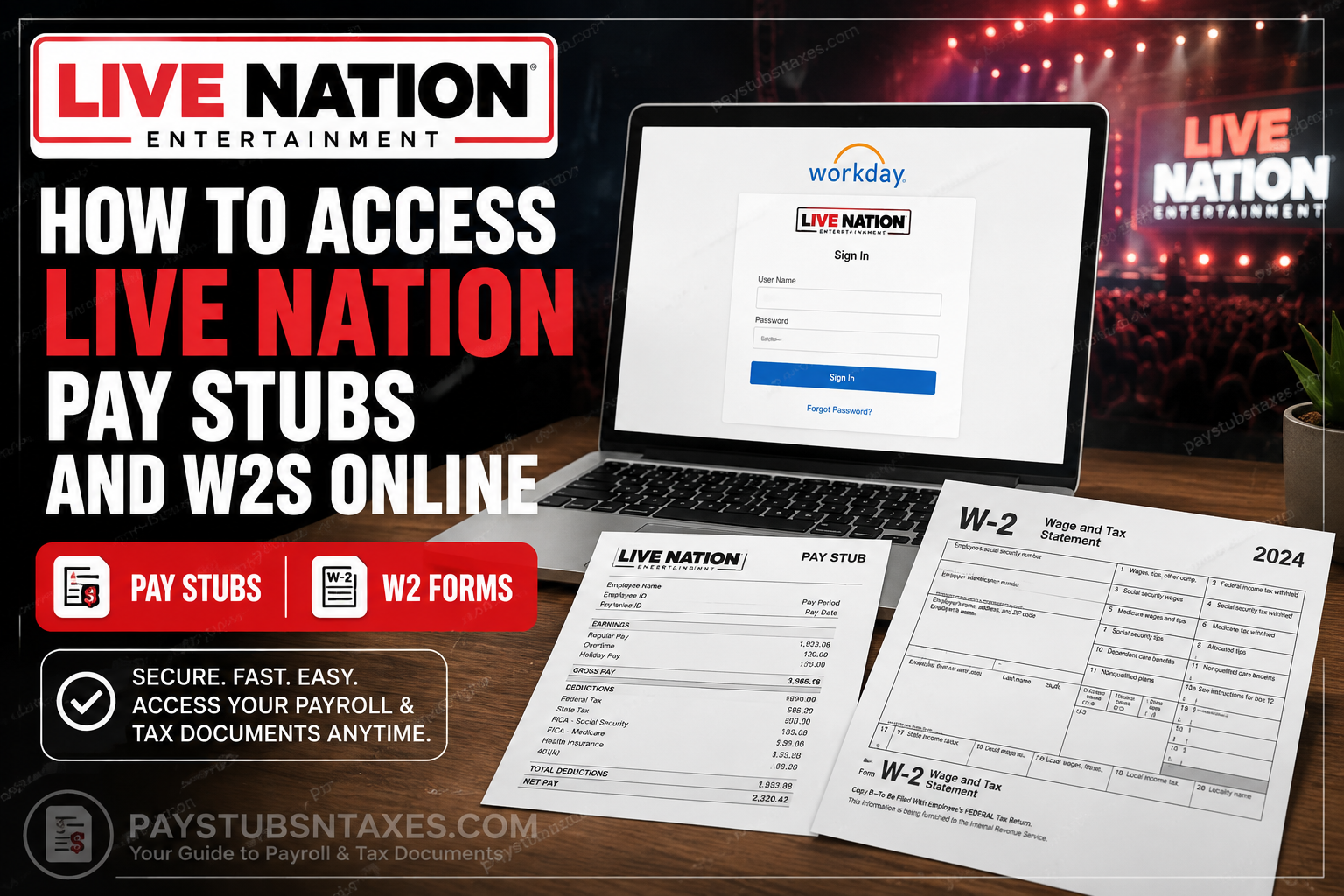
Live Nation Entertainment employees can access payroll information, including pay stubs and, when made available electronically, W-2 tax forms, through the company’s Workday employee portal. For current employees, authentication is generally completed through Live Nation’s Okta single sign-on (SSO) environment, which provides secure access to Workday and other employee resources.
As one of the world’s largest live-entertainment businesses, Live Nation operates across concerts, ticketing, sponsorship, advertising, venues, festivals, and artist management. Its principal businesses include Live Nation Concerts and Ticketmaster, with operations extending worldwide.
Whether you need to double-check your latest earnings, download an old payslip, retrieve your W-2 before filing a tax return, or print a copy for your records, the process is relatively straightforward once you know where to look.
Live Nation Workday Login
To access your payroll records from a computer:
- Visit the official Live Nation Workday portal:
https://wd503.myworkday.com/livenation/login.flex - Sign in using your Live Nation employee credentials. Current employees may be directed through Okta single sign-on (SSO) or another company-approved authentication process.
- Complete any identity-verification or multifactor-authentication prompt that appears.
- Once the Workday home page opens, select Menu or View All Apps, followed by Pay.
Use only the official Workday address or an approved Live Nation link. Payroll accounts contain highly sensitive personal and financial information, so links received through unexpected messages should be treated with caution.
How to View Live Nation Pay Stubs Online
After signing in to Workday, follow these steps:
- Open the Pay application from the Workday home page.
- Look under the View section and select Payslips. Depending on the current interface, the option may instead appear as Pay Slips or My Payslips..
- Locate the applicable pay period by reviewing the pay-period dates, payment date, or check date.
- Select View to open the pay stub.
- Choose Print, Download, or View PDF Statement if you want to retain a copy.
A Workday pay stub may show your gross earnings, employee taxes, pre-tax and post-tax deductions, employer-paid benefits, net pay, payment details, and year-to-date totals. Reviewing these figures regularly can help you catch discrepancies before they snowball into larger payroll or tax complications.
If direct deposit is active, the check-number field may be blank even though the payment was processed successfully.
How to Access a Live Nation W-2 in Workday
Your W-2 summarizes the wages paid to you and the taxes withheld during the calendar year. Live Nation may mail the form to your address on record or, where electronic delivery is available, provide it through Workday. Employers generally issue W-2 forms by January 31.
To retrieve a digital copy:
- Sign in to the Live Nation Workday portal.
- Open Menu or View All Apps, then select Pay.
- Find the View section. If the complete list is not displayed, select More.
- Choose My Tax Documents.
- Locate the relevant tax year and document type.
- Select View/Print to open the form.
- Download the document to a secure location or print it if a paper copy is required.
The My Tax Documents page may contain W-2 forms, corrected W-2C forms, and other available payroll-tax documents. If a W-2C has been issued, retain both the original W-2 and every applicable correction because the documents work in tandem when explaining the amended information.
How to Find a 1095-C Form
Form 1095-C contains information about employer-provided health coverage and may be relevant when preparing your taxes. If Live Nation has made the form available electronically, look for it within Pay, My Tax Documents, or another benefits-and-tax-document section in Workday.
Availability may differ according to the tax year, your employment status, and the company’s document-delivery procedures. If the form does not appear, contact your local HR, payroll, or benefits team rather than assuming it was never issued.
Accessing Live Nation Pay Stubs Through the Workday Mobile App
The Workday mobile app offers a convenient way to review payroll information while away from a computer. It is available for supported Apple and Android devices.
First-time mobile setup
- Download the official Workday app from the Apple App Store or Google Play Store.
- Open the app and begin the organization setup process.
- Enter the Live Nation organization code: livenation
- Continue to the company sign-in page.
- Authenticate with your employee credentials and complete any Okta or multifactor-authentication requirements.
- If offered, configure a mobile PIN or biometric sign-in. Use a secure PIN that cannot be easily guessed.
Viewing a pay stub on mobile
- Open the Workday app and sign in.
- Select the Pay option.
- Choose the payment date you want to review.
- Examine the gross pay, deductions, taxes, net pay, payment distribution, and year-to-date figures.
- Select View PDF Statement if that option is available and you need the formal payslip.
Some tax-document functions may be easier to use in a full web browser, particularly when downloading or printing PDF files. If an option is absent from the mobile interface, sign in through the Workday website instead.
What to Do If Your W-2 Is Missing
If you have not received your W-2 or have misplaced the original, Workday is usually the quickest port of call.
First, open My Tax Documents and check the relevant tax year. If the form is not listed, confirm that you are viewing the correct year and that any expandable menu has been opened. You should also verify that your home and mailing addresses are current in Workday, since outdated employee information can send a mailed form astray.
If the document remains unavailable, contact your local Live Nation office or the appropriate HR or payroll representative. You may also call the company’s headquarters line at +1 (800) 653-8000 for guidance on reaching the correct department.
Troubleshooting Live Nation Workday Access
The login page does not accept your credentials.
Make sure you are using your current company credentials and the official Live Nation Workday address. If your account is locked, use the available Unlock Account or Help option, or contact your internal support team.
Okta authentication is not working.
Check that your authentication device has an internet connection and that its date and time are correct. If you have changed phones, lost access to your verification method, or stopped receiving prompts, your company support team may need to reset your authentication profile.
The Pay application is missing.
Workday permissions can vary by worker type, location, and employment status. Search for “Pay,” “Payslips,” or “My Tax Documents.” If the feature is still unavailable, ask HR or payroll to confirm your access.
A pay stub or tax form will not open.
Allow pop-ups for the official Workday site, try another supported browser, and check whether the document was downloaded rather than opened in a new window. On a shared or public device, delete any downloaded payroll files after securely transferring or printing them.
You are a former employee.
Former employees may have a different sign-in process after their company credentials are deactivated. Contact Live Nation HR or payroll for the appropriate former-employee access route or request a replacement document.
Final Thoughts
The Live Nation Workday portal provides a practical, secure route to pay stubs, W-2s, and other payroll records. In most cases, the path is simple: sign in, open Pay, and select either Payslips or My Tax Documents. By keeping your contact information current, saving important records securely, and signing out when finished, you can keep payroll administration from becoming a hard act to follow.
Frequently Asked Questions
1. How do I access my Live Nation pay stub online?
Sign in to the Live Nation Workday portal, open Menu or View All Apps, and select Pay. Choose Payslips, Pay Slips, or Pay History, locate the appropriate pay period, and select View. You may then download, print, or open the PDF statement.
2. What is the Live Nation Workday login URL?
The Live Nation Workday login URL is https://wd503.myworkday.com/livenation/login.flex. Current employees should sign in with their company-approved credentials and complete any Okta single sign-on or multifactor-authentication prompts.
3. What is the Live Nation organization code for Workday?
The Live Nation organization code is livenation. Enter this code when configuring the Workday mobile app for the first time. The app should then direct you to the appropriate company sign-in page.
4. How do I access my Live Nation W-2 in Workday?
Sign in to Workday and open Pay. Under the View section, select More if necessary, followed by My Tax Documents. Find the required tax year and choose View/Print to open, download, or print your W-2.
5. Can I download my Live Nation W-2 online?
Yes. If electronic delivery is available, open My Tax Documents in Workday, locate the W-2 for the relevant year, and select View/Print. Save the file only to a secure personal device or protected storage location.
6. When should Live Nation employees receive their W-2s?
W-2 forms are generally mailed or made electronically available by January 31. Employees should check both their Workday tax documents and the mailing address recorded in their employee profile before requesting a replacement.
7. What should I do if my Live Nation W-2 is missing?
Check Pay > My Tax Documents and confirm that you selected the correct tax year. Verify your mailing address in Workday as well. If the W-2 remains unavailable, contact your local Live Nation HR or payroll representative for assistance.
8. Can former Live Nation employees access W-2s through Workday?
Former employees may have a separate access procedure after their regular company credentials are deactivated. If your previous login no longer works, contact Live Nation HR or payroll to request former-employee access or a replacement W-2.
9. How do I view a Live Nation pay stub on my phone?
Download the official Workday app, enter livenation as the organization code, and complete the company sign-in process. Open Pay, Pay Slips, or Pay History, select a payment date, and tap View PDF Statement if available.
10. What information appears on a Workday pay stub?
A Workday pay stub may display gross earnings, employee taxes, pre-tax deductions, post-tax deductions, employer-paid benefits, net pay, payment details, and year-to-date totals. The exact categories shown depend on the employee’s compensation, benefits, and withholding elections.
11. Why is the check number blank on my pay stub?
The check-number field may be blank when wages were paid by direct deposit rather than a paper check. Review the payment information and net-pay amount to confirm how the funds were distributed.
12. Where can I find my 1095-C form in Workday?
Look under Pay, My Tax Documents, or the relevant benefits-and-tax-document area. Availability can vary by tax year and employment status. If the 1095-C is not listed, contact Live Nation HR, payroll, or benefits.
13. Why can’t I see the Pay application in Workday?
Access may differ according to employment status, location, or system permissions. Search Workday for Pay, Payslips, or My Tax Documents. If none of these options appears, ask HR or payroll to verify your account access.
14. What should I do if my Live Nation Workday account is locked?
Use the Unlock Account or Help option displayed on the sign-in page. If you cannot restore access, contact your internal support team. Employees who have lost access to an Okta verification device may require an authentication reset.
15. Who should I contact for help with Live Nation payroll documents?
Contact your local Live Nation office, HR representative, or payroll team first. If you need help reaching the appropriate department, you may call +1 (800) 653-8000 for further guidance.
