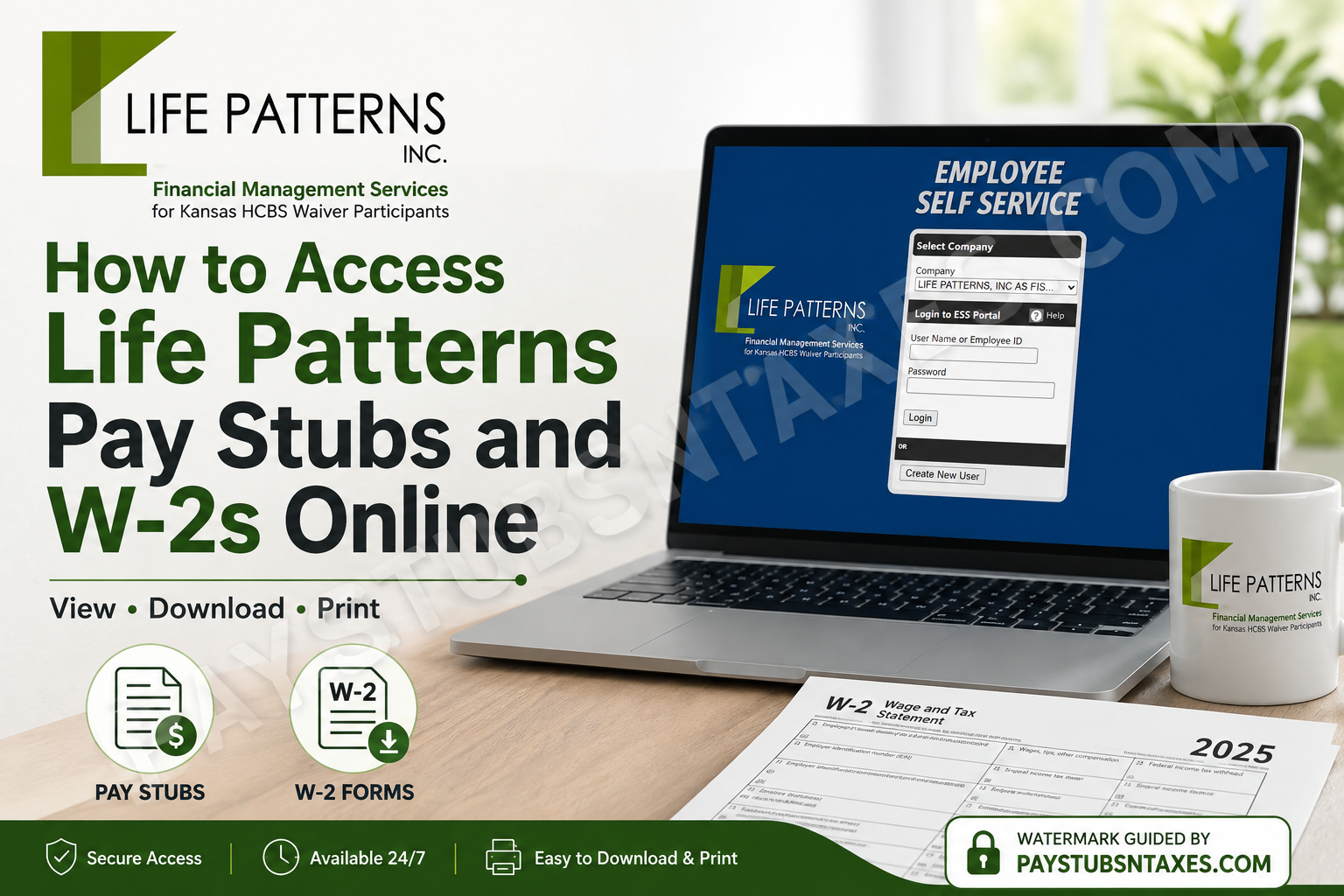
Life Patterns, Inc. provides Financial Management Services (FMS) to individuals with disabilities who self-direct their Home and Community Based Services (HCBS) Medicaid waivers in Kansas. Alongside payroll management, billing support, and employee-placement assistance, Life Patterns offers workers a secure online portal through which they can access their pay stubs and W-2 forms. Whether you are registering for the first time, returning to retrieve a recent pay statement, or searching for a replacement W-2, this guide will help you navigate the Life Patterns Employee Self Service portal with confidence.
Life Patterns Employee Self Service Portal
To access your payroll records, visit the Life Patterns CYMA Employee Self Service portal.
If the direct portal link does not open correctly, visit LifePatternsKS.org and select the Paystubs section.
Before signing in, choose LIFE PATTERNS—or the Life Patterns company option displayed in the menu—from the Company drop-down list.
How New Users Can Create an Account
Employees who have never used the Life Patterns pay stub portal must create an account before they can view payroll documents.
You will need the following information:
- Your Employee ID
- Your registration PIN
- The last four digits of your Social Security number
- Your ZIP code
- A unique username
- A secure password
Your Employee ID and PIN will be emailed to you. If you have not received them, contact Life Patterns for assistance.
New-user registration instructions
- Open the Life Patterns Employee Self Service portal.
- Under Company, select LIFE PATTERNS.
- Click Create New User.
- Create a unique username containing no more than 20 letters and numbers.
- Do not use special characters such as
@,!,#,$,%,^,&,*,(,),-,+,=or spaces in your username. - Enter the Employee ID emailed to you.
- Enter the PIN emailed to you.
- Create a secure password.
- Enter the password again to confirm it.
- Provide the last four digits of your Social Security number.
- Enter your ZIP code.
- Click Create User.
Once registration is complete, the system will return you to the login screen. Enter the username and password you have just created, then click Login.
Keep your credentials private. Life Patterns representatives may help you obtain registration information, but you should never send your full Social Security number or password by ordinary email.
How Existing Users Can Log In
If you already have an Employee Self Service account, accessing your payroll information is straightforward:
- Open the Life Patterns Employee Self Service portal.
- Select LIFE PATTERNS under Company.
- Enter your username or Employee ID.
- Enter your password.
- Click Login.
If your usual username does not work, try the Employee ID associated with your Life Patterns employment record. For unresolved login problems, contact your local Life Patterns office.
How to View Life Patterns Pay Stubs Online
After signing in, you will be directed to the pay stub portal home page.
To review your paycheck history:
- Hover over Employee in the upper-left corner.
- Wait for the drop-down menu to appear.
- Select Check History.
- Choose the pay period or paycheck record you wish to review.
- Open the document to view, download, or print it, depending on the options provided by your browser.
Checking your online records regularly can help you keep a finger on the pulse of your earnings, deductions, tax withholding, and payment history. If any information appears incorrect, contact Life Patterns promptly rather than allowing the issue to gather dust.
How to Access a Life Patterns W-2 Online
Life Patterns W-2 forms are available through the same online location used to access pay stubs. Retrieving the document electronically is generally the quickest solution if your mailed W-2 has been lost, delayed, or sent to an old address.
After logging in:
- Go to the Employee Self Service portal home page.
- Open the employee or payroll document area.
- Locate the available W-2 or year-end tax document for the appropriate tax year.
- Open the W-2 and use the available download or print option.
- Save the document in a secure location.
When working on a shared or public computer, do not save your W-2 to the device. Sign out of the portal completely and close the browser when you have finished, since a W-2 contains sensitive personal and financial information.
What to Do If You Never Received Your W-2
Life Patterns mailed 2025 W-2 forms during the final week of January 2026. If your form did not arrive, first check the online pay stub portal, as this is ordinarily the fastest route to a replacement copy.
If you have never accessed the portal, ask Life Patterns to email the Employee ID and PIN needed to create your account.
Workers who cannot use the portal may request a printed replacement, provided Life Patterns has their correct mailing address. Reprints are scheduled to begin on March 7, 2026, and will be processed weekly thereafter.
Updating Your Mailing Address
If you moved and did not notify Life Patterns, complete an Address Change Form immediately. The form is available at LifePatternsKS.org.
Life Patterns must have your correct address before it can reprint or remail a W-2. Completing the form at the outset helps cut through red tape and prevents another copy from being dispatched to the wrong location.
Contact Life Patterns for Assistance
If you need help creating an account, obtaining your Employee ID or PIN, resolving a login problem, updating your address, or requesting a W-2 reprint, contact the appropriate Life Patterns office.
Topeka Office
3300 SW 29th Street, Suite 100
Topeka, KS 66614
Fax: 785-273-3816
Email: hire@lifepatternsks.org
Montezuma Office
P.O. Box 418
Montezuma, KS 67867
Fax: 620-846-2340
Email: cristina@lifepatternsks.org
Access Your Payroll Documents Without Delay
The Life Patterns Employee Self Service portal places essential payroll records within easy reach. Once your account is established, you can review paycheck history and retrieve W-2 forms without waiting for another copy to arrive by mail. For the smoothest experience, keep your mailing address and contact details current, protect your login credentials, and contact Life Patterns promptly whenever you need registration information or administrative assistance.
Frequently Asked Questions About Life Patterns Pay Stubs and W-2s
1. Where can I access my Life Patterns pay stubs online?
Visit the Life Patterns Employee Self Service portal and select LIFE PATTERNS from the Company menu. After logging in, hover over Employee in the upper-left corner and select Check History. You can then choose the paycheck record or pay period you want to review.
2. How do I log in to the Life Patterns Employee Self Service portal?
Select LIFE PATTERNS under Company, enter your username or Employee ID, provide your password, and click Login. If you have never used the portal, click Create New User and complete the registration process before attempting to sign in.
3. How do I create a new Life Patterns portal account?
Click Create New User, then create a username using no more than 20 letters and numbers. Enter your Employee ID, registration PIN, chosen password, the last four digits of your Social Security number, and ZIP code. Click Create User to complete registration.
4. What information do I need to register as a new user?
You need your Life Patterns Employee ID, registration PIN, ZIP code, the last four digits of your Social Security number, a unique username, and a secure password. Life Patterns will email your Employee ID and PIN to you when you request portal-registration assistance.
5. Where can I find my Life Patterns Employee ID and PIN?
Your Employee ID and registration PIN can be emailed to you by Life Patterns. If you have not received this information, contact your local Life Patterns office. Keep these credentials secure and avoid sharing your password or full Social Security number by ordinary email.
6. What characters can I use in my portal username?
Your username may contain a combination of letters and numbers and must not exceed 20 characters. Do not include spaces or special characters such as @, !, #, $, %, ^, &, *, parentheses, hyphens, plus signs, or equal signs.
7. Can I log in with my Employee ID instead of my username?
Yes. Existing users may enter either their username or Employee ID on the Life Patterns Employee Self Service login screen. If your usual username is not working, try the Employee ID associated with your employment record before contacting the office for assistance.
8. How do I view my paycheck history?
After logging in, hover over Employee in the upper-left corner of the portal. When the drop-down menu appears, click Check History. Select the desired paycheck or pay period to review the available payroll information and any viewing or printing options.
9. Can I download or print my Life Patterns pay stubs?
Open the desired paycheck record through Employee > Check History. Depending on your browser and the document options available in the portal, you may be able to download, save, or print the pay stub for employment verification, record-keeping, or other legitimate purposes.
10. How can I access my Life Patterns W-2 online?
Sign in to the same Employee Self Service portal used to view pay stubs. Locate the W-2 or year-end tax document for the appropriate tax year, then open it to view or print it. Online retrieval is typically the quickest way to replace a missing W-2.
11. What should I do if I did not receive my W-2 in the mail?
First, check the Life Patterns online pay stub portal for an electronic copy. If you cannot access the portal, contact Life Patterns for help. Workers who have moved should complete an Address Change Form before requesting a printed W-2 replacement or another mailed copy.
12. How do I request a reprinted W-2?
Contact the appropriate Life Patterns office and confirm that your correct mailing address is on file. If your address has changed, submit an Address Change Form first. For 2025 W-2s, Life Patterns scheduled reprints to begin on March 7, 2026, with processing conducted weekly thereafter.
13. How do I update my mailing address with Life Patterns?
Visit LifePatternsKS.org and obtain an Address Change Form. Complete the form and return it to Life Patterns as soon as possible. Keeping your address current helps ensure that W-2s and other important payroll documents reach the correct destination.
14. Who should I contact if the Life Patterns portal is not working?
For login, registration, or payroll-document assistance, contact the Topeka office at hire@lifepatternsks.org or fax 785-273-3816. You may also contact the Montezuma office at cristina@lifepatternsks.org or fax 620-846-2340.
15. How can I protect my information when accessing a W-2 online?
Use a private, trusted device and a secure internet connection. Never disclose your portal password or full Social Security number by ordinary email. If you use a shared computer, do not save the document locally; sign out completely and close the browser after finishing.
