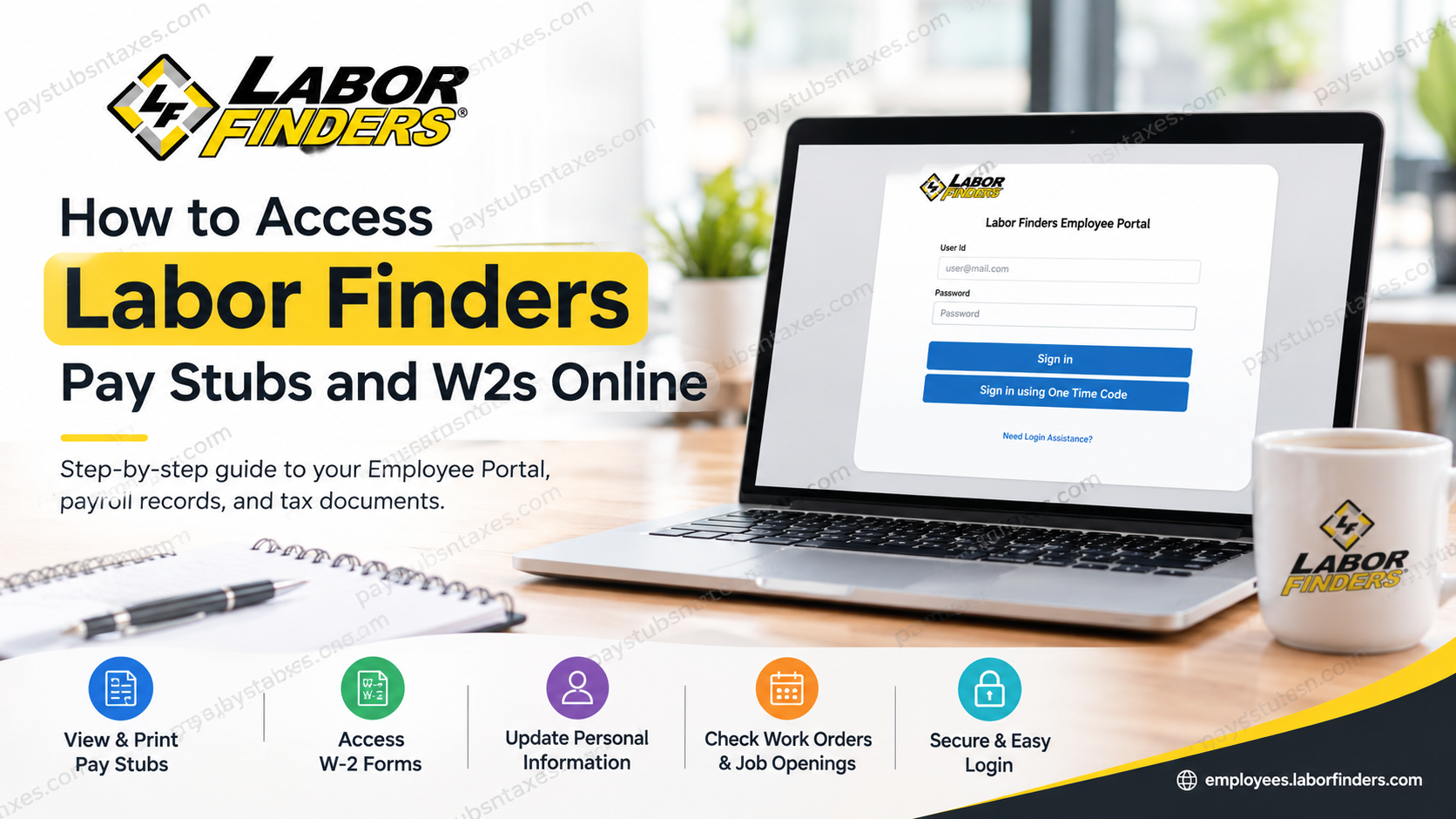
Labor Finders employees can access their pay stubs and year-end W-2 tax statements online through the secure Labor Finders Employee Portal. Instead of waiting for paperwork to arrive or contacting payroll whenever a copy is required, employees can sign in at their convenience, review available payroll records, and download or print the documents they need. Whether you are checking the details of a recent payment, gathering income records for a loan application, or preparing to file your federal and state tax returns, the portal keeps essential employment information within easy reach.
About Labor Finders
Founded in 1975, Labor Finders International, Inc. is a privately held industrial labor staffing franchise company operating across the United States. The organization has developed an extensive nationwide staffing network while emphasizing three core values—Respect, Appreciation, and Safety—and maintaining a straightforward mission of treating temporary employees and customers fairly.
Labor Finders places associates with client companies across a broad spectrum of industries, including construction and skilled trades, manufacturing and light industrial work, landscaping and grounds maintenance, hospitality and events, retail, and warehousing.
Because assignments, work locations, payroll schedules, and payment arrangements can vary from one office or client account to another, employees should retain access to their Employee Portal and keep their personal contact information current.
What Is the Labor Finders Employee Portal?
The Labor Finders Employee Portal is an online self-service platform designed to give employees convenient access to important work and payroll information. Among other functions, the portal allows eligible employees to:
- View and print pay stubs
- Access W-2 tax forms
- Review assigned work orders
- View upcoming jobs
- Update personal information
The portal provides a central point of access, sparing employees the inconvenience of keeping every paper record close at hand. Nevertheless, payroll documents contain sensitive personal and financial information, so employees should use a private device and a secure internet connection whenever possible.
Labor Finders Employee Portal Login
Use the following official link to access the portal: Visit the Labor Finders Employee Portal.
The login page provides fields for a User ID and password. It also offers the option to sign in using a one-time code, which may be useful when that authentication method is available for your account.
Before signing in, make sure you have the correct login credentials associated with your Labor Finders employee record. If your credentials do not work, avoid repeatedly guessing your password, as doing so may complicate access further.
How to Access Labor Finders Pay Stubs Online
Accessing your Labor Finders pay stubs online is generally a straightforward process. Keeping digital copies can be invaluable when you need proof of income for a loan, apartment application, tax preparation, or personal financial recordkeeping.
Step 1: Visit the Labor Finders Employee Portal
Open a secure browser and navigate to: https://employees.laborfinders.com/
Whenever possible, type the address directly into your browser or use a trusted bookmark rather than following an unfamiliar link received by email or text.
Step 2: Enter Your User ID
Enter the User ID associated with your Labor Finders Employee Portal account.
The login page displays an email-style example for the User ID field, so employees should use the login information established for their individual account.
Step 3: Enter Your Password
Type your password carefully and select Sign in.
Passwords are case-sensitive in many online systems, so check whether Caps Lock is enabled if the portal repeatedly rejects credentials you believe are correct.
Step 4: Use a One-Time Code When Appropriate
The Labor Finders login page also provides a Sign in using One Time Code option.
If available for your account, follow the on-screen instructions to obtain and enter the temporary authentication code. This can provide another route into the portal when supported by your account configuration.
Step 5: Navigate to Your Payroll Information
After successfully signing in, locate the section containing your Pay, Check Stub, or payroll information.
Labor Finders’ Employee Portal supports the ability to view and print check stubs.
Step 6: Select the Appropriate Pay Period
Find the pay stub corresponding to the pay date or work period you need.
Review the information carefully, particularly:
- Gross wages
- Hours worked
- Pay rate
- Taxes withheld
- Other deductions
- Net pay
- Payment date
Step 7: Download or Print Your Pay Stub
Open the applicable statement and use the available download or print function to retain a copy.
It is sensible to keep important payroll records in a secure folder rather than relying exclusively on continued portal availability. In other words, a little housekeeping today can save a considerable headache tomorrow.
How to Access Labor Finders W-2 Forms Online
Labor Finders associates can also use the Employee Portal to view and print their W-2 forms, making tax preparation considerably more convenient. The ability to access W-2s electronically is an expressly identified feature of the portal.
Step 1: Sign In to the Employee Portal
Visit: https://employees.laborfinders.com/
Enter your User ID and password, or use the one-time-code option when applicable.
Step 2: Locate Your W-2 or Tax Document Area
Once inside your account, navigate to the Pay, Tax Documents, W-2, or comparable payroll section presented in your account.
Step 3: Select the Required Tax Year
Choose the W-2 for the tax year you need.
For example, when preparing a prior-year tax return or responding to a request from a tax professional, ensure that you select the correct year rather than simply opening the most recent form.
Step 4: Review Your W-2
Before filing your taxes, check important information such as:
- Your name
- Mailing address
- Social Security information
- Employer information
- Wages and compensation
- Federal income tax withheld
- Social Security and Medicare wages
- State and local tax information, where applicable
If information appears inaccurate, contact your Labor Finders office rather than altering the document yourself.
Step 5: Download or Print the W-2
Save an electronic copy to a secure device or print the form for your records and tax preparation.
Because the portal allows associates to view and print their W-2 forms, employees do not necessarily have to wait for a paper copy when the electronic document is already available in their account.
How Former Employees Receive Their W-2s
Former Labor Finders employees may receive their year-end tax statements by standard postal mail. These statements are sent to the employee’s home address no later than January 31 of the following year.
Because the document is mailed to the address on file, former employees should ensure that their local Labor Finders office has their current mailing address. If you have moved since your last assignment, updating your address sooner rather than later may prevent a delayed or misdirected W-2.
If January 31 has passed and your mailed W-2 has not arrived, contact the local office where you worked. The office can help verify your mailing information and explain the appropriate next step.
When Does Labor Finders Pay Employees?
Most Labor Finders offices pay employees by the end of each workday. However, pay frequency may vary by region, branch office, customer account, or assignment.
If a particular assignment operates on a different pay cycle, the applicable schedule should be explained before you accept the work. Employees should therefore confirm the pay rate and payment timetable at the outset of every assignment rather than assuming that a previous schedule will apply across the board.
Labor Finders may offer payment methods such as a payroll card, direct deposit, or a check at certain locations. Available options can vary, so your local office is the best source of information about payment arrangements in your area.
Final Thoughts
Accessing Labor Finders pay stubs and W-2s online is a straightforward process: visit the Employee Portal, sign in, open the Pay section, and select the document you need. The platform places essential payroll information at your fingertips, allowing you to view, download, and print records without unnecessary delay. If the portal proves difficult to navigate or your account cannot be accessed, do not go around in circles. Use the login-assistance option, contact your local office, or call 561-439-0605 for help.
Frequently Asked Questions About Labor Finders Pay Stubs and W-2s
1. How do I access my Labor Finders pay stubs online?
Visit employees.laborfinders.com, sign in, and navigate to the Pay section. Select the relevant pay period to view, download, or print your pay stub.
2. Where can I find my Labor Finders W-2 online?
Sign in to the Labor Finders Employee Portal and open the Pay section. Locate the year-end tax statements area, select the appropriate tax year, and open your W-2.
3. What is the official Labor Finders Employee Portal URL?
The official portal address is https://employees.laborfinders.com/. Employees should use this direct link and avoid entering payroll credentials on unfamiliar websites.
4. What information do I need to log in?
You ordinarily need the User ID and password associated with your Labor Finders employee account. The login page may also allow you to sign in using a one-time code.
5. Can I download and print my Labor Finders pay stubs?
Yes. After signing in and opening the Pay section, you can view, download, or print available pay stubs for your personal, financial, or employment records.
6. Can I download and print my Labor Finders W-2?
Yes. Available W-2 forms can be opened through the Employee Portal and downloaded or printed for tax preparation and recordkeeping.
7. What should I do if I cannot log in?
Select Need Login Assistance? on the portal login page. You may also contact your local Labor Finders office or call 561-439-0605 for assistance.
8. Can I sign in without my regular password?
The portal offers a Sign in using One Time Code option. Whether this option works for you may depend on your account information and available authentication methods.
9. When will Labor Finders send my W-2?
Labor Finders sends year-end tax statements to former employees by standard postal mail no later than January 31 of the following year.
10. How do former Labor Finders employees obtain their W-2s?
Former employees may try accessing the Employee Portal if their accounts remain available. Labor Finders also mails year-end tax statements to the home address recorded for each former employee.
11. What should I do if my mailed W-2 has not arrived?
Contact the local Labor Finders office where you worked. Ask the office to verify your mailing address and explain the appropriate procedure for obtaining your tax statement.
12. How do I update my address for W-2 delivery?
Contact your local Labor Finders office and provide your current mailing address. Updating it promptly can help prevent your W-2 from being delayed or sent to a former residence.
13. When does Labor Finders pay employees?
Most Labor Finders offices pay by the end of each workday. However, payment frequency may vary by region, branch, customer account, or assignment.
14. What should I do if my pay stub or W-2 is incorrect?
Contact your local Labor Finders office as soon as possible. Identify the affected pay period or tax year and describe the information that appears to be incorrect.
15. Who can help with Labor Finders payroll or portal questions?
Your local Labor Finders office should be your first point of contact for account-specific questions. For additional assistance, call Labor Finders at 561-439-0605.
