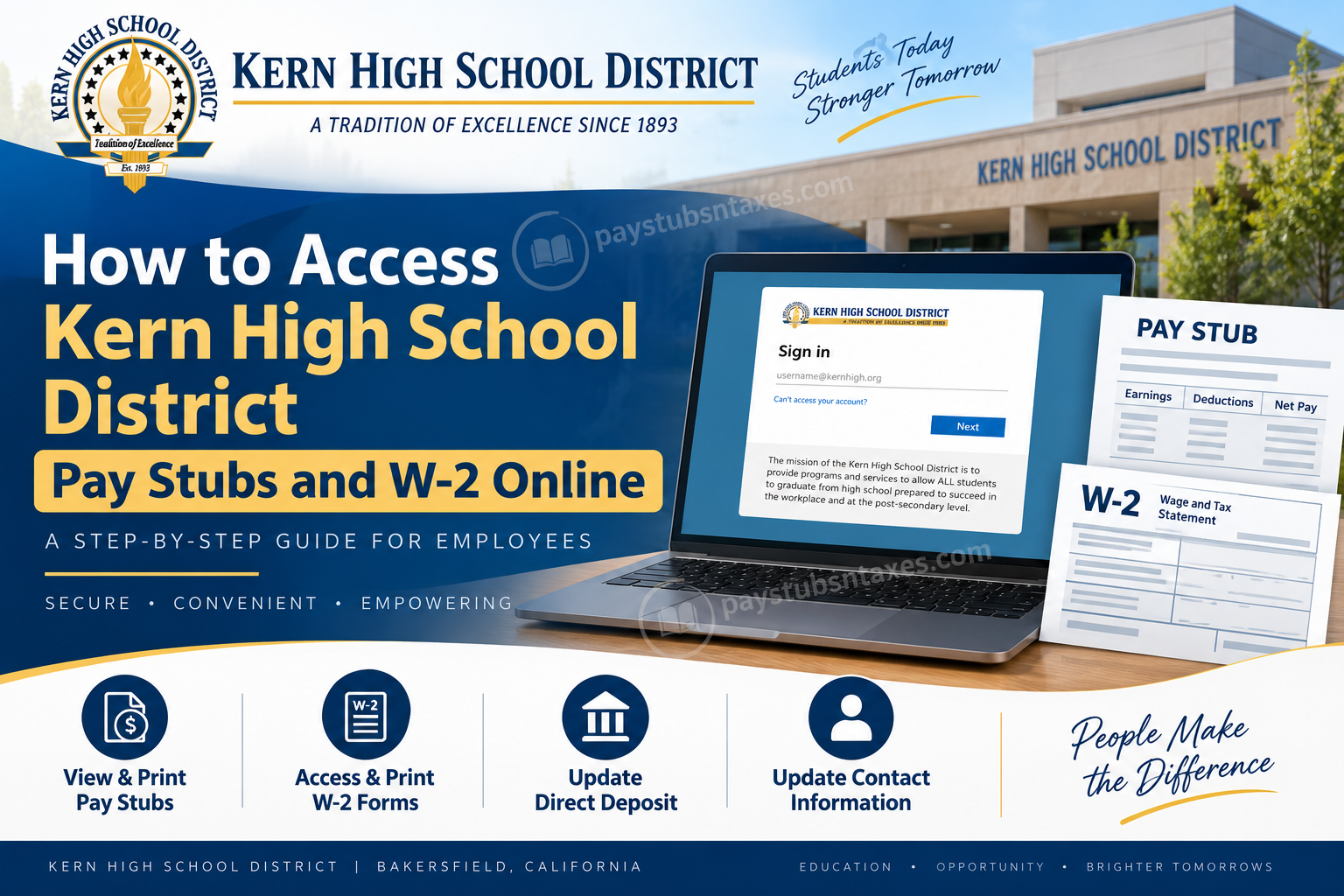
Kern High School District employees can access their pay stubs, W-2 forms, direct-deposit information, and contact details through the secure Employee Self-Service Portal. Commonly known as the KHSD ESS Portal, this online platform places essential payroll and employment records at your fingertips, thereby eliminating the need to request routine documents from Human Resources or Payroll.
Whether you need a recent pay stub for a loan application, a W-2 form for tax preparation, or simply wish to confirm that your personal information is up to date, the following guide explains how to access your records quickly and securely.
KHSD Employee Self-Service Portal Login
Visit the official Kern High School District Employee Self-Service Portal:
Because the portal contains confidential payroll and personal information, employees must complete the secure sign-in and identity-verification process before gaining access to their accounts.
For greater security, always enter the ESS address directly into your browser or use the link provided above. Avoid signing in through unsolicited emails, unfamiliar websites, or links whose origins cannot be verified.
What You Need for Your First KHSD ESS Login
If you are accessing the Employee Self-Service Portal for the first time, have the following information close at hand:
- Your Kern High School District employee ID
- The net-pay amount shown on your most recent KHSD pay stub
- Access to any district account or authentication method requested on the sign-in screen
Your net pay is the amount you received after taxes, benefit deductions, retirement contributions, and other applicable withholdings were subtracted from your gross earnings. Enter the figure exactly as it appears on your most recent pay stub, since even a minor discrepancy may prevent the system from verifying your identity.
How to Log In to the KHSD ESS Portal
Follow these steps to access your employee account:
- Open a current web browser, such as Google Chrome or Microsoft Edge.
- Go to https://ess.kernhigh.org/.
- Enter the sign-in information requested on the screen.
- Select Next and complete any additional authentication prompts.
- If this is your first visit, use your employee ID and most recent net-pay amount when the portal asks you to verify your identity.
- After successful verification, follow the on-screen instructions to finish setting up your account.
- Once the ESS dashboard appears, choose the appropriate payroll, tax-document, direct-deposit, or personal-information module.
The wording and arrangement of individual menu options may change as the portal is updated; nevertheless, the underlying functions should remain readily identifiable.
How to View and Print KHSD Pay Stubs Online
After signing in to the ESS Portal, open the payroll or pay-stub section of your account. From there, you should be able to review the available payment records and select the pay period you require.
To obtain a copy of a pay stub:
- Sign in to the KHSD Employee Self-Service Portal.
- Navigate to the payroll or pay-stub area.
- Select the relevant payment date or pay period.
- Open the corresponding pay statement.
- Review the earnings, deductions, taxes, and net-pay amount for accuracy.
- Use the available print or download option to retain a copy.
If no dedicated download button is displayed, your browser’s print function may allow you to print the statement or save it as a PDF. When using a shared computer or printer, retrieve every printed page promptly and remove any downloaded copies once you have finished.
How to Access and Print a KHSD W-2 Form
Employees may also use the ESS Portal to view and print available W-2 wage and tax statements. After logging in, look for the tax-document, W-2, or payroll-tax section.
To retrieve a W-2:
- Open the Employee Self-Service Portal and sign in.
- Navigate to the section containing tax forms or W-2 statements.
- Select the required tax year.
- Open the W-2 form and verify that the displayed name and address are correct.
- Download or print the form as needed.
For tax filing purposes, make certain that you choose the correct year. If an expected W-2 is not displayed, or if the information on the form appears incorrect, contact the KHSD Payroll team rather than attempting to alter the document yourself.
Other Services Available Through the ESS Portal
The KHSD Employee Self-Service Portal is not merely a repository for pay statements and tax forms. Depending on your account permissions and the services currently available, you may also be able to:
- View and update direct-deposit information
- Update your home address
- Change your telephone number
- Update your email address
- Review or amend other personal information
- Access payroll-related forms
Keeping these details current is more than a matter of administrative housekeeping. Accurate contact and banking information helps ensure that important notices reach you, payroll records remain reliable, and deposits are directed to the correct account.
Exercise particular care when changing direct-deposit details. Check the routing number, account number, and account type before submitting any update, as one misplaced digit can throw a spanner in the works and delay payment.
What to Do If the KHSD ESS Portal Will Not Load
If the portal fails to load or behaves unexpectedly, outdated cookies or cached browser files may be the culprit. Clearing this stored data often resolves the problem.
Clear browsing data in Google Chrome
- Open Chrome.
- Press Ctrl + Shift + Delete.
- Alternatively, enter
chrome://settings/clearBrowserDatain the address bar. - Choose an appropriate time range. Select All time if you need to remove all stored data.
- Check Cookies and other site data and Cached images and files.
- Select Clear data.
- Close and reopen the browser before returning to the ESS Portal.
Clear browsing data in Microsoft Edge
- Open Microsoft Edge.
- Press Ctrl + Shift + Delete.
- Alternatively, enter
edge://settings/clearBrowserDatain the address bar. - Choose an appropriate time range.
- Select Cookies and other site data and Cached images and files.
- Choose Clear now.
- Restart Edge and attempt to sign in again.
Clearing cookies may sign you out of other websites. Before proceeding, save any unfinished work and ensure that you know the passwords for accounts you may need to access again.
KHSD ESS, Payroll, and HR Support
The appropriate point of contact depends on the nature of your enquiry:
- ESS access or technical problems: support@kernhigh.org
- Paychecks, pay stubs, W-2 forms, or other payroll questions: payroll@kernhigh.org
- Employment documents, salary-schedule placement, increments, or other HR matters: hr@kernhigh.org
- Human Resources telephone: 661-827-3160
When requesting assistance, explain the problem clearly and include your employee ID if appropriate. However, never send your password, complete Social Security number, full bank account number, or other sensitive credentials by email.
Final Thoughts
The Kern High School District Employee Self-Service Portal offers a secure and convenient way to manage important payroll and employment records without becoming entangled in unnecessary paperwork. Once your account has been verified, you can review pay stubs, print W-2 forms, maintain contact information, and manage other employment details from a single online location.
Before signing out, double-check any changes you have made, save only the documents you genuinely need, and keep downloaded payroll records in a secure location. If difficulties persist, contacting the relevant KHSD support team is the surest way to get matters back on track.
Frequently Asked Questions About KHSD Pay Stubs and W-2 Forms
1. How do I access my Kern High School District pay stubs online?
Visit the official KHSD Employee Self-Service Portal and sign in. Open the payroll or pay-stub section, select the required pay period, and use the available option to view, download, or print the statement.
2. What is the official KHSD ESS Portal address?
The official Kern High School District Employee Self-Service Portal is available at https://ess.kernhigh.org/. Employees should use this address directly rather than following links from unfamiliar emails or websites.
3. What do I need for my first KHSD ESS login?
First-time users should have their Kern High School District employee ID and the net-pay amount shown on their most recent KHSD pay stub. This information may be required to confirm the employee’s identity and activate portal access.
4. What does “net pay” mean during KHSD identity verification?
Net pay is the amount remaining after taxes, benefits, retirement contributions, and other deductions have been subtracted from gross earnings. Use the exact net-pay figure printed on your most recent KHSD pay stub.
5. Can I download and print my KHSD pay stubs?
Yes. After signing in, open the appropriate pay statement and select the portal’s print or download option. If neither option appears, your browser’s print function may allow you to print the statement or save it as a PDF.
6. How do I find my KHSD W-2 form online?
Sign in to the ESS Portal and open the section containing W-2 forms, tax statements, or payroll tax documents. Choose the required tax year, review the document, and download or print it as needed.
7. Why is my latest W-2 not showing in the ESS Portal?
The form may not yet have been posted, or there may be an issue with your payroll record. Confirm that you selected the correct tax year and, if the W-2 remains unavailable, email payroll@kernhigh.org.
8. What should I do if the information on my W-2 is incorrect?
Do not alter the W-2 yourself. Contact the KHSD Payroll team at payroll@kernhigh.org, explain the discrepancy clearly, and request guidance about obtaining a corrected tax form.
9. Can I access KHSD pay stubs from home?
Yes. Employees may access the web-based ESS Portal from a compatible device with an internet connection. For privacy and security, avoid signing in through unsecured public Wi-Fi or a shared computer whenever possible.
10. Can I update my direct-deposit information through KHSD ESS?
The ESS Portal provides access to direct-deposit information and may allow eligible employees to submit updates. Carefully verify the routing number, account number, and account type before confirming any change.
11. Can I change my address, telephone number, or email address online?
Yes. Employees can use the ESS Portal to review and update contact details, including their home address, telephone number, and email address. Keeping this information current helps prevent payroll and employment communications from going astray.
12. What should I do if the KHSD ESS Portal will not load?
Clear your browser’s cookies and cached files, close the browser, and try again. In Chrome or Microsoft Edge, press Ctrl + Shift + Delete to open the browsing-data menu. If the problem persists, contact support@kernhigh.org.
13. Who should I contact if I cannot sign in to KHSD ESS?
For portal access, authentication, or other technical difficulties, email support@kernhigh.org. Describe the issue clearly, but never include your password, complete Social Security number, or banking credentials.
14. Who handles questions about KHSD paychecks, pay stubs, and W-2 forms?
Payroll-related inquiries should be sent to payroll@kernhigh.org. This includes questions about recent paychecks, missing pay statements, payroll calculations, and W-2 forms.
15. How can I contact KHSD Human Resources?
For questions about employment documents, salary-schedule placement, increments, or other HR matters, email hr@kernhigh.org or call 661-827-3160.
