Kelly Services, Inc. is an American multinational staffing and professional services company founded by William Russell Kelly in 1946 and headquartered in Troy, Michigan. Over the decades, Kelly has expanded well beyond traditional office staffing, connecting workers with opportunities in areas such as information technology, financial services, law, professional recruitment, outsourcing, and human-resource consulting. For employees, keeping payroll records within easy reach is more than a matter of convenience. Pay stubs may be required when applying for a loan, renting a home, verifying income, or checking payroll deductions, while Form W-2 is indispensable when preparing an annual income tax return. Kelly provides electronic payroll services that allow eligible employees to view, download, and print these documents without waiting for them to arrive in the mail.
What Is Kelly ePaystub?
Kelly ePaystub is an electronic wage statement service that allows enrolled employees to access their earnings information online. It provides details of net pay, deductions, and taxes, making it easier to review how your earnings translate into the amount you receive.
The service maintains up to 16 months of pay stub history from enrollment; pay stubs issued before you enrolled are not available through this service. Downloading statements regularly therefore helps you maintain a longer personal record.
Kelly’s related eW-2 service provides electronic access to annual W-2 forms. Although both services concern earnings documents, their enrollment settings and record availability differ.
What You Need Before Registering
Before beginning your Kelly ePaystub registration, have the following ready:
- Your ALT ID, which appears on your Kelly wage statement or direct deposit advice.
- An email address and/or a phone number that can receive text notifications.
- Internet access.
- A PDF reader, such as Adobe Acrobat Reader, for opening downloaded W-2 forms.
- A printer, if you need paper copies.
If you do not have a wage statement and cannot locate your ALT ID, call the Kelly Employee Service Center at 1-866-535-5948.
Your ALT ID identifies you during registration. It is not automatically your login User ID; your User ID is the one you choose when creating your account.
How to Register for Kelly ePaystub
Step 1: Open the Kelly Employee Document Portal
Visit the Kelly Electronic Delivery of Earnings Documents portal.
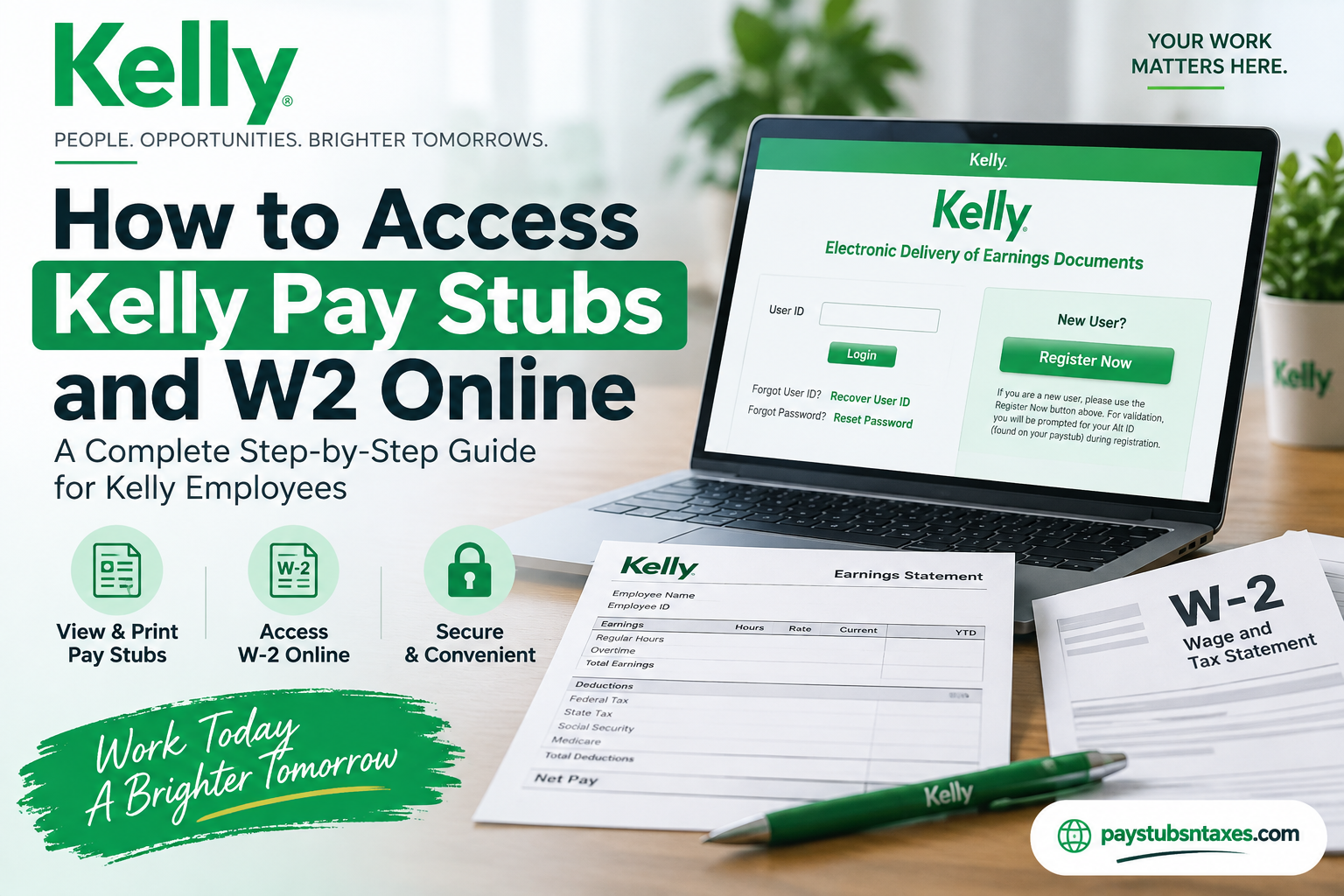
The sign-in page includes a User ID field, account recovery links, and a Register Now button for new users.
Step 2: Select “Register Now”
Click Register Now to begin enrollment. When prompted, enter your ALT ID and complete the identity verification steps displayed on the website.
Use the ALT ID from your wage statement to avoid unnecessary registration delays.
Step 3: Create Your Login Details
Follow the prompts to create your own User ID and password. Choose a strong, unique password and keep your login details somewhere secure.
Provide your current notification contact information, since the service uses these details for account recovery and document availability messages.
Step 4: Review Your Electronic Delivery Settings
Complete the enrollment process and review the document delivery options available to you.
Automatic enrollment can vary by location and program. If you are unsure whether you have been enrolled in ePaystub or eW-2, check your account settings or contact your Kelly representative.
How to View and Download Kelly Pay Stubs
Once you have registered, follow these steps to retrieve your available wage statements:
- Open the Kelly ePaystub login page.
- Enter the User ID you created during enrollment.
- Select Login and complete the remaining authentication prompts.
- Locate your available earnings statements.
- Open the statement for the pay period you need.
- Use the available download or print option to retain a copy.
Review your net pay, taxes, and deductions periodically so that you can raise any questions promptly.
Because online pay stub history is limited, saving statements as you go is a practical way to stay on top of your records.
How to Access Your Kelly W2 Online
Kelly eW-2 allows you to retrieve an electronic version of your annual wage and tax statement.
To access your form:
- Sign in to the Kelly Electronic Delivery of Earnings Documents portal.
- Review your eW-2 enrollment or delivery settings.
- If you need to enroll, open User Profile and follow the available instructions.
- Locate your available W-2 statements.
- Select the tax year you need.
- Open, download, or print the form.
The electronic W-2 contains the same information as its paper counterpart. Before saving it, check that you have selected the correct tax year.
If a form you expect to see is missing, contact the Employee Service Center for assistance.
When Are Kelly W-2 Forms Available?
Kelly generally makes electronic W-2 forms available in January for the previous year’s earnings. Keep your registered email address or text notification details current so that you can receive availability messages.
You can review enrollment information and access options through Kelly’s ePaystub and eW-2 support page.
Checking your login before tax season is also worthwhile: recovering a forgotten password ahead of time can prevent a last-minute scramble when you need your documents.
Forgot Your Kelly User ID or Password?
The login page provides separate recovery options for forgotten User IDs and passwords.
Recover Your User ID
Select Recover User ID, then follow the verification instructions.
Do not assume that entering your ALT ID will let you sign in. It will work as your User ID only if that is what you chose during registration.
Reset Your Password
Select Reset Password and follow the prompts to verify your identity and create a replacement password.
If you cannot complete either process, or no longer have access to your registered contact details, call the Kelly ePaystub Help Desk at 1-800-733-7842.
Can You Receive a Paper Kelly W-2?
You can request a paper copy of your W-2 even if you receive electronic statements.
For assistance, contact the appropriate team:
| Request | Contact |
| Temporary employee W-2 copies or questions | 1-866-KELLY-4U — 1-866-535-5948 |
| Salaried employee W-2 paper-copy requests | 1-248-244-3898 |
| Login, registration, or account recovery | 1-800-733-7842 |
Requesting a paper copy does not automatically withdraw your consent to electronic delivery.
If you want to change your ongoing delivery preference, review the settings in your eW-2 profile. Contact the Help Desk if you need assistance declining electronic delivery, and keep your permanent mailing address in Kelly’s employment records up to date.
How Long Are Kelly Payroll Documents Available?
Pay stubs and W-2 forms have different availability rules.
Pay stubs: Kelly ePaystub provides up to 16 months of earnings history beginning when you enroll. Statements from before enrollment are not available through the ePaystub service.
W-2 forms: The eW-2 program describes access to the most recent five years of forms while enrolled, including records that predate enrollment. Access after leaving Kelly is subject to separate service conditions, so download the forms you need while your account remains available.
Do not treat the portal as your only archive. Keeping secure personal copies makes it easier to retrieve documents later, particularly if your employment or account access changes.
Conclusion
Accessing Kelly pay stubs and W-2 forms online is relatively straightforward once your electronic payroll account has been established. Employees can begin with the myKelly personal home page and the Getting Paid section for payroll resources, while Kelly’s Electronic Delivery of Earnings Documents system provides access to electronic tax statements.
The key is to keep your credentials, email address, telephone number, and mailing address current. If you are registering for the first time, have your ALT ID ready; if you have already registered, remember to use the User ID you created, rather than assuming that your ALT ID is your login name. Should you hit a snag, the 1-800-733-7842 Help Desk handles portal and enrollment issues, while 1-866-KELLY-4U (1-866-535-5948) is the principal contact for payroll and W-2 content questions. With those details in hand, retrieving an earnings statement or tax form should be a matter of minutes rather than a wild-goose chase.
Frequently Asked Questions About Kelly Pay Stubs and W-2 Forms
1. Where can I access my Kelly pay stubs online?
You can access your available pay stubs through the Kelly Electronic Delivery of Earnings Documents portal. Sign in using the User ID you created during enrollment, complete authentication, and open the earnings statement for your chosen pay period.
2. How do I register for Kelly ePaystub?
Visit the Kelly earnings documents portal and select Register Now. Enter your ALT ID when prompted, complete identity verification, and follow the instructions to create your User ID and password. Provide current contact information for notifications and account recovery.
3. What is my Kelly ALT ID, and where can I find it?
Your Kelly ALT ID is a unique identification number used to verify your eligibility during registration. You can find it on your wage statement or direct deposit advice. If you cannot locate it, contact the Kelly Employee Service Center at 1-866-535-5948.
4. Is my Kelly ALT ID the same as my User ID?
Your ALT ID is not automatically your User ID. Your User ID is the login name you selected during enrollment. The two are identical only if you chose your ALT ID as your User ID when registering.
5. How do I recover my Kelly ePaystub User ID?
Select Recover User ID on the portal’s login page and follow the verification instructions. If you cannot complete recovery or access your registered contact information, call the Kelly ePaystub Help Desk at 1-800-733-7842.
6. How do I reset my Kelly ePaystub password?
Select Reset Password on the Kelly earnings documents login page. Follow the prompts to verify your identity and create a new password. For assistance with an unsuccessful reset, contact the Help Desk at 1-800-733-7842.
7. How long can I view Kelly pay stubs online?
Kelly ePaystub provides up to 16 months of earnings history beginning when you enroll. Pay stubs issued before enrollment are not available through the service. Download your statements regularly if you need to retain a longer personal record.
8. How do I download my Kelly W-2 online?
Sign in to the Kelly earnings documents portal, locate your available W-2 forms, and select the relevant tax year. Open the document and use the available download option. If necessary, review your eW-2 enrollment settings under User Profile.
9. When will my Kelly W-2 be available online?
Kelly electronic W-2 forms are generally available in January for the previous year’s earnings. Keep your notification contact information current and check the portal for your form. Contact the Employee Service Center if an expected W-2 is unavailable.
10. Is Kelly eW-2 enrollment free?
Yes, Kelly eW-2 enrollment is free. The service allows enrolled employees to view, download, and print available electronic W-2 forms without an enrollment fee.
11. Do I need to enroll in Kelly eW-2 every year?
You generally do not need to re-enroll annually while your eW-2 enrollment remains active. Review your delivery settings if your employment status changes or you previously withdrew from electronic delivery.
12. Can I access Kelly W-2 forms from previous years?
Kelly’s eW-2 program describes access to the most recent five years of W-2 forms while enrolled, including available records from before enrollment. Separate conditions apply after employment ends, so save personal copies of the forms you need.
13. Can I request a paper copy of my Kelly W-2?
Yes. Temporary employees can request assistance at 1-866-535-5948, while salaried employees can call 1-248-244-3898 for paper W-2 requests. Requesting a paper copy does not automatically cancel your electronic delivery preference.
14. How do I stop receiving my Kelly W-2 electronically?
Review your electronic delivery preferences in your eW-2 profile and follow the available withdrawal instructions. If you need assistance, call 1-800-733-7842. Withdrawal applies to statements not yet issued; keep your mailing address current for paper delivery.
15. Who should I contact for Kelly pay stub or W-2 help?
For registration, login, password recovery, or website assistance, call the Kelly ePaystub Help Desk at 1-800-733-7842. For questions about W-2 contents or missing forms, contact the Kelly Employee Service Center at 1-866-KELLY-4U (1-866-535-5948).
