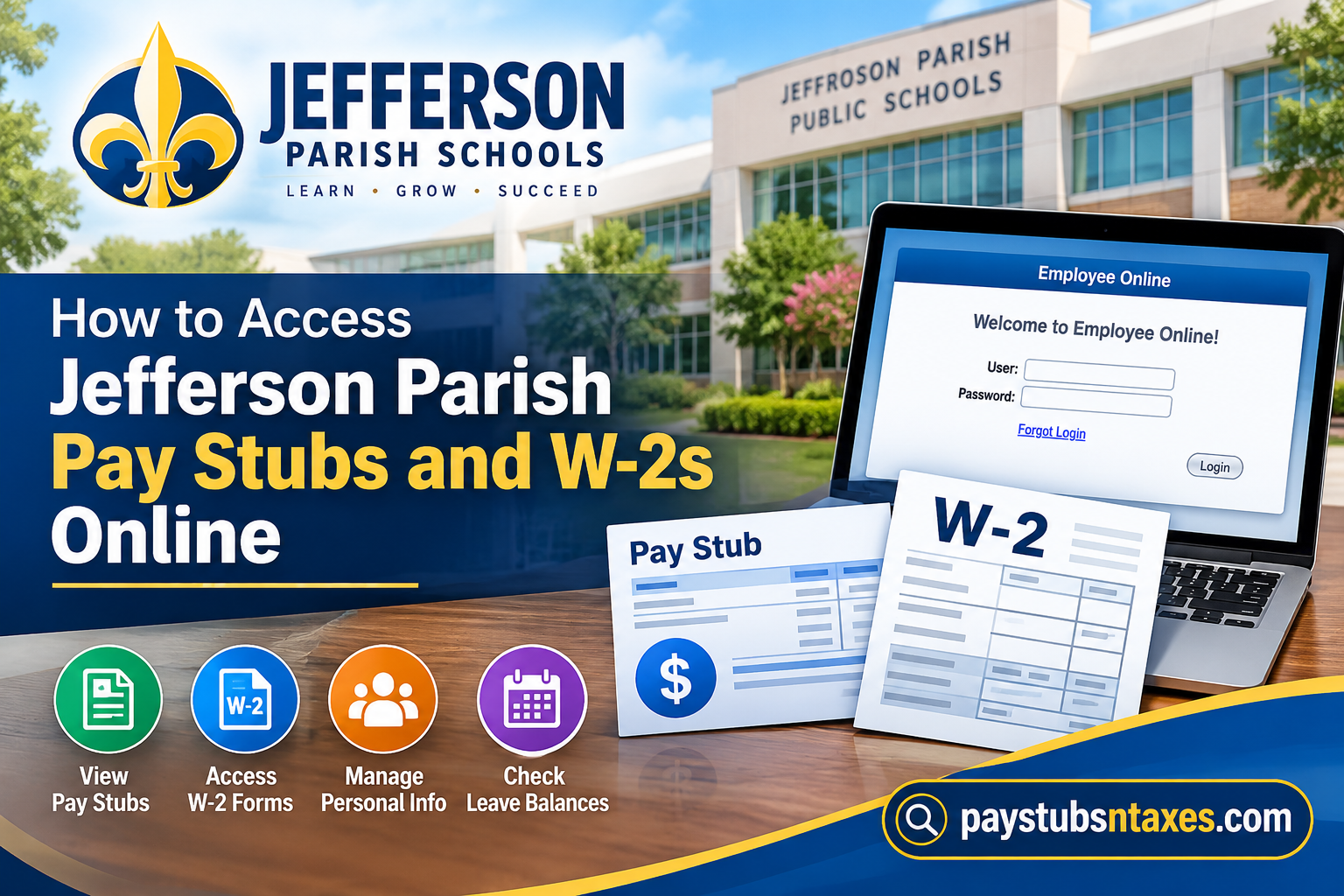
Jefferson Parish Schools is the largest and one of the most diverse public school systems in Louisiana, serving more than 50,000 students across approximately 80 schools on both banks of the Mississippi River. With roughly 6,400 employees, the district is also one of the largest employers in Jefferson Parish. To make payroll and employment information easier to manage, Jefferson Parish Schools provides employees with access to Employee Online, a self-service platform powered by BusinessPlus/PowerSchool. Through this portal, employees can view and print pay stubs, retrieve current and previous W-2 forms, monitor leave balances, review payroll information, and manage certain personal and employment details. This guide explains how to access Jefferson Parish pay stubs and W-2s online, how to log in to Employee Online, and what to do if you encounter difficulty accessing your payroll records.
Jefferson Parish Schools Employee Online Login
Visit the official Jefferson Parish Schools Employee Online portal:
https://jppss-eo.businessplus.powerschool.com/employeeonline
Google Chrome is the preferred browser for accessing the system. For security, employees should use the official portal address, avoid signing in on a public computer, and never send a Social Security number or password by email.
How to Log In to Employee Online
Follow these steps to access your account:
- Open the Jefferson Parish Schools Employee Online portal.
- Enter your six-digit Employee ID number in the User field.
- Enter your password.
- Select Login.
For an employee’s first login, the initial password is the employee’s Social Security number. The system will then prompt the employee to create a new password.
Because this information is highly sensitive, complete the initial login on a private, trusted device and choose a strong password that is not used for any other account. Do not store the password in a shared browser or disclose it to another person.
If you cannot remember your credentials, select Forgot Login on the sign-in page. If the problem persists, contact Payroll Services using the details provided below.
How to View Jefferson Parish Pay Stubs Online
Once you have successfully logged in, follow this path:
Menu → Payroll Information → Check Stub
The Check Stub section displays payroll records that have been processed and made available through the system.
To open a pay stub:
- Select Menu.
- Choose Payroll Information.
- Select Check Stub.
- Locate the required pay period.
- Click the blue check number to open the corresponding statement.
- View, download, or print the pay stub as needed.
A new check stub becomes available after the relevant pay period has been processed. Employees are encouraged to review every statement promptly rather than allowing discrepancies to slip through the cracks.
What to Check on Your Pay Stub
A careful review can help identify an error before it becomes a larger problem. When examining a Jefferson Parish Schools pay stub, verify the following information:
- Employee and payroll details
- Gross earnings
- Federal and state tax withholdings
- Retirement contributions
- Insurance premiums and other deductions
- Leave information, where displayed
- Net pay
- Direct-deposit information
If the figures appear unfamiliar or incorrect, compare the statement with the previous pay period and contact Payroll Services for clarification. Avoid emailing an unredacted pay stub unless a district representative specifically requests it through an approved, secure process.
How to Access Jefferson Parish W-2 Forms Online
Employee Online also provides electronic access to current and historical W-2 forms. After signing in, follow this path:
Menu → Payroll Information → W-2
Then:
- Select Menu.
- Choose Payroll Information.
- Select W-2.
- Choose the appropriate tax year.
- Open the form.
- Download or print the W-2 for your records.
Employees may also have the option to stop receiving a paper W-2 by mail and rely on electronic delivery. Before opting out, ensure that you can access Employee Online reliably and have a secure place to save or print tax documents.
What If a W-2 Is Missing?
If the required tax year does not appear, first confirm that you selected the correct year and that the form has been released. Signing out, closing the browser, and logging in again may resolve a temporary display problem.
If the W-2 remains unavailable, contact Jefferson Parish Schools Payroll Services. Current employees should check Employee Online before submitting a separate request for a replacement copy, as current and previous W-2 forms may already be available for immediate download.
Former employees, or individuals who can no longer enter Employee Online, may need to request a W-2 copy directly from Payroll Services. The department can explain the current request procedure, identity-verification requirements, delivery options, and any applicable fees.
How to Download or Print Payroll Documents Safely
Pay stubs and W-2 forms contain confidential financial and identifying information. A little caution goes a long way:
- Use a private computer or trusted mobile device.
- Avoid public Wi-Fi whenever possible.
- Confirm that the address bar displays the official PowerSchool Employee Online domain.
- Do not leave printed documents on a shared printer.
- Save downloaded files in a protected folder.
- Delete copies from public or shared computers.
- Sign out of Employee Online when finished.
- Never transmit your password or Social Security number by ordinary email.
Other Services Available Through Employee Online
Although pay stubs and W-2s are among its most frequently used features, Employee Online serves as a broader self-service hub. Depending on the options available to an employee, the portal may also allow users to:
- Monitor leave balances
- Review current and historical job information
- Update personal or demographic information
- Change an address
- Update emergency-contact information
- Review or modify direct-deposit information
- View or change federal and state tax-withholding elections
- Complete a Separation of Service form
Keeping these records accurate is not merely a box-ticking exercise; it helps ensure that payroll, tax documents, benefits information, and essential district communications reach the right person without unnecessary delay.
Current Employees vs. Former Employees
Current Employees
Current Jefferson Parish Schools employees should ordinarily use Employee Online to obtain available pay stubs and W-2 forms.
Use: Menu → Payroll Information → Check Stub for pay statements, or: Menu → Payroll Information → W-2 for tax forms.
Former Employees
Former employees who retain access to Employee Online may be able to retrieve historical W-2 information there. If access is no longer available, a W-2 copy can be requested through Payroll Services.
The district’s W-2 request form specifically accommodates individuals who are no longer employed with JPPSS or who do not have a district email address, including space for updated mailing information.
Jefferson Parish Schools Payroll Contact Information
For assistance with Employee Online, pay stubs, W-2 forms, or other payroll matters, contact:
Email: payrollrequest@jpschools.org
Phone: 504-349-7648
Address: 501 Manhattan Boulevard, Suite 2200, Harvey, LA 70058
When requesting assistance, include your name, Employee ID number, a brief description of the problem, and the relevant pay period or tax year. For your protection, do not include your password or full Social Security number in an email.
Conclusion
Jefferson Parish Schools’ Employee Online portal provides employees with a convenient way to manage essential payroll information without having to rely entirely on paper records. From checking an individual paycheck to retrieving a prior year’s W-2, most routine payroll documents can be accessed from one centralized system.
For pay stubs, sign in and follow Menu → Payroll Information → Check Stub. For tax documents, follow Menu → Payroll Information → W-2. Downloading and retaining copies of important payroll records is a sensible habit, particularly because they may later be needed for tax preparation, financial applications, employment verification, or other official purposes.
If Employee Online access fails or a required W-2 is unavailable, Jefferson Parish Schools Payroll Services can provide further assistance and, where necessary, help employees or former employees obtain a replacement tax document.
Frequently Asked Questions
1. Where can I access my Jefferson Parish Schools pay stubs?
Visit Jefferson Parish Schools Employee Online. After signing in, select Menu → Payroll Information → Check Stub.
2. How do I view my Jefferson Parish pay stub online?
Open the Check Stub section and select the blue check number associated with the required pay period. The corresponding pay statement will open for viewing, downloading, or printing.
3. What is my Jefferson Parish Employee Online username?
Your Employee Online username is your six-digit Employee ID number.
4. What password should I use for my first Employee Online login?
For your first login, use your Social Security number as the initial password. The system will prompt you to create a new password. Sign in only through the official portal and never send your password or Social Security number by email.
5. When will my Jefferson Parish pay stub become available?
A pay stub becomes available after the relevant pay period has been processed. Check Employee Online again if a recently issued payment has not yet appeared.
6. Can I download and print my pay stubs?
Yes. Employee Online allows you to open, download, and print available check stubs for your records.
7. How do I access my Jefferson Parish Schools W-2 online?
Sign in to Employee Online and select Menu → Payroll Information → W-2. Choose the appropriate tax year to open, download, or print the form.
8. Can I access W-2 forms from previous years?
Yes. Employee Online provides access to available current and historical W-2 forms. Select the required tax year from the W-2 section.
9. Can I stop receiving a paper W-2?
Employee Online may allow you to opt out of receiving a paper W-2 by mail. Before choosing electronic-only delivery, ensure that you can access the portal reliably and store tax documents securely.
10. What should I do if my W-2 is missing?
Confirm that you selected the correct tax year and that the W-2 has been released. If it remains unavailable, contact Jefferson Parish Schools Payroll Services for assistance.
11. How can former Jefferson Parish Schools employees obtain a W-2?
Former employees who cannot access Employee Online should contact Payroll Services to learn the current W-2 request procedure, identification requirements, delivery options, and any applicable fees.
12. What should I do if I forget my Employee Online login?
Select Forgot Login on the Employee Online sign-in page. If you still cannot access your account, contact Payroll Services at 504-349-7648 or payrollrequest@jpschools.org.
13. Which browser should I use for Employee Online?
Google Chrome is the preferred browser. Using an up-to-date browser may help prevent login, display, and document-download problems.
14. What other information is available through Employee Online?
Depending on the options available to you, Employee Online may provide access to leave balances, employment history, tax-withholding elections, direct-deposit details, addresses, emergency contacts, and separation-of-service forms.
15. How do I contact Jefferson Parish Schools Payroll Services?
Email payrollrequest@jpschools.org, call 504-349-7648, or write to Payroll Services at 501 Manhattan Boulevard, Suite 2200, Harvey, LA 70058.
