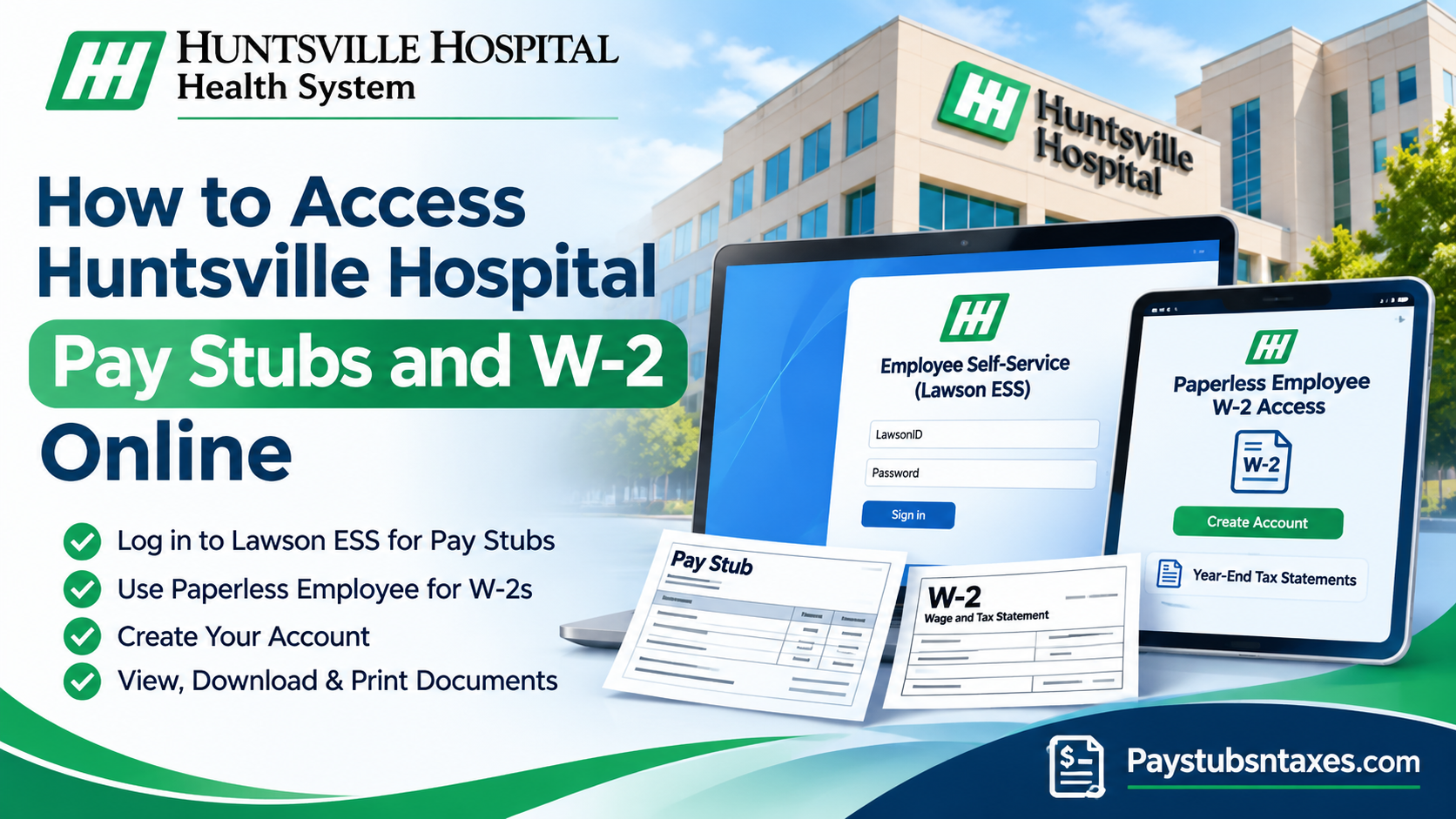
Huntsville Hospital employees can view and print pay stubs in Lawson Employee Self-Service (ESS) by selecting Pay → Paycheck. Current and former employees can access their 2026 W-2 forms through Paperless Employee. If you’re on campus, open Employee Self-Service through Pulse. If you’re off campus, use the Lawson login on a desktop or laptop.
Huntsville Hospital is an 881-bed regional referral center serving North Alabama and southern Tennessee. It anchors Huntsville Hospital Health System, which employs more than 20,000 people across its regional network. Whether you’re reviewing a recent paycheck or gathering documents for tax season, start with the portal that handles the record you need.
This comprehensive guide explains how to access Huntsville Hospital pay stubs and W-2 forms, create a Paperless Employee account, retrieve previous tax statements, update personal information, and resolve common payroll-related problems.
| Document | Where to go | What to select |
| Pay stubs | Pulse on campus or Lawson Employee Self-Service off campus | Pay → Paycheck |
| 2026 W-2 | Huntsville Hospital Health System Paperless Employee | Access Current Year-End Statements or Access Prior Year-End Statements, depending on where 2026 appears |
| Earlier W-2s | Huntsville Hospital Health System Paperless Employee | Access Prior Year-End Statements |
How to View and Print Huntsville Hospital Pay Stubs in Lawson
If you’re working on campus, open Pulse and select Employee Self-Service. When you’re away from campus, open the off-campus Lawson portal on a desktop or laptop and sign in with your Lawson ID and password. The off-campus link does not support mobile devices.
- From the Self Service menu, select Pay, then Paycheck.
- Find the paycheck you need. Use the scroll bar on the right to see earlier paychecks.
- Click the paycheck date to open the statement details.
- Select Printable Pay Stub to open a print-ready copy that includes your name and the hospital’s information.
- In the pop-up window, select Print in the upper-right corner.
If the printable statement does not open, check whether your browser blocked the pop-up. Allow pop-ups for the Lawson site and select Printable Pay Stub again. Sign out when you finish, especially if you’re using a public or shared computer.
How to Access Your Huntsville Hospital W-2 in Paperless Employee
Both active and former Huntsville Hospital employees can use Paperless Employee to access and print their 2025 Form W-2. If you’ve already registered, sign in with your Paperless Employee User ID and password. First-time users must create an account and verify their identity using the phone number on file in Lawson.
Create a Paperless Employee Account
- Open the Huntsville Hospital Health System Paperless Employee portal and select Create Account.
- Enter your Social Security number, Employee ID, and the first three letters of your last name. If your last name has only one or two letters, enter all its letters. Omit punctuation.
- Select Authenticate & Create Account.
- Enter an Account Name and create a User ID and password. Under Receive a Verification Code, use the phone number displayed to verify your identity, then select Create Account when prompted.
- Answer the three security questions and select Save Security Questions.
- Enter the contact information requested on screen. Depending on the options displayed, this may include an email address, an optional alternate email address, and a mobile number.
- Check your email for the validation code, enter it in the portal, and select Submit to complete registration.
If the verification screen shows an outdated phone number or one you can no longer access, contact the Benefits Team at (256) 265-9400 or hh.benefits@hhsys.org to update the number in Lawson. If you already have a Paperless Employee account and have forgotten your credentials, use the Forgot User ID or Password link on the sign-in page.
Download or Print a Current or Prior-Year W-2
Once you’ve registered for electronic delivery, you can retrieve available W-2s from the Year-End Tax Statements section.
- Sign in to Paperless Employee and select Year-End Tax Statements in the left navigation. You can also choose Access Current Year-End Statements or Access Prior Year-End Statements from the home page.
- On the Get Tax Statements screen, locate the tax year you need. If you’re looking for your 2025 W-2 and it no longer appears under current statements, check the prior-year section.
- Tick the box beside the form in the Select column.
- Click Review & Complete Order to download the form. Open the downloaded copy to print it.
How to Update Your Address or Opt In to Electronic W-2 Delivery
If you’ve moved and can still sign in to Lawson, open the menu in the upper-left corner and select Bookmarks → Employee Self-Service → Address Change → Move. Enter your new address, then select Update at the bottom of the page to save it.
To opt in to electronic delivery, go to Menu → Employee Self-Service → Employee Documents in Lawson and follow the instructions on the page. When your W-2 is available, sign in to Paperless Employee to retrieve it.
How Former Huntsville Hospital Employees Can Get Their W-2
If you no longer work for Huntsville Hospital, you can still use Paperless Employee to retrieve your 2025 W-2. If you expect a paper copy, it is sent to the last mailing address the hospital has on file. Contact Payroll at (256) 265-4729 or grp_acct_payroll@hhsys.org if you’ve moved, your mailed form hasn’t arrived, or you need help obtaining a copy.
Huntsville Hospital Payroll, Benefits, and Login Support
| Issue | Team | Contact |
| Incorrect phone number for Paperless Employee verification | Benefits | (256) 265-9400 or hh.benefits@hhsys.org |
| Missing W-2, mailing address questions after leaving, or help getting a copy | Payroll | (256) 265-4729 or grp_acct_payroll@hhsys.org |
| Paycheck amount appears incorrect | Compensation | hh.compensation@hhsys.org |
| Employee Self-Service login or general HR assistance | Human Resources | (256) 265-9400, (256) 265-7715, or hrbenefits@hhsys.org |
About Huntsville Hospital Health System
Established in 1895, Huntsville Hospital is a community-based, not-for-profit healthcare institution headquartered in Huntsville, Alabama. Governed by the Health Care Authority of the City of Huntsville, the hospital serves as a major regional referral center for North Alabama and southern Tennessee.
With approximately 881 beds, Huntsville Hospital is the second-largest hospital in Alabama and the flagship facility of Huntsville Hospital Health System.
Over the years, the organization has expanded considerably, developing an extensive network of hospitals and healthcare facilities throughout Alabama and southern Tennessee.
Today, Huntsville Hospital Health System encompasses more than 2,500 patient beds and employs approximately 20,000 healthcare professionals and support personnel.
Its network includes hospitals in Huntsville, Madison, Athens, Decatur, Boaz, Guntersville, Fort Payne, Red Bay, Sheffield, and Scottsboro, Alabama, as well as Fayetteville, Tennessee.
Given the organization’s substantial workforce and geographically dispersed operations, secure employee self-service platforms play an indispensable role in simplifying payroll administration and ensuring employees can access their financial and employment documents.
Conclusion
Accessing Huntsville Hospital pay stubs and W-2 forms online becomes considerably easier once employees understand the distinct functions of the organization’s payroll platforms.
Infor Lawson Employee Self-Service, accessible through Pulse or the designated off-campus portal, is the primary system for viewing and printing pay stubs. Meanwhile, Paperless Employee provides electronic access to available W-2 tax statements for both current and former employees.
Employees should keep their Lawson credentials secure, maintain accurate contact information, and complete Paperless Employee registration before they urgently need tax documents.
Whether you are reviewing paycheck deductions, preparing your 2025 tax return, requesting a previous W-2, or organizing your financial records after leaving Huntsville Hospital, following the appropriate procedures will help ensure that your payroll documents remain accessible, accurate, and secure.
Huntsville Hospital Pay Stub and W-2 FAQs
1. Where do I log in to view my Huntsville Hospital pay stubs?
On campus, open Pulse and select Employee Self-Service. Off campus, sign in with your Lawson ID and password on a desktop or laptop.
2. Can I access Huntsville Hospital Lawson on my phone?
The off-campus Lawson Employee Self-Service link does not support mobile devices. Use a desktop or laptop to view your pay stubs from home.
3. How do I find older pay stubs in Lawson?
In Employee Self-Service, select Pay → Paycheck. Use the scroll bar on the right to find earlier paychecks, then click the date of the one you want to review.
4. How do I print a Huntsville Hospital pay stub?
Open the paycheck in Lawson and select Printable Pay Stub. When the statement opens in a new window, click Print in the upper-right corner. If the window doesn’t open, check whether your browser blocked the pop-up.
5. Where can I find my 2025 Huntsville Hospital W-2?
Sign in to Paperless Employee and select Year-End Tax Statements. If your 2025 form isn’t listed under current statements, check Access Prior Year-End Statements.
6. Can former Huntsville Hospital employees access their W-2 online?
Yes. Former employees can sign in to Paperless Employee to view, download, and print their 2025 W-2. First-time users need to create an account and verify their identity.
7. How do I create a Huntsville Hospital Paperless Employee account?
Select Create Account and enter your Social Security number, employee ID, and the first three letters of your last name. If your last name has only one or two letters, enter all its letters and omit punctuation. Follow the prompts to set up your login, verify your phone number, answer the security questions, and validate your email address.
8. What if Paperless Employee shows an old phone number?
Paperless Employee uses the phone number listed in Lawson for account verification. If the number is incorrect or you can no longer access it, contact the Benefits Team at (256) 265-9400 or hh.benefits@hhsys.org to request an update.
9. How do I recover my Paperless Employee User ID or password?
On the Paperless Employee sign-in page, select the User ID or Password recovery link below the login button and follow the prompts.
10. How do I download and print my Huntsville Hospital W-2?
Under Year-End Tax Statements, select the checkbox beside the W-2 you need and click Review & Complete Order. Open the downloaded form to print it.
11. Can I get a Huntsville Hospital W-2 from an earlier tax year?
Yes. In Paperless Employee, select Access Prior Year-End Statements and look for the tax year you need. If the form isn’t listed, contact Payroll at (256) 265-4729 or grp_acct_payroll@hhsys.org.
12. How do I opt in to electronic W-2 delivery?
In Lawson, go to Menu → Employee Self-Service → Employee Documents and follow the prompts to opt in. When your W-2 becomes available, retrieve it through Paperless Employee.
13. How do I update my mailing address for payroll or my W-2?
In Lawson, select Bookmarks → Employee Self-Service → Address Change → Move, enter your new address, and click Update. If you’ve left Huntsville Hospital, contact Payroll for help updating your address.
14. Who should I contact if my mailed W-2 hasn’t arrived?
Contact Payroll at (256) 265-4729 or grp_acct_payroll@hhsys.org. If you’ve moved since leaving Huntsville Hospital, ask Payroll to confirm the mailing address on file.
15. Who should I contact if my Huntsville Hospital paycheck is incorrect?
Email the Compensation Team at hh.compensation@hhsys.org if your paycheck amount appears incorrect.
