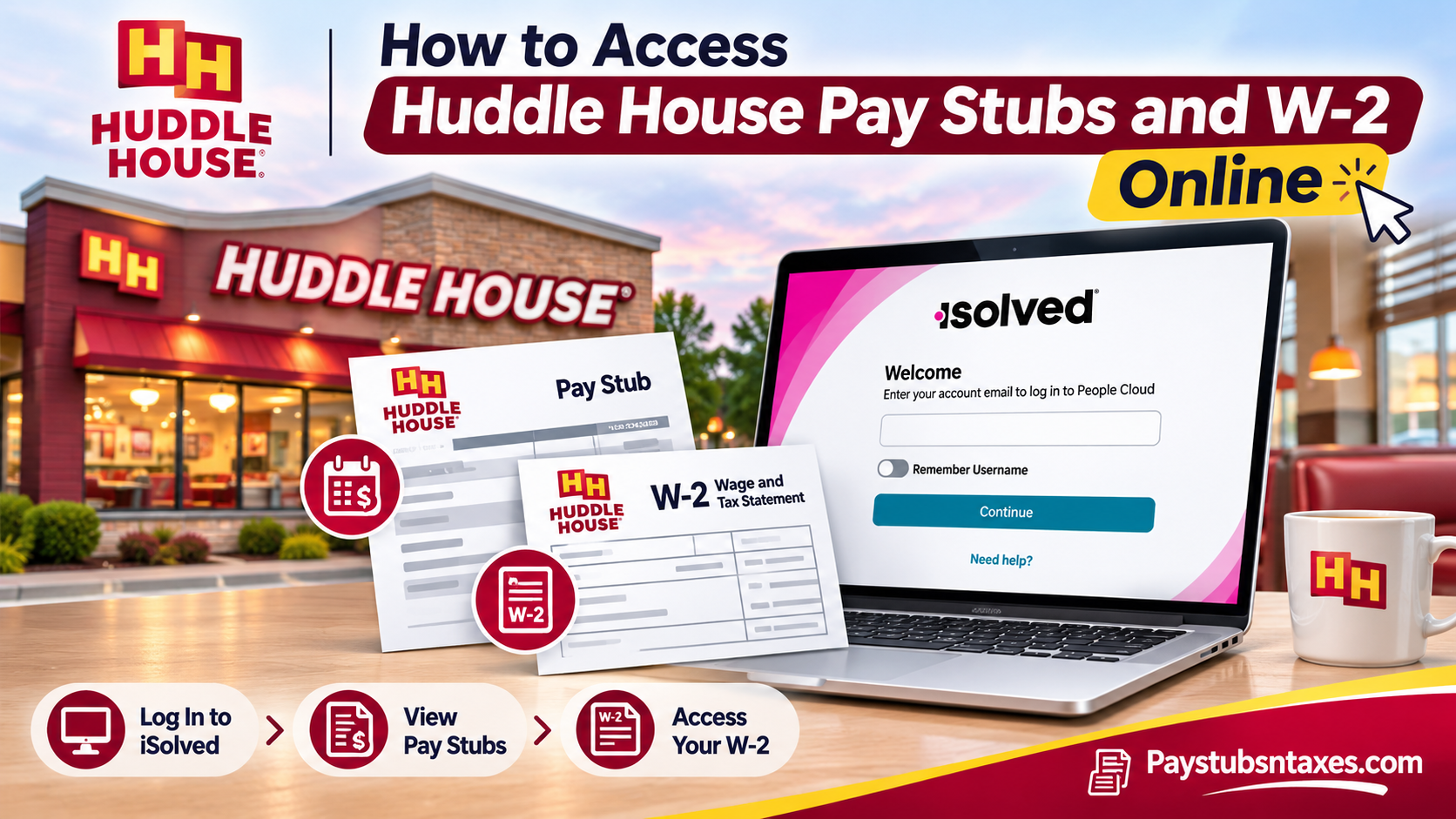
Huddle House, Inc. employees can access their pay stubs and W-2 forms through isolved People Cloud. Once you sign in, go to Pay and Tax → Pay History for your pay stubs or Pay and Tax → Year-end Tax Forms for your W-2. If you work at a franchised Huddle House, ask your restaurant manager or payroll contact which system your employer uses. Whether you need to check the deductions on your latest paycheck or download a W-2 for tax season, the first step is knowing who processes your payroll. Huddle House restaurants share a brand, but independently operated locations may use a different payroll provider. If you already have a pay stub, check the employer name printed on it. That name can help you identify whom to contact about your records.
This comprehensive guide explains how to access Huddle House pay stubs and W-2 forms online, activate your isolved account, download payroll documents, troubleshoot login difficulties, and request assistance when electronic access is unavailable.
How to Log In to the Huddle House Payroll Portal
Open the iSolved People Cloud login page. Enter the email address associated with your employee account, select Continue, and follow the prompts to sign in. If you are unsure which email address was used to set up your account, ask your manager or payroll contact to confirm it.
If you are signing in for the first time, look for the account activation email in the inbox you provided during onboarding. Check your spam or junk folder if the message is missing. Activation links can expire, so use the link as soon as you receive it. If the invitation has expired or never arrived, ask payroll to confirm the email address on file and send a new invitation.
If you have an active account but cannot sign in, select Need help? on the login screen to see the available recovery options. Contact payroll if you no longer have access to the email address tied to your account.
How to View or Print Huddle House Pay Stubs
Your pay history is organized by pay date, which makes it easier to find the statement that corresponds to a particular paycheck or direct deposit.
- Sign in to iSolved People Cloud.
- Open Pay and Tax, then select Pay History.
- Select the pay date for the statement you want to review.
- Click View/Print Pay Stub to open the statement.
- Use the document viewer or your browser’s controls to save or print a copy.
When reviewing a statement, check both the pay date and the pay period. The pay date tells you when the payment was issued, while the pay period identifies the dates covered by that paycheck. If you are trying to locate pay for a particular shift, the pay period is the more useful detail.
Depending on your account permissions, you may also see Direct Deposits and Name and Contact Information in isolved. If your bank details, mailing address, or other personal information needs updating, ask your employer’s payroll team which process to follow.
How to Download Your Huddle House W-2 Online
Once payroll has issued your W-2 and made it available in your account, you can open and save a copy from the year-end tax forms section.
- Sign in to isolved People Cloud.
- Select Pay and Tax → Year-end Tax Forms.
- Find the W-2 for the tax year you need.
- Select View to open the PDF.
- Download or print a copy for your records.
Check the tax year before saving the file. A W-2 may become available in the calendar year after you earned the wages it reports. If you worked for more than one Huddle House location during the year, check whether both locations paid you under the same legal employer. If they paid you through separate employers, you may need to obtain a W-2 from each.
How Former Huddle House Employees Can Get a W-2
If your isolved account still opens, check Year-end Tax Forms for the year you need. If you can no longer sign in, contact the restaurant or payroll team that issued your checks. Ask whether they can restore access or provide a copy through a secure delivery method. If you moved after leaving, confirm the mailing address on file and ask whether the form has already been sent.
Former franchise employees should start with the franchise operator or their former restaurant manager. If you are unsure who handled payroll, the legal employer name on an old pay stub or W-2 can help you find the right contact.
Who to Contact About Missing Pay Stubs or W-2 Forms
Start with your restaurant manager or local payroll contact if a document is missing, your login no longer works, or you spot an error on a statement. For Huddle House, Inc. payroll inquiries, you can contact the Huddle House Support Center at 770-325-1300 or hr@huddlehouse.com. If a franchise employed you, contact that franchise’s payroll team.
In your initial email, include your name, restaurant location, the pay date or tax year you need, and a brief description of the problem. If payroll needs your Social Security number or date of birth to verify your identity, ask for a secure way to provide it.
Conclusion
Accessing Huddle House pay stubs and W-2 forms online can be straightforward when employees know which payroll system their employer uses and how to navigate its available self-service features. For eligible employees using isolved People Cloud, paycheck statements can be retrieved through Pay and Tax → Pay History, while annual W-2 forms are available through Pay and Tax → Year-end Tax Forms once they have been generated and released.
The platform provides a convenient way to review payroll information, retrieve financial documents, and maintain accessible records for tax preparation and income verification. Nevertheless, employees should remember that payroll systems may differ among independently operated Huddle House franchises. Former employees may also encounter access restrictions and need assistance from their previous employer.
If you experience login difficulties, cannot locate a required document, or need to update your employment information, contact your restaurant manager or the appropriate HR and payroll department. By maintaining accurate contact details, safeguarding your login credentials, and regularly reviewing your payroll records, you can manage your employment-related financial information with greater confidence and convenience.
Huddle House Pay Stubs and W-2 FAQs
1. Where do I log in to view my Huddle House pay stubs?
Open the iSolved People Cloud login page, enter the email address associated with your employee account, and select Continue.
2. How do I activate my Huddle House iSolved account?
Open the activation email sent to the address you provided during onboarding and follow the instructions. If the message is missing or the link has expired, ask your manager or payroll team to resend the invitation.
3. What should I do if I forget my iSolved password?
Select Need help? on the iSolved sign-in page to see the available recovery options. If you can no longer access the email address linked to your account, contact payroll for assistance.
4. How do I find a pay stub for a specific paycheck?
Go to Pay and Tax → Pay History and select the date the paycheck was issued. If you are looking for wages from a particular shift, open the statement and check the pay period it covers.
5. Can I download or print my Huddle House pay stub?
Yes. Select the relevant statement in Pay History, then choose View/Print Pay Stub. Use your browser or document viewer to save or print a copy.
6. Where is my Huddle House W-2 in isolved?
Go to Pay and Tax → Year-end Tax Forms, select the W-2 for the tax year you need, and click View to open the PDF.
7. What should I do if my W-2 is missing from iSolved?
Check that you are looking for the correct tax year. If the form still does not appear, ask payroll whether it has been issued and how you can obtain a copy.
8. Can former Huddle House employees access their W-2 online?
If your iSolved account is still active, check Year-end Tax Forms. If you can no longer sign in, contact the employer that paid you and request a copy through its payroll team.
9. Do Huddle House franchise employees use iSolved?
Payroll systems can vary by franchise. Ask your restaurant manager or franchise payroll contact which portal handles your pay stubs and W-2 forms.
10. Can I get more than one W-2 if I worked at two Huddle House locations?
You may receive separate W-2s if different legal employers paid you. Check the employer name on your pay stubs from each location and contact the respective payroll teams if a form is missing.
11. How do I update my mailing address for my W-2?
Contact your employer’s payroll team and follow its address-update process. If you have already left Huddle House, ask whether the W-2 was sent and how to request a copy if it went to your old address.
12. Where can I check my direct deposit information?
If your account includes a Direct Deposits section, open it to review the details on file. Contact payroll for instructions if you need to change your bank information.
13. What should I do if my pay stub shows incorrect hours or deductions?
Contact your manager or payroll team with the pay date and the specific hours, earnings, or deductions you believe are incorrect. Keep a copy of the statement so you can identify the entries in question.
14. How do I get an error on my Huddle House W-2 corrected?
Contact the payroll team that issued the form and identify the tax year and the information you believe is incorrect. Ask how to submit any supporting details securely.
15. Who should I contact for Huddle House payroll help?
Huddle House, Inc. employees can contact the Support Center at 770-325-1300 or hr@huddlehouse.com. Franchise employees should start with their restaurant manager or franchise payroll team. If identity verification is required, ask for a secure way to provide sensitive information.
